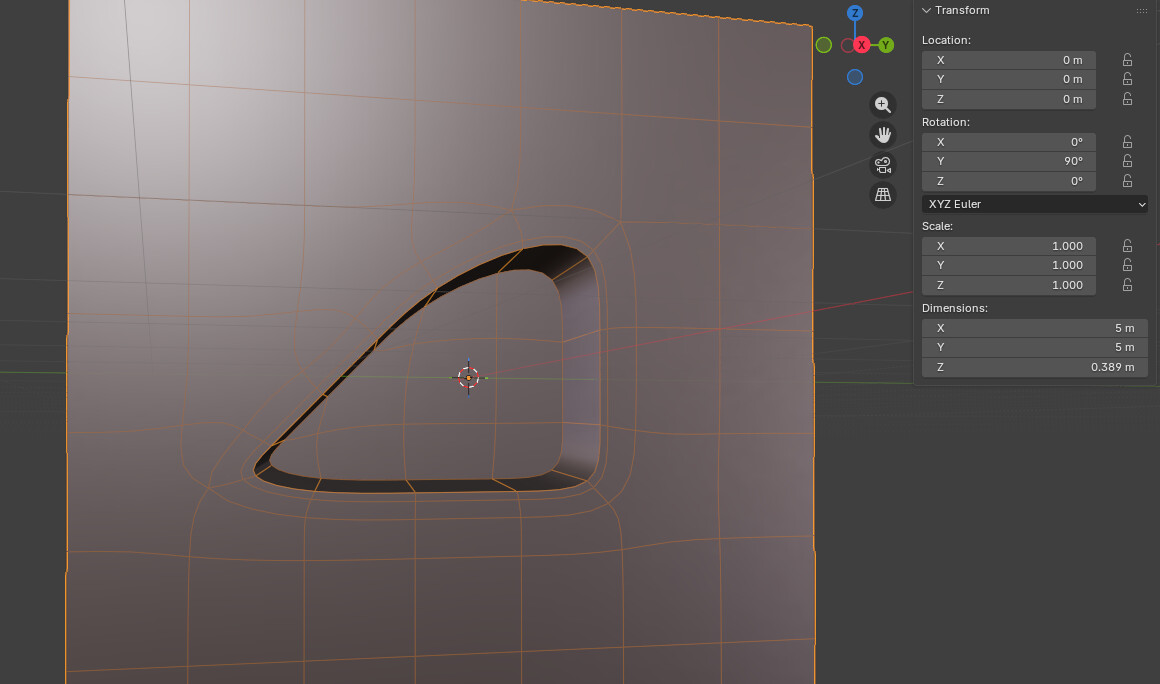
I am getting very close to being done with modeling this Phase 2 Clone trooper Helmet. All other attachments are pretty much finished, but I needed to go back and work on the hard/sharp edges on the side of the helm. I have tried Beveling, adding loop cuts, and trying the Edge Split modifier. It looks wonky and creates ‘artifacts?’ when I Subdivide it. Is it my topology that needs work? I would greatly appreciate some advice or tips, thanks! I am pretty much beginner level when it comes to modeling and animating in Blender.
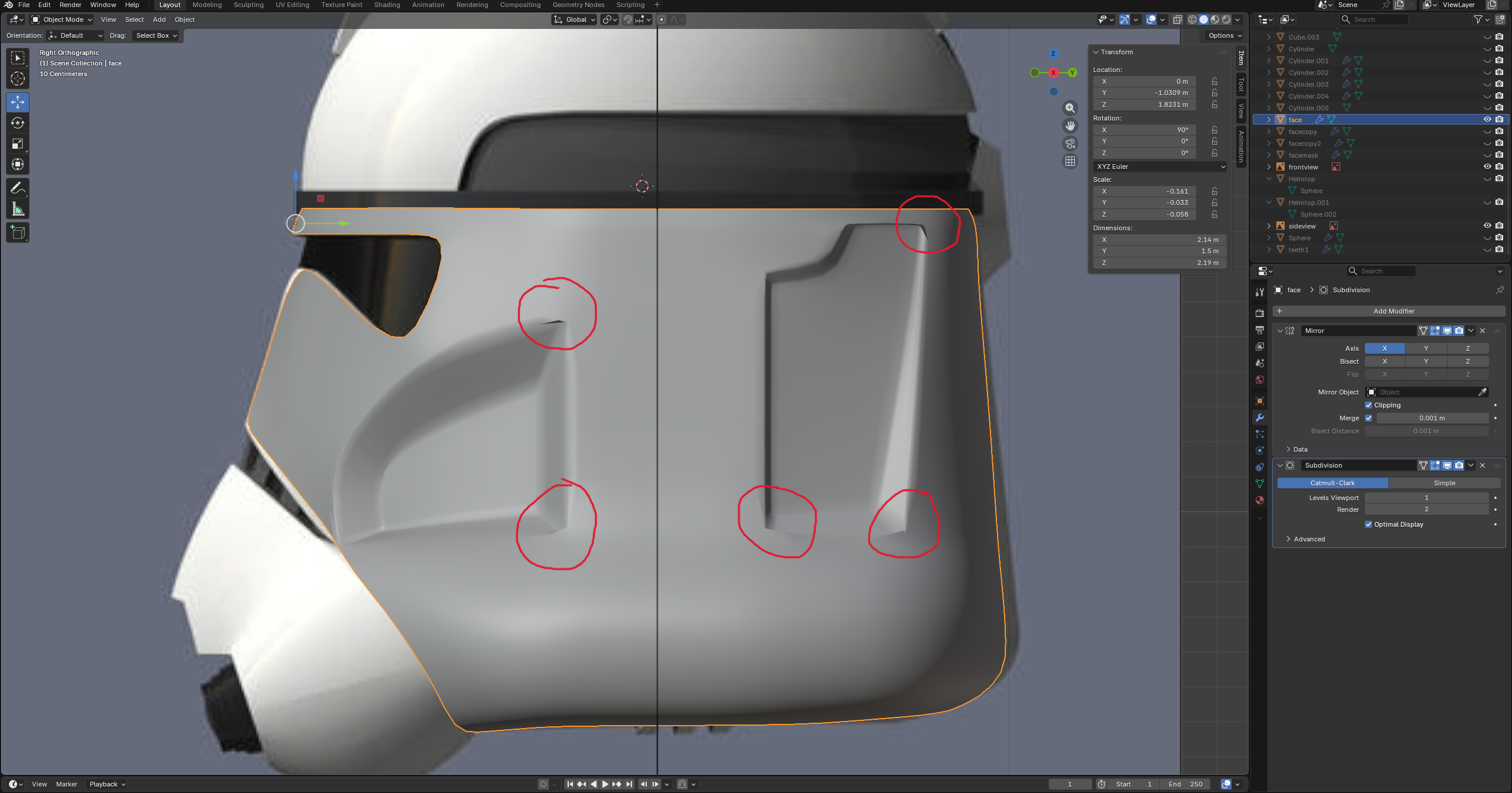
That caused by the incorrect topology, show a wire frame of the helmet. I believe it’s quad

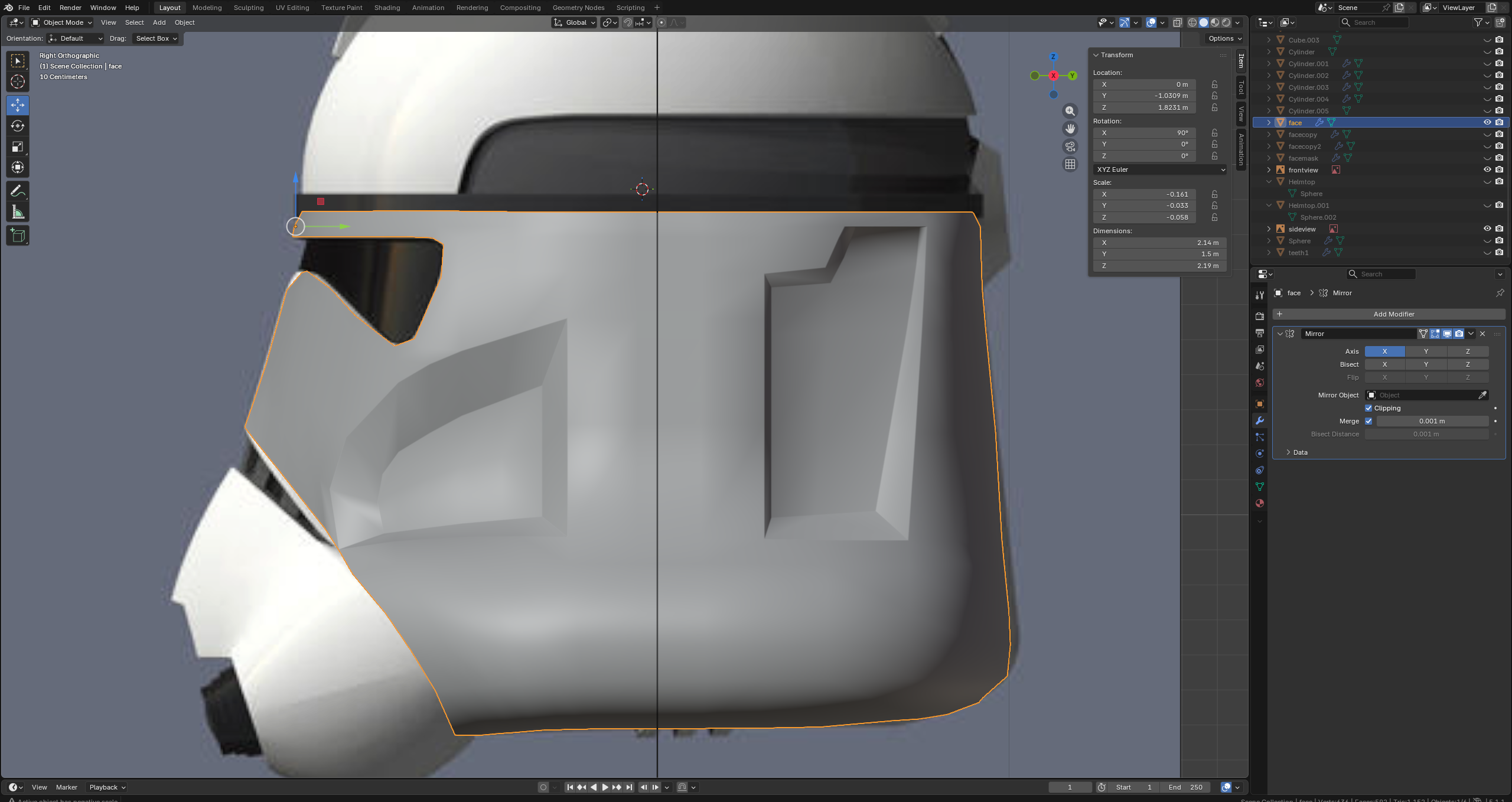

Or should I try marking sharp? Or add triangles to the topology for the corners?
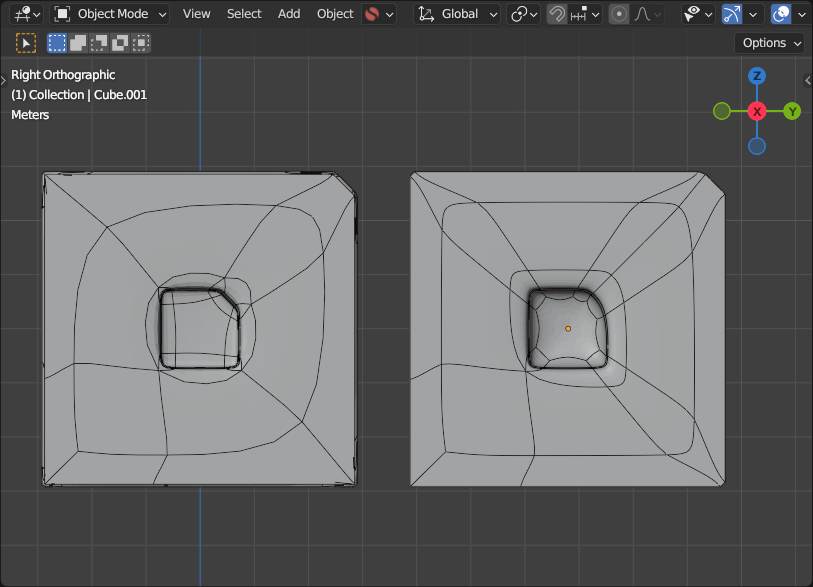
In fact your topo is not that bad… i tried to recreate it on a plane… also using a vertex group to bevel before subd… (i guess you did this too ?)
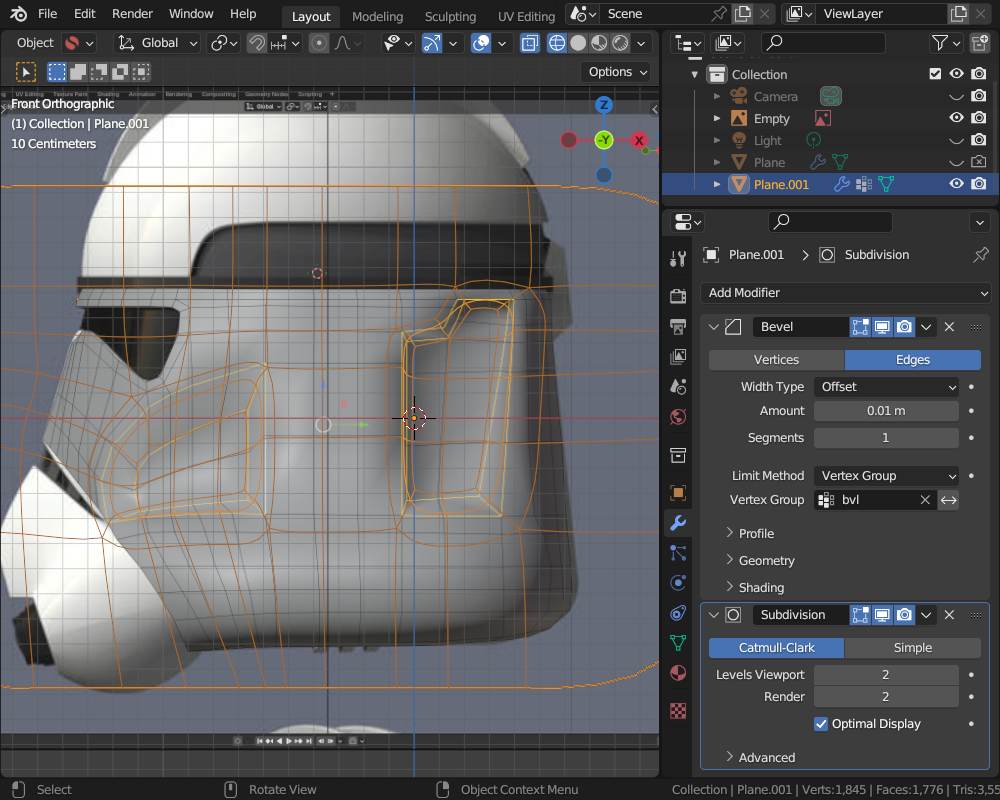
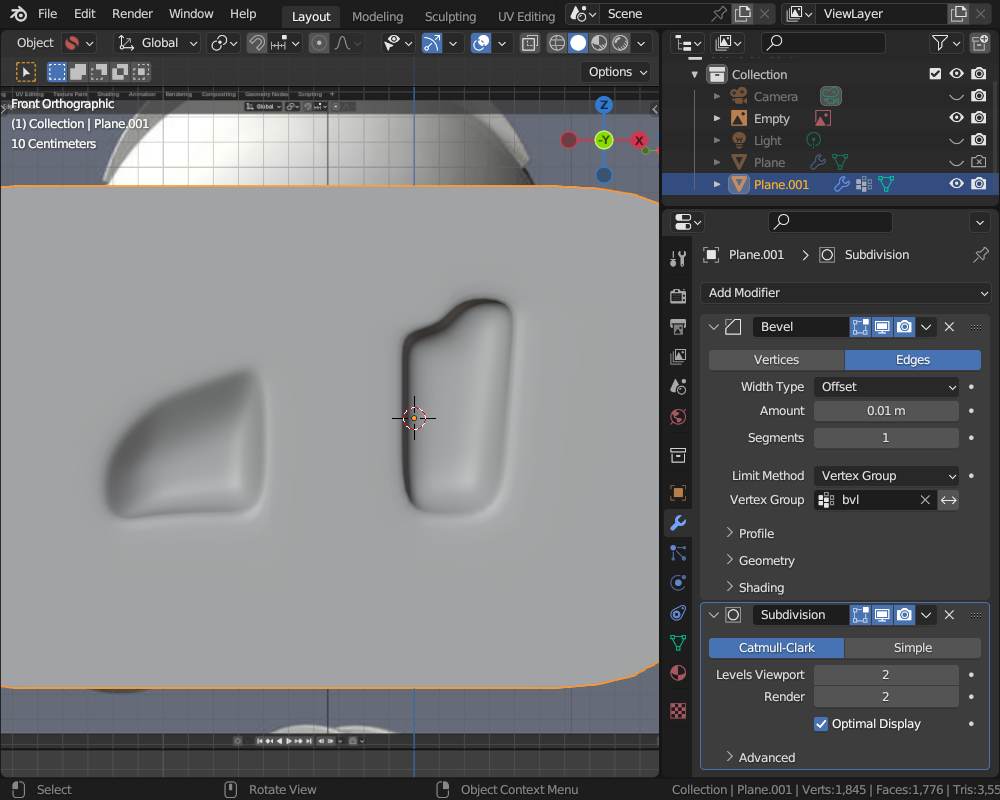
Try the slider to watch the difference… i guess you have to “only” move some edges for better supporting the “weight” (nearer to cornr edges) or with play with some edge greases…
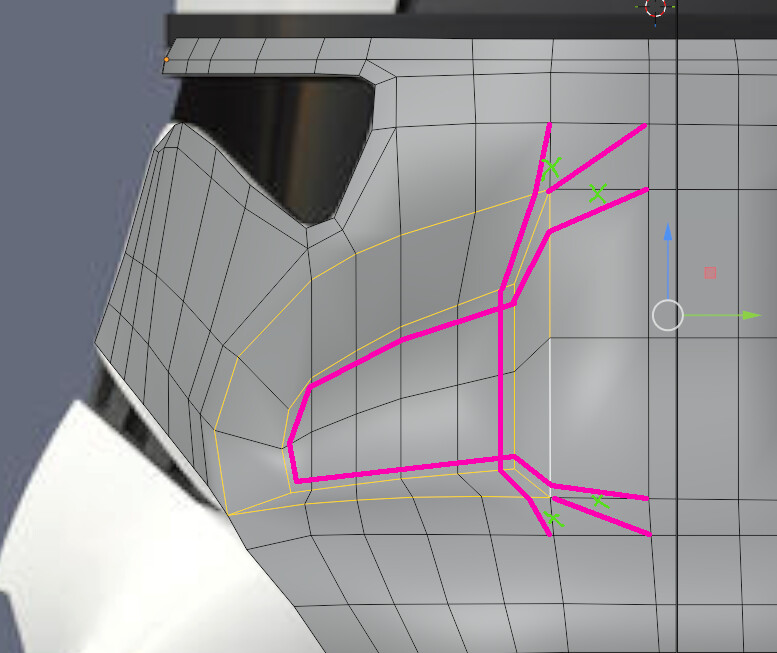
Thanks for the help and replies guys, I’ll try these out!