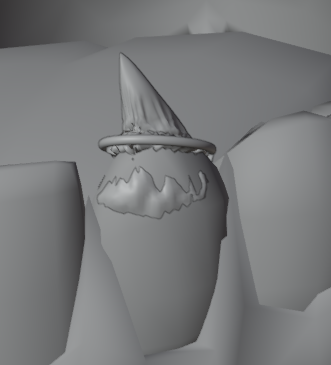
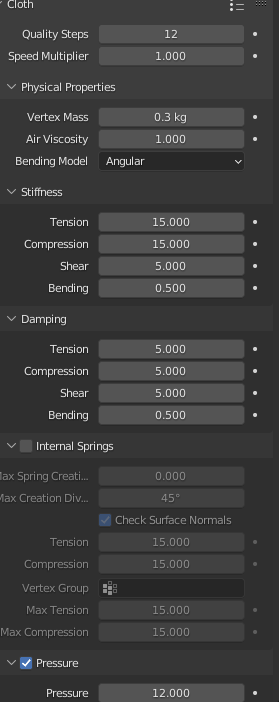
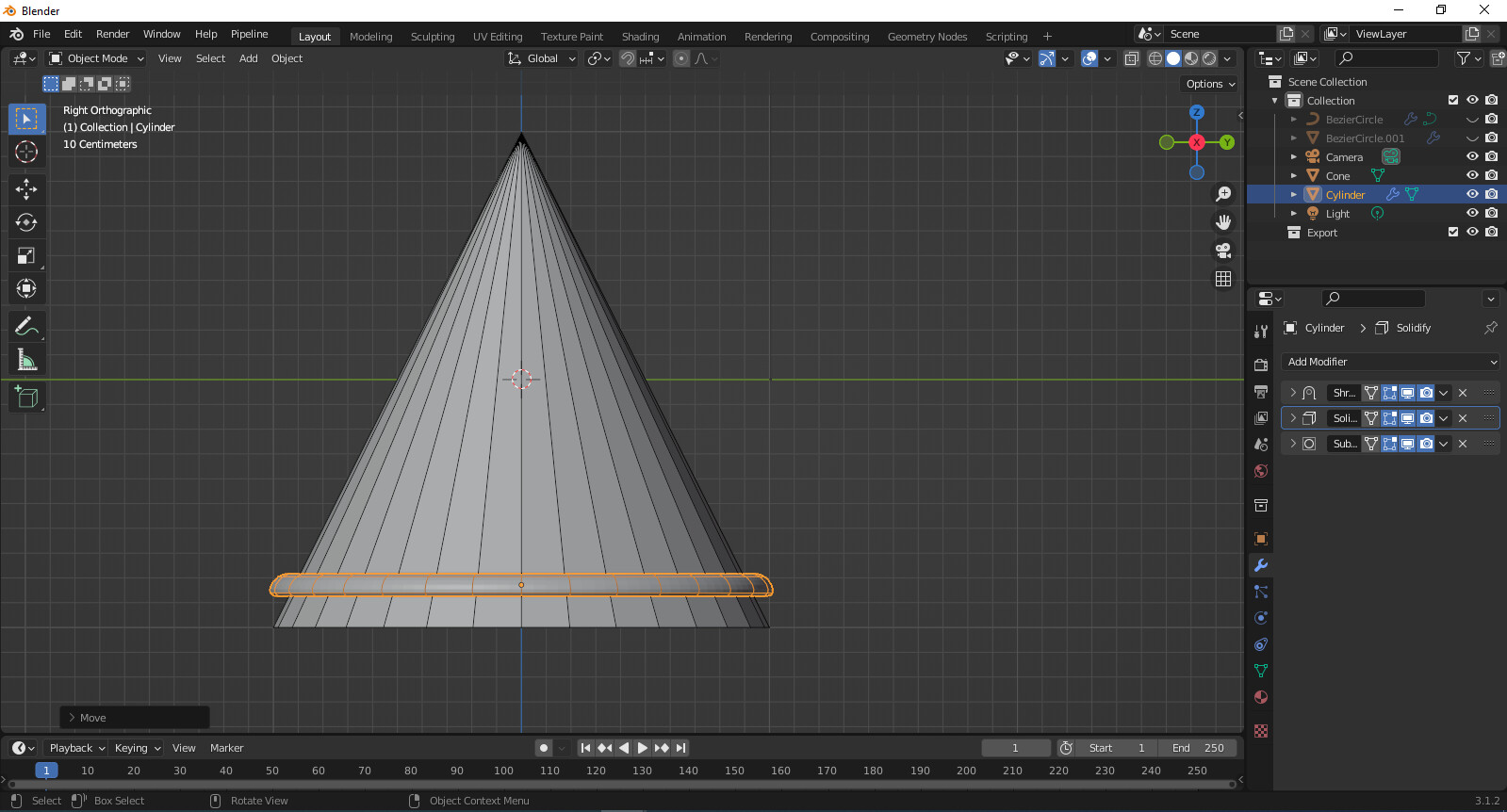
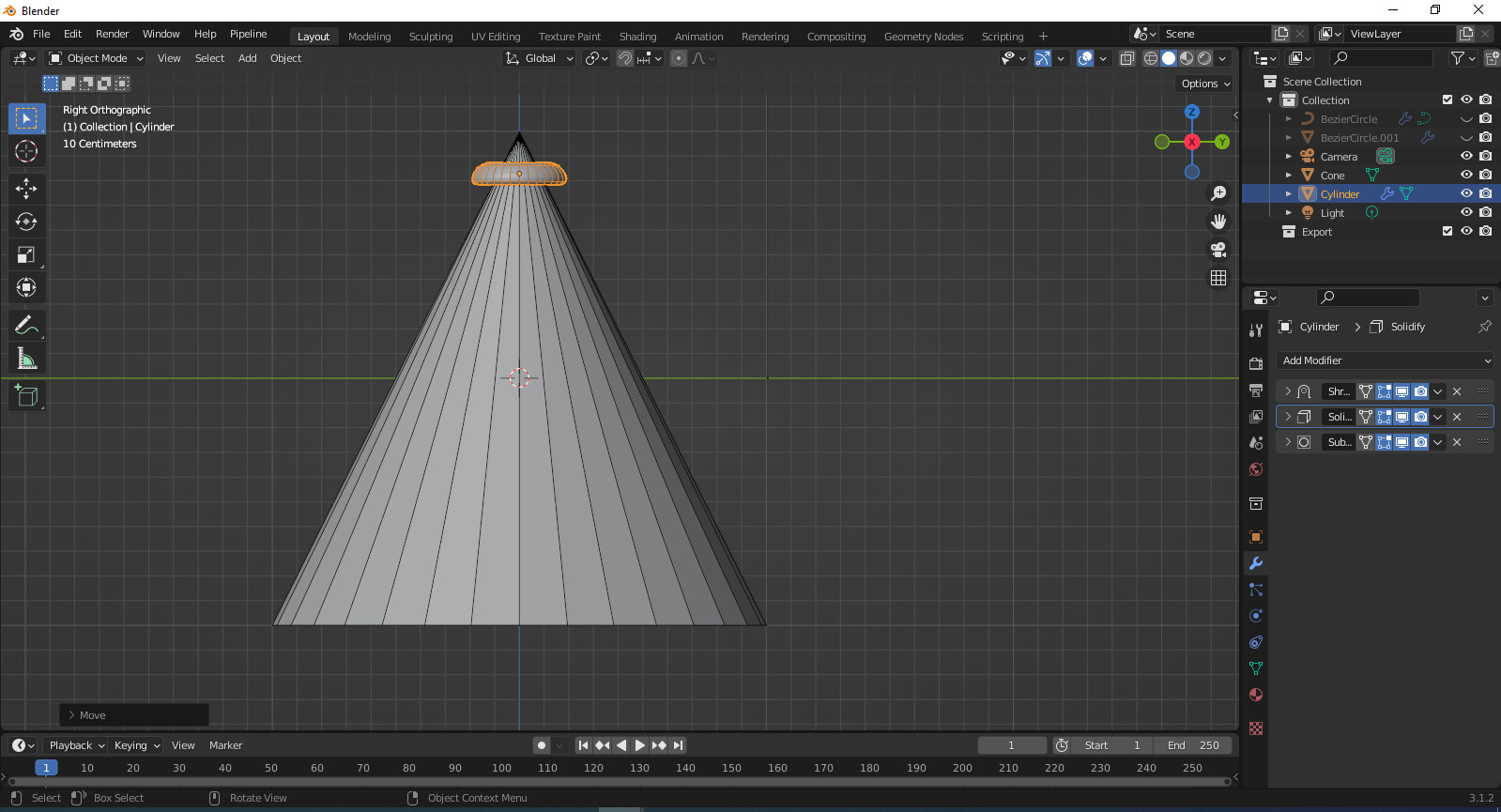
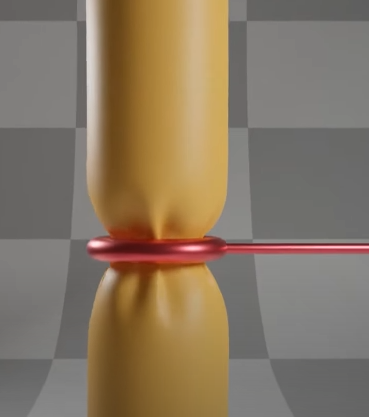
Newbie here, I am trying to follow this tutorial for my project, which has a canine tooth shape and a ring on it going up and down. I need the ring to “squeeze” the canine while doing so and so far I have only gotten the animation right. The simulation either crashes or collapses on itself with a thousand wrinkles after I set the ring as a “collision” object. Going into “Self Collision” mode on the cloth doesn’t help either, see pic. (taken second before it crashed)
Can you help me out?
If you have a different solution I’d love to try it out, instead of the cloth bit.
The important part is that the object gets squeezed!
LMK!! Many thanks in advance xx
Uhm, just to let you know, the link is directing to a Sunsilk ad. The first thing is, why do you need cloth simulation in the first place? Which part of the ring has cloth on it?
Because if it’s just a ring gripping a canine tooth, I guess you can use Shrinkwrap modifier.
I would like for the canine to be affected by the ring going up and down, showing it as “squeezed”.I shrank the ring with a shape key, so it does shrink when going up, but the canine just has a faulty attitude.
I would like for it to act like this pic, is from the tutorial I linked.
truly lost as to what is it that I am doing wrong, any ideas?
In the current cloth physics system the topology is very important.
The cone is it just added and has default topology because that is a setup to fail. I would start with a low res quad version and go into a higher version when the basics are working.
The cone needs to be closed and has some pressure to stay in shape and enough resolution to get squeezed. The scale of the scene is essential too, how big is the ring or the cone?