Send, sculpt and pull back - a two-way Blender / 3D-Coat bridge for models. One button in Blender’s top bar, one panel in 3D-Coat, same words on both sides.
Download: https://github.com/VictoryLuode/Blender-CoatLink/releases/latest (v1.18.0, Windows, GPL-3.0)
I move models between Blender and 3D-Coat all day, and doing it by hand - export, import, line the pieces up again - was the part I could not stand, so I wrote a bridge for it.
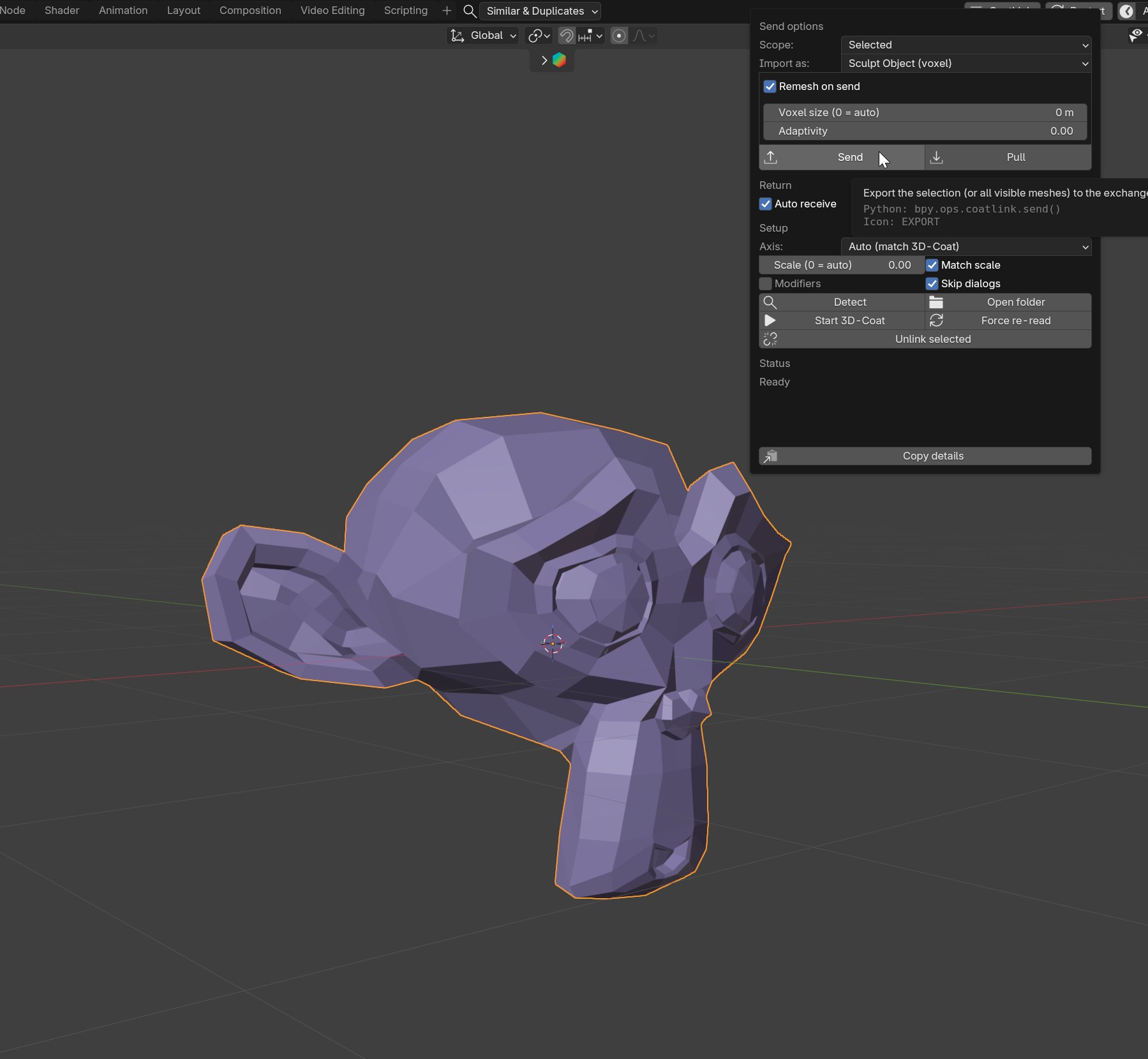
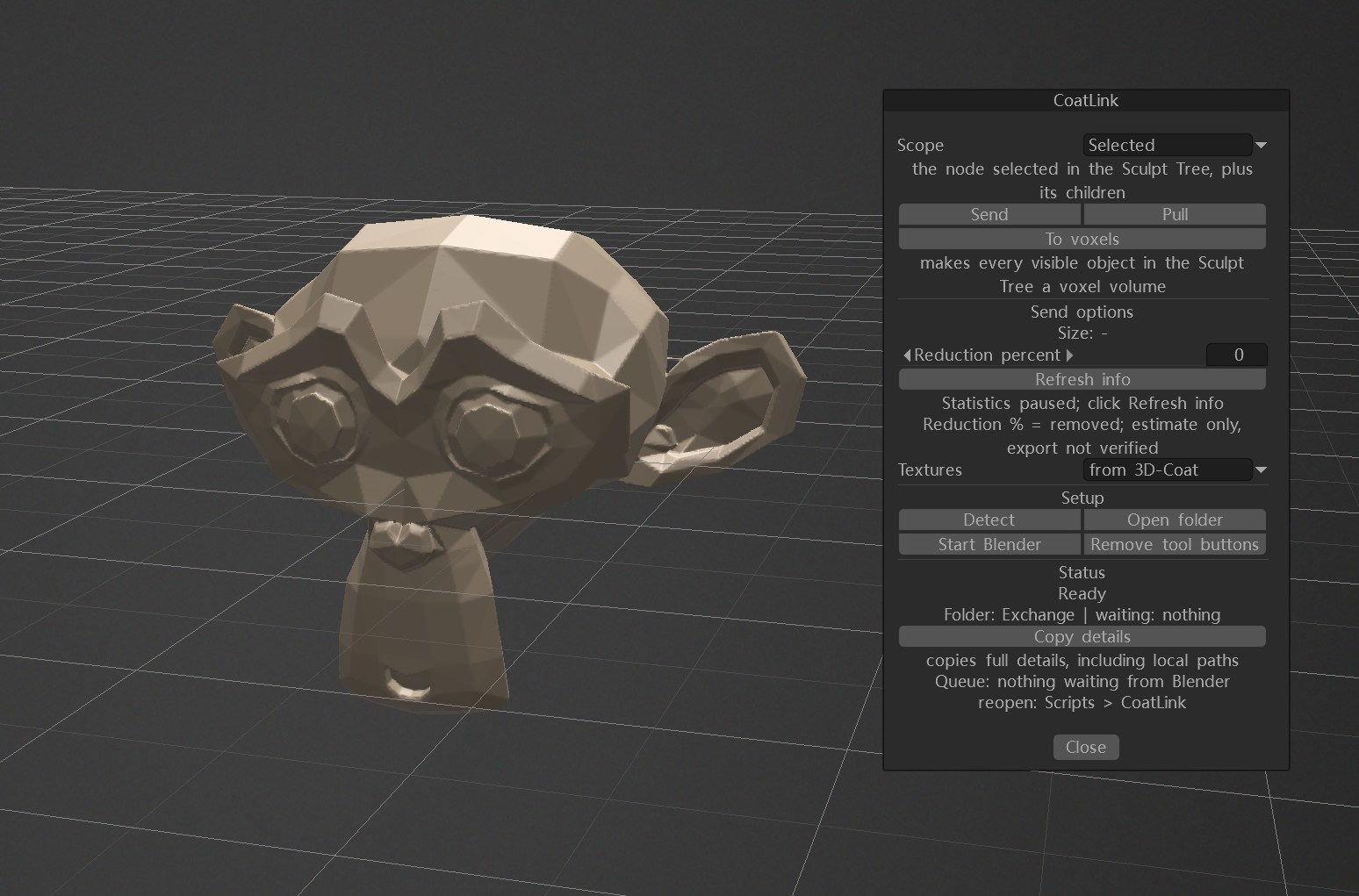
What it does
- Send the selection, or the whole scene, from Blender, with or without a voxel remesh on the way out.
- Comes back into the object it came from: same name, same materials, same place in the outliner, new geometry.
- Units and the Y/Z axis swap are handled both ways - Auto follows 3D-Coat’s own setting, or pick Swap Y/Z yourself.
- The panel reads the Sculpt Tree and shows what each object really is; To voxels presses 3D-Coat’s own S/V badge for the objects the tree is showing.
- Works beside 3D-Coat’s official AppLink - the two share the exchange folder’s root and nothing else.
- Geometry only, OBJ both ways, in the CoatLink folder inside the 3D-Coat exchange path. Nothing else to set up.
- A fixed status area keeps the last message and the real error text, with a Copy details button.
Install
- Blender: CoatLink-1.18.0.zip - Edit > Preferences > Add-ons > Install from Disk, enable CoatLink, press Detect in its menu.
- 3D-Coat: CoatLink-1.18.0.3dcpack - Scripts > Install Extension, tick CoatLink under Windows > Panels > Extensions, restart 3D-Coat.
That tick is the one bit only 3D-Coat can do for itself: its menu files carry absolute paths, so the extension writes its own on first start.
Blender 4.2+ / 3D-Coat 2025.12+ (built and tested on Blender 5.2 LTS and 3D-Coat 2025.17). Windows only, on purpose. No account, no telemetry.
Bug reports welcome. One thing I would like to know: the [vox] import mode shows up in my log but does not seem to take effect on my build - does it do anything on yours?