I started learning Blender at the beginning of this year, and I’ve been working on this project as my end-of-year goal. It took some time, but I’m pleased with how it turned out 

Here’s the final render with touch-ups in Photoshop. There were so many great poses to choose from

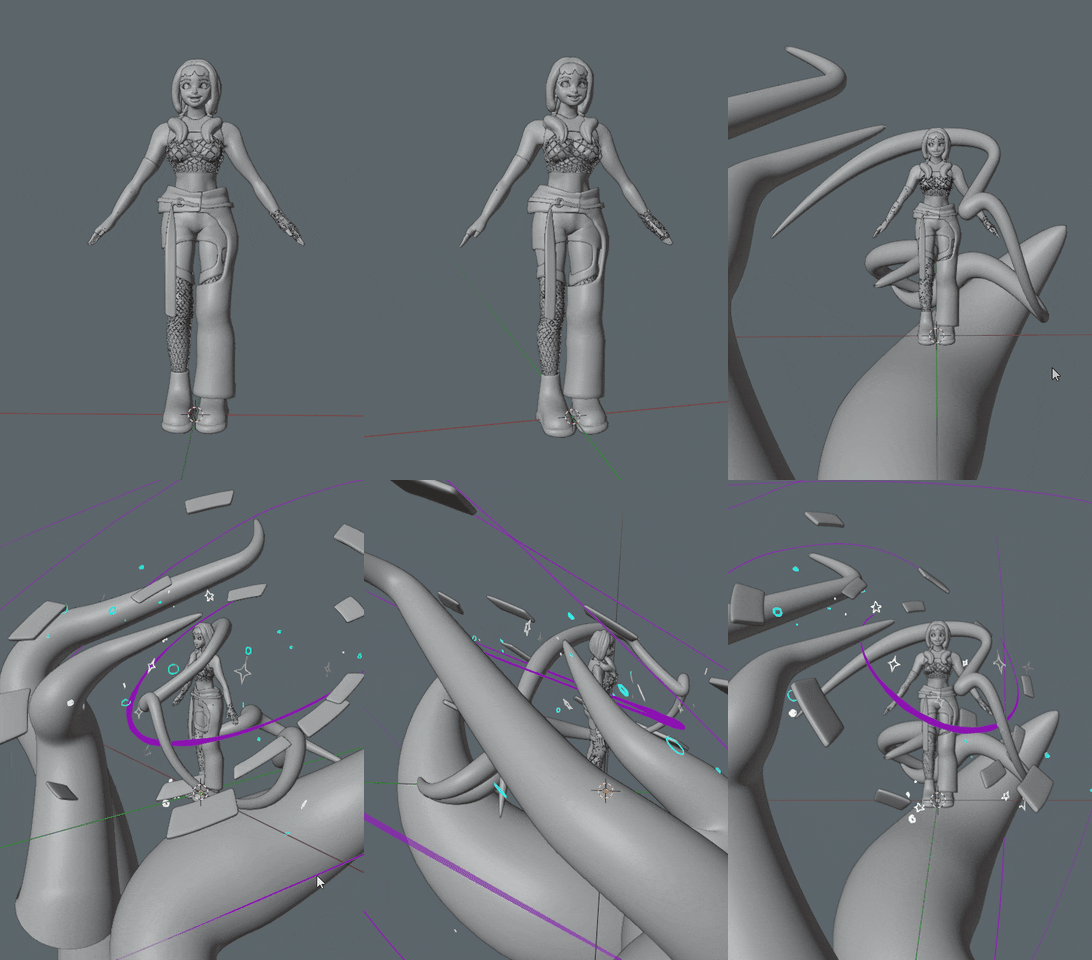
Everything was modelled in blender with sculpting to add fine details.
I also used grease pencil for the purple strokes and stars/circles.
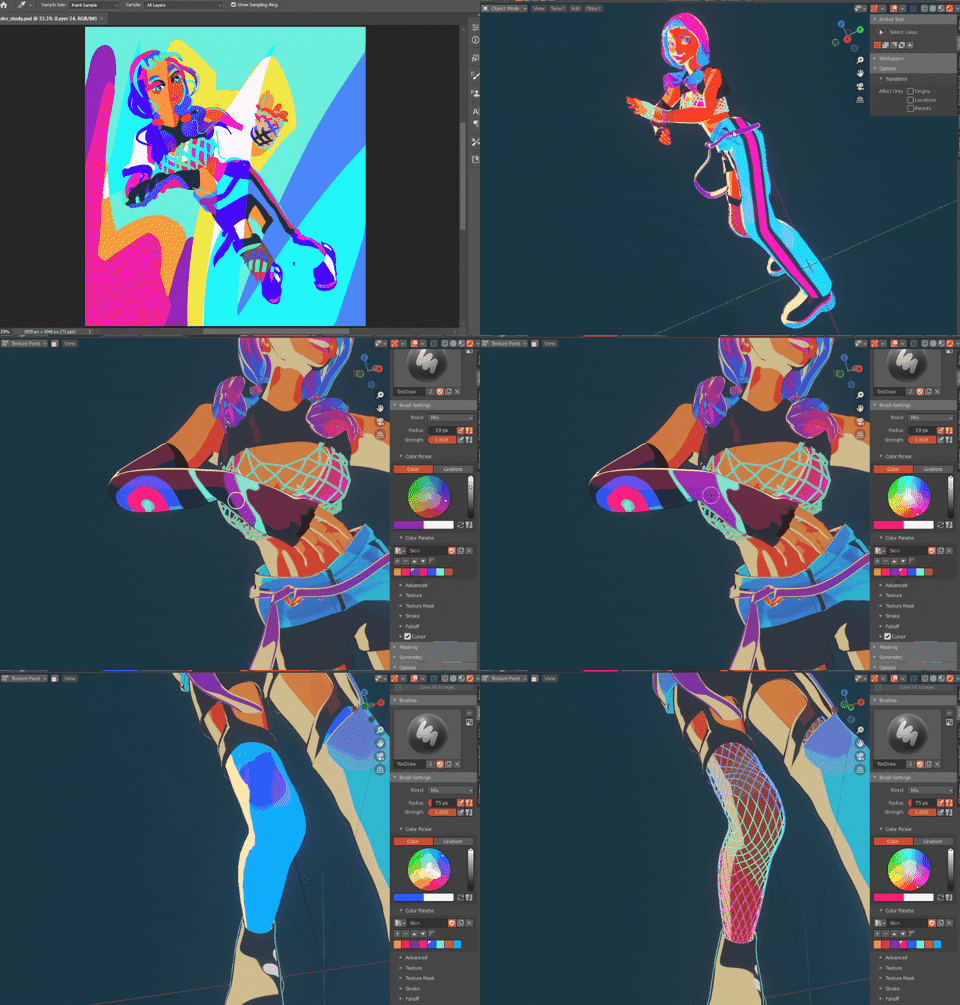
This was rendered in Blender/Eevee + Lightning Boy Shader (lots of love to the team who created it!)
I began with a very abstract work-in-progress (WIP). I had the idea in my mind, so I primarily used the WIP as a color and clothing study.

One thing I really enjoy about Lightning boy is the ability to use a separate texture for shadows, which fits well with my style of using unusual shadow colors. In this case, I discovered that I could adjust the hue/saturation of the texture, which streamlined the workflow between Photoshop and Blender 
The body was animated using Mixamo as a base, and then I made adjustments from there. I used cloth simulation on the hair and clothes and did some (or a lot of) sculpting to make corrections. The other elements use #frame*xxxx expression

I had a lot of fun creating the shiny effect on this part. It’s not exactly the same as the one I made in Photoshop, but I’m really happy with the result.

 )
)
 It’s like a Xmas surprise gift! You truly made my day