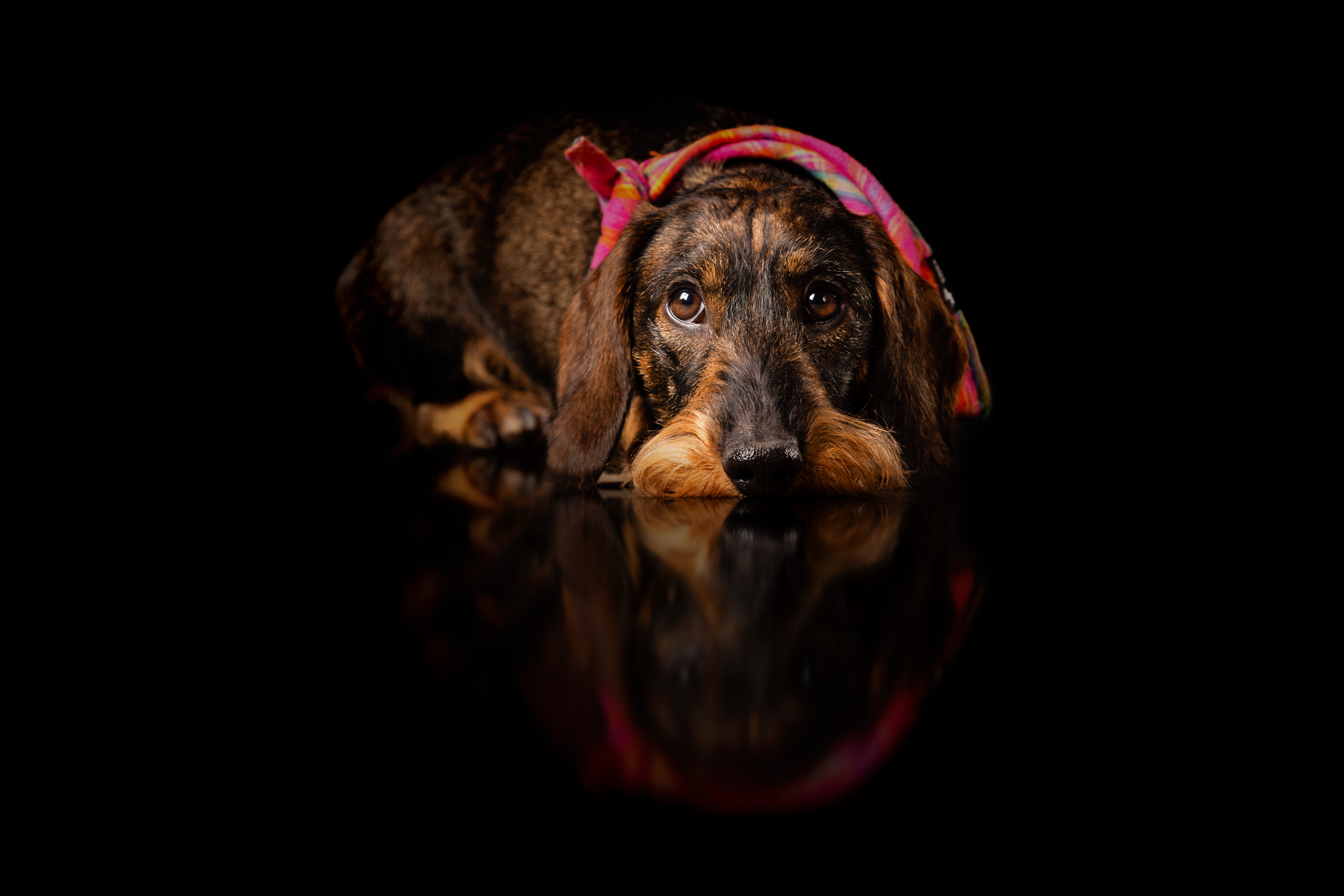
Hi all, I’m currently trying to create a suitable reflection in Blender based on a photo. Depending on the photo it works relatively well. I work with a reflective surface.
It is difficult with standing / sitting animals. In this photo I tried to move the surface in Z and to blend several images in Photoshop.
Has anyone done something like this before and have any tips for me? Or tutorials (gladly also some to buy).
I also had the idea to create a simple 3D model and project the photo via camera mapping.
Using camera mapping, like you said in the last sentence, could work. Here is what I would try:
-You start by creating a camera.
-Then, you go in the camera’s settings and set your photo as a background image.
-Create a plane for the reflective floor. Go in the camera’s view and move the camera until the angle of the floor in the photo and the 3D plane are the same.
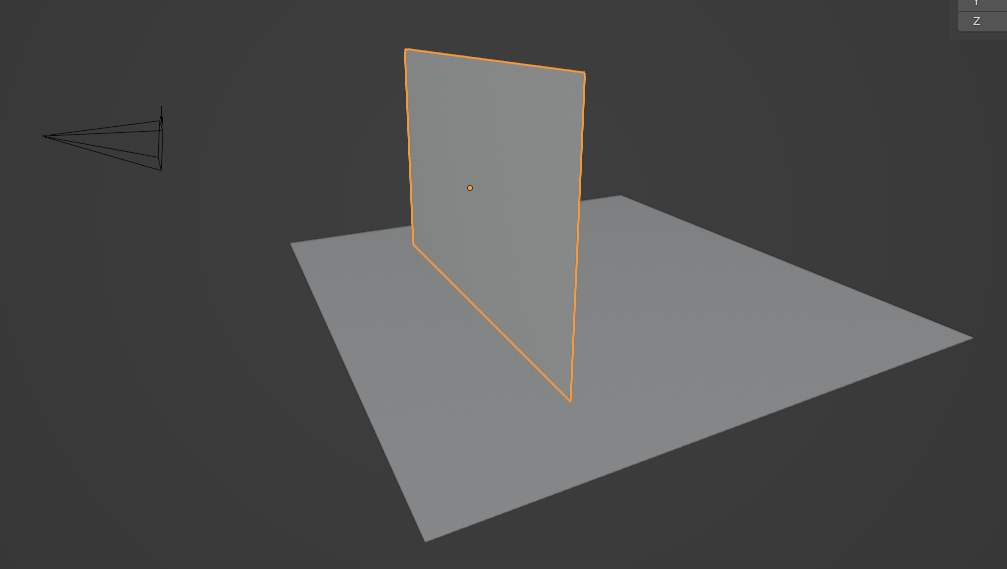
-Create a vertical plane that raises from the ground, like this:
-Go into camera view and use x-ray mode so you can see the background image. Then, divide the plane vertically and move each face away from the camera until they are touching the floor at the same distance as the object in the photo:
The 3D model doesn’t need to be complex, the most important part is that it touches the ground at the correct distance from the camera so the reflection doesn’t look detached from the object in the photo.
You can now unwrap the vertical plane using “project from view”.
The real issue with fake reflections is the original camera’s point of view… which is always above the floor. But the reflection point of view is effectively under the floor, you are looking “up” into the subject. Thus contact points will always be an issue. The same problem occurs in compositing when placing a full length chromakey on a floor, how do you derive the “fake” shadow?
Reprojecting onto geometry will go a long way if you at least try and sculpt the contact shape, e.g. the feet or dog face
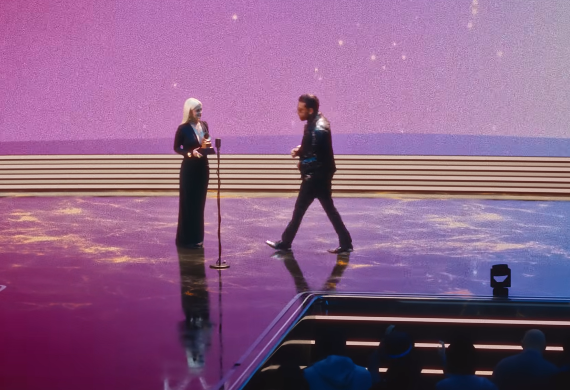
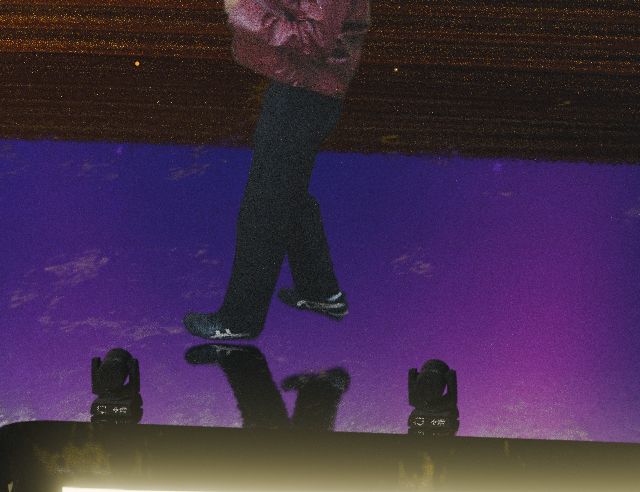
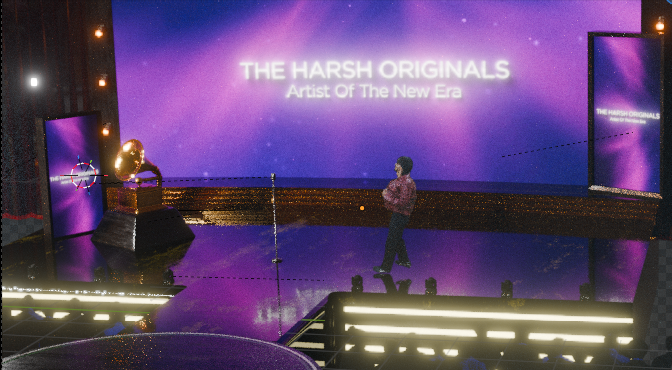
I Have been trying to create this scene from a music video. The 3d environment matches very good. but the reflections of my feet are always being flipped cuz obviously it’s a 2d image plane. How do i achieve the reflections like the original music video? Because no matter what i do what the back leg is always gonna be lifted up more than the front one. which is breaking the illusion. The rotoscope has no movement it was shot on a tripod. If i match the dimensions of the actual shot then the reflections are messed up, is there no way around?
You really haven’t chosen an easy scene to composite here. If you wanted something that just works directly, the actual reflections would have needed to be captured in real life, so basically filming with a mirror floor.
You probably don’t have the means to do that, so I can think of 2 other solutions.
--
The first solution I can think of is to remake the reflection manually. I would make a 3D model of the person, rig it, then animate it to match the footage. I would then use the reflection from that model instead of the original footage on a plane.
The ground doesn’t look perfectly clear, so the model wouldn’t have to be perfectly detailed, just the correct size and color, and the animation would need accurate movement mostly just at the feet level. It might be possible to make a 3D scan of the person with good results if you know how and have access to the person.
It might be possible to remake just the legs as a 3D model and to use the real upper half. The 3D model would have to match the original very well though.
--
The second solution would be to subdivide the plane finely, then use shape keys to move sections of it away from the camera to make the feet connect with the ground at all times.
This could need quite a bit of work (would need a different shape key every few frames at least) and I don’t know if it will look good when the legs overlap.
One way to do it without needing to use shape keys would be to put the video footage onto a plane that is facing the camera, then use window projection for mapping, emission shader and then animate the plane moving and rotating so that the feet can touch the ground whenever needed. You could combine this with just a few shape keys if needed. Or even use multiple planes with the same material to have one for each leg and for torso. But the reflection will never look perfectly realistic as in real life it would be seen from a lower angle than the actual person.