I want to create an effect where there is a line of saturated color between light and shadow, as can be seen in this example:

I have tried to use a Diffuse BSDF that runs into a Shader to RGB Node, which is then fed into a Color Ramp that increases the contrast and extracts a line between light and shadow. This works for soft shadows, but only on the edge where the light naturally fades out. Not for shadows cast by other objects:
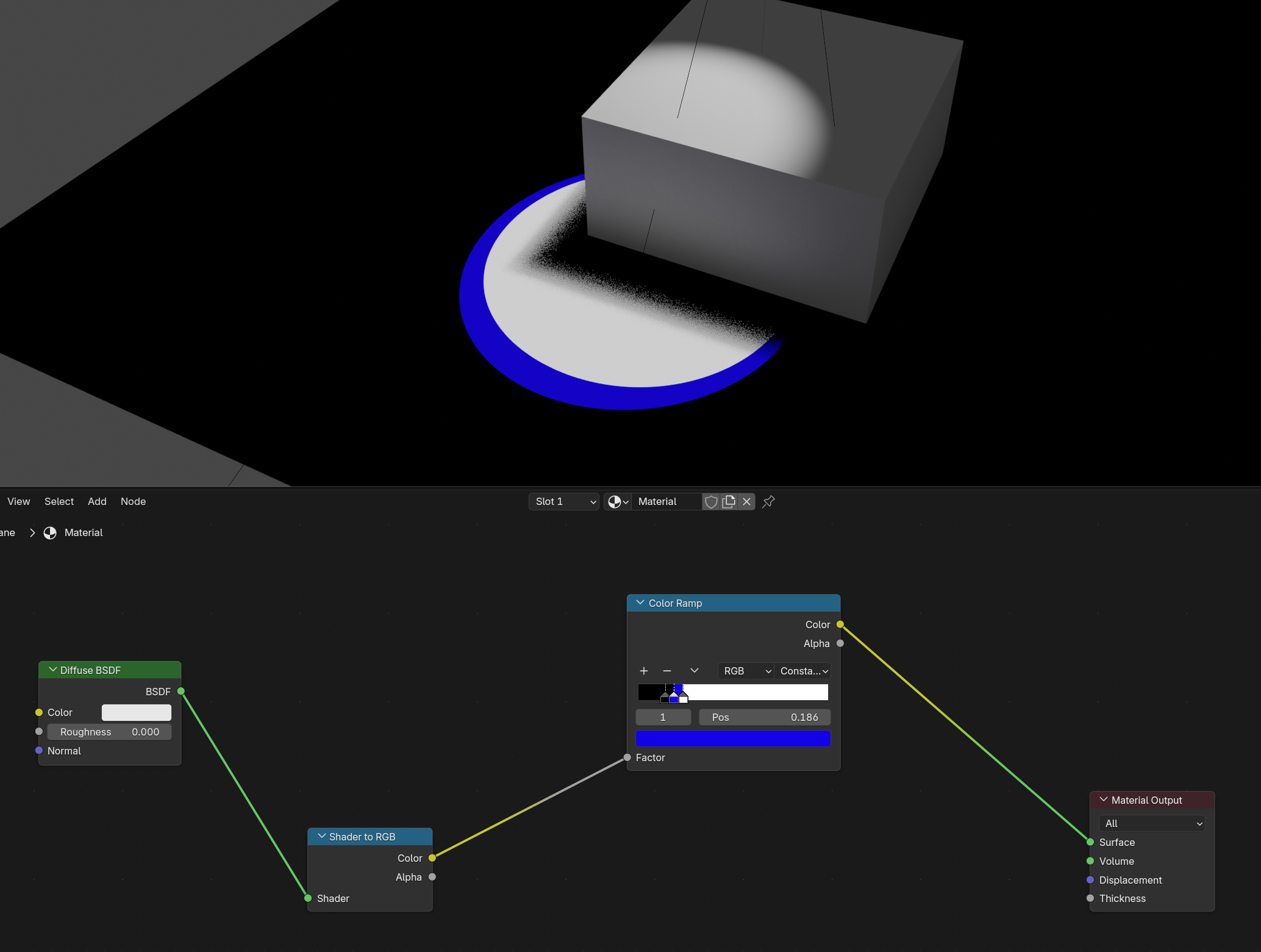
Since I would prefer hard shadows anyway, I’ve tried using the compositor instead, where I’ve made an AOV of just the shadow and light and extracted the edge between the two. But then the issue is that the thickness of the line is measured in pixels, so in close ups it will look very thin, and from far away it looks very thick. This is a problem, since my camera will not be static.
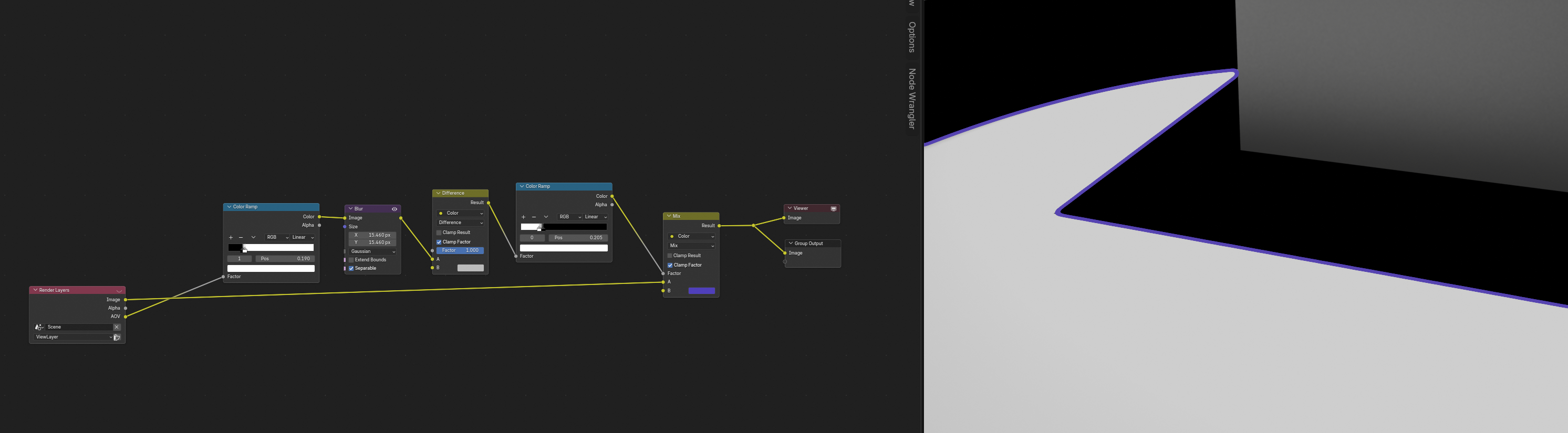
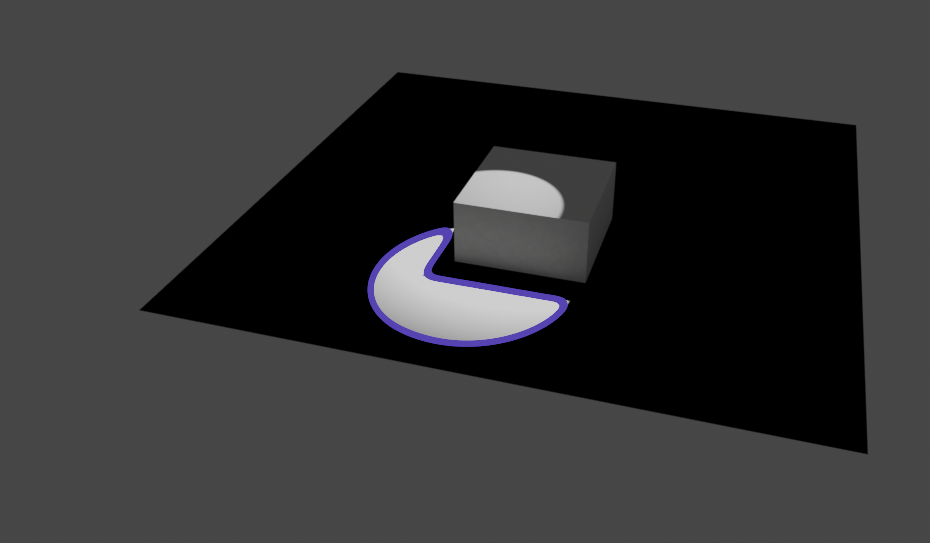
I don’t want to texture paint my shadows either, since they will change throughout my animation. I’ve completely run out of ideas, so if anyone has any, I would greatly appreciate it!
 ..because i didn’t really made very simple proof of concept like i usually do.. So i’m happy that this seems to do what you wanted…