Hi, I’ve been having a lot of issues recently with rendering an animation, and I keep running into an issue where Blender either stops rendering or crashes to desktop due to CUDA errors. I’ve been searching for a solution for a long time now, but every thread that mentions these CUDA problems don’t seem to have a concrete solution. I wanted to ask if anyone had experienced a similar problem and if they were able to solve it permanently.
The error I’ve been getting has been either of these two scenarios:

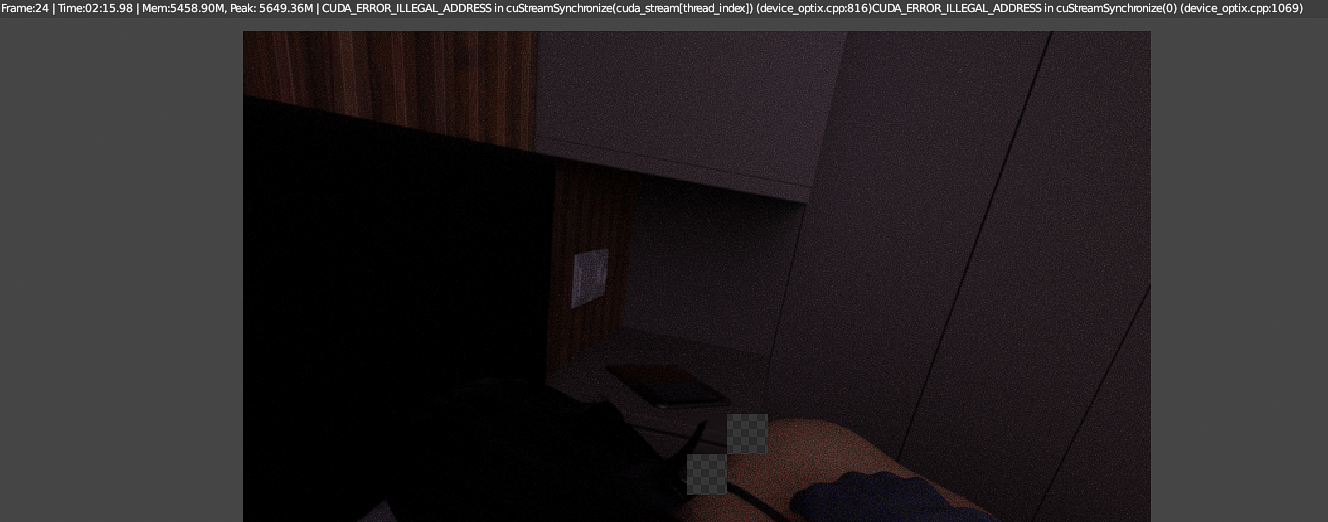
Additionally, if one of these errors occurs, the subsequent renders I do during the same Blender session get this error:

I’ve tried a lot of different fixes, but nothing seems to work. Each time I restart Blender, I can sometimes get 1 or 2 rendered frames before it crashes again, and only a little bit better if I restart my entire PC. Since I’m trying to render a 1000 frame animation, I tried to have it render overnight, but this error caused it to crash after 20 total frames after a reboot and with no other applications running. My computer itself is slightly overclocked, but even when I disable overclocking I still encounter the same issue. I’ve tried to lower my tile size, but that didn’t seem to have much effect.
For reference, I am on Blender 2.92 with Windows 10, and working in Cycles with GPU Compute enabled. I have an RTX card, so I am using Adaptive Sampling and the Optix Denoiser. I’ve been sampling at 128 samples for each 720x720 frame, and my Tile size has been 64x64.
The crash itself seems to occur almost randomly, where sometimes I can render approximately 20 frames before it encounters this error, and other times it crashes on the first frame rendered. Each frame takes about 1 minute to render normally with the GPU, but with only the CPU it takes nearly 3 minutes. Because of this, I’d like to continue using the GPU render.
It’s disheartening to find that after spending such a long time on the animation itself, that the biggest issue would end up being the render, even after I tried to minimize render times. Based on the response from the seemingly hundreds of past threads that have a similar problem, I doubt that this would be a straightforward fix, but I wanted to see if anyone had any luck solving these issues with the more recent versions of Blender.