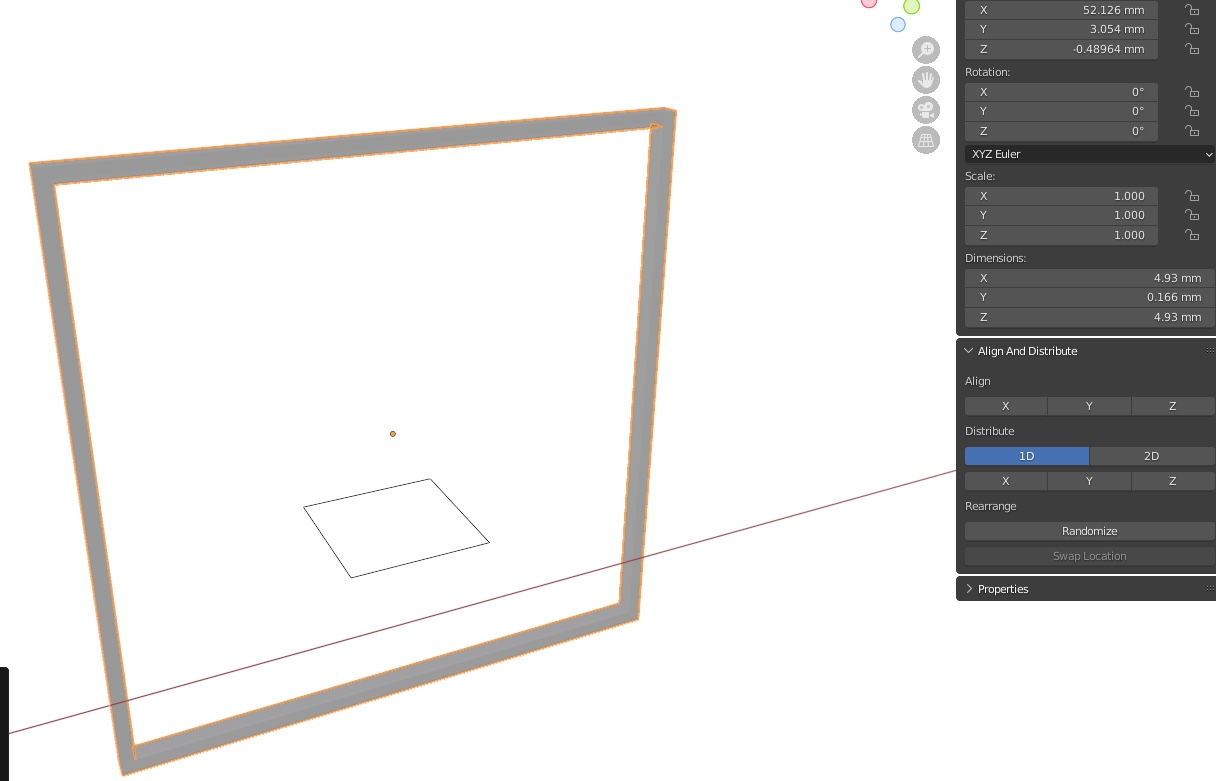
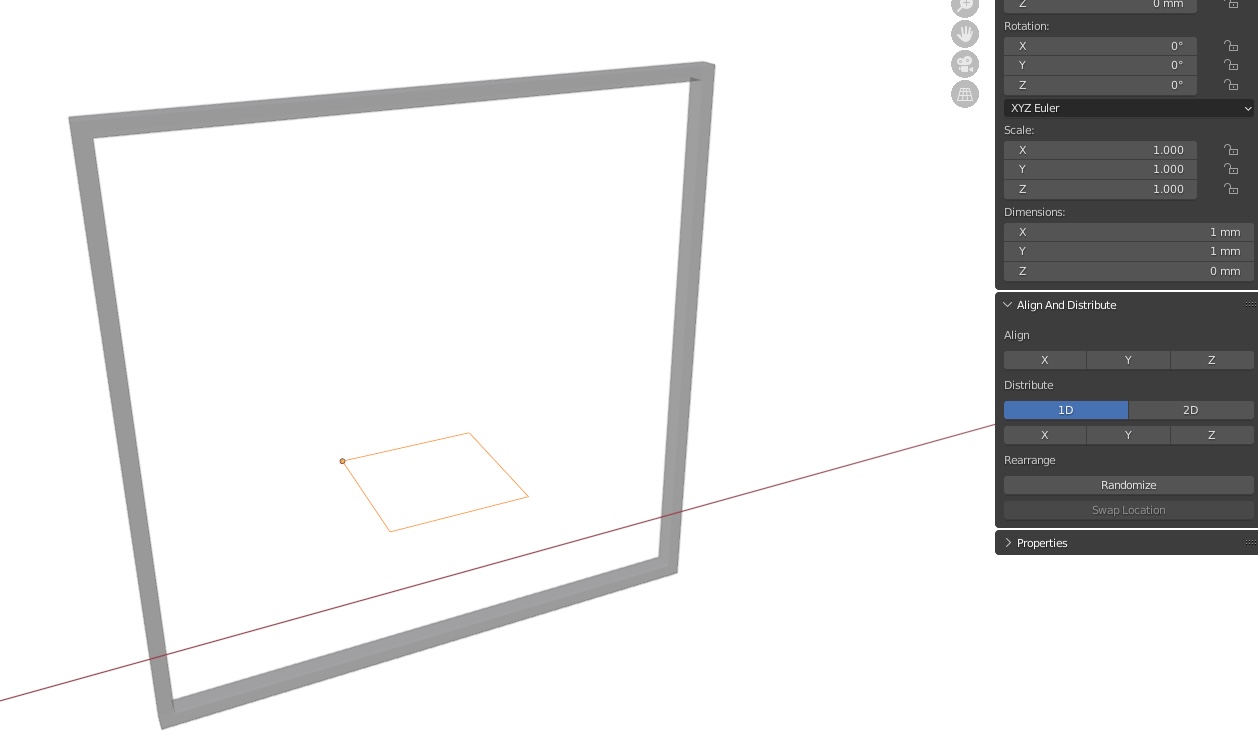
First, the scale and rotation has been applied. Now for the issue:
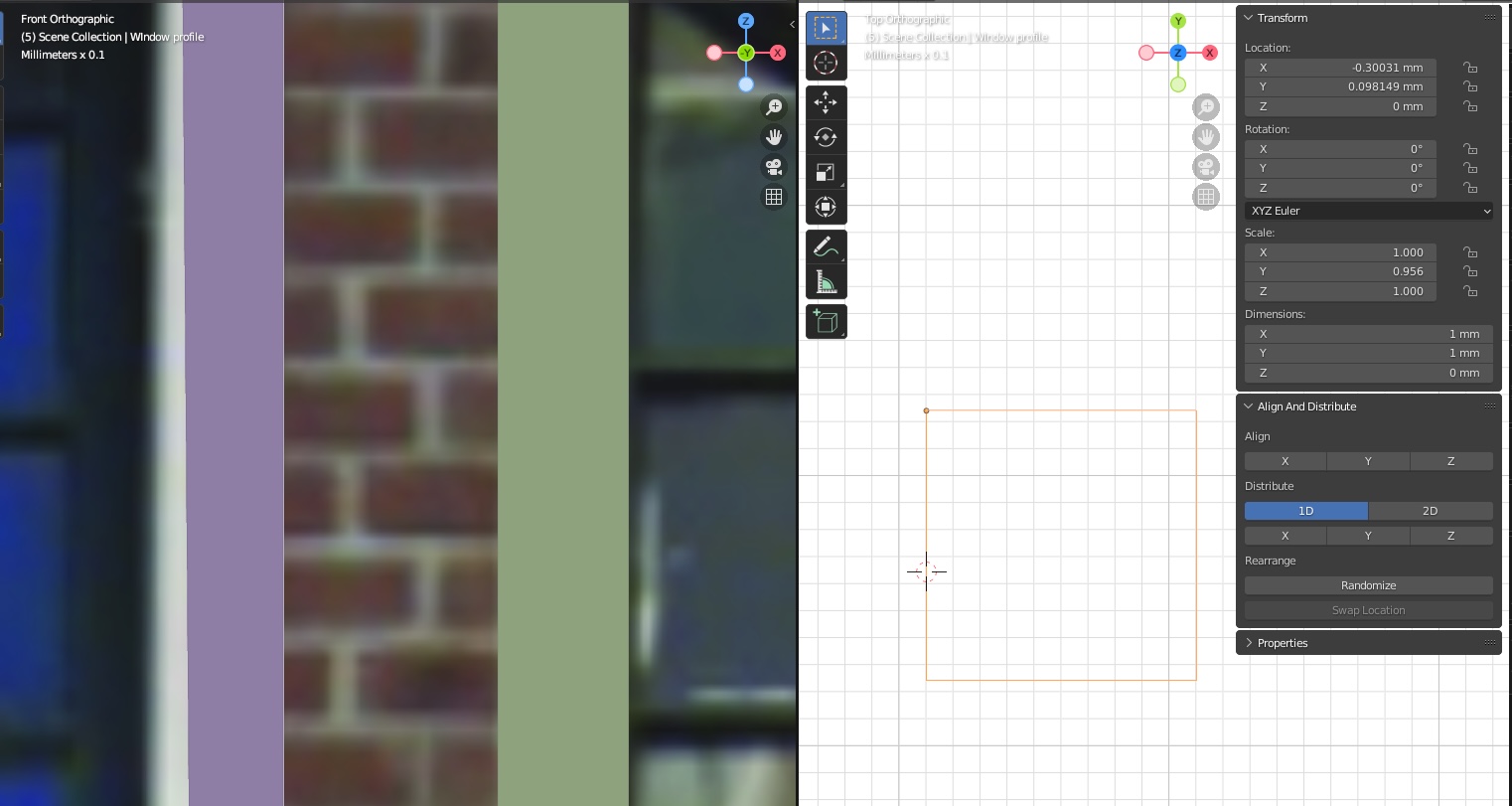
I have created a window frame with a curve. I’m using another curve as a bevel to create the thickness of the window (profile), so I can easily adjust the curve to change the thickness on all windows. The profile curve is 1 x 1 mm, but if you look at the purple frame at the left, it is not 1 mm wide. The green object at the left is 1 mm wide. I noticed after experimenting the scale of the object decides the size of the profile. But how do I keep the used profile the same size of the profile?
A bonus question: when I create another curve and assign this to the profile, the profile is on the outside, while it was with the other curve on the inside. I know I can change the point of origin on the profile, but that will affect the first window curve.
Hope I made myself clear. Any tips would be appreciated.
Thanks for the replies. I missed that indeed, but that doesn’t fix it, unfortunately. Look at this example. Scale is applied on both curves. The profile in de middle is larger than the profile on the frame (curve). The size stays relative to the frame. When I upscale the frame, the solid part gets wider. But the width should not be depending on the size of the frame. Well, not in my plan.