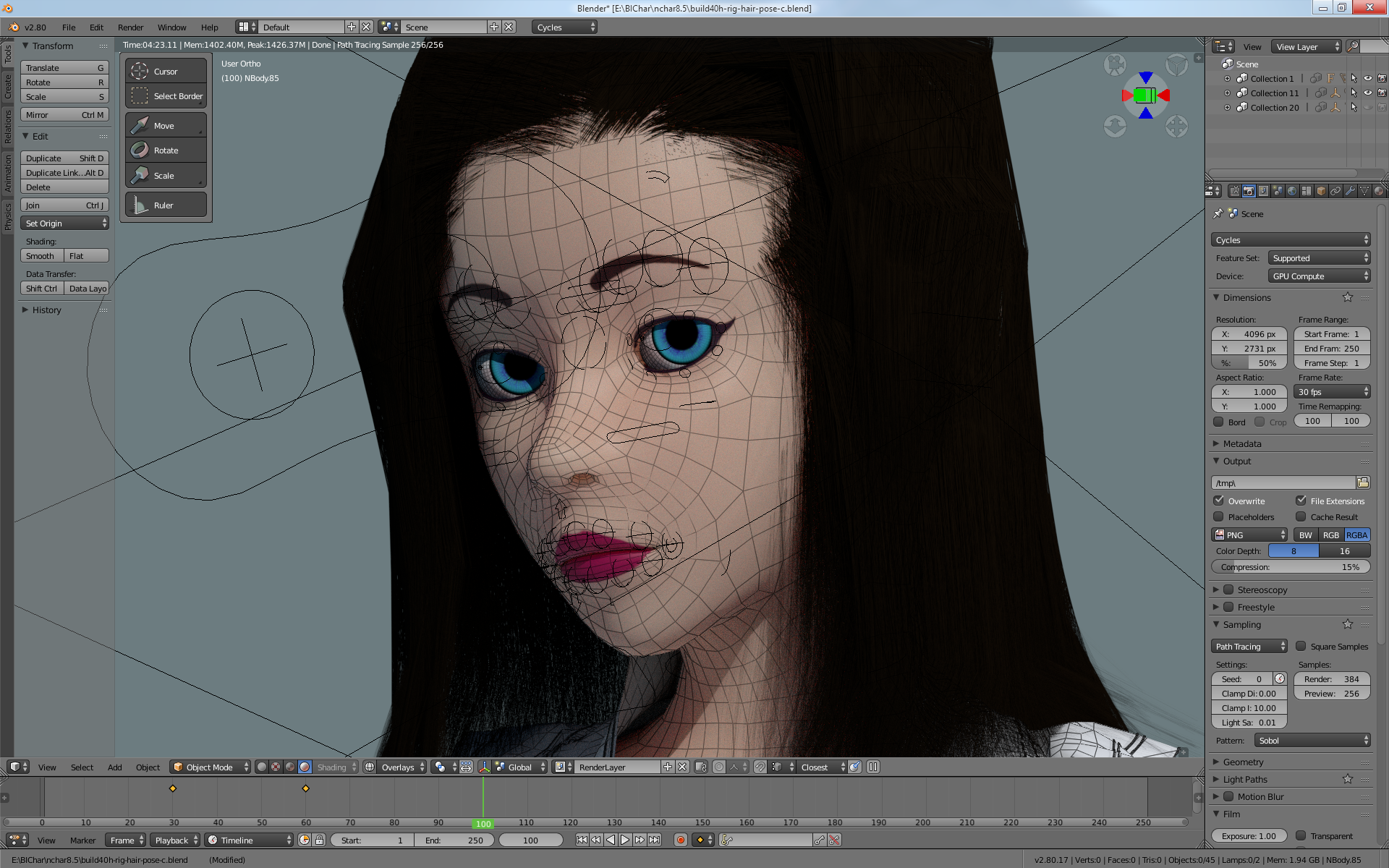
Hopefully this is the right place to put this!
Forefront: I am embarking on a custom Blender fork designed to resemble Blender 2.79, while taking several of the “modern” and “industry-standard” aspects. Personally, I am/was a Blender 2.79.7 holdout until I started this project a bit ago. Primarily, this is designed for my personal use. I get this sounds pointless, but I have invested quite a lot of time into this, and am so far very satisfied with the results.
The closest codebase/commit I am working with is commit hash:
c98b2e74df2e531726f5ceabe76342282f695f23
In essence, what I did was create my own custom region based on commit:
4bf331c0fcfebf211443bdd15181a334cdf1566b
to place the toolbox in its own custom HUD region, completely separate from the Redo Panel HUD region. AKA, I created a new region just for this.
Honestly, I really this UI.
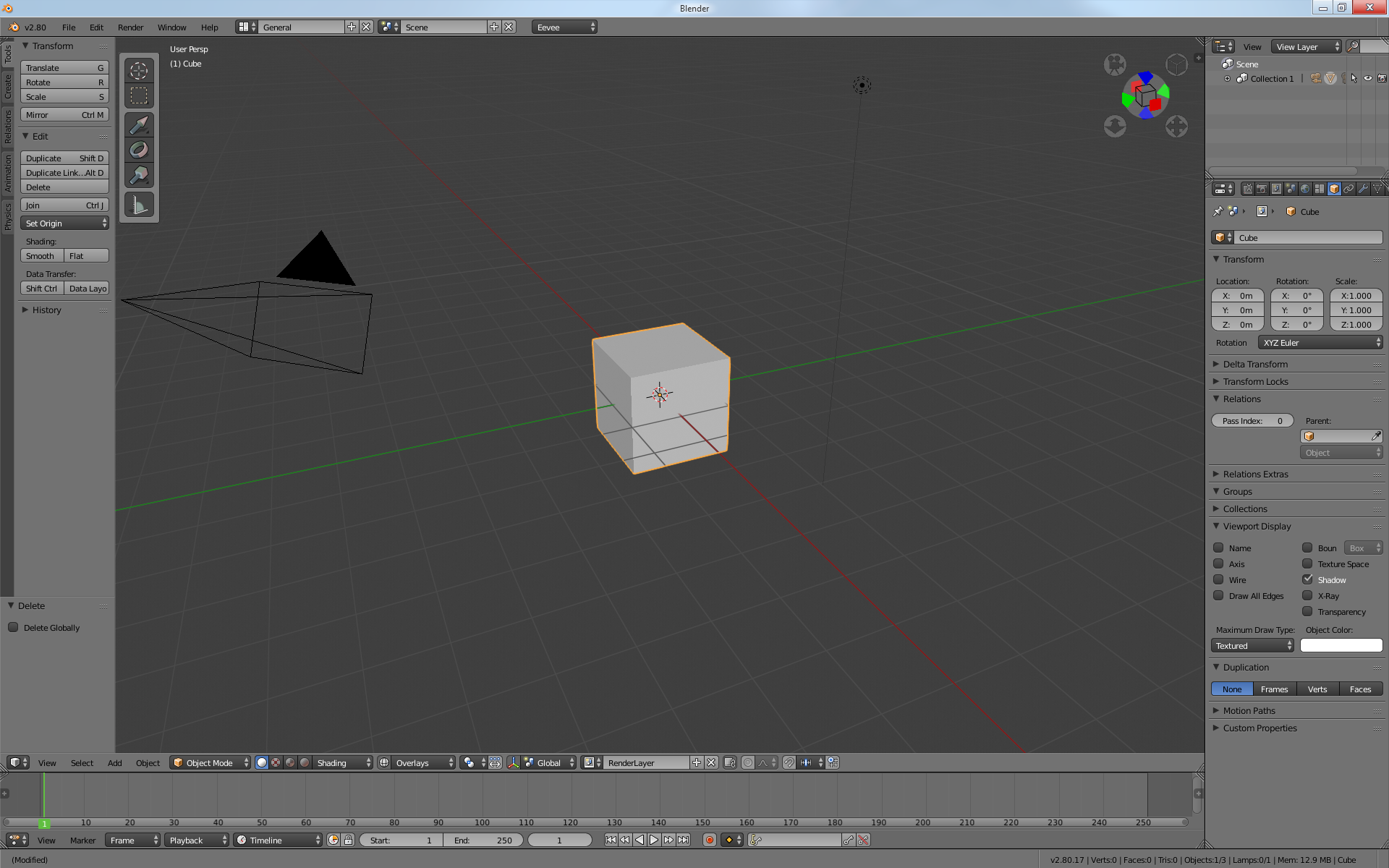
However, the issue is how to make the “toolset appear” automatically. Since it is based on the (then) new HUD redo panel’s invoke method, which is to call “ED_area_type_hud_ensure()” (referred to as ‘ED_area_type_toolset_ensure()’ under ‘wm_operator_finished(), wm_event_system.c’) it doesn’t appear unless I do a qualifying operator.
Which brings me to the question:
Since I have my own custom region, and code, for this, what is the best method, in the C/C++ side, to have it draw automatically?