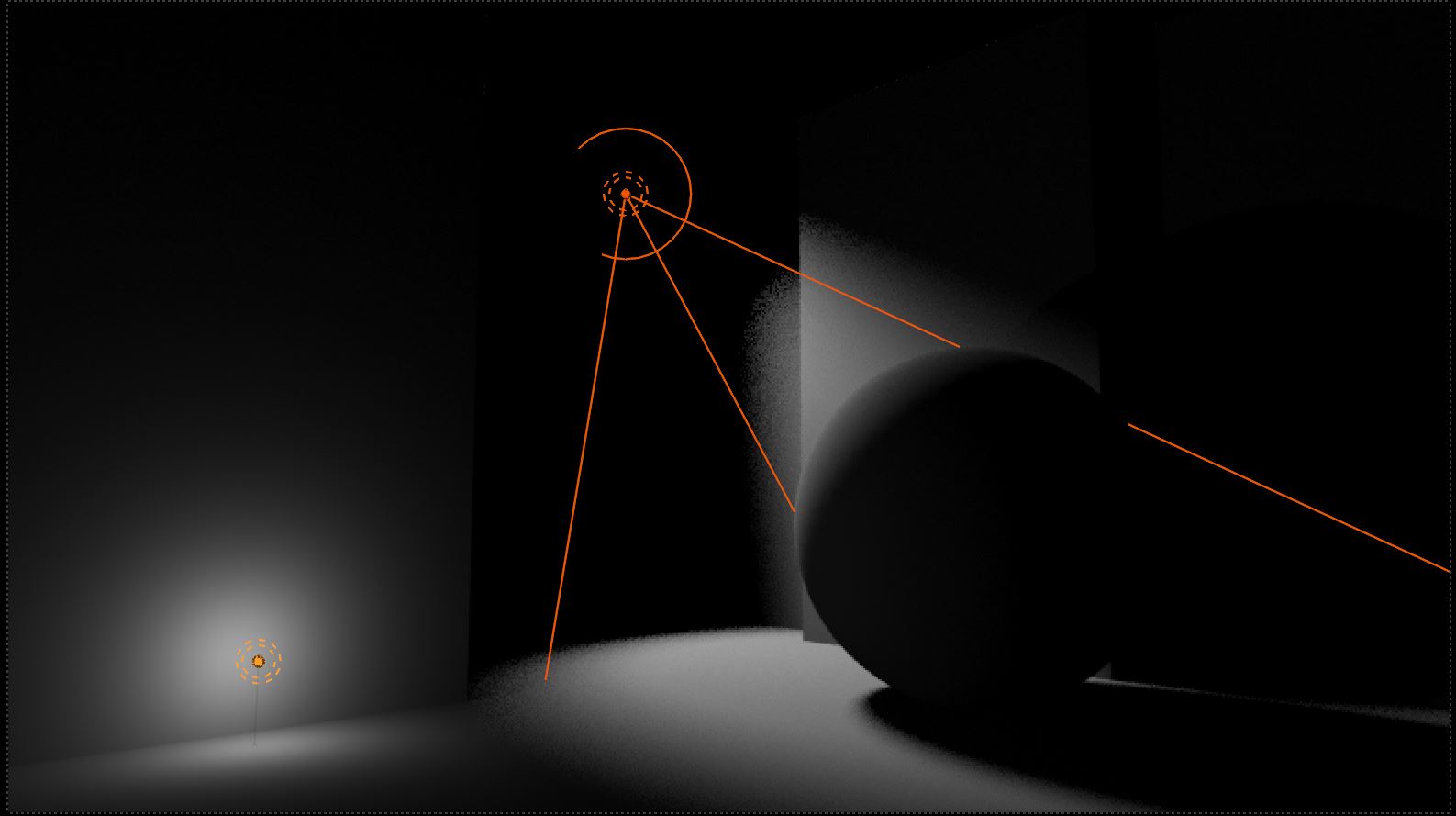
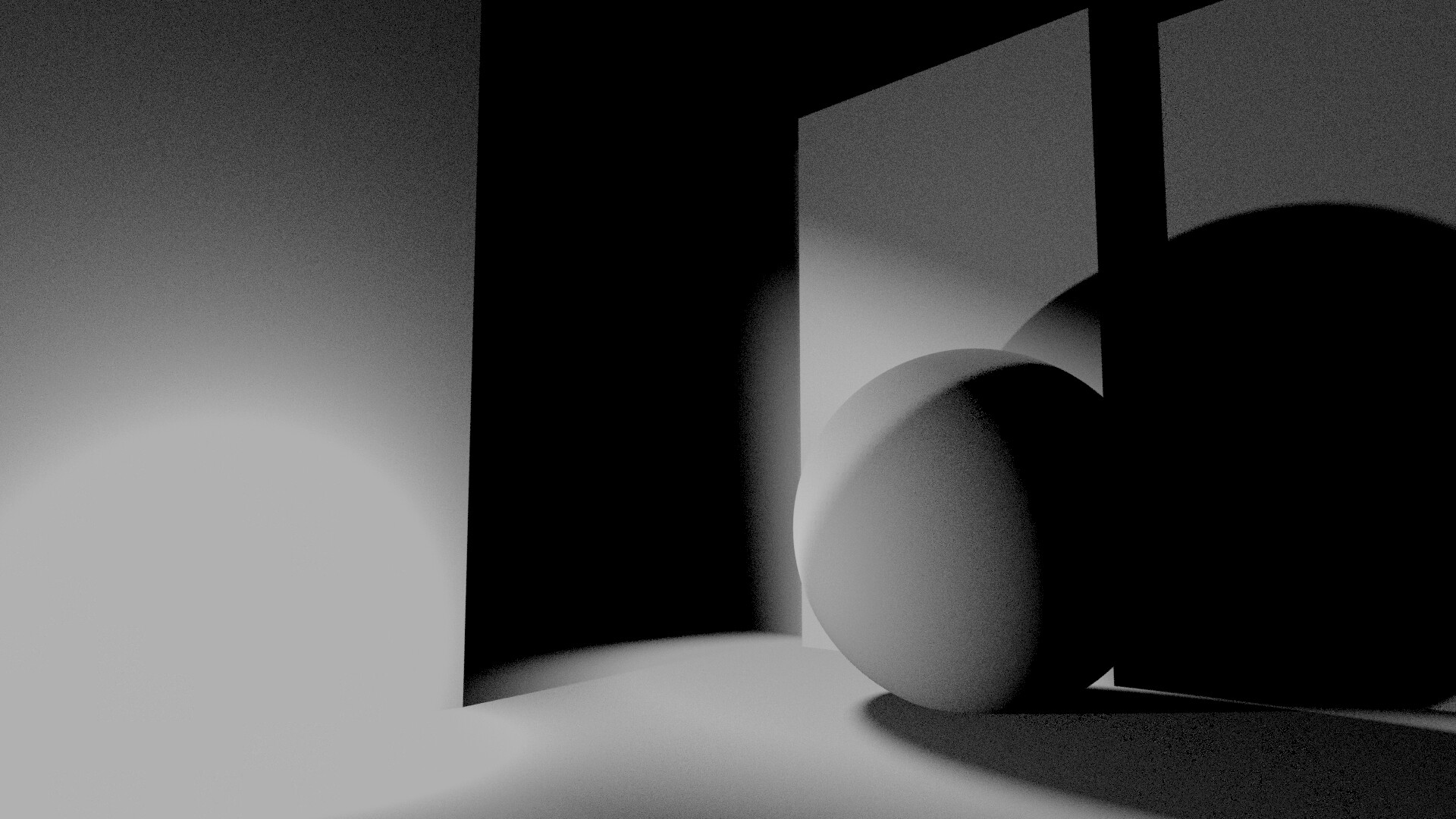
I’m looking for a method to somehow get the light information as a black & white shader. This will help me visualize and iterate much faster and create interesting effects. Of course, you can do this via compositing, but that kills my flow.
Basically, you can’t. Light and scene information is only available within enclosures which are available to and inside shader nodes only. In some cases, I use Shader2RGB in Eevee, render out the image, and use the image to drive material parameters using window coordinates.
You can do some faux shading effects based on an empty, but only from a single point “light source”, not any area lights.
Thank you for your reply, this will only work on static scenes unless you render out the sequence. The feedback loop could be slower but worth giving a shot
It doesn’t take long to render out the sequence from Eevee though.
Here an example where Shader2RGB is used to calculate hue variations from received light intensity, then simply referenced in the Cycles material as a screen coordinate image lookup for the glossy color.
May not look like much, but this kind of effect is not possible in Cycles. It wouldn’t work if the car was put on a mirror floor or seen through glass, but for this purpose the screen lookup worked just fine.