After reading all the bad things about the new Null Scattering, I thought I’d give it a quick try with a production scale VDB ( https://disneyanimation.com/resources/clouds/ ). I used the largest version of the cloud which comes in at ~2,9GB.
I loaded it into Blender, added a Nishita Sky, set the noise threshold to 0.025 and the volume bounces to 2 and left all the rest of the settings at factory defaults. BTW I didn’t aim for a close match with the cloud renderings on the Disney site but just slapped together a VDB and a sky texture 
My system is a 5 year old XMG laptop with a RTX 2070 Super Mobile with 580.65.06 drivers on Linux.
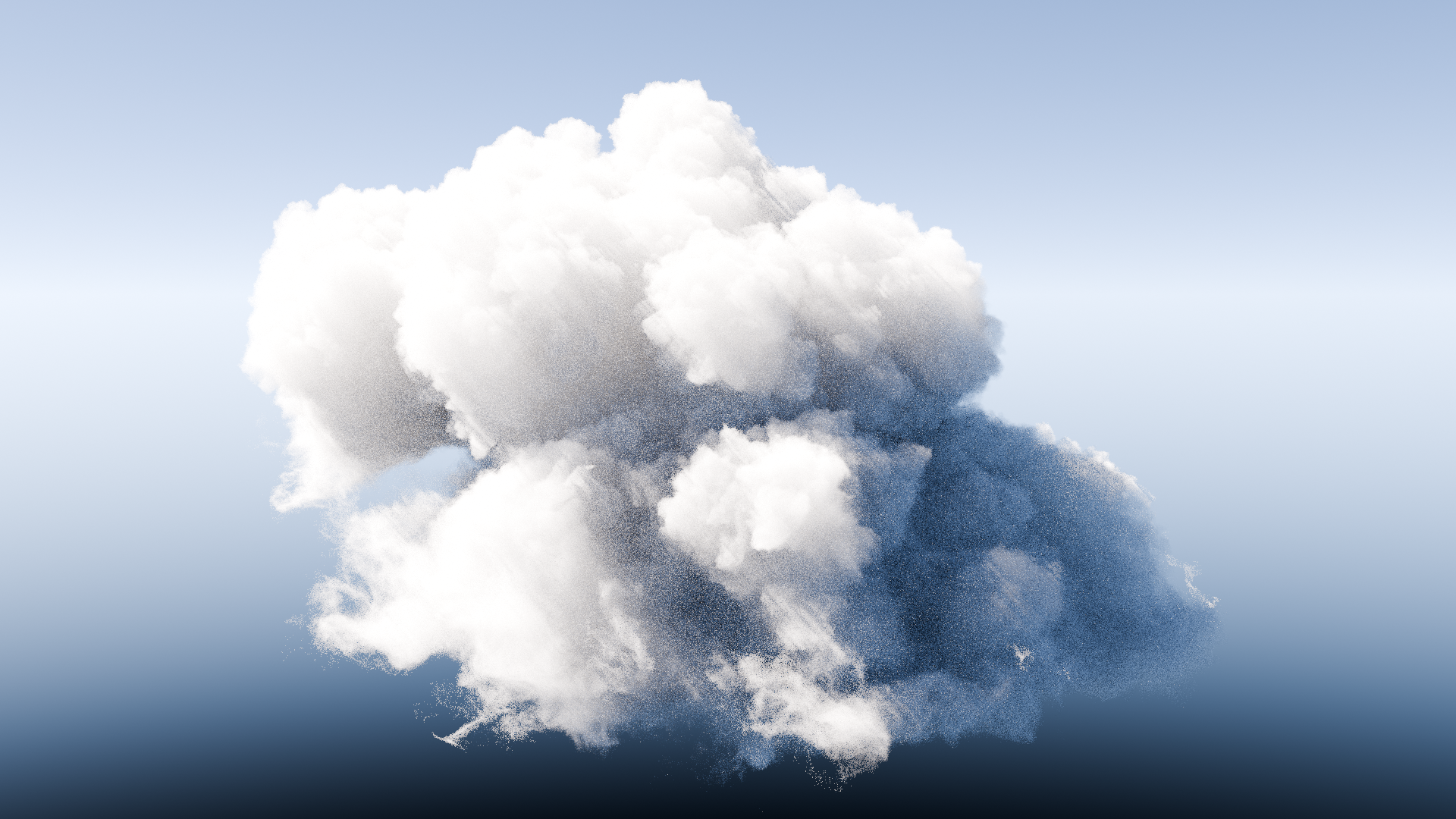
I started in Blender 5.0, current build of main. The F12 render starts in less than a second and after 3:52 minutes this is the undenoised result:

When checking the “Unbiased” option the rendering took ~10 seconds longer, but the both renderings were visually identical.
Then I did the same in Blender 4.5.1 LTS. I made sure to set the sky model to Nishita, because otherwise I would’ve gotten a black result (because Cycles then would’ve used the outdated and now removed Preetham model.). Apart from that, same settings, same system.
F12 render takes ~15 seconds before the first rendered pixels appear in the viewport. Then with the default Render Step Rate of 1 I get this:
You might wonder why it’s so noisy. It’s because after 3:50 minutes Cycles was at sample 30 (instead of 4096 in Blender 5.0 at the same render time). The remaining time reading was over 8 hours, which I didn’t want to invest. So I increased the step rate to 10, to 16, to 24 and finally to 32 to reach a finished rendering with 4096 in 3:50 minutes like in Blender 5.0.
Now the result looked like this:

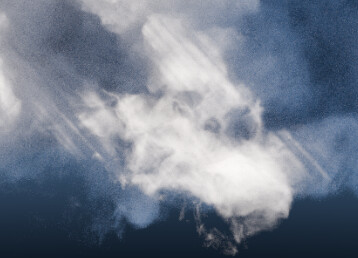
Noisewise it looks similar BUT there are ugly stripes like these
and compared to the Null Scattering render the cloud is now missing details because of the increased step rate (4.5 compared to 5.0):


So for me not everything is worse than before but quite the opposite. Especially not having to fiddle around with step rates to find the sweet spot between unbearable render times and ugly renderings is a benefit in this example. YMMV though.
EDIT: Increasing the Transparent Bounces to something like 128 got rid of the stripes. But again another setting to remember to get good results with the “old” volume rendering.