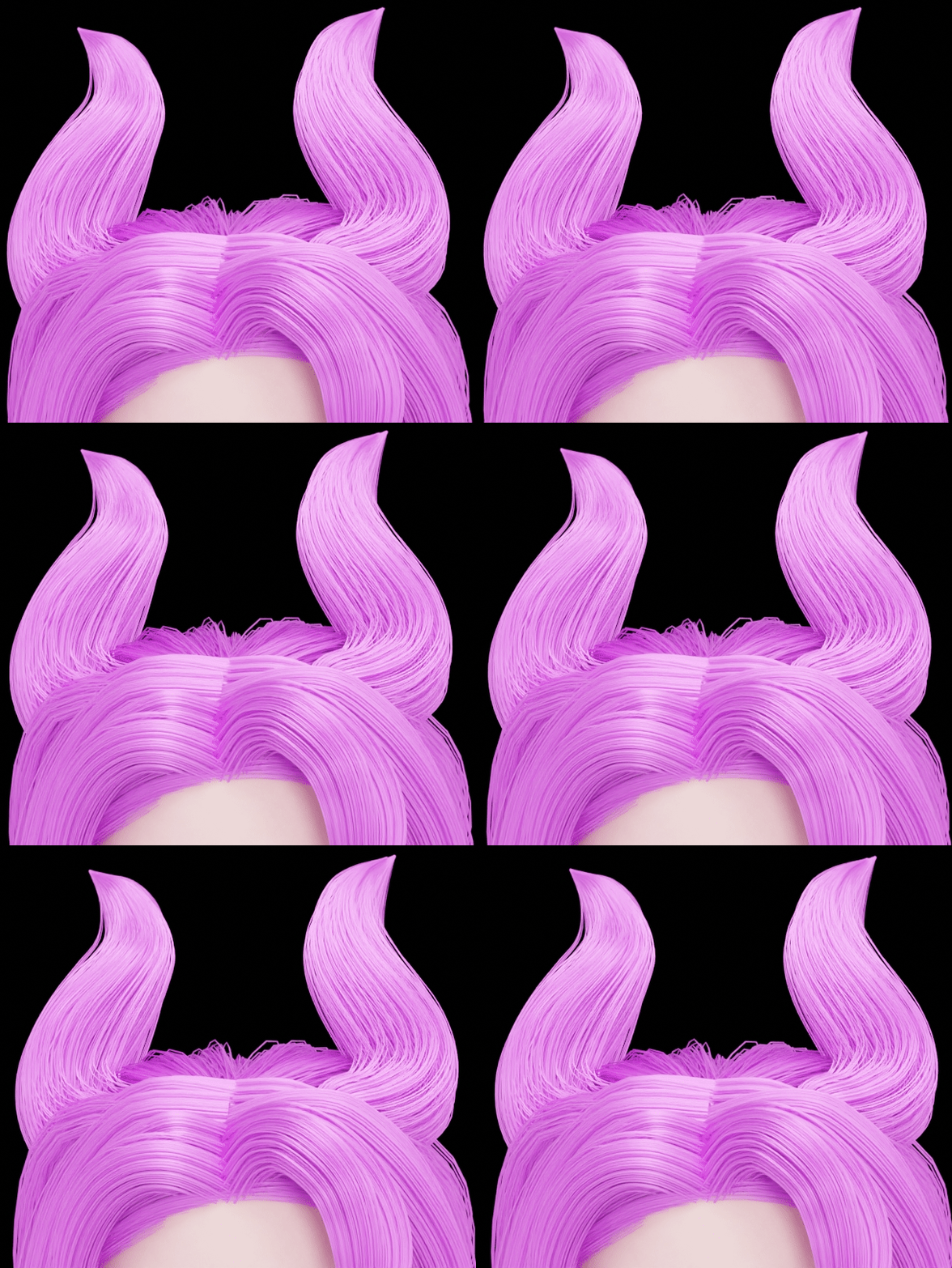
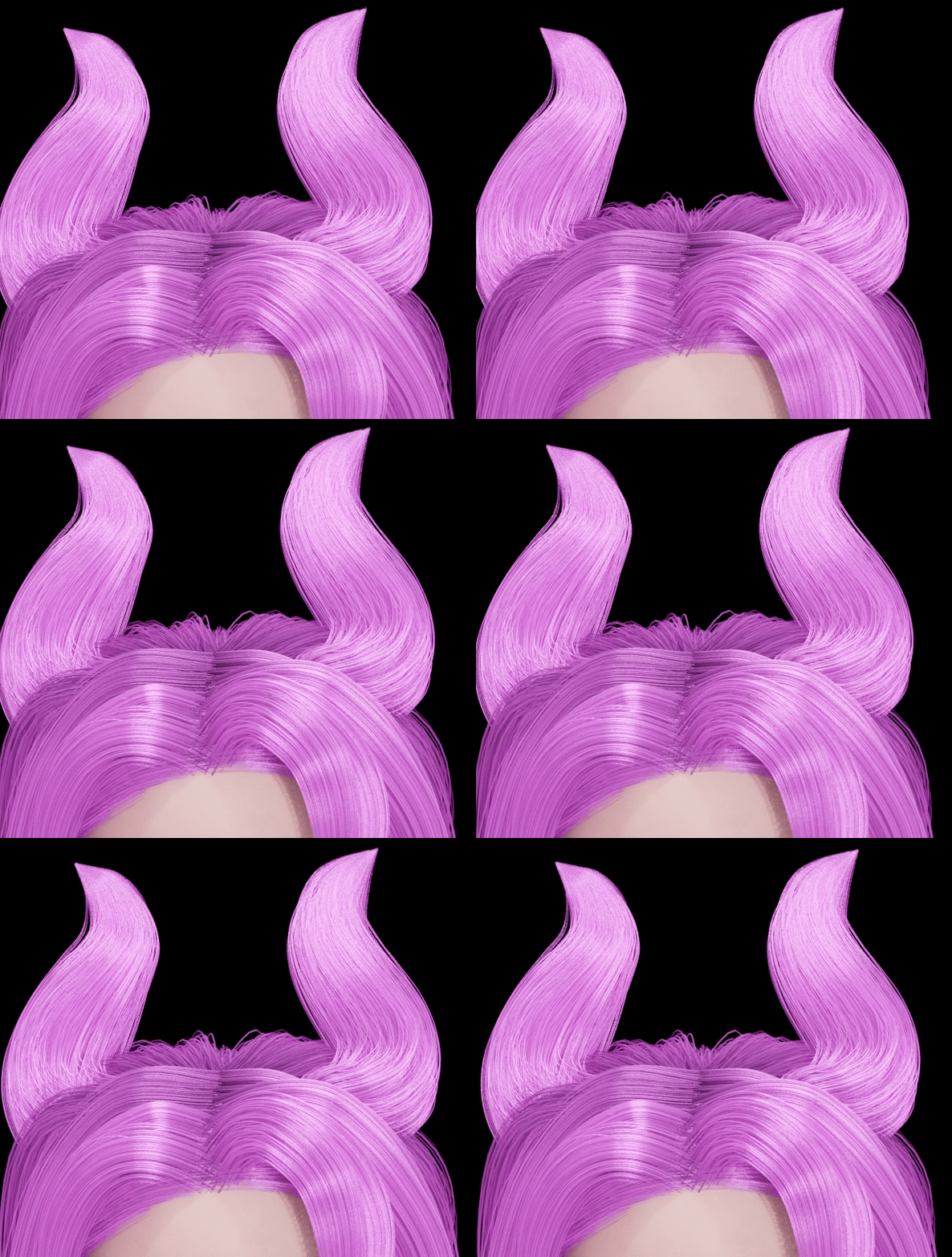
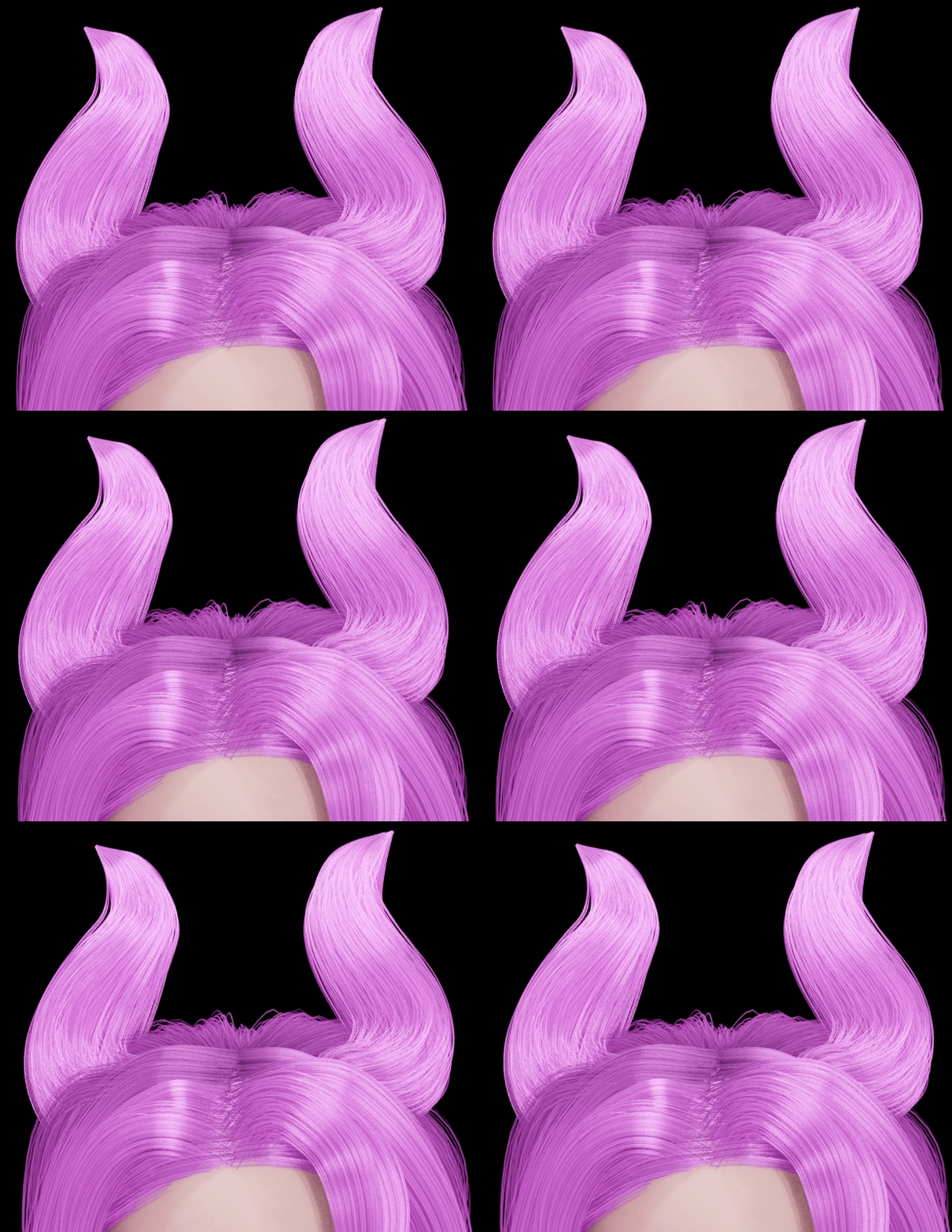
This does look like temporal coherence issues. It’s an infamous problem where the denoiser interprets each frame slightly differently because of slight movements. It’s tends to happen with difficult shading and small details (hair has both).
To solve it, you could:
The brute force method. Render with way more samples / lower noise treshold. If the denoising is minimal or even non-existent, you can’t get those artifacts. This might not always be possible, but if you know compositing, you could render the hair separately from everything else in the scene and give it more samples than the rest.
The double resolution render trick:
1- Set the render resolution to 200%.
2- Reduce the render quality until it takes the same amount of time to render as before (you can get away with this because the extra pixels increase the image’s quality).
3- Denoise and save the image still at 200%. Because of the extra resolution, the denoiser will perceive the fine details more clearly and preserve them better.
4- Reduce the images back to their intended resolution when you edit the video. Even after reduction, the image will remain more crisp and better denoised than it would have been.
This will likely not fully solve the issue, but the flicker will be smaller and less noticeable.
Render in Eevee instead of Cycles. Again, if you know denoising, you could apply this only to the hair, rendering the hair alone in Eevee and everything else in Cycles.
If that is the case, you might be doing something that physically changes the hair strands each frame. Is the problem visible in an Eevee or workbench render? If it is, the hair itself might be chaning and this isn’t a rendering problem.
Interesting, strand hair is just a line of pixels, strip is an actual ribbon with special rounded shading and a real 3D size. This suggests that the hair position doesn’t change, but there is something in the shading that does.
There are a couple of different hair groups, some have a physics sim, but the ‘ears’ on the top just have the surface deform geonode group that makes them follow the head.
If I turn off the animation then the non-simulated parts don’t move and they have a static color without the flickering.
Is there a procedural texture on the hair, like noise or others? Depending on the coordinates you choose for those textures, they can have a fixed world position and the color of each hair could change as it moves through the 3D texture.
Have you tried to render a closeup to see more clearly what’s happening?
For Cycles I just have the Principled Hair with no dynamic variables. For EEVEE I have a slightly more complicated set up that uses the curves info node to slightly randomise the color of each strand and uses the Intercept value to make them darker towards the root.
But I wouldn’t have thought those values change per frame… I guess the intercept could change slightly. But it looks the same as the Cycles result and it just uses the base shader.
I don’t know exactly because the image quality is low.
It looks like it could be an individual movement of the hair, it could be a gloss problem of the hair, or it could be a combination.
I think the way to identify these issues is to zoom in on the areas where the symptoms of the problem are best visible and to check the motion and noise form with slow playback.
In addition to what’s been said, a general bandaid for this kind of issue (will affect the entire image, not just the hair) is increasing your filter size above 1 in render properties->film. This makes it so samples fired from the sensor statistically cover more than one pixel, and results in a slightly blurrier/softer image. I have mine set to 2 for a particular project, but I find 1.5 is generally nice to work with.
We don’t know anything about Jang Myung.
Obviously, there’s noise and it looks like a noise pattern in the rendering, but we don’t know where this noise is coming from.
It can come from the gloss of the material setting, or it can come from HDRI if you use HDRI.
Remove and test the elements that may cause one by one, or if possible, share the file in question.
Test the use of non-gloss material.
Testing the use of monochromatic light sources or environmental lighting
For the attached image, it is a GIF.
GIF is suggesting color information, so there may be noise.
What format is the final rendering in.
Is there any difference between the image we are seeing and the rendered image.
Looking at the render at higher resolution it looks like maybe the issue is that individual hair strands are taking up a different number of pixels each frame depending on their angle to the camera and this is causing a flickering as they rapidly change between 1-2 pixels each frame…
With no direct lighting you can’t see it. With diffuse only material with full lighting it’s subtle but seems to still be there. The less lights I have enabled in the scene, the less noticeable it becomes.
The whole scene is pretty big, but I could cut it down to just the hair and lighting if looking at the blend would help.
Actually it seems most of the noise is coming from the World HDRi, I rendered it super close with 2fps
No World but full scene lights: body-1lit0010-0030.mkv (1.8 MB)
World and Sceen Lights: body-lit-ful0010-0030.mkv (1.9 MB)
But the HRDI noise is only when super zoomed in. Even without the HDRI on, I still get the other noise when zoomed out
moving moire (high frequency detail beyond what the image can resolve). the pixel filter is set to 1 which isn’t the default (1.5) meaning the image is extra sharpened and exaggerating this effect.
hair shading has transmissive, diffuse and specular components that each need to be sampled. samples aren’t stuck to surfaces, so when the object moves through space the sampling changes. without sufficient samples this reads as splotchiness
in eevee shadow map resolution can cause a stepping effect.
the above can be exacerbated when a denoiser tries to make sense of it