“#real size” is not a command to input at the time of import, but a command to input after the import is completed. So there is currently no need to enter more than one command.
However, we may need it in the future, so we will prepare for it.
Ah, I understand. Thank you so much!
That’s great to read, Mitchy. I’ll be keeping up with the progress on here until then. Thanks.
hello, how can i buy the plugin? looks like its not available in gumroad, can i buy anywhere else?
Please wait for a while.
We’ll let you know once we’ve published it.
Hello
I have two questions.
1.Cycles Render cause Blender crushed
Using DAZtoBlender8 v1.93 case.Cycles Render cause Blender crushed.(Eevee no
problem) Please let know how to fix.
Using DAZtoBlender8 v1.83 case.Cycles and Eevee Render no problem.
2.Gen do not appear in Blender(Golden Place and New Genitalia for V8)
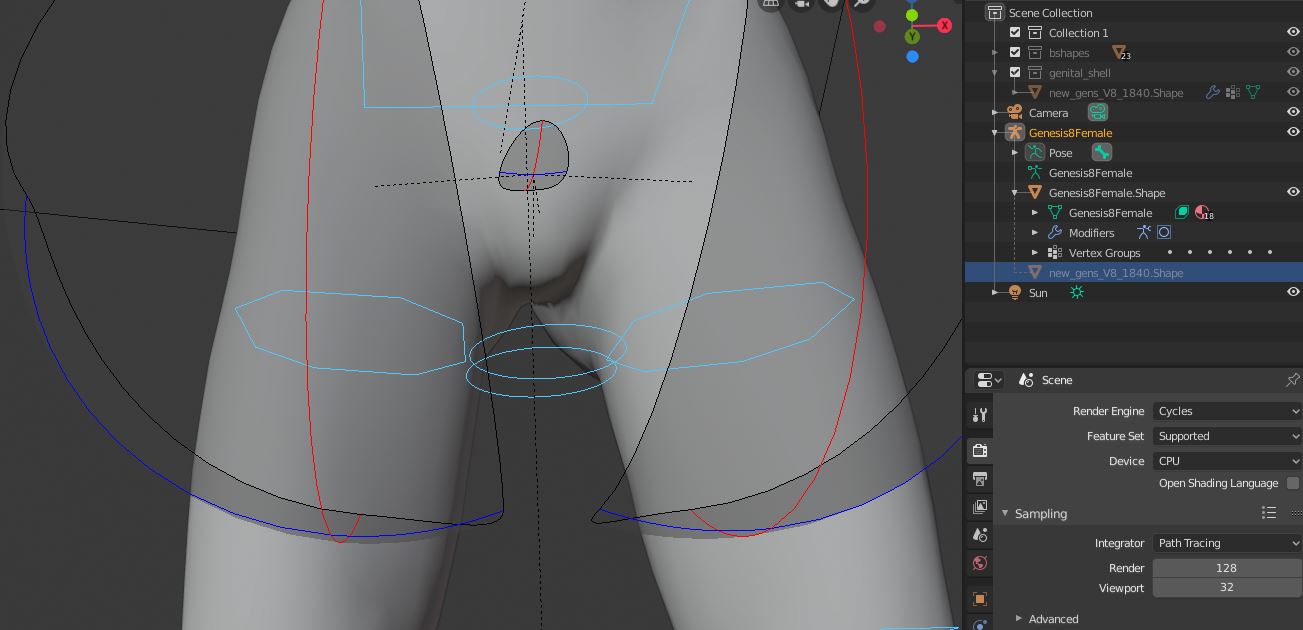
3.‘#get pose’ never work
Please let know how to fix.
Thank you
Hello, is this add on works on Victoria 4 and Michael 4 ?
This add on for G8F or V8.
Hey Mitchy, thanks for your support!
When I import a G8 Male model with 1.9.3.4 i get some deformations on the arms when i convert the rig to rigify. I also notice that the glans of dicktator is also getting some wired deformation. Even worse when i move the character. I have the same model imported with an older version( should be 1.7 or earlier) . With this file rigify works fine. Even with 1.9.3.4 so the export must be the problem?!
Hello Fvgv.
I’m sorry for the late reply.
Will you attach the problematic Blender project file to the email address mentioned in the manual and send it?
If you have too much space, please use Google Drive etc.
There was no problem in my environment.
Could you please send me a screenshot of the problematic scene or the Blender project file itself?
Hey Mitchy, I was just wondering if we could get an update on when your addons will be available for purchase again (I noticed that they aren’t for sale on Gumroad anymore).
My theory is that you’ve made a deal with Daz to publish your addons on the Daz store (which would be great). Am I right? 
Hello Mitchy,Thank you your reply!
I noticed that this issue is due to the location of the file installed.
I installed Dazstudio on Ddrive.Not everything has improved, but I’ll try a little more mysel.Thank you.
Hi Mitchy, i send you a pm with pictures.
Hi Mitchy,
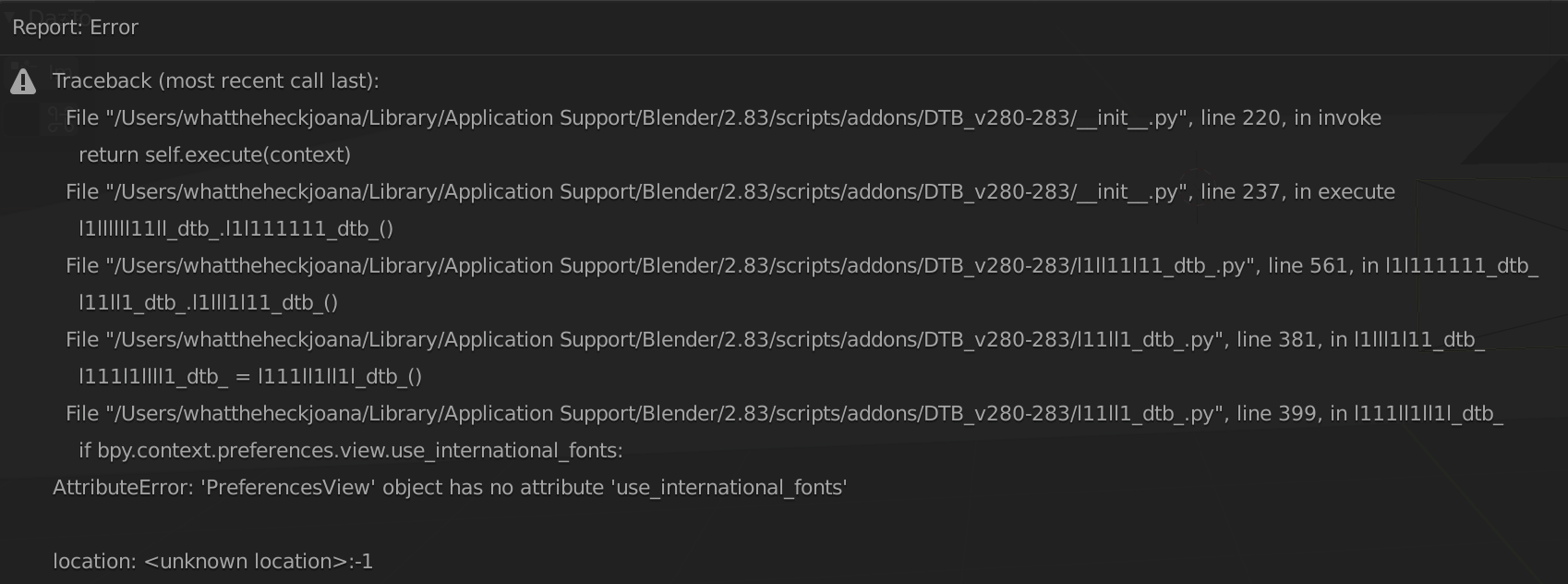
I really apprecite your work. Thank you so much for putting in this time! I have been learning to use your add on and it has been previously working fine for me. However - I have just downloaded Blender 2.83 and Keep receiving the below issue. I have activated the auto Python script… Hope that you could guide me in the right direction! I’m attaching the screenshot of the error below 
Arigatou gozaimasu!!
Mitchy, now it is clear why you’ve removed your gumroad sale😂
https://www.daz3d.com/daz-to-blender-bridge
Congratulations!
3 Likes
Nice! Thanks for sharing!
You seem to be using a fairly old version.
The latest version can be downloaded here at DazToblender Version 1.9.6.5.
https://www.daz3d.com/daz-to-blender-bridge
It is now available for free!
Click here for the manual!
https://drive.google.com/file/d/16helhf0K9RDGt_45rvoG1fy8rXG0JXNI/view?usp=sharing
3 Likes
Hey Mitchy. Just curious. Why did you decide to release it for free?
2 Likes
Hello, Mitchy. Thanks for the wonderful addon/bridge. Since the addon is open sourced any chance you will release a patch or addon to reintroduce porting of meipes genitals?