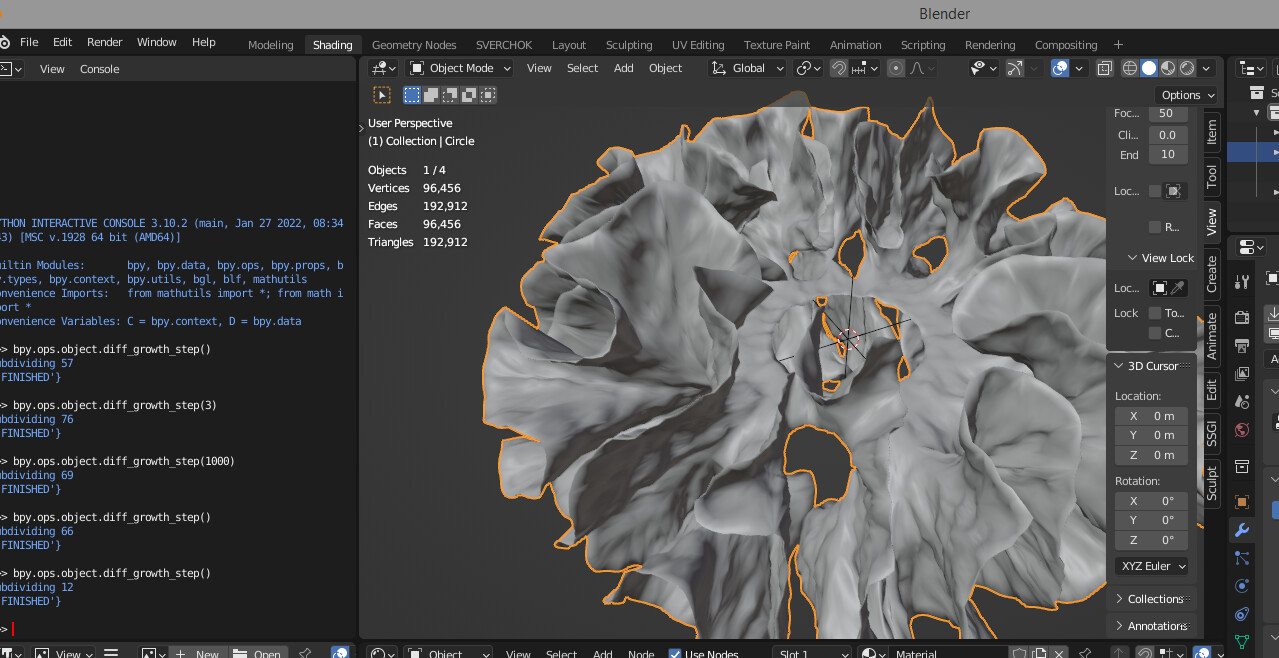
I’m excited to add my humble contribution to the community. Meet Differential Growth Addon — a procedural mesh generator that produces nice curly organic shapes.
A couple of examples:
If you like what you see please check out the tutorial video and let me know what you think.
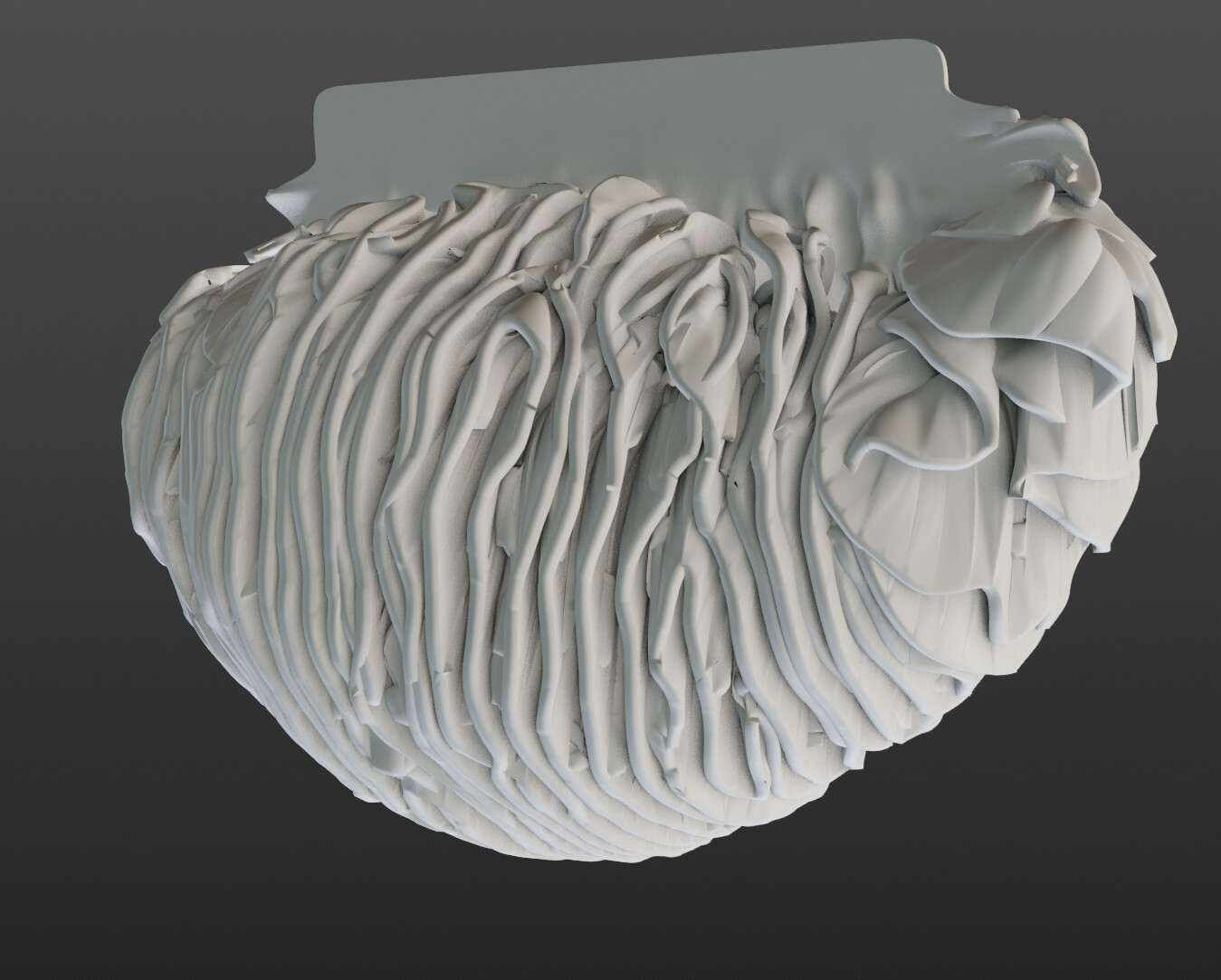
It also doesn’t have to be a flat shape. Just to give you folks some ideas, here are some 3D-printed pendant lamp shades which I created with this very addon:
Yep, it can be slow (or even hang as per my note here), especially if:
the repulsion radius is too high with very high resolution (means more vertices are processed for calculating a single vector — O(N^2) + k-d tree performance cost)
the number of vertices is generally high; on my machine it becomes sluggish at 50-60K vertices and outright slow when above 200k vertices or so, and applying subdivision surface on top can take a few minutes)
I currently don’t know of any reasonable workarounds, but lmk if there are some things to try.
Yep, still watching the development of geonodes; at the time of writing I can’t see how to fit the simulation based algorithm (i.e. each step depending on the result of a previous step) into a node model (i.e. a function executing right-to-left); plus the tools for working with topology aren’t nearly as powerful as Python’s BMesh. But I keep looking.
Hey @Boris_Okunskiy, I just discovered the addon and I love it! I was thinking, this plugin would fit perfectly into the simulation nodes framework that’s coming with Blender 3.5. Do you have any plans of extending this addon in the future?
Hey Simulation nodes is a definite game changer. It feels like everyone could do something similar to what my addon is doing by simply putting together a few nodes.
That being said, one potential blocker is the adaptive edge subdivision; the algorithm relies on being able to insert new nodes (analogous to cellular mitosis from where the whole “growth” part emerges), and the results you see are largely possible due to a nice topology created by the addon. This functionality definitely exists in Python APIs, but I haven’t seen anything similar in the nodes just yet.
On that note, does anyone by any chance know whether there’s any development planned for adding selective edge/face subdivision nodes?