Hello,
I always find myself switching to tweak tool and sometimes i move the model with the click slightly and i realize this later on when i cannot undo anymore.
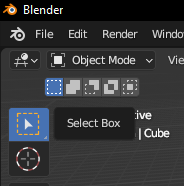
I dont use this tool at all. But to switch to another selection mode i have to go through this. Also i have a few shortcuts tied to the button+w which sometimes enables this by accident.
I am wondering if there is a way to disable “tweak”?
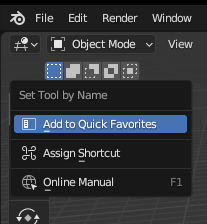
But these buttons didnt change the functionality of the select tool. it didnt do anything to be honest.
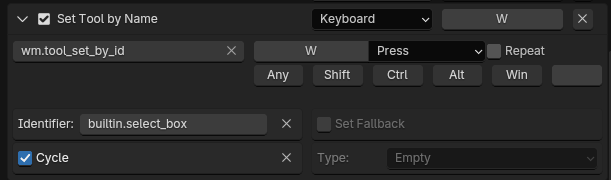
But i did find the button responsible for select tool. But unfortunately i can only enable or disable the whole button or stop it from cycling between select tools. I dont want neither of them. I just want to remove “tweak tool” out of the cycling tools.
The W shortcut drives me nuts too. It’s the only shortcut I always have to disable.
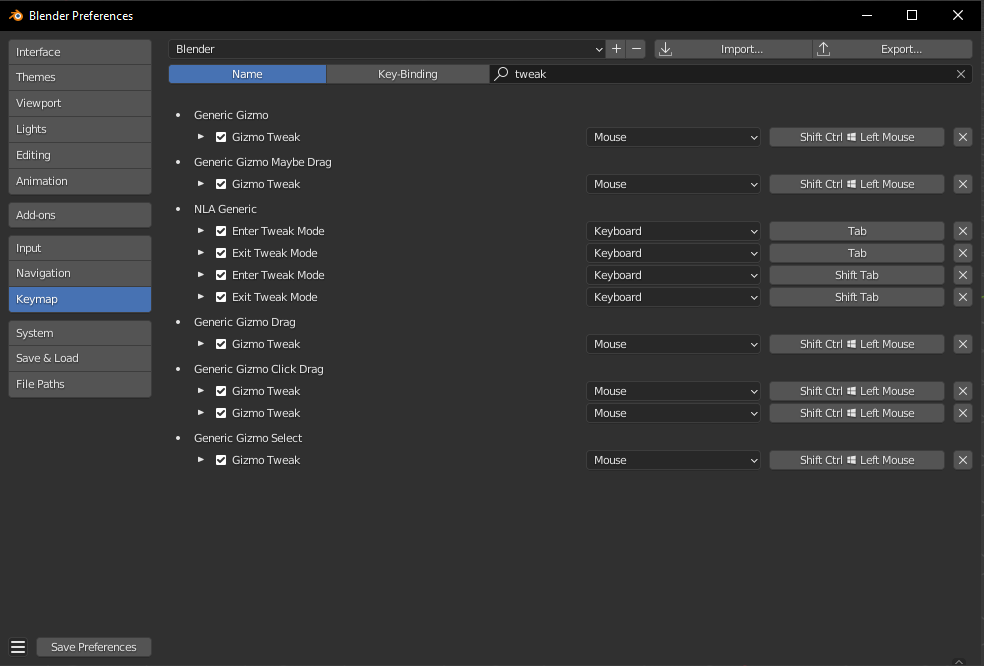
To make the W shortcut stop working, go to keymap settings and search for “tool by name” (its select tool by name or so) and disable it by unchecking the checkbox everywhere.
You can still access the tools via the left toolbar, with the alt-W or the shift-space shortcut.
I have machin3tools workspace switching on W instead. It’s great.
I just realized the project i was working on and was planning on mirroring to the other side was actually wasnt centered. Cause i moved it by accident in the past.
This has happened to me so many times.
Cant do without the select tools but cannot remove the tweak tool is a pain. Hope they come up with something soon.
Fun fact- things work exactly like you want if you use RMB select, but that will likely introduce a whole new set of problems unless you’re weird like me and prefer it
You could do put the tool pie menu which is on alt-w on w instead. Then, when pressing the w key you would be confronted with a pie menu for selection modes. You would not accidentally get the tweak tool by accident then.
Michael Colina made this addon. Works well, and you can tweak it as I did (if desired) to choose which selection modes cycle on the keypress. (I made it cycle between tweak and box, so whichever ones you like or don’t want.)
Thanks to @thorn and @Jumbee for the original idea! I’ve updated the script into a full addon that includes an Addon Preferences menu to toggle which selection tools are active in the ‘W’ cycle and set your preferred default tool on startup. I’m attaching the updated .py file here for anyone who wants to use it.