Welcome  …
…
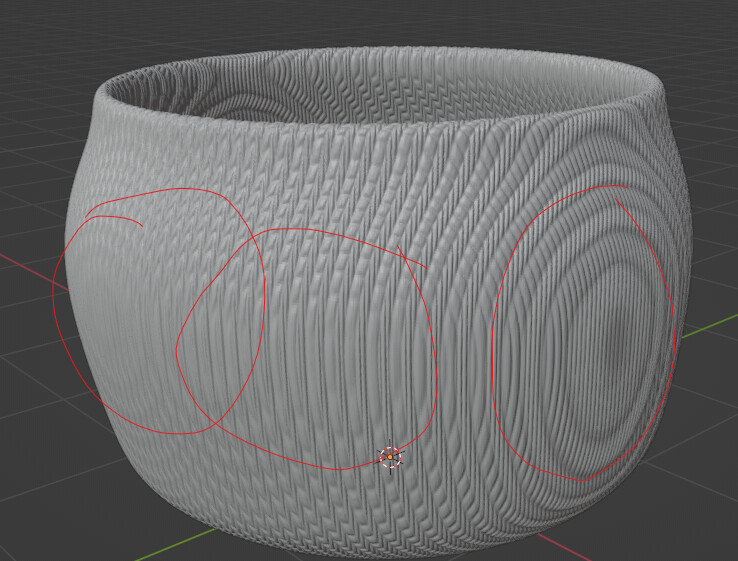
…it seems you are using object (or world) coordinates for mapping and no UV’s irrespectivelly of displacement ?

So you have selected object coordinates of the cube for your cylindrical object… what do you expect this to do even when using custom normals… of the cube… ??
idk, im new to this so im just throwing everything at the wall
I don’t know what material you used?
If you used an image, try using UV. 
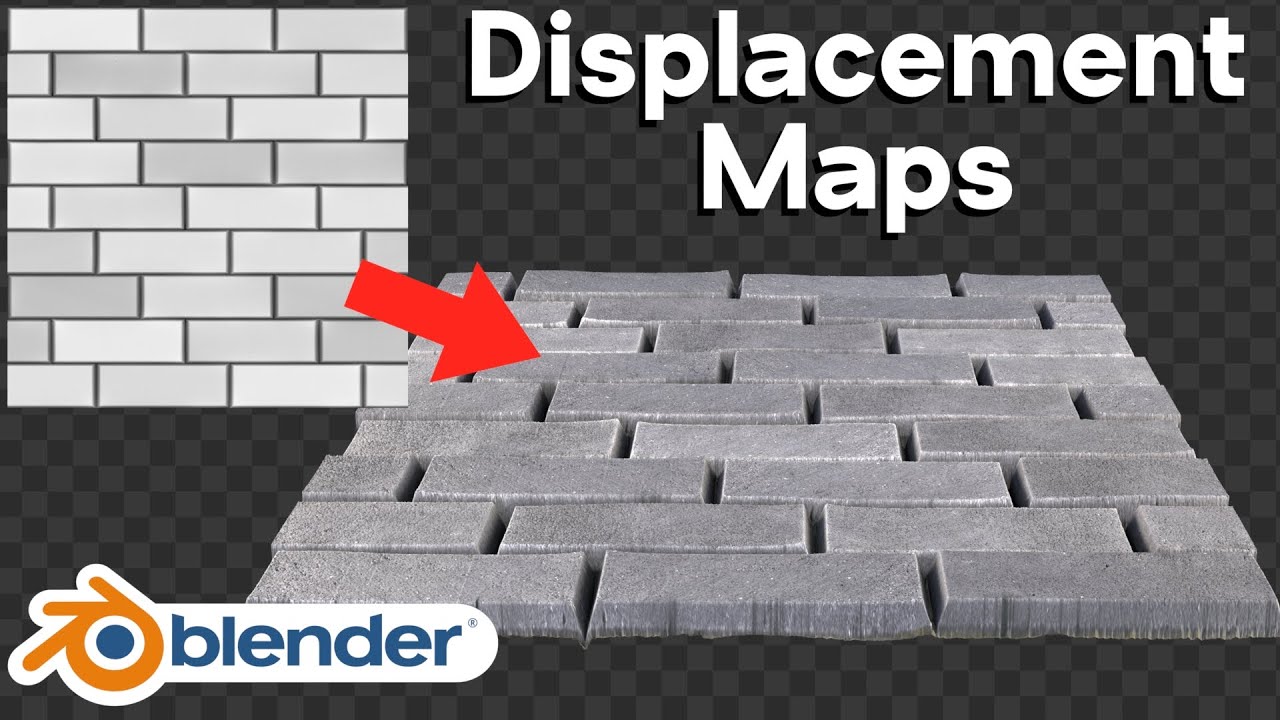
But… you have to know what you want to do and also which techniques does what… so i suggest some basics like for example (or any other found with search words: blender displacement maps ) :