I can’t, for the sake of me, figure out how to make these thing stay on top of eachother. No matter the shrinkwrap, or the solidify modifier, they keep colliding with eachother.
In addition, the solidify modifier make it look weird, maybe I messed up the order but should I even use it?
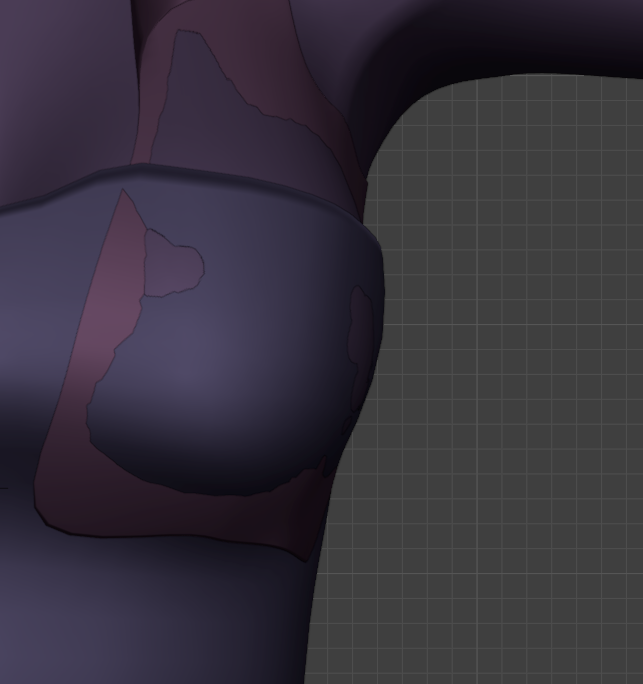
Have you tried playing with the offset feature in the shrinkwrap modifier?
I’d love to see the .blend file so I could give you a more specific fix.
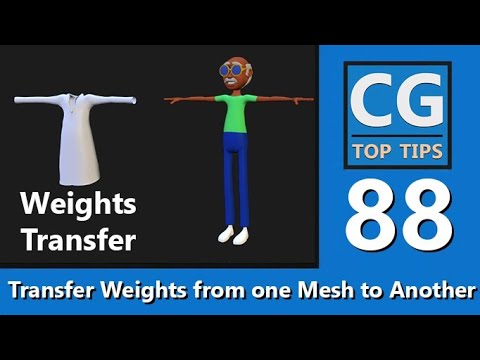
Try Transfer Weights.
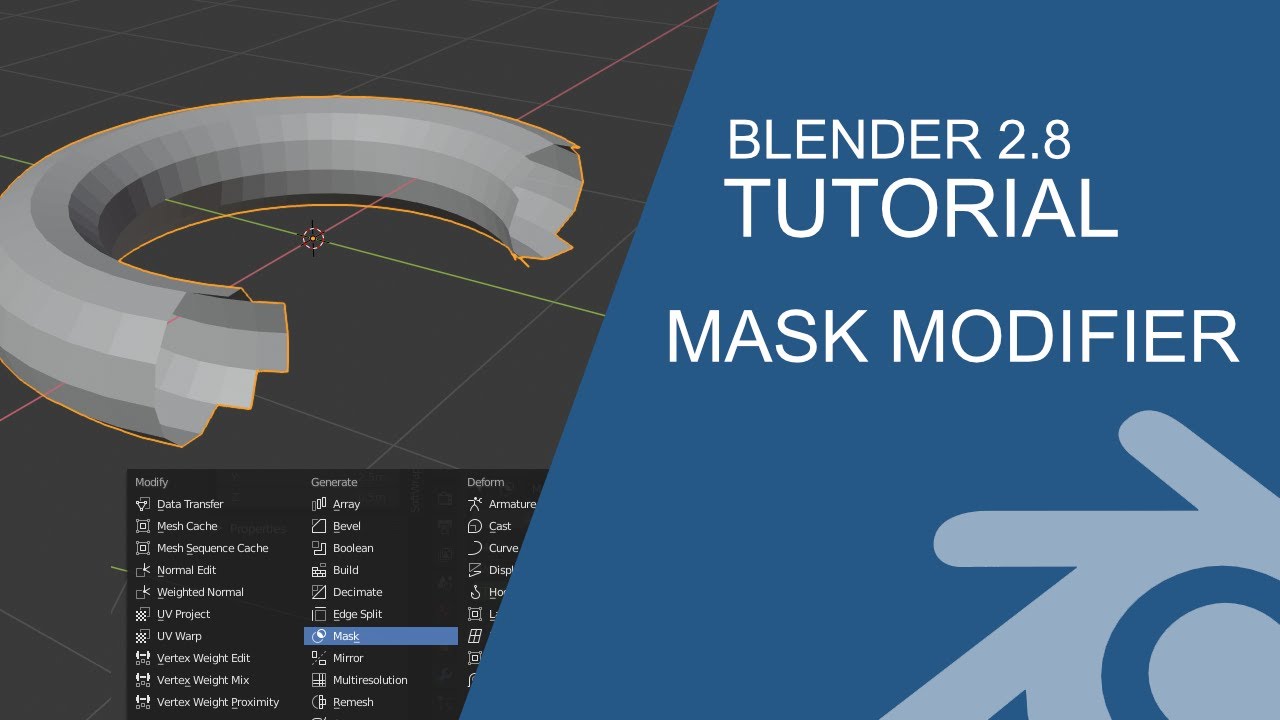
Alternatively, you might want to use Mask Modifier to hide disturbing meshes.
Add…
I think there should be a mention first about whether this is an animation or modeling. 
If it’s a problem with modeling, it might be because the Face Normal direction is wrong.
Some faces may be flipped during the modeling process, and in this case, using a solidify modifier, some areas may act the other way around.
Also, since modifier is related to the size information of the object, the scale must be initialized (Ctrl+A) to work normally.
it does work for the shirt underneath but what about the other one? Maybe I’m overcomplicating it, but I was planning to make it adherent to the model’s skin on the upper chest, then doing the same thing on the beforementioned shirt.