I’ve created some edge wear on this sash window, however, i would like it to affect the higher parts of the wood grain (and the higher parts of the cill stone texture) not just the object edges. How would i achieve this?
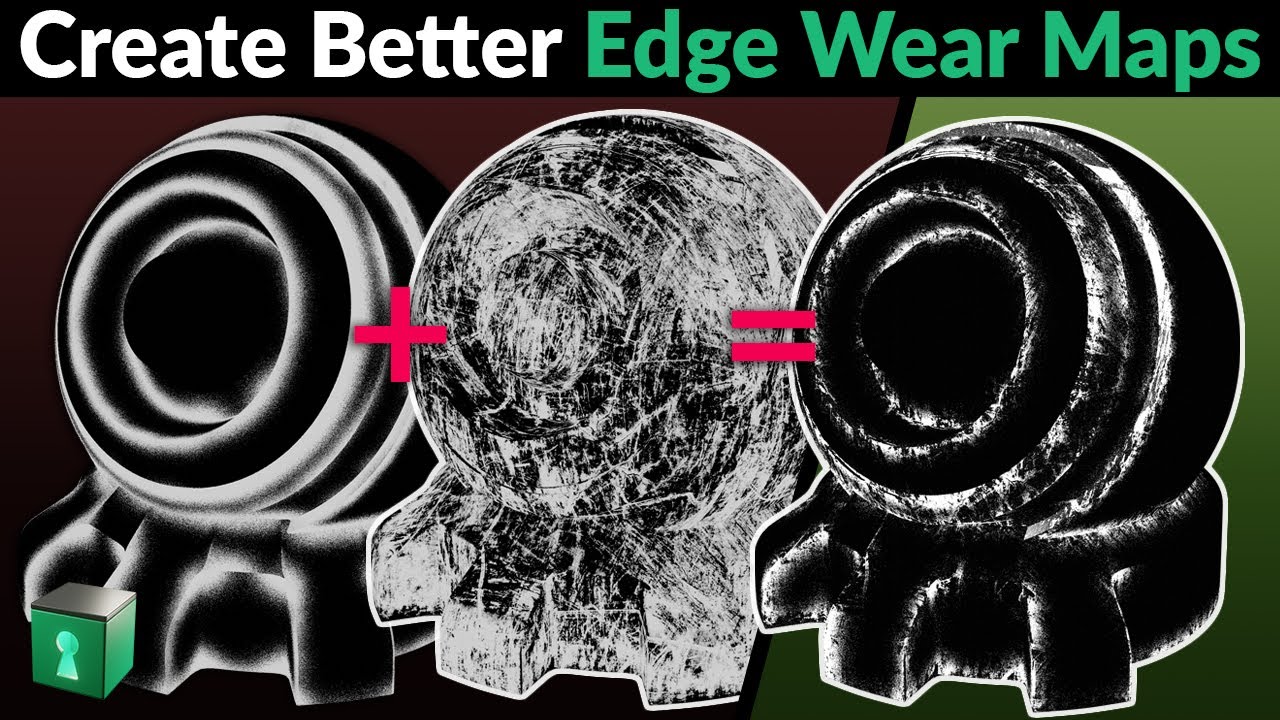
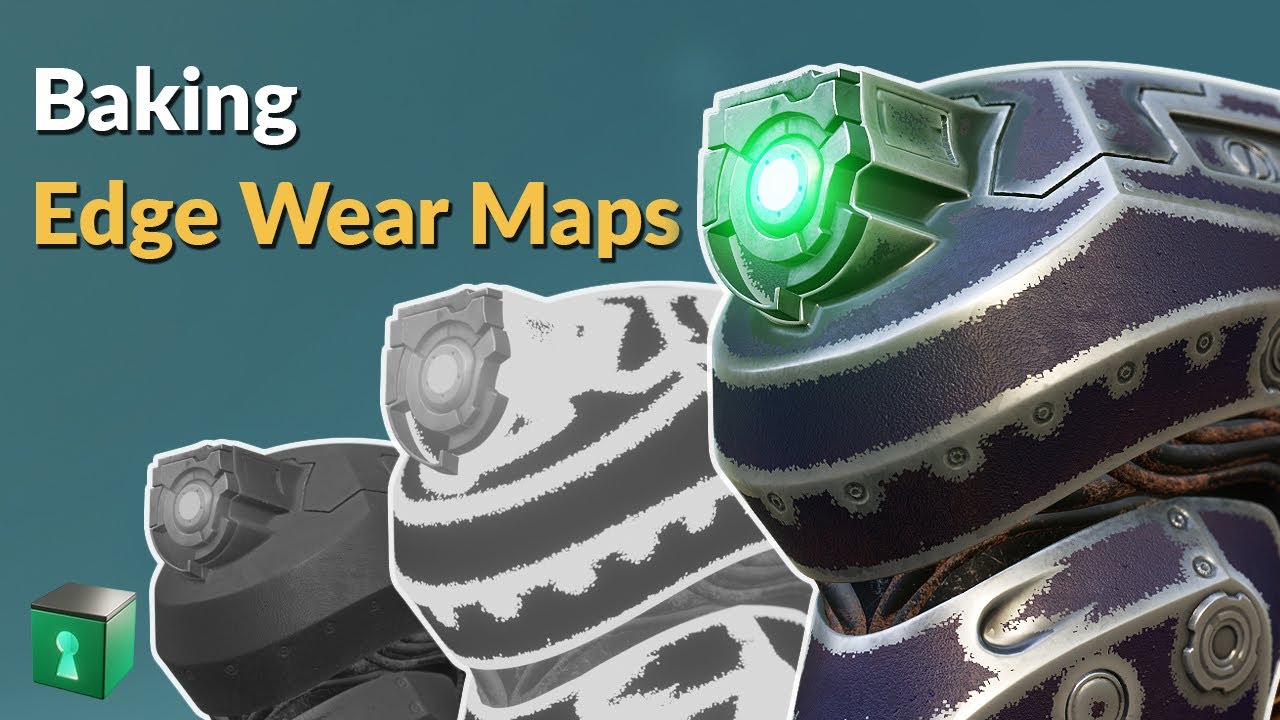
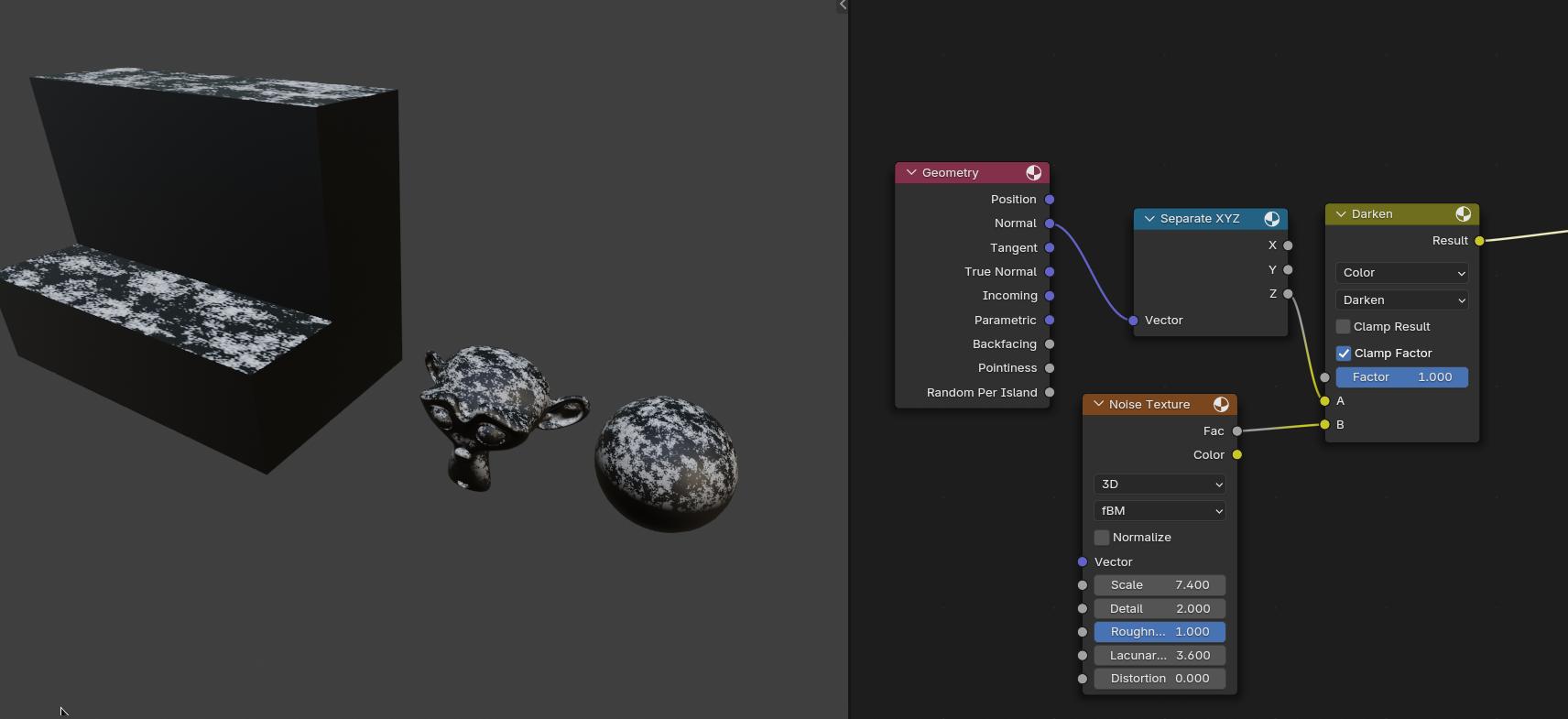
Since your using cycles, this would probably help you out a bit. If you’re planning on using it in Eevee, you could bake out the resulting mask to a texture.
As for it effecting the higher edges of your window, you could combine the above with a gradient map mixed with some noises to achieve the desired results.
I would’ve gone a little more indepth, but I since I was interrupted about halfway through typing up my response, you ended up with that disjointed mess above.
Anyway, if you’ve got any questions, feel free to ask.
However, i’m trying to get some edge wear on the grain itself, rather than just the object edges. I’m guessing i would have to use the bump map somewhere!
You’re looking right at it in the post above. Instead of using your bump map, I took the greyscale noise you fed into your bump node, ran it through a color ramp, and hooked that to the base color.
You could do something similar, provided you have a good greyscale heightmap to work with.
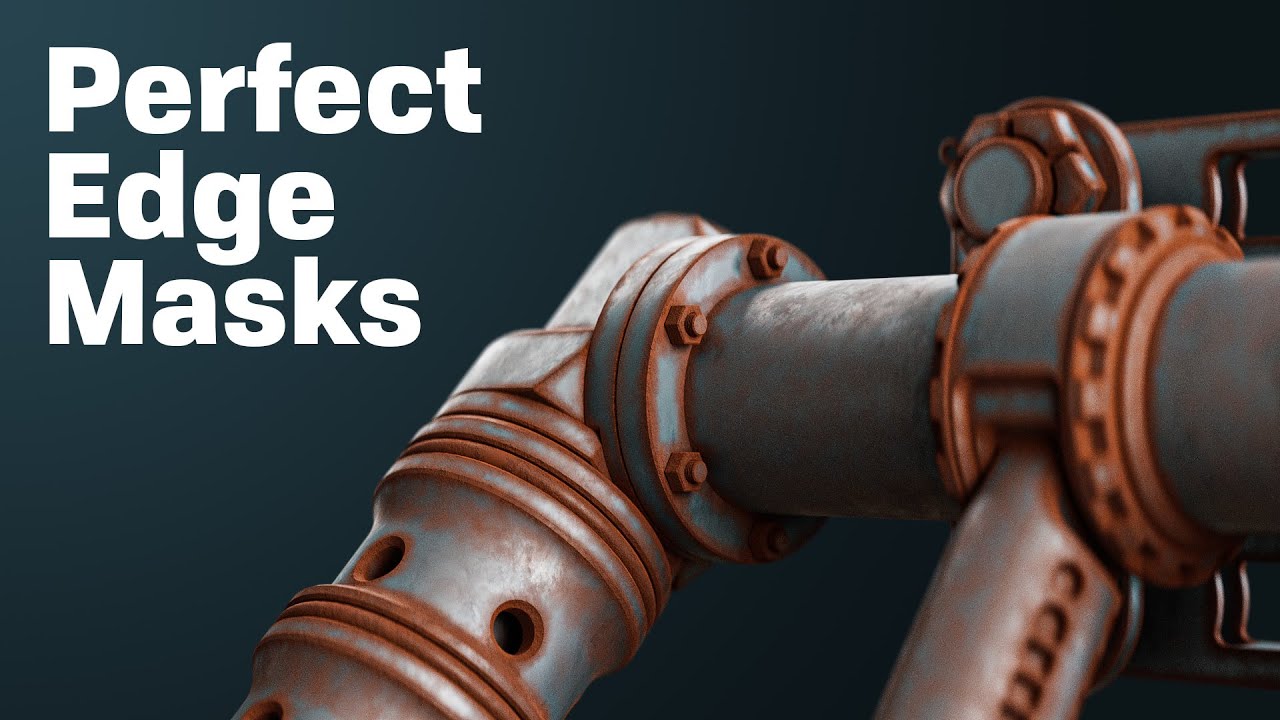
Think of what you’re doing as using the heightmap to fill in your various bits and bobs. Like for the pipe above, you wanted the rest to be in the crevices, so you took the blacks on heightmap, turned them to rust red, and use the whites as the untouched metal, which were grey. Then you just moved your handles around until got the blend you wanted.
You’d need a little more varieties of colors for a wood with peeling paint texture (which is what I’m assuming you’re wanting to do here). The way I’d do it is that I’d take a flat whitish texture for the paint, a wood texture (obviously) for the underlying wood, then I’d use the heightmap you’re driving the bump with to act as a mask to blend the two together. Your blacks would be where there’s no paint, and the whites where there are. Since peeling paint tends to be pretty stark, I’d set the color ramp to constant for sharper divisions.
For the extra chippage, I’d use a tweaked out voronoi texture, stretched a bit on X, to get some more randomness in there.
Basically, try to figure what kind of mask you’d need to get a paint and a wood texture to look like the image below.
I Initially plugged it into the normal map. I didn’t have a height map so I turned the colour map into grayscale and used that. Wasn’t specifically after chipped wood (might add this later) but slightly distressed with the higher parts more worn looking. Here’s result;