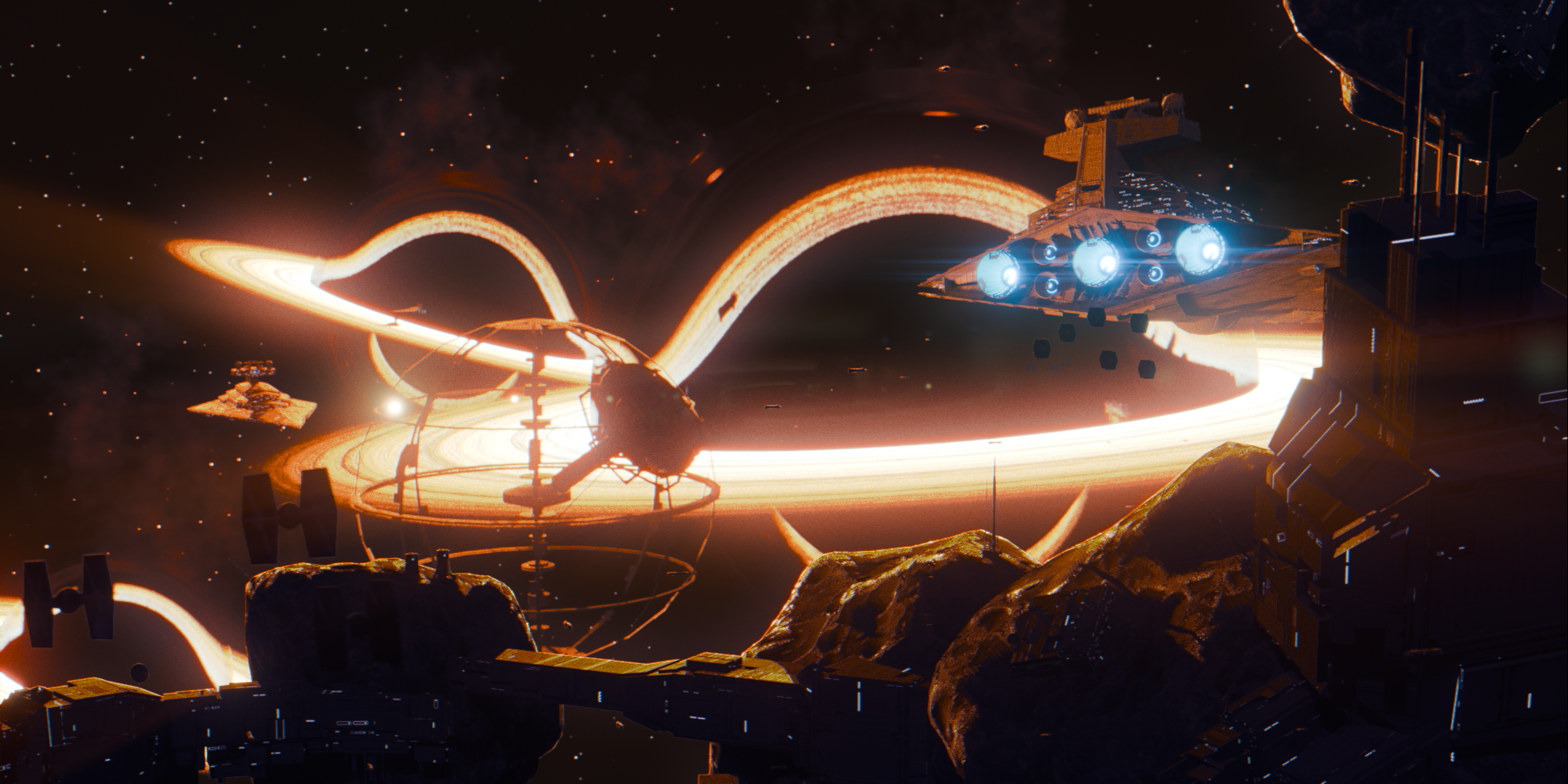
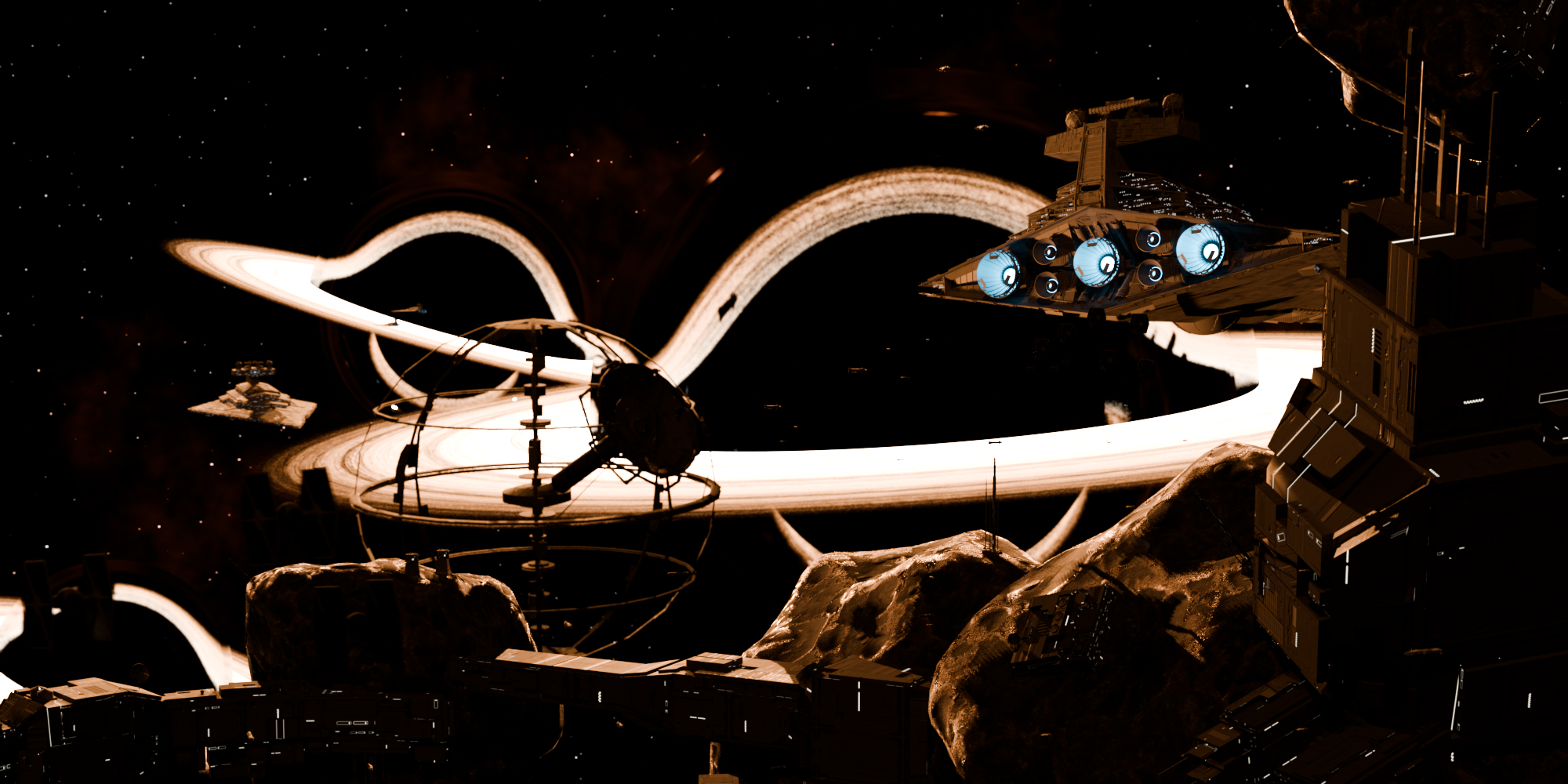
Using blender’s Eevee I wanted to create a semi “realistic” black hole model and material and to show off the shader I created a scene based of Star Wars’ Maw Installation (also inspired by this great artwork: ArtStation - The Maw Installation)
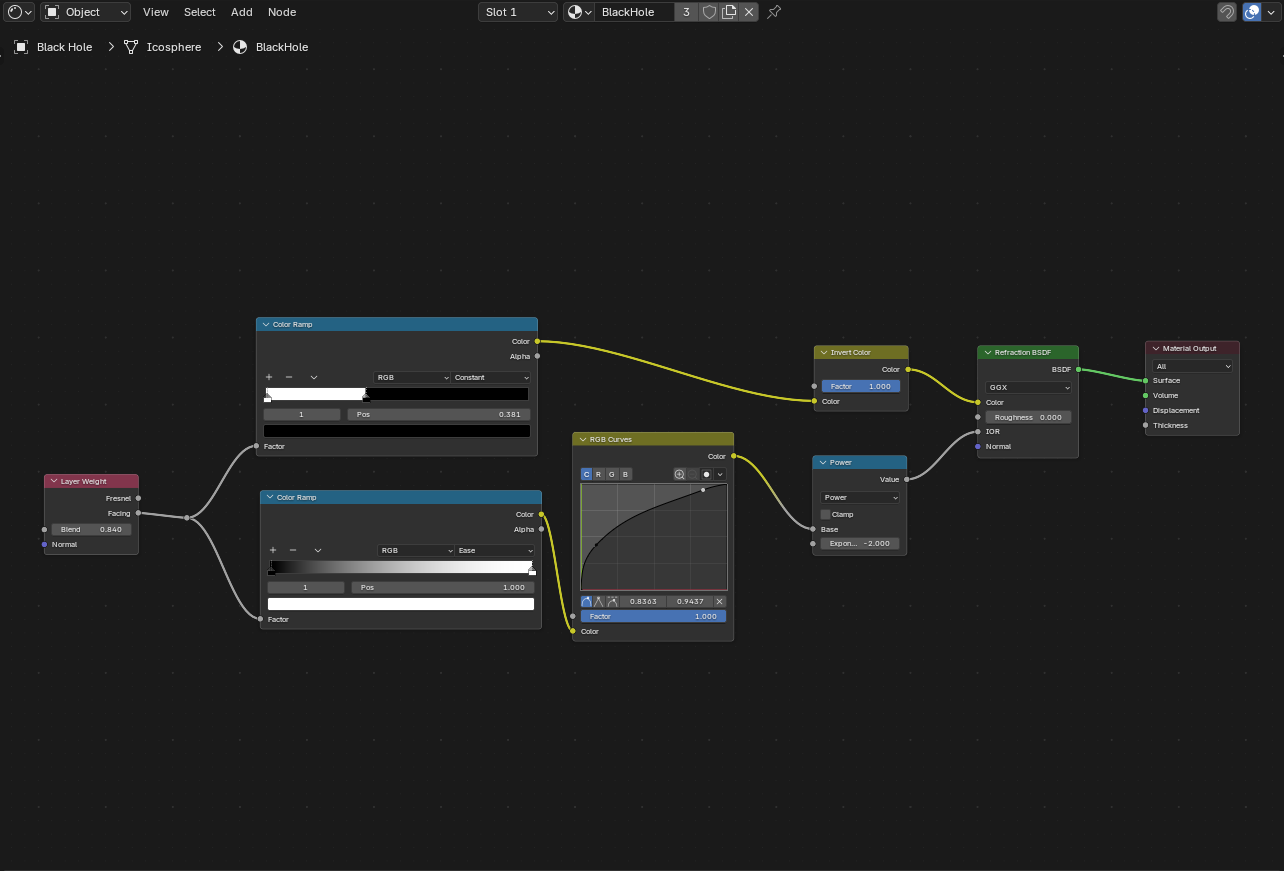
The actual black hole is pretty simple. It’s just a layer weight plugged into a math node set to power with a negative exponent which is then put into the IOR of a refraction shader:
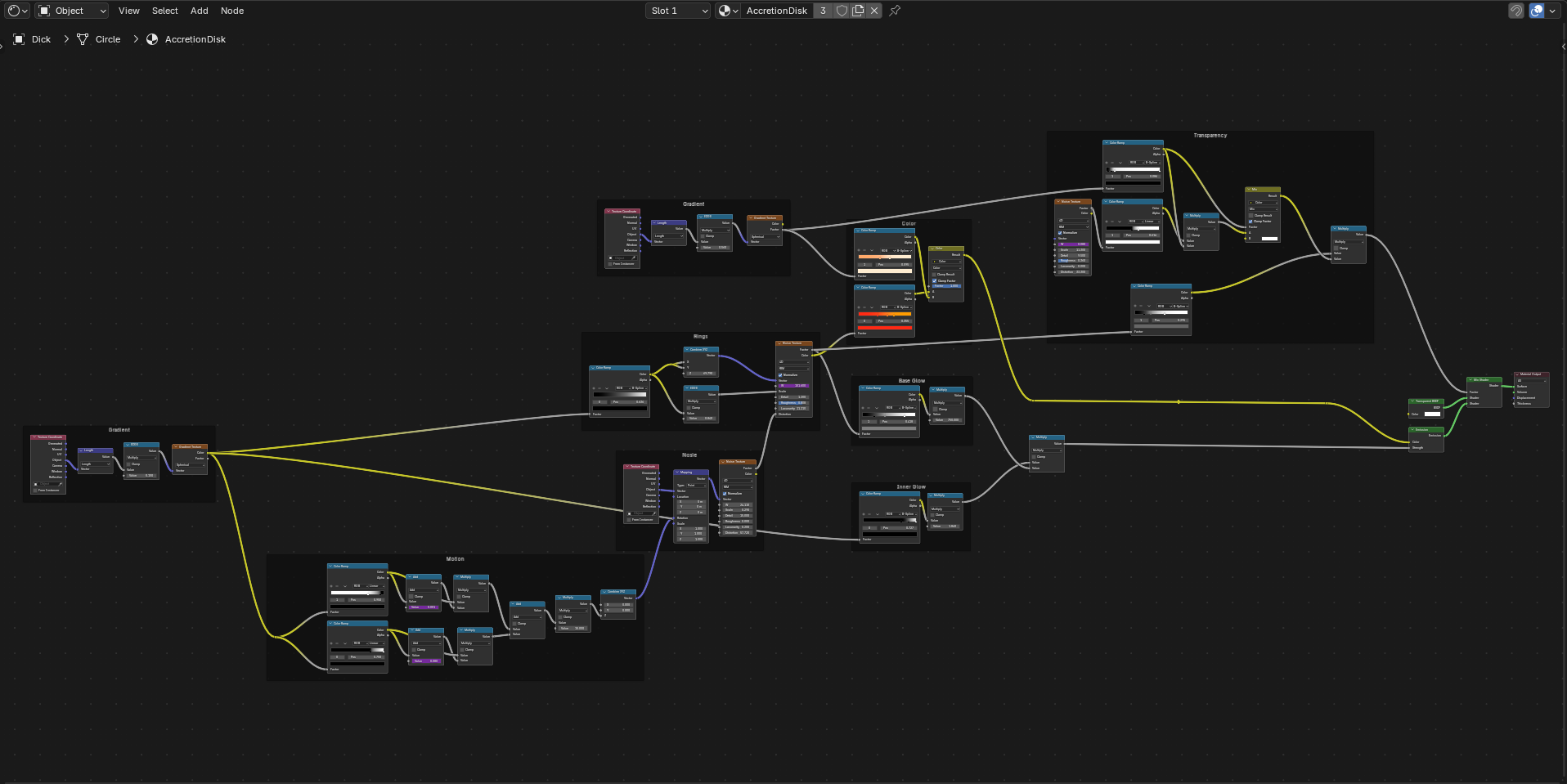
Next is the accretion disk which uses the length node to create a gradient from the center of the object. That’s then used to fuel the noise rings, color, and emission intensity. I tried to use that gradient to also have different speeds of rotation based off of how far it is from the center. I did this by having the gradient multiplied by to sperate factors (determined by a frame driver) which are then added together and plugged into the z axis rotate of another noise texture that is plugged into the noise rings distortion:
Here’s are all the renders I made using this black hole shader
A short animation of the Maw Installation:
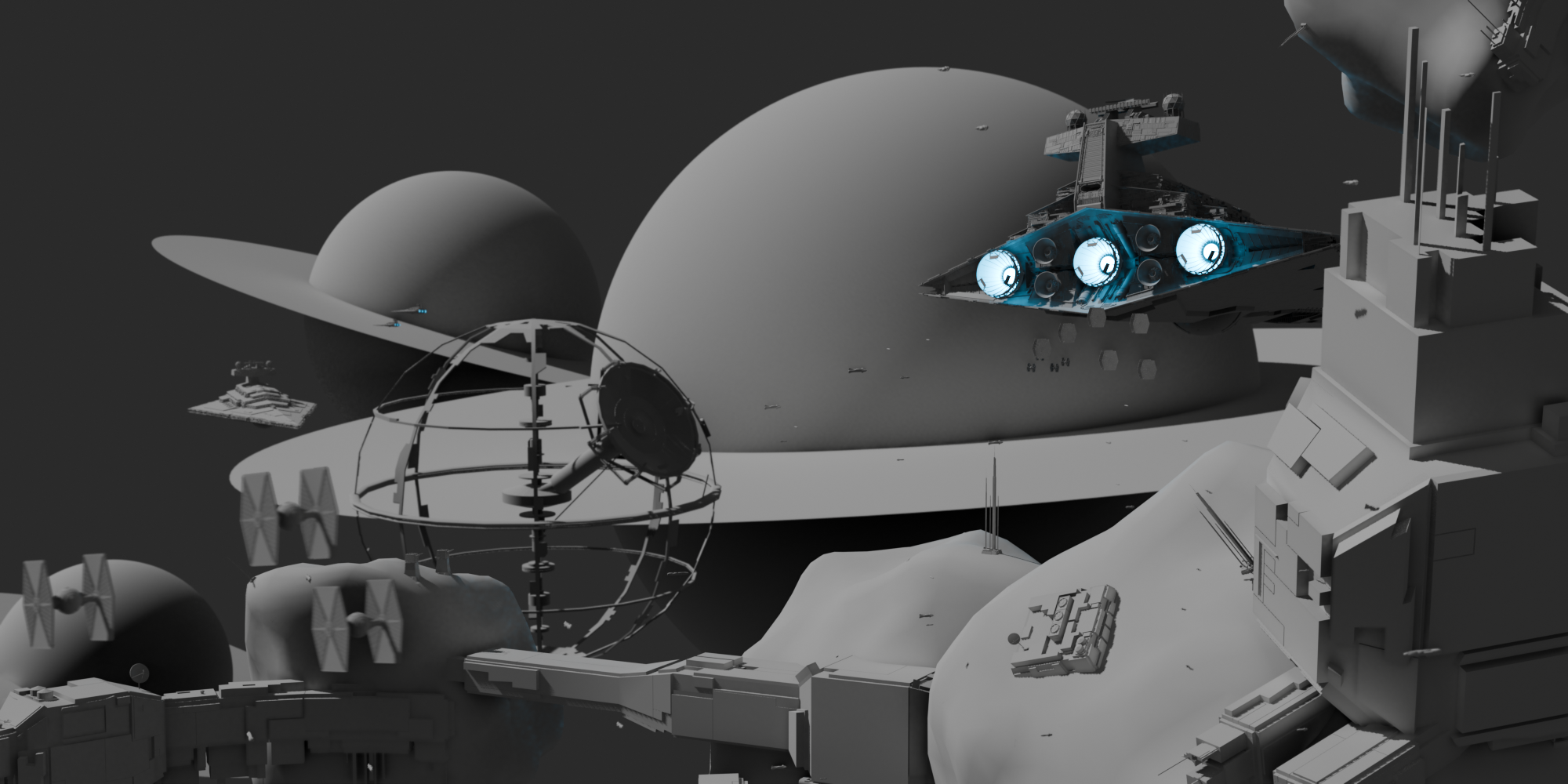
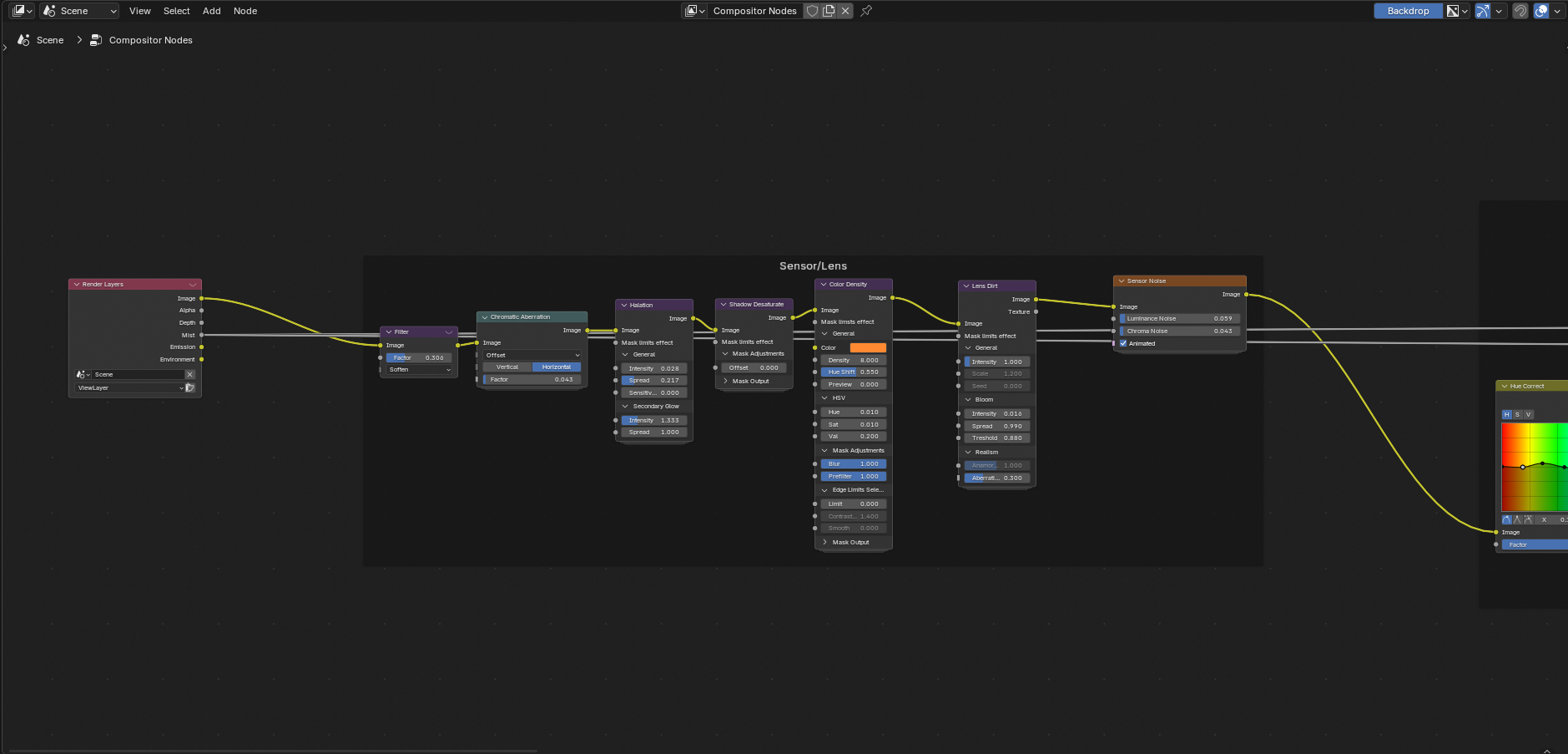
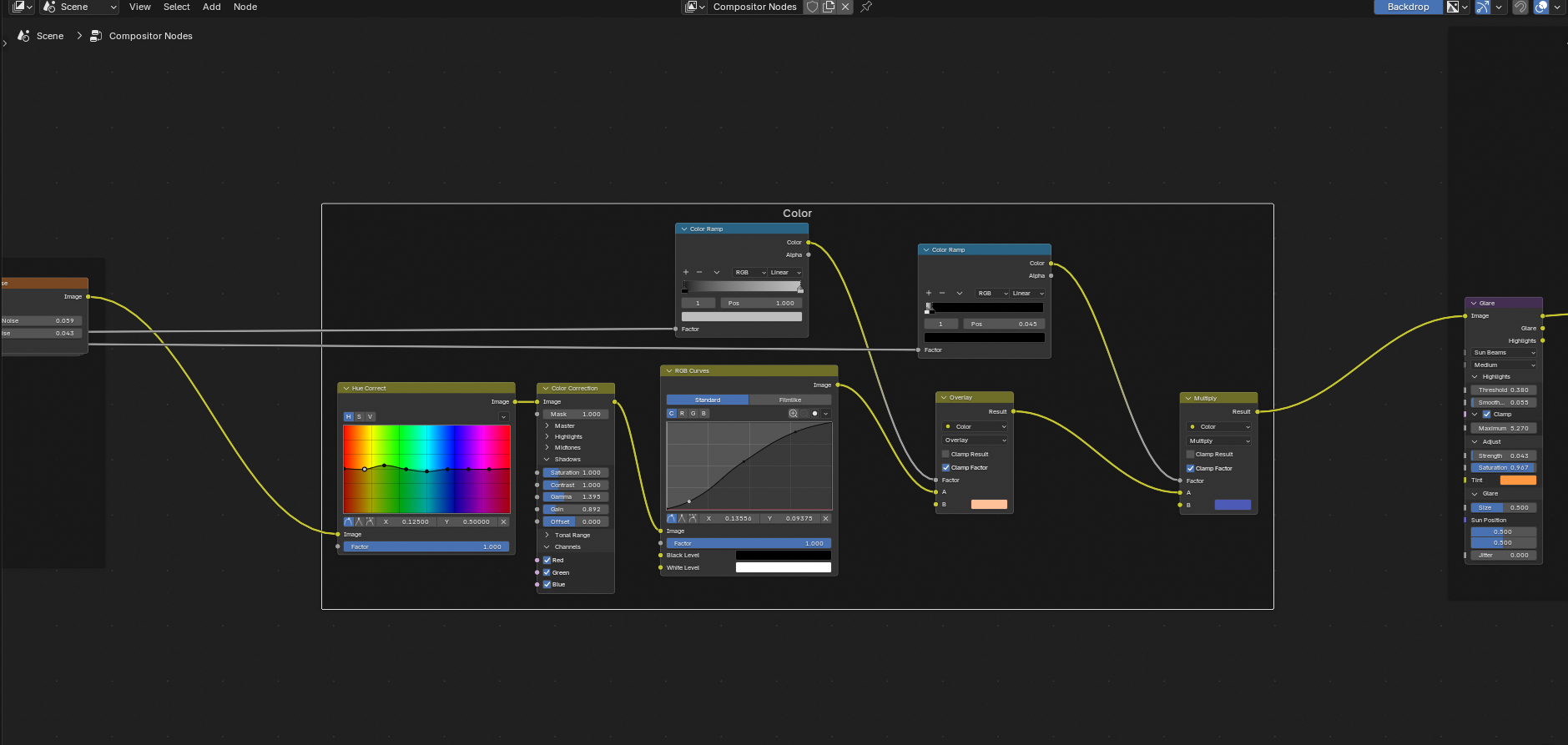
The composite for this render is made up of these three parts

Hope you enjoyed!