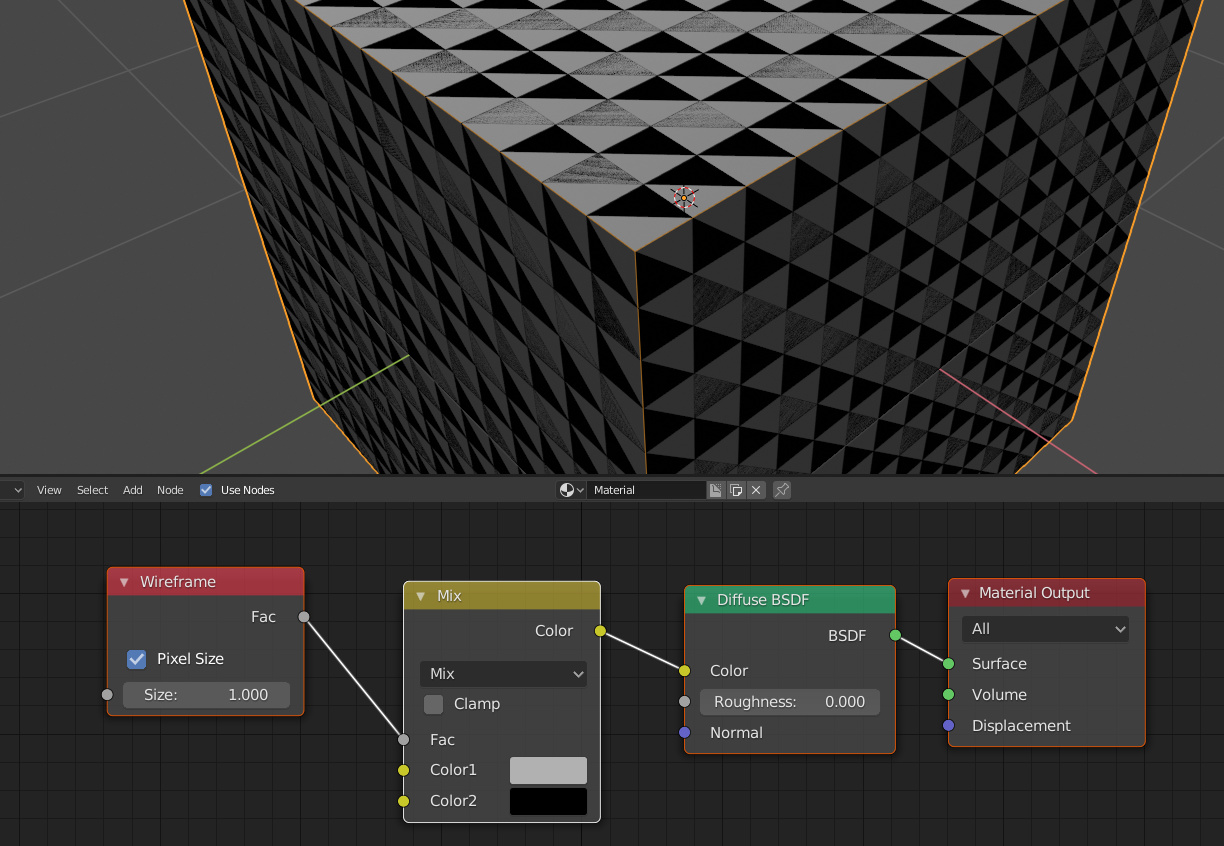
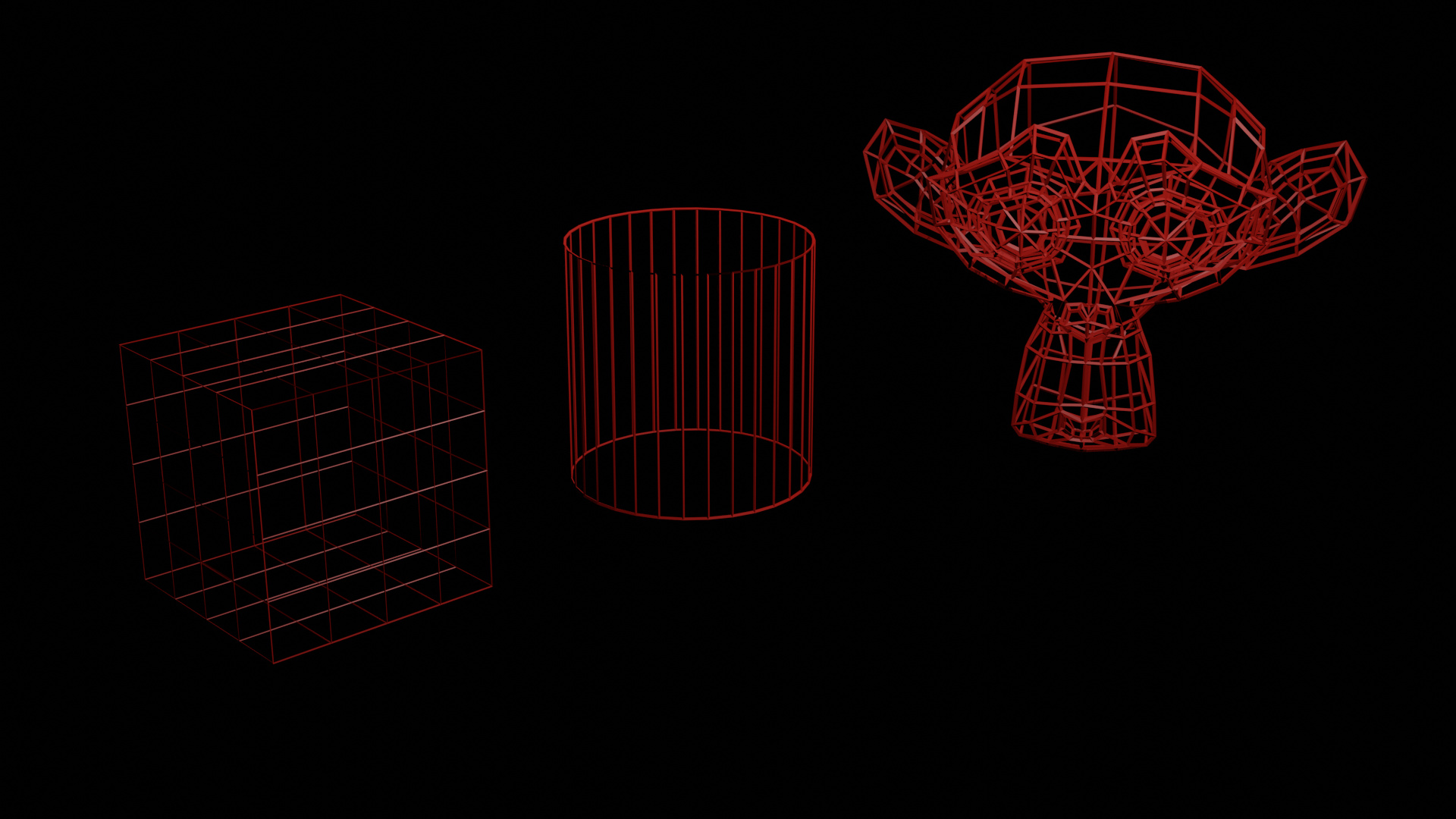
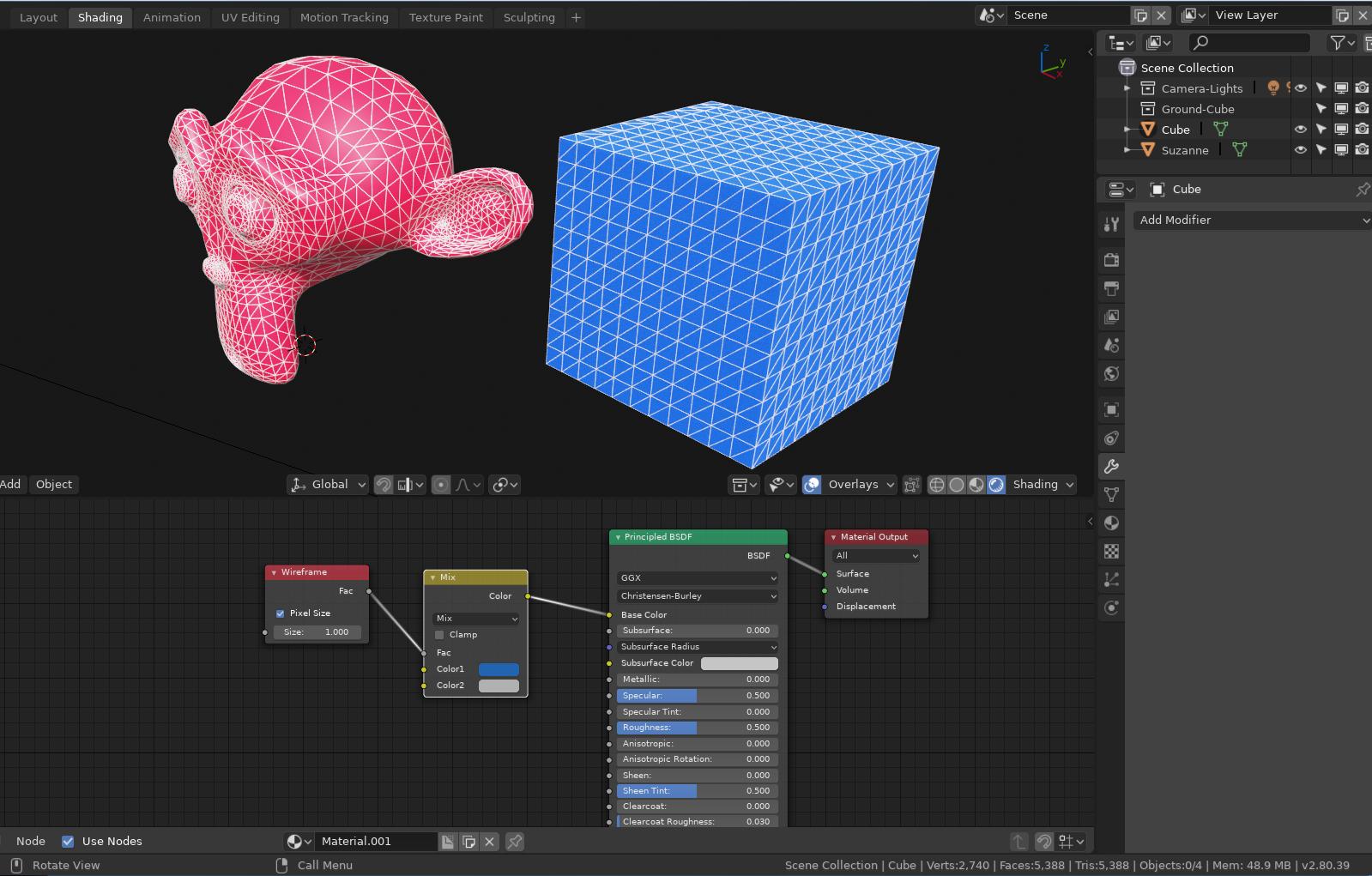
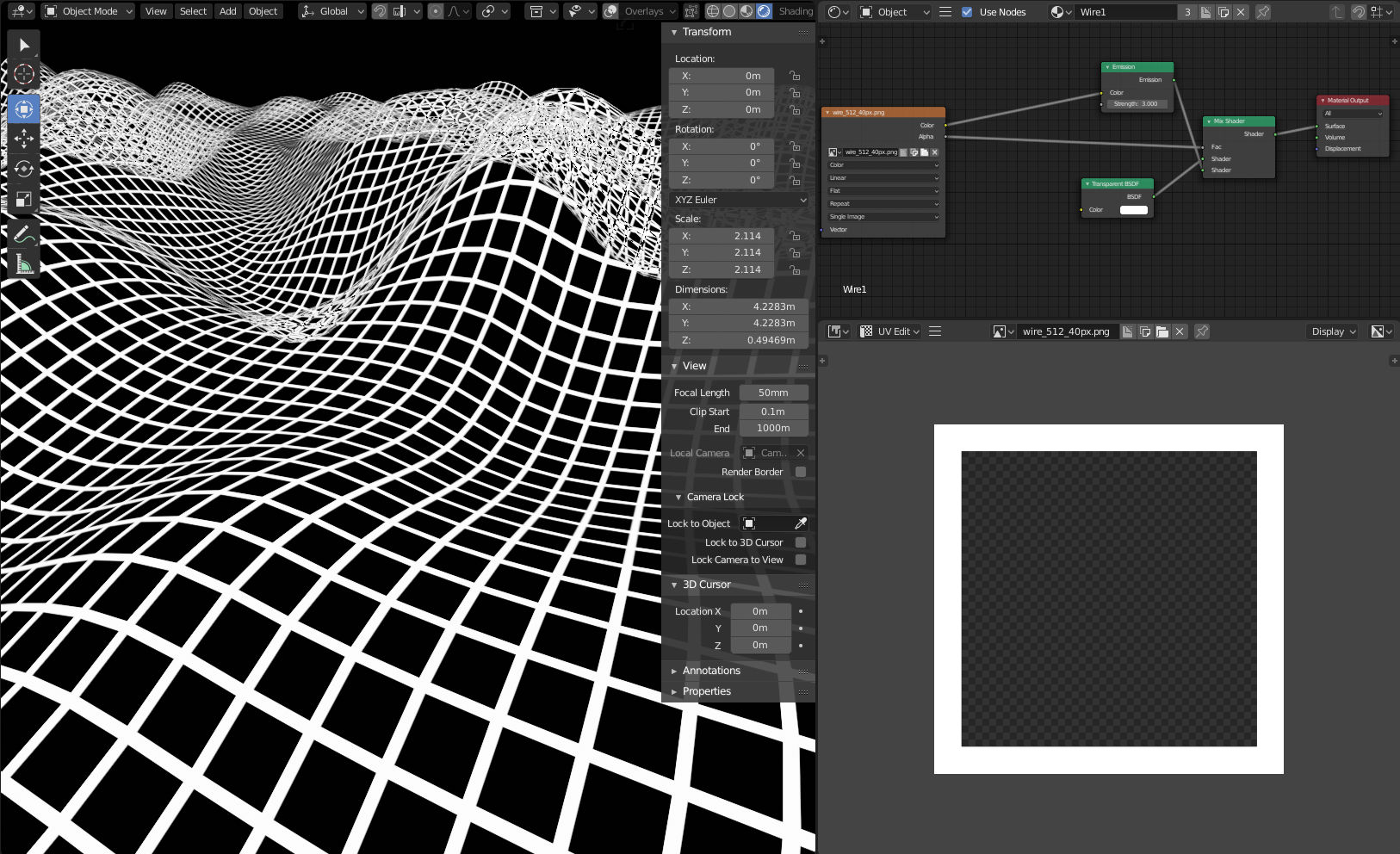
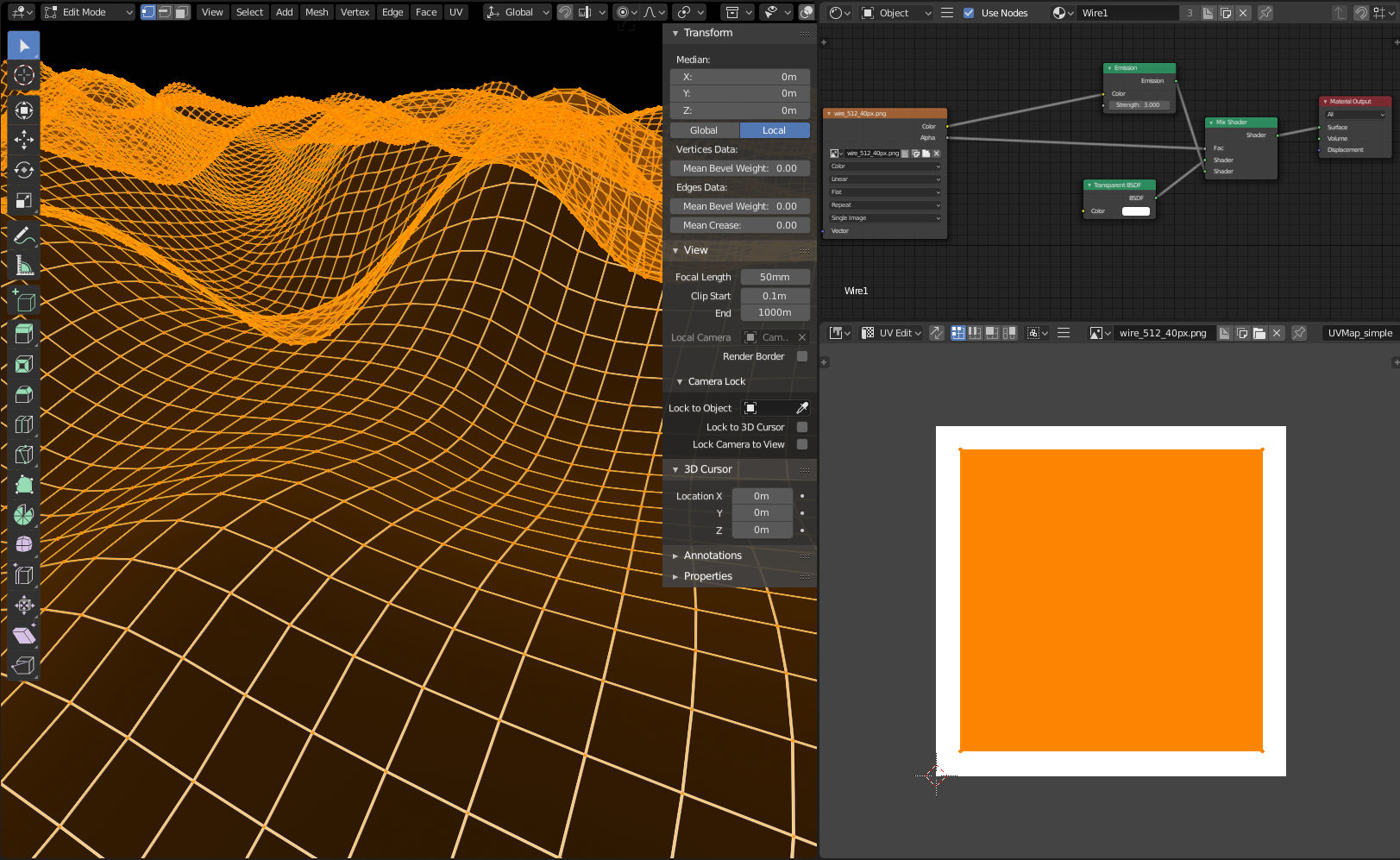
Any idea how to render wireframe (quads) in Eevee?
Unfortunately the Wireframe modifier is so slooooooooooow it is practicaly unusable for my project.
I found tutorial for Cycles: https://www.youtube.com/watch?v=apOhpyICLhs
but it does not work well in Eevee (weird triangles)
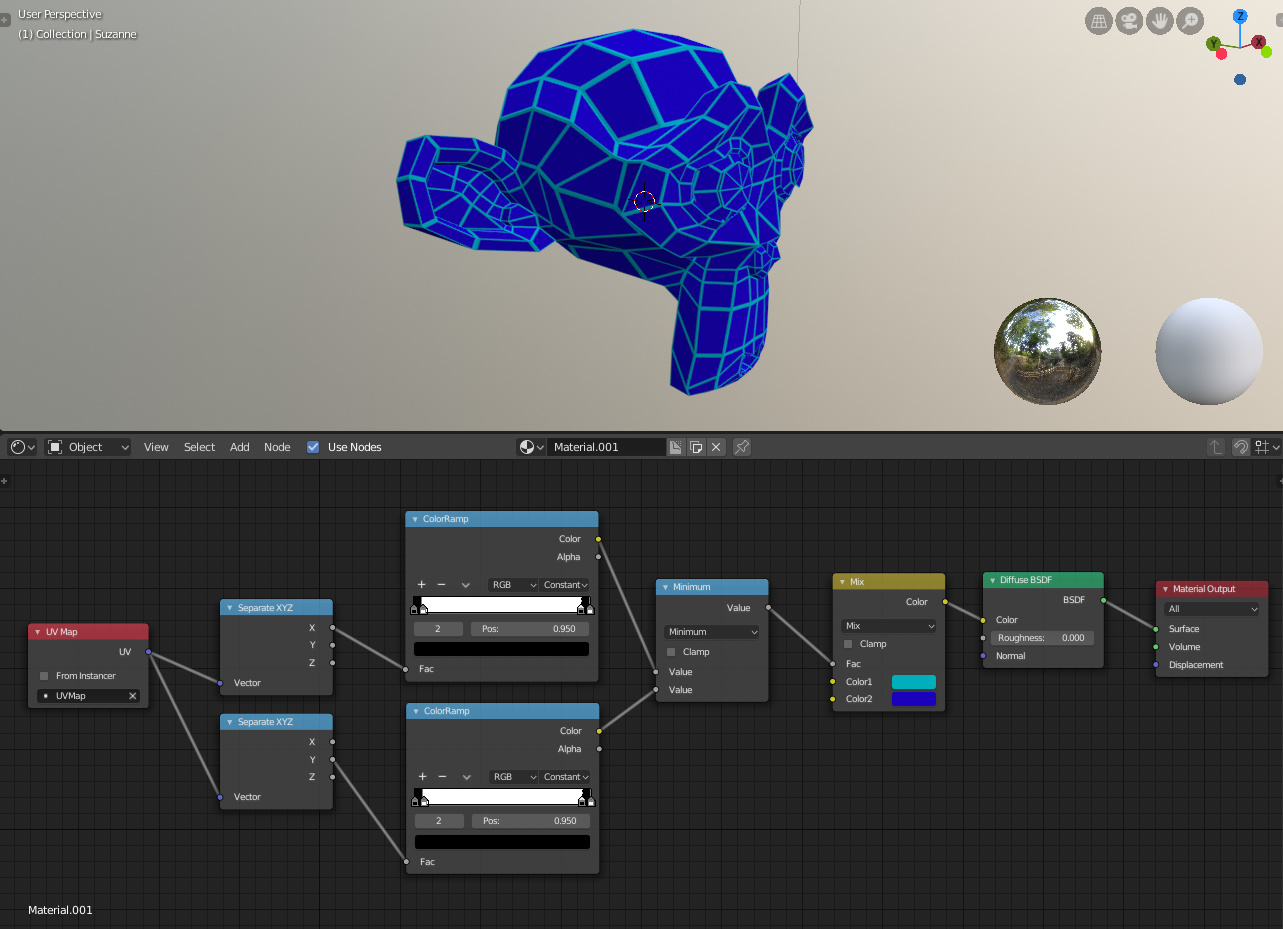
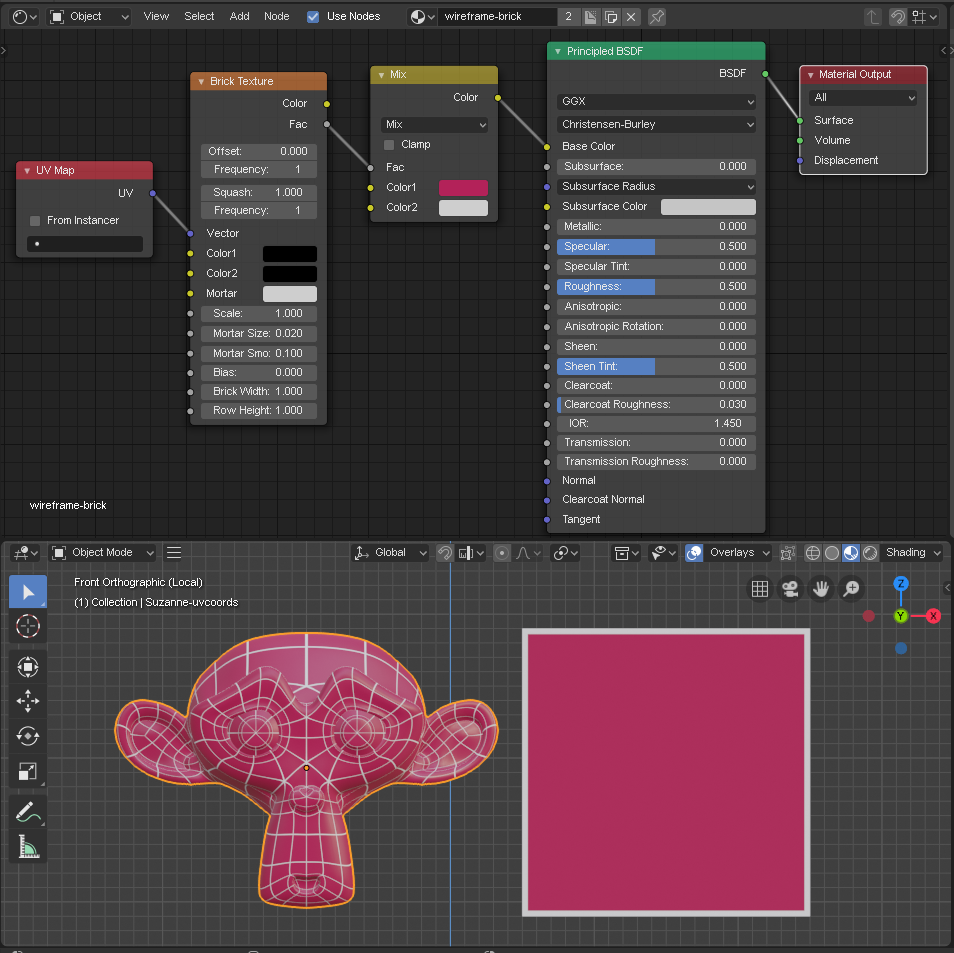
With some greater-than/less-than math, this can also be turned into a Node-Group with a single edge width slider.
it displays larger faces with a wider outline though - which might or might not be a desired effect.
Yeah, the trick with all these methods is that each face of the mesh needs to have the full uv coordinate range from 0 to 1, which you get with reset uv.
But then you can’t use Sanne’s approach of resetting each face. That result in each face taking up the full UV space, obviously resulting in stretching. As you can see on Suzanne, the top head faces are bigger and results in a differently sized grid. This thread is about wireframe rendering.
Yeah, what CarlG said. The method I suggested needs to have resetted uv coordinates for every face, but even then, the line thickness is relative to the face dimension. I tried to prevent that, but I didn’t succeed.
I’m not sure how I would approach your use case, might involve a lot of fiddling with finding the right uv projection for each face, but I’m no uv expert, there might be better ways I’m not seeing. Maybe ask in material and texture support, I’m sure people will have better ideas.