Hello,
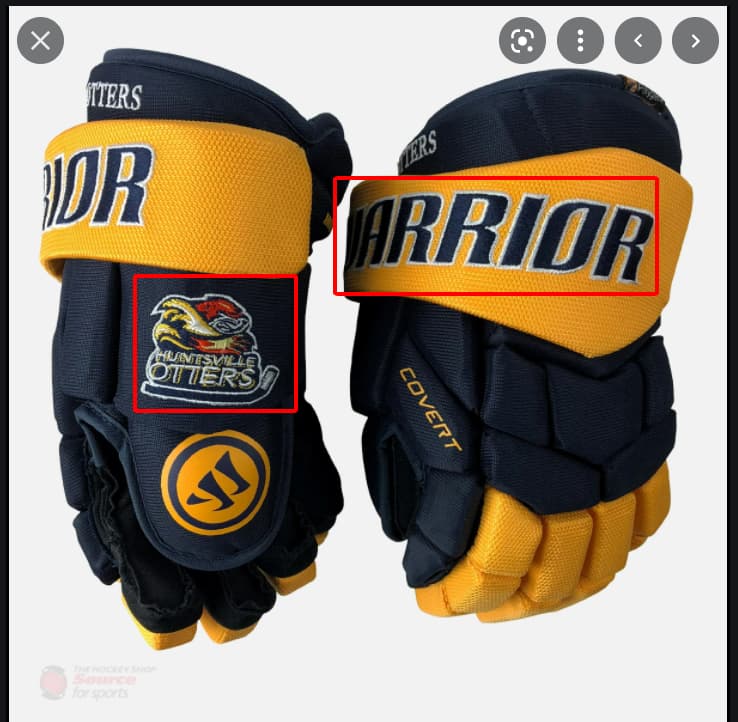
First of all you need a clear .png Image (with transparent background) of the patch logo you want to use.
I hope you are familiar with the node editor for materials in blender.
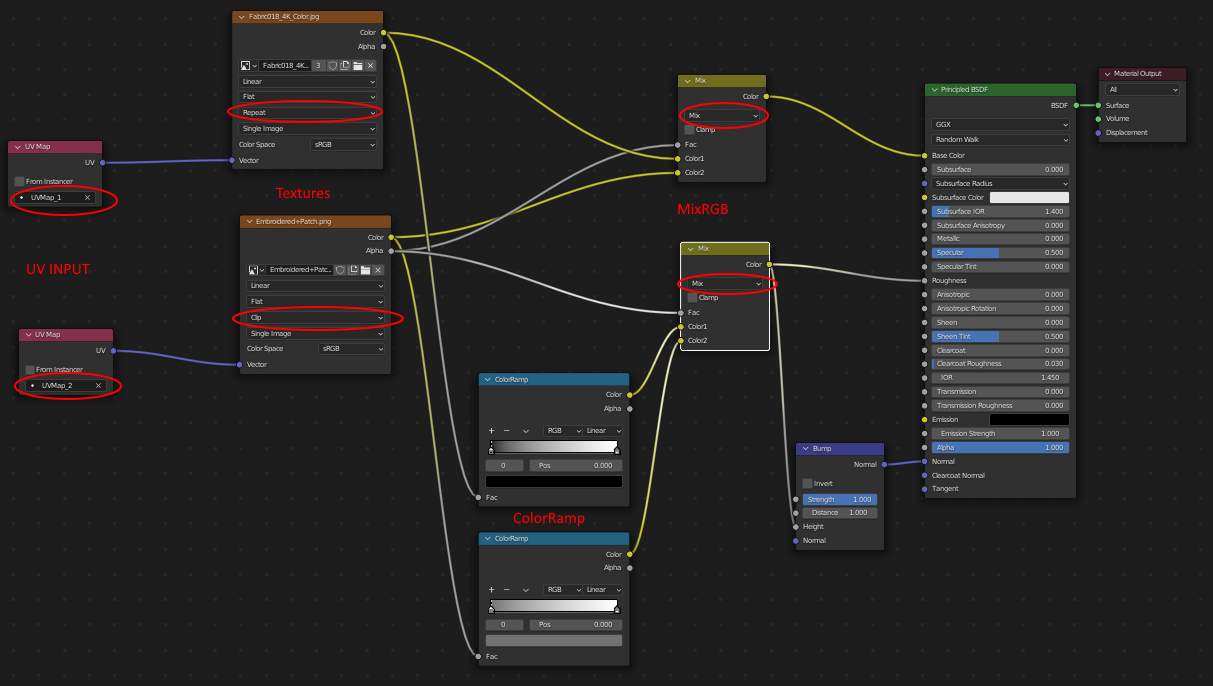
First you create two different UV maps for your Object, one for the base texture an the other for the patch. You can simly “blend” them together in den node-editor using the “MixRBG” node (set to mix) and connect the Alpha output of the patch image with the factor input of the node. Then you have to put two “UV-Inputs” with the right UV map for each exture selected and connect them to teh Vector input of your images. Set the patch image from “rapeat” to “clip”. Now you can use the second UV texture to position your patch.
Here is a simple example

You can do this not just for the Colour, but for all the other textures like Roughness etc. Just remember to give each image the right UV-Map as Input.
I am using just a “Colouramp” node here to “fake” the roughness and the bump, I recommend to use real PBR texture maps for better results, but the workflow is the same:

I hope that helped, feel free to ask if anything is unclear.
The other post from you (@Teleshopper) about two UV-maps was just a tip, but this one is a mini-tutorial (have to look closely because of the jpg blur but thats okay because one has to thing about it and so one remember this better as just saving to tipsNtricks folder)  … liked
Hey,
yes you are right @Okidoki , I did not checked the readability befor uploading  , this one should be better.
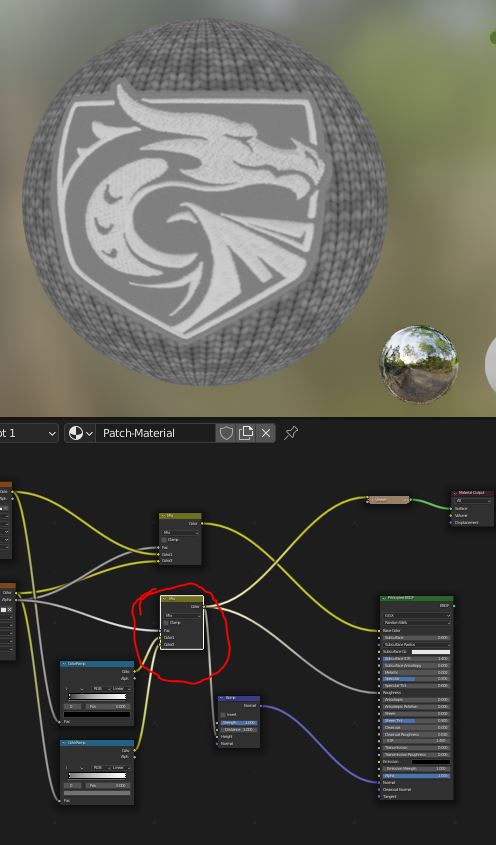
And just in case this is what the MixRGB from the two CoulorRAMP nodes gives as Output for the roughness and the bump if someone is not sure what I did there.
Thank you so much! I am going to follow your steps and I will show the result and say thanks again!
Hi @Teleshopper !
I really thank you for your help. I am having a problem that I followed your steps but I couldn’t receive the result. Please help me to check!
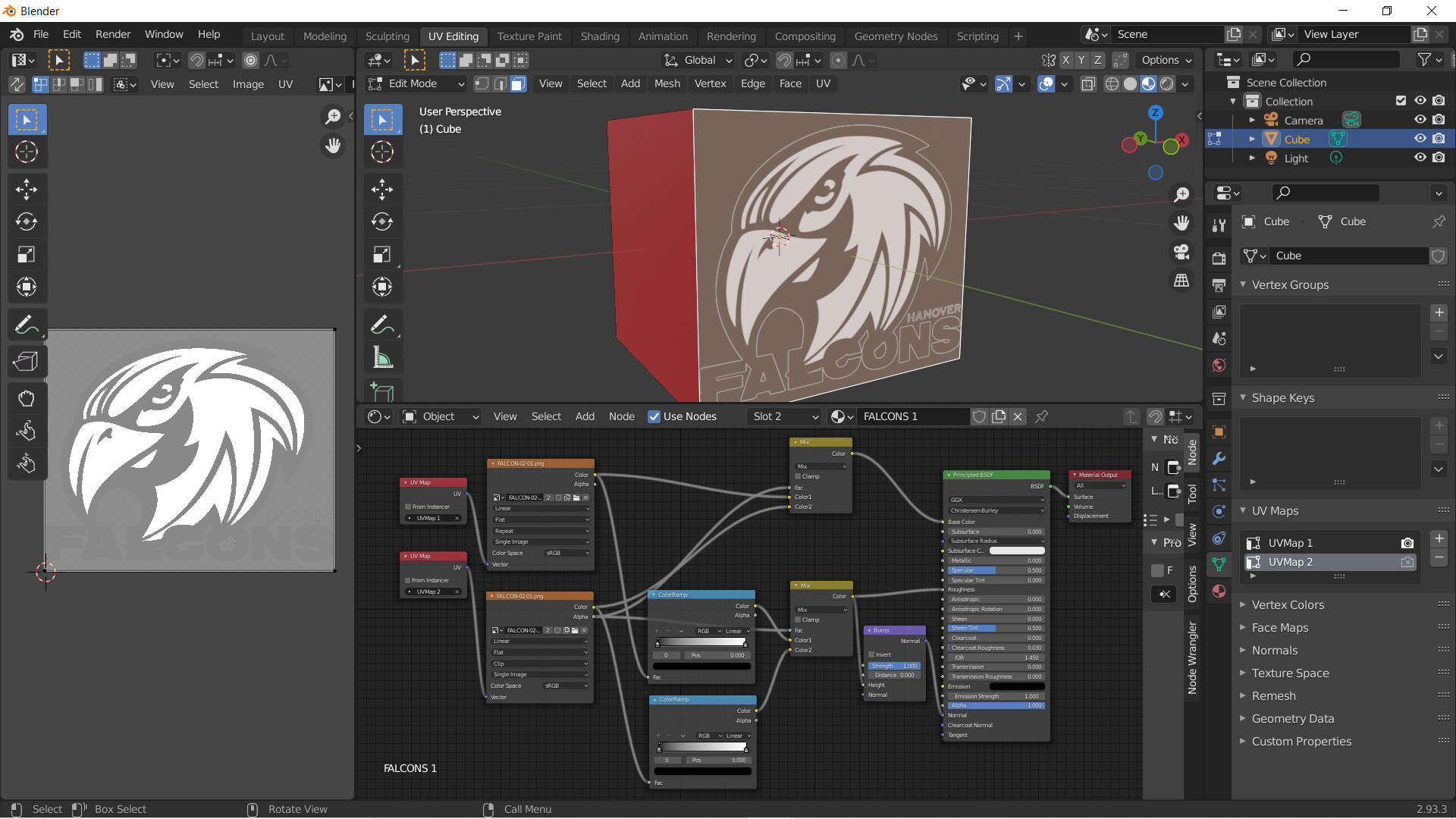
Moreover, if the logo has many different colors, the bump I think does not work well.
Hope to receive you answer!
Thanks again!
Here is my blender file: https://drive.google.com/file/d/1FjL_aZUjjHp3rAzVycqbiGS4QPxL60OS/view?usp=sharing
Hey,
Can you post the .png files you are using, they are not included in the .blend file.
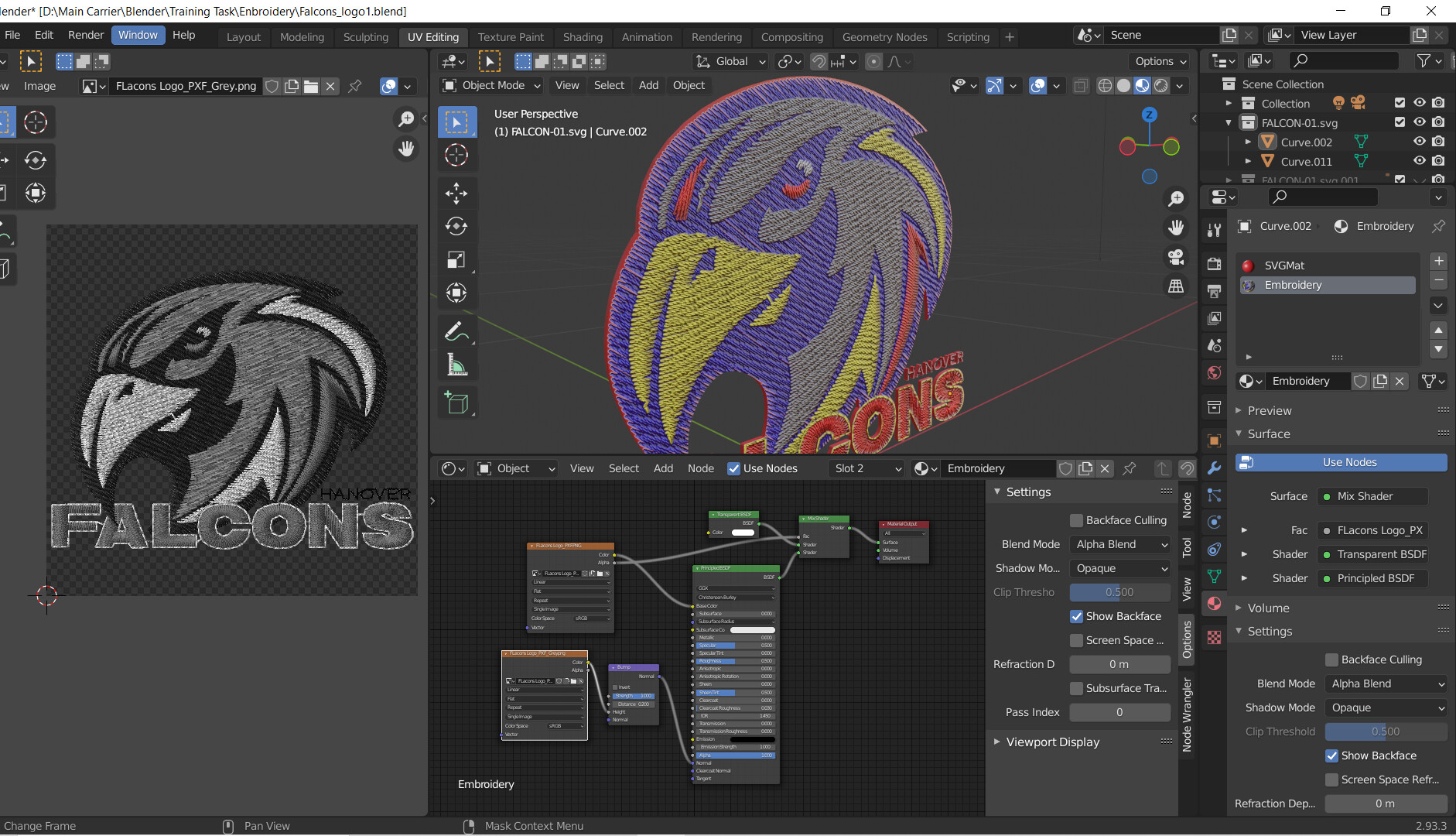
How do you add the thread detail? Is it from texture image?
The texture image is made by Tajima Software so that it is real!
Hi, could you help me now? I can’t get the same result as you. plis