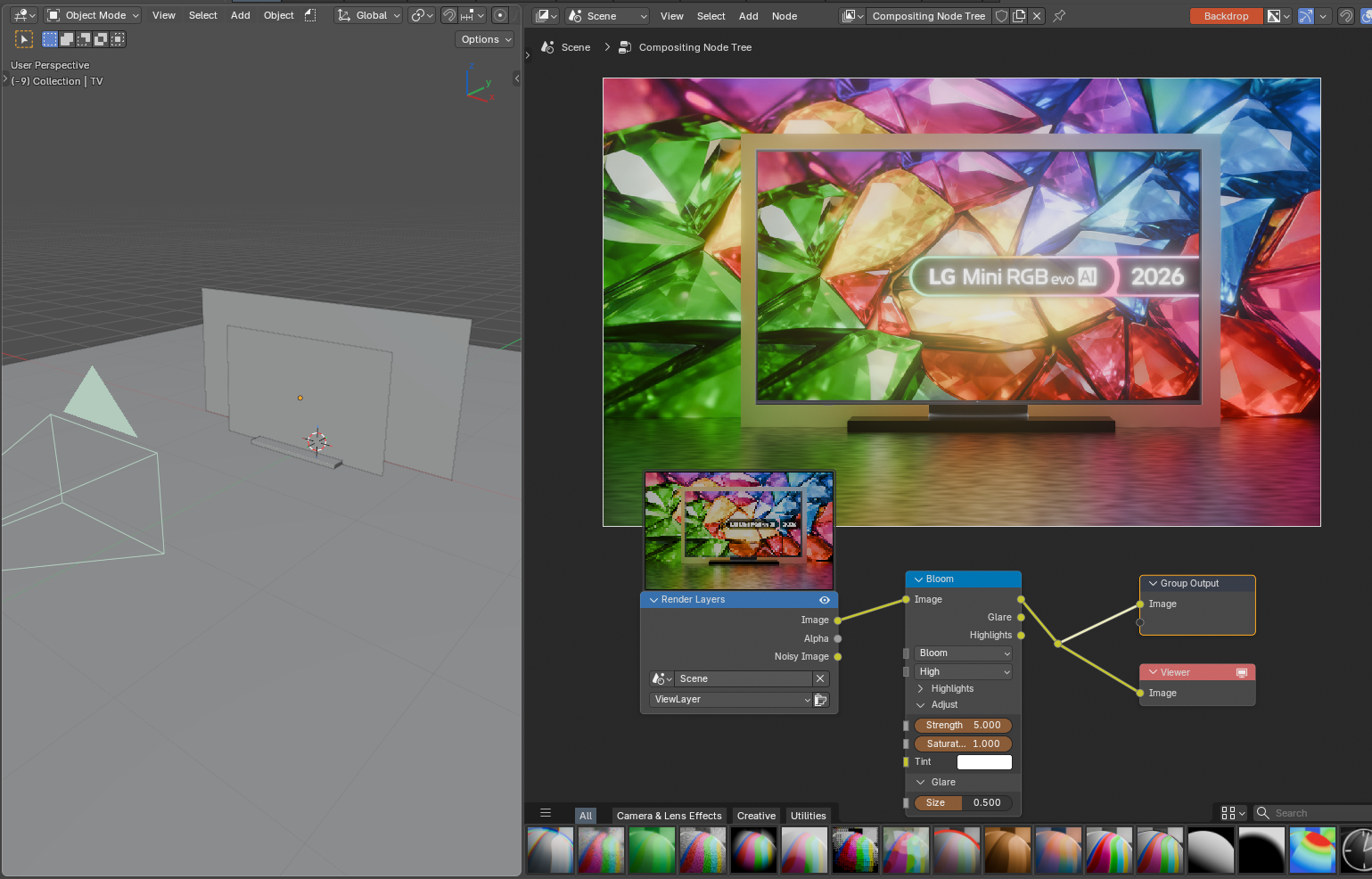
I have a background image on a plane with emission. In front of the plane I have a TV PNG . Through the camera the emission from the plane lights up the PNG’s full boundary. Turning off the Plane the TV cutout its fine. How do I set the Plane emission to recognise the TV alpha. Hope this makes sense.
Hey! I get what you mean. The problem is that in EEVEE, the emission from the plane is real light, and it doesn’t respect the alpha of the PNG in front of it. Alpha only controls what the camera sees, not what the light passes through.
The cleanest fix is: don’t use emission on the plane to light the PNG. Instead, use a real light (Area or Point) behind the TV, and control its intensity. If you need the background itself to glow on camera, render the TV and the background separately and composite them in post.
If you’re using Cycles, you can also uncheck ‘Camera’ in the plane’s Ray Visibility settings, so the light still illuminates but the plane itself doesn’t show up in camera.
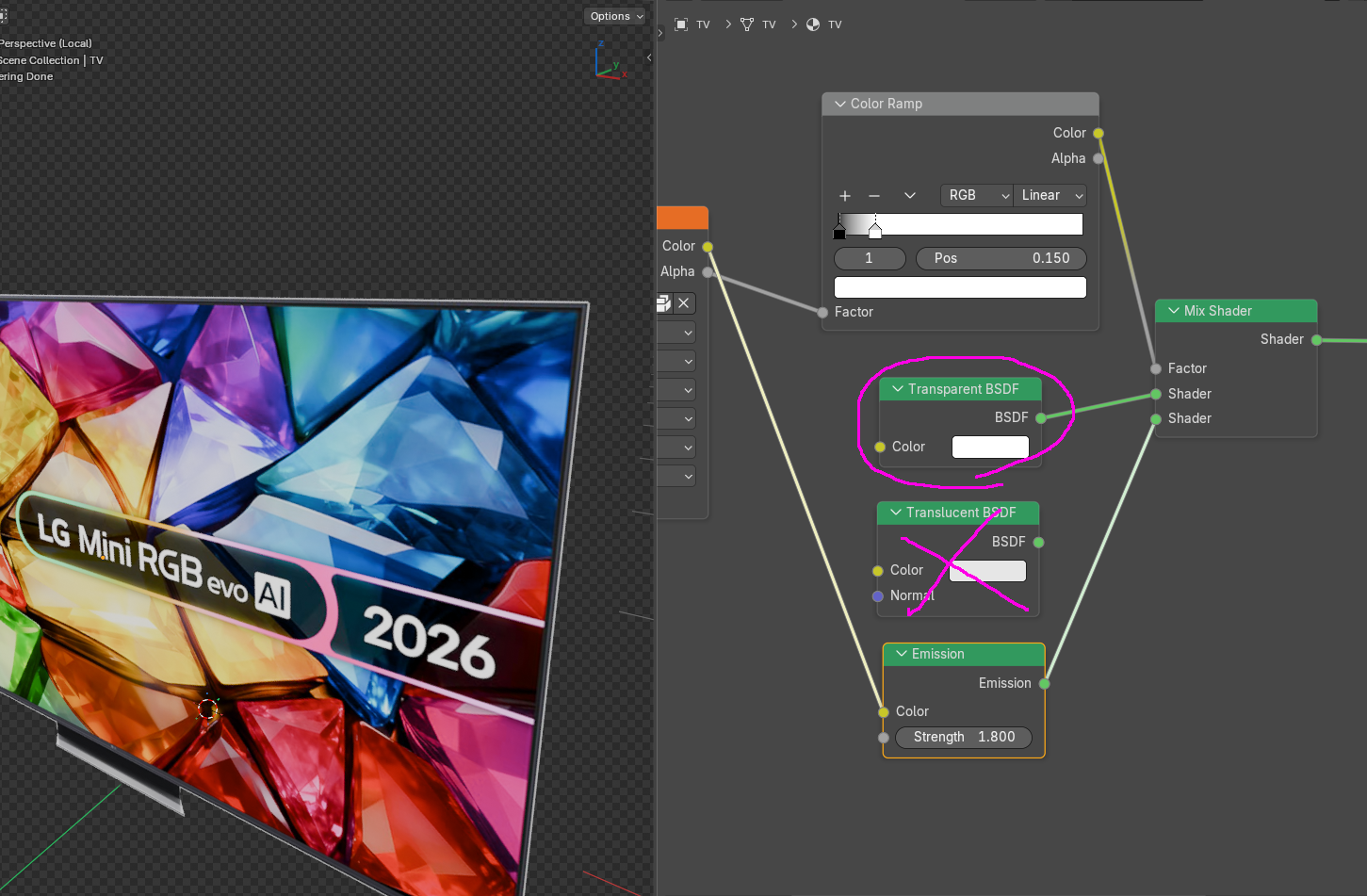
Doh!. A simple error using the wrong node fixed it.