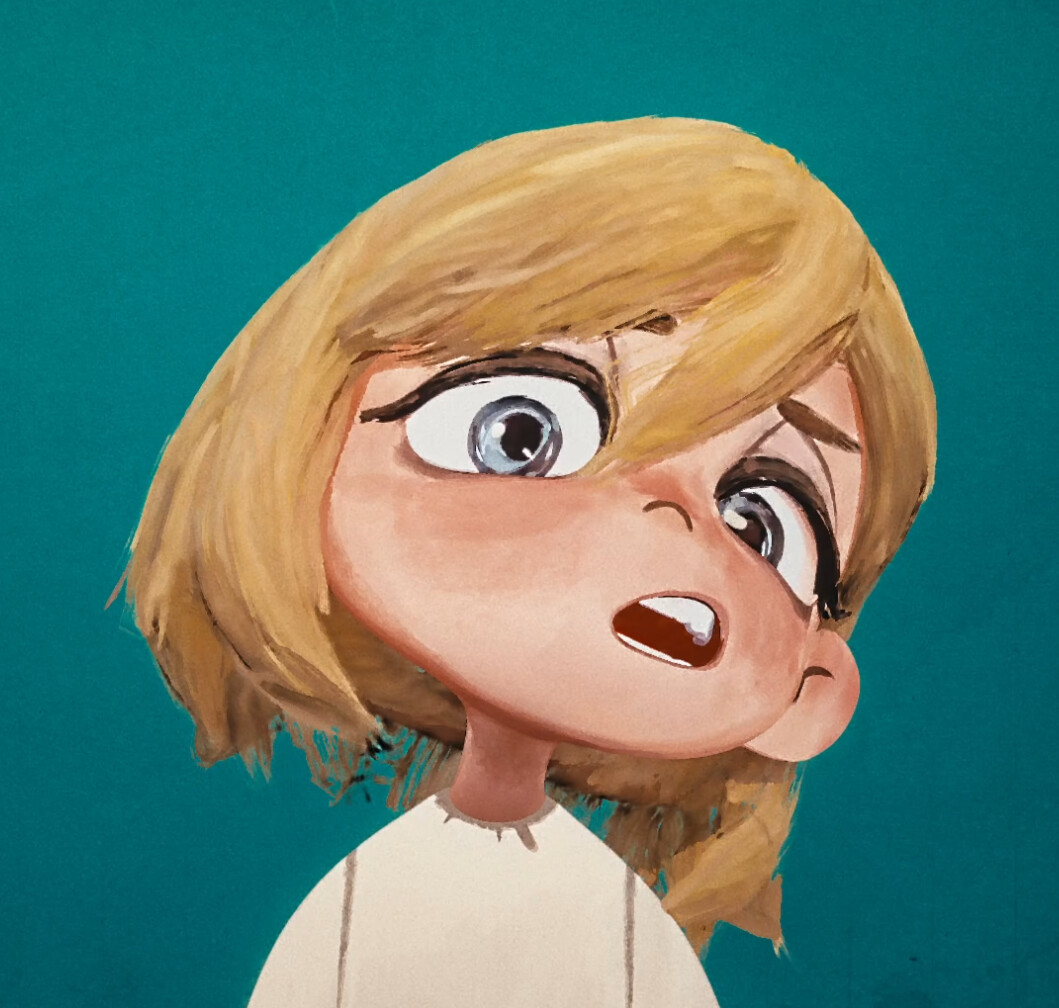
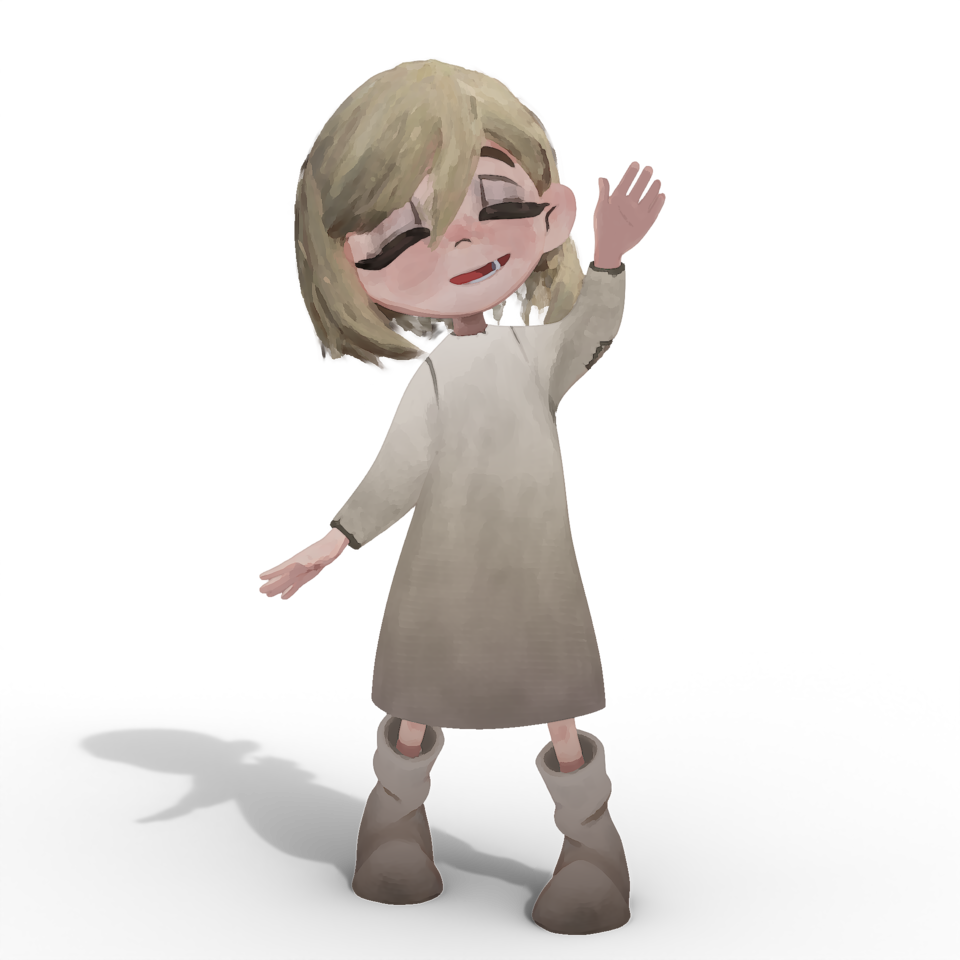
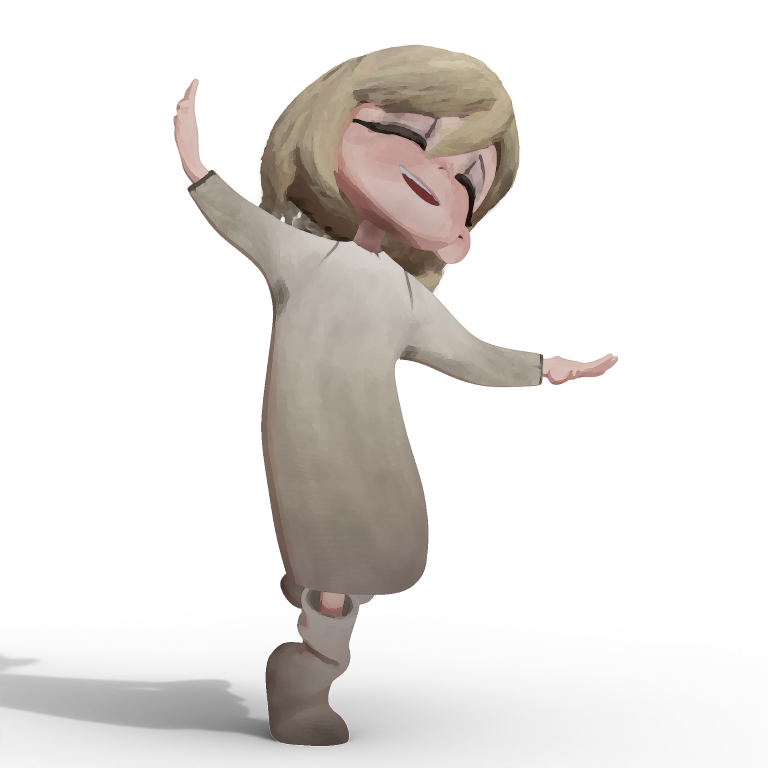
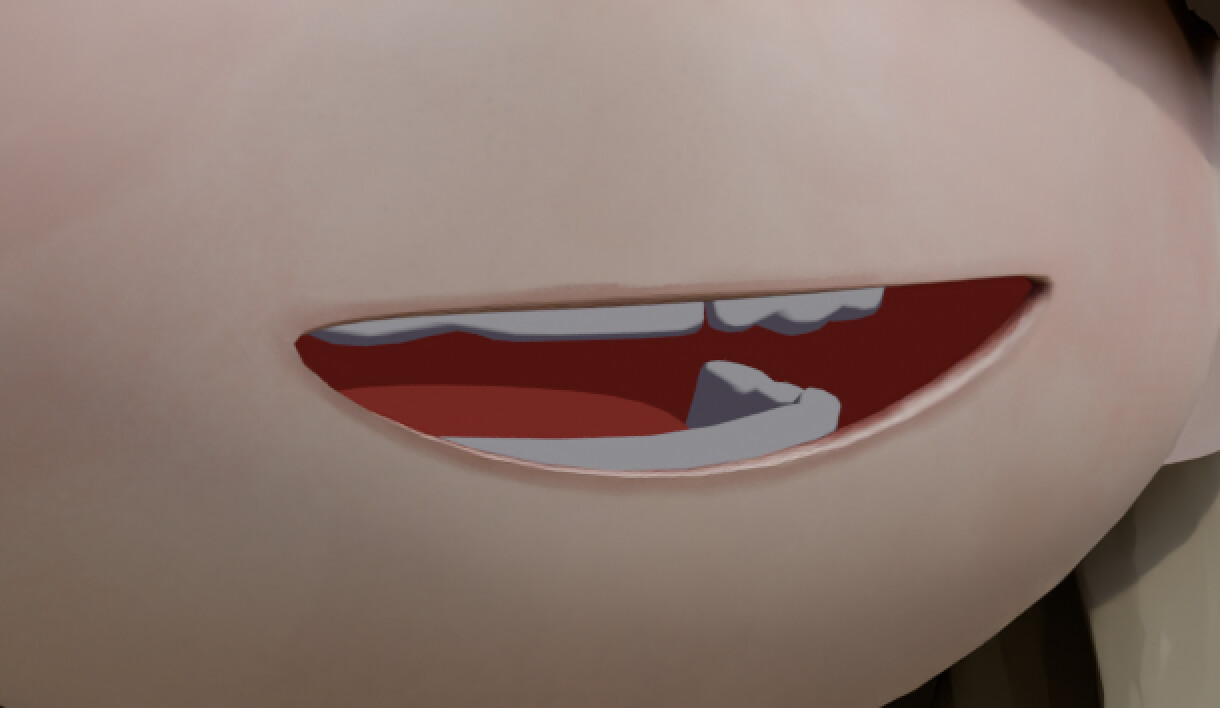
She’s supposed to be painterly but more flat shaded and simplified compared to the oil painterly world surrounding her.
Her Head and Body are hand-painted but for her hair, facial hair and irises I used Blender Studio’s Brushsstroke Tools which is an incredible Extension.
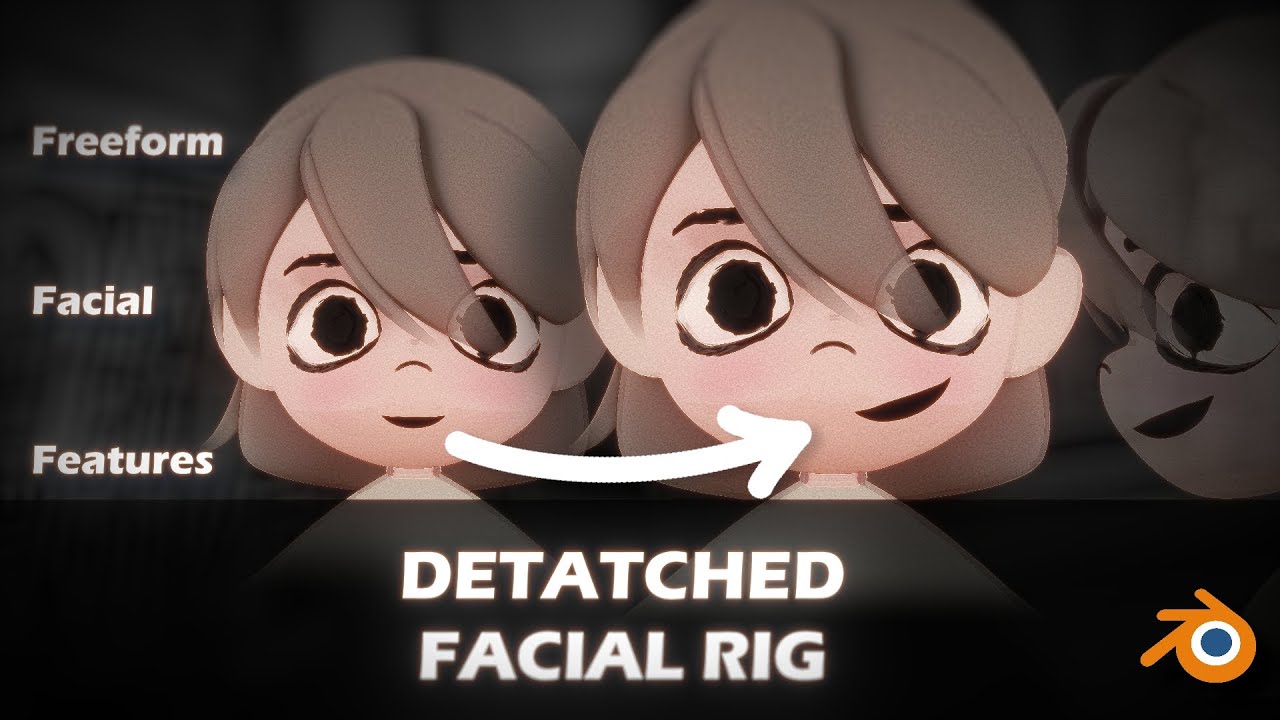
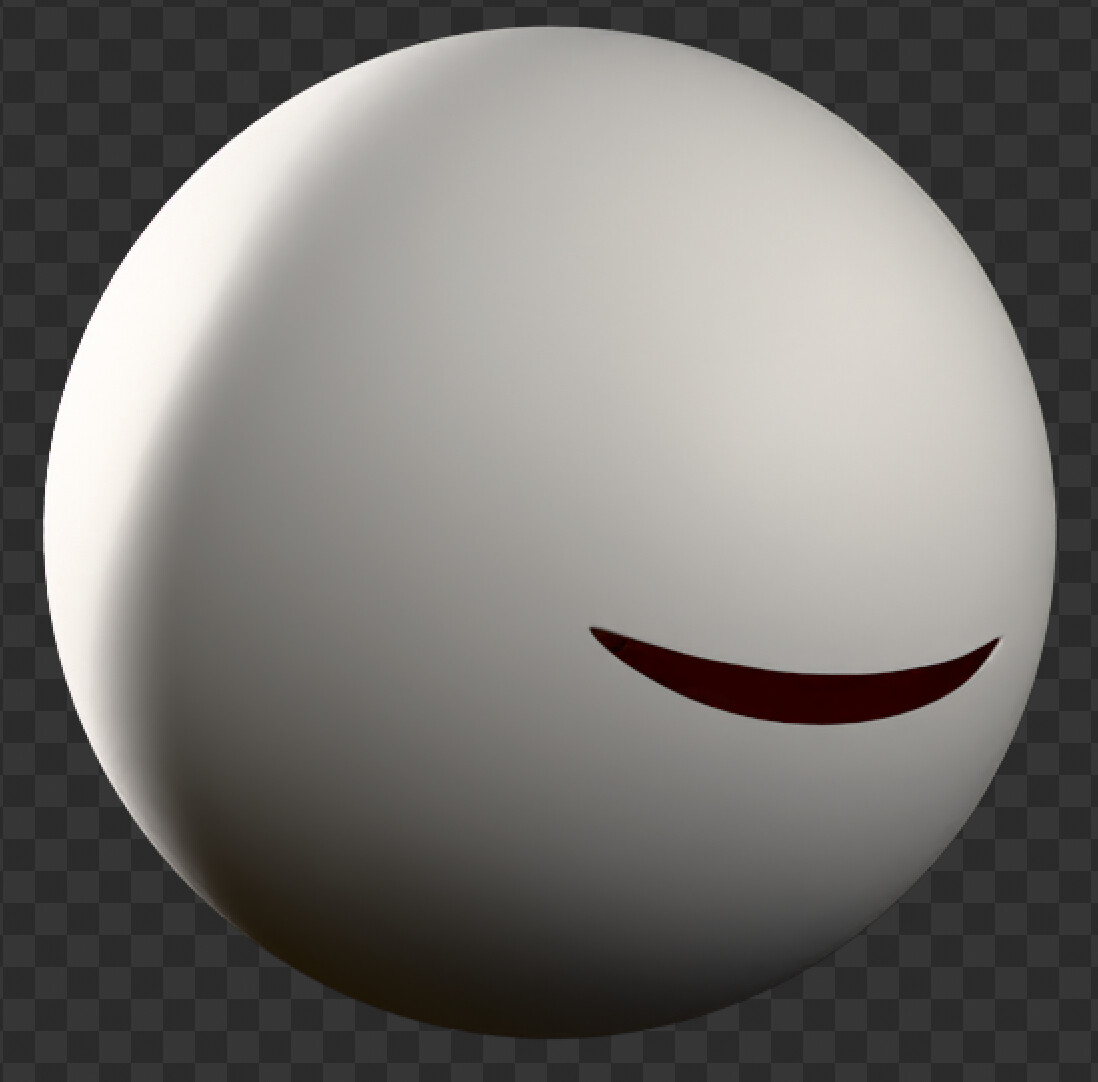
The mouth is based on the idea of Datached Facial Features, created by Pixar for Win or Lose.
I saw an implementation or approximation by Edward Urena on twitter and implemented it using geometry nodes and a few Shrinkwrap modifiers.
The prototype of the GN modifier is in the Youtube description but I’m working on a more robust and complete one that’ll support Grease Pencil as well.
I will probably make a post about
that on here too when it’s done.
fascinating thanks for sharing, care to share the GN setup. Couldn’t make out in the video seemed fairly straight forward, but I’m still new to blender. The shading also tickles my fancy, new to blender still trying to figure the approach out
The mouth is done using bones. The approach to the facial rig is almost the same as a regular face. You could go the shape key route as well but I mainly used a few bones and armature constraints
I’m planning to do so. The modifier used will get a setup tutorial once it’s released and I’ll probably do a little breakdown on how this character was done in particular
While working on it I did a small breakdown using an older version here that’s also available. It should be all that’s needed for this setup. The one I’m still working on has more features tweaks and support for Grease Pencil.
I am using 10 bones that deform the lips but they are controlled using a multitude of control bones. For the lip corners, upper and lower lip as a whole and a master controller for the mouth that is affected by the jaw.
It was created using CloudRig and some manual rigging.
With your method of Detached Facial Features, is it possible to use it on a character that will be rendered with the cycles render engine.
Like, suppose I have a character that has a very stylized cartoony design with a big mouth, but I want the lighting to be very photorealistic and detailed (like Win or Lose). Would that cause any problems in the shading I.E. Cause artifacts or break the cutter effect?
Yeah It’s possible! The character here was actually rendered in cycles. But Things like Subsurface Scattering will probably be problematic because of the intersections. At least Random Walk.
But you could mask out the area of the mouth and just have sss disabled there. So you’d still have it where it matters like Nose, ears etc.
Otherwise there might be things to consider like turning off shadows in Ray Visibility for the mouth (so there are no cast shadows on the head. Transparent Shadows (on the head material) should be enabled to have the inner mouth work nice with lighting too. I made a little list of things that can help with certain looks that I’ll provide with a guide when I release the tool.
Higher Subdivisions will help with the shrinkwrapping to avoid weird intersections and makes the mask more accurate as well.
This will definitely come in handy in the event I model this character! I could use DFF for the mouth movement (having it slide around the body from side angles and front, and to move the arms anywhere)
I might also play around with DFF with more human like characters, in case I want to make a Win or Lose styled character model and rig, and by that I mean the Pixar series.
How far can you push the mouth shapes? One of the biggest features of DFF is that you can get all kinds of crazy mouth shapes without breaking the geometry.
It’s pretty flexible and especially with shape keys, high subdivs and shrinkwrapping it should be pretty stable. I think with your character the biggest challenge would be the sharp angle at the front. Since the mouth would have to wrap around that sharp angle. With low subdivs, discrepancies will become visible because of that. but with high Subdivisions it should be ok.
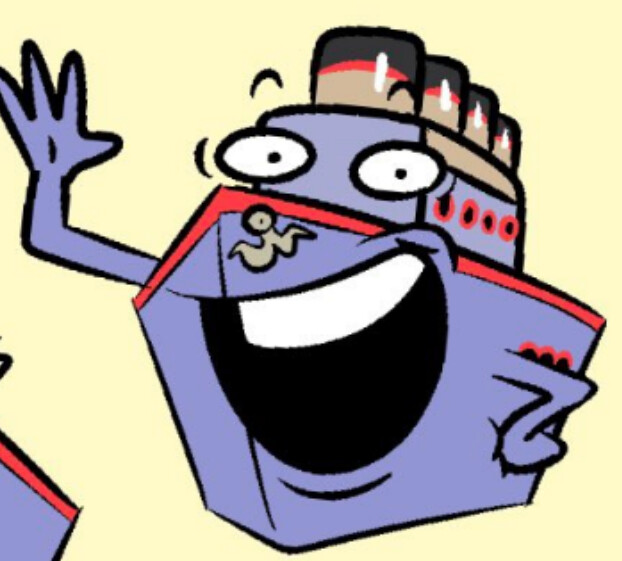
And if the style is similar to the concept art, without a lot of realistic shading, shading issues can be hidden as well. Having the mouth “break out” of the silhouette of the head (like in the art) might be a different challenge though. I think the base shape the mouth is on should determine the silhouette for the most part.
But I’m sure that’s something that can be figured out