Hi all,
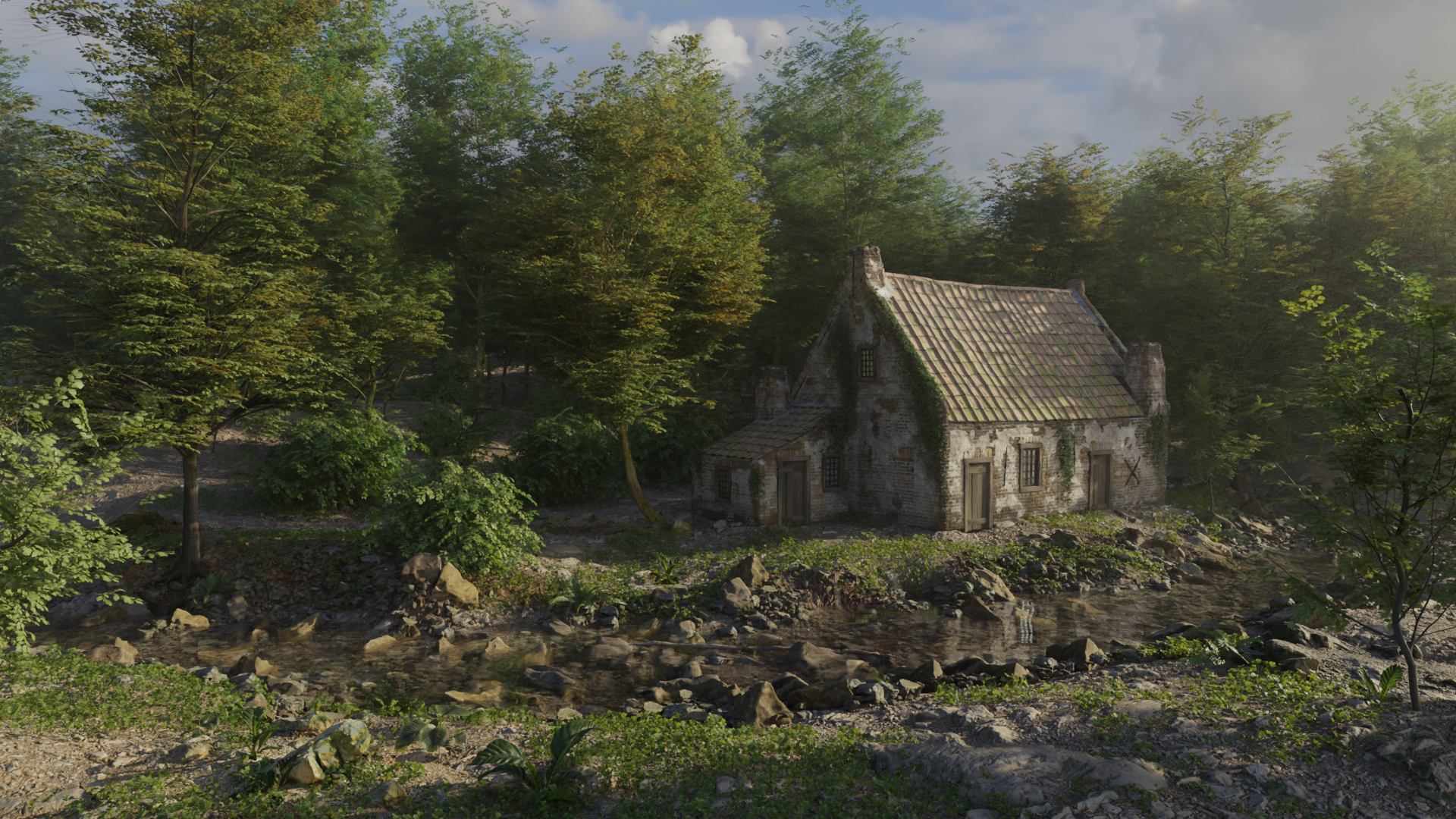
This is my 3rd environment from Rob Tuytel’s Environment art course on Udemy.
Please let me know what you think and if you know why the water is so weird would love help with that lol.
Here is the animation
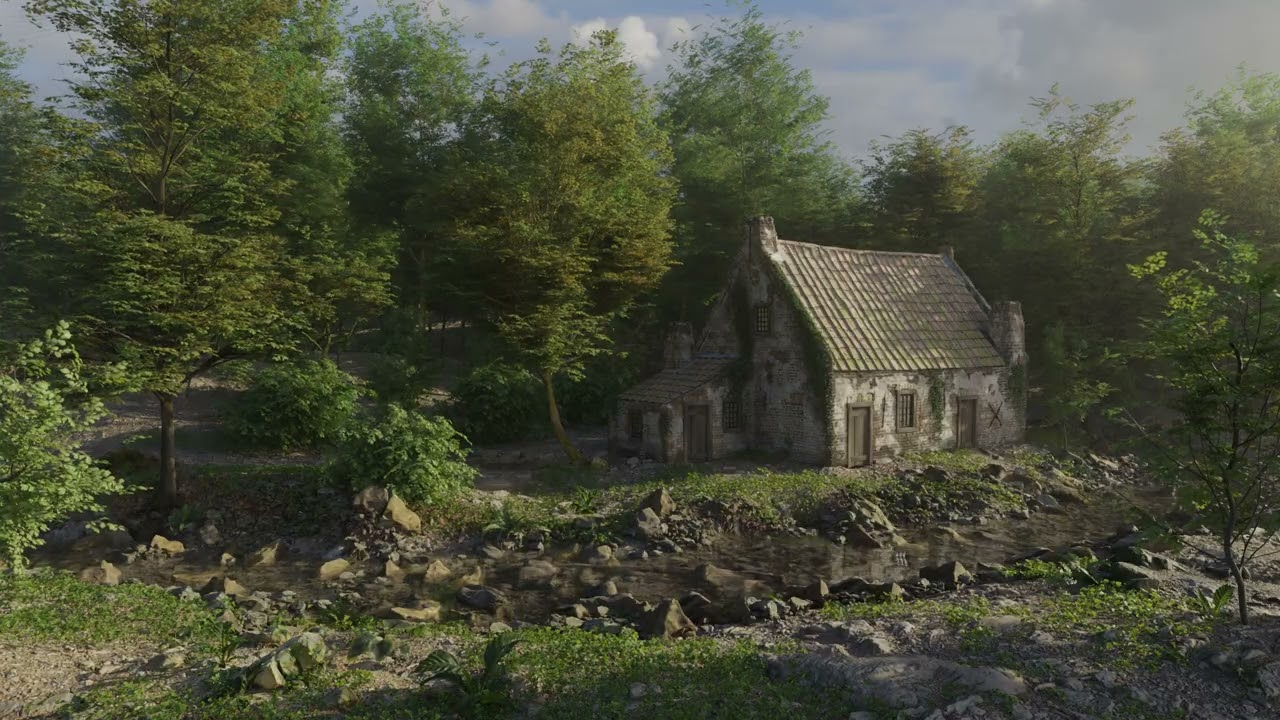
This is my 3rd environment from Rob Tuytel’s Environment art course on Udemy.
Please let me know what you think and if you know why the water is so weird would love help with that lol.
Here is the animation
That looks really cool, nice work.
beautifully detailed work, excellent lighting [hue].
as for your question, scaling down the size of the waves would surely help.
happy  ing!
ing!
thanks! can’t wait to see yours! maybe you can help me with the weirdness of the water…
thanks you! yea its a noise texture I may have made it too big i shall go back and look thanks!
I haven’t done that part of the course yet, I am still on the ruine, so I am not sure.
My ruine is very nearly done though, so I will start this soon.
No worries and no rush i think i might know whats wrong…
The composition is on point! The detailing is also superb  I would just suggest to work a bit more on the river movement; It seems too fast and the waves are too big for such a river.
Looking forward to see more pieces from you!
Thanks and i agree, i think i might have messed up the scale of the noise texture or the uv scale will need to play with both, it took all noght to render 
I know the frustration  Try to turn on “fast gi approximate” with 2 light bounces and see if it doesn’t change much in the scene’s quality, if it doesn’t keep it checked. Also please don’t forget to check “persistent data” that would help with rendering times for an animation
Im rendering in cycles are those eevvee things? Not experienced with that engine
Oh yeah it’s cycles, I don’t use eevee. You’ll find these in the rendering properties tab under light paths and performance.
Both are in rendering properties panel:
Fast GI approximate is under light paths, it basically reduces how many times the light bounces off surfaces ( 2 minimum in my opinion ).
Persistent data can be found in performance, it basically tells Blender to save the shaders and all sorts of things in the ram while rendering each frame which will result to way faster rendering time ( It skips loading the scene over and over before rendering the frames ).
That’s my understanding of these settings 
Oh wow thanks yea that loading for every frame is a pain i will make these changes pronto!
You’re on the featured row! 
I featured you on BlenderNation, have a great weekend!
Thanks I appreciate you 
here is my improved version
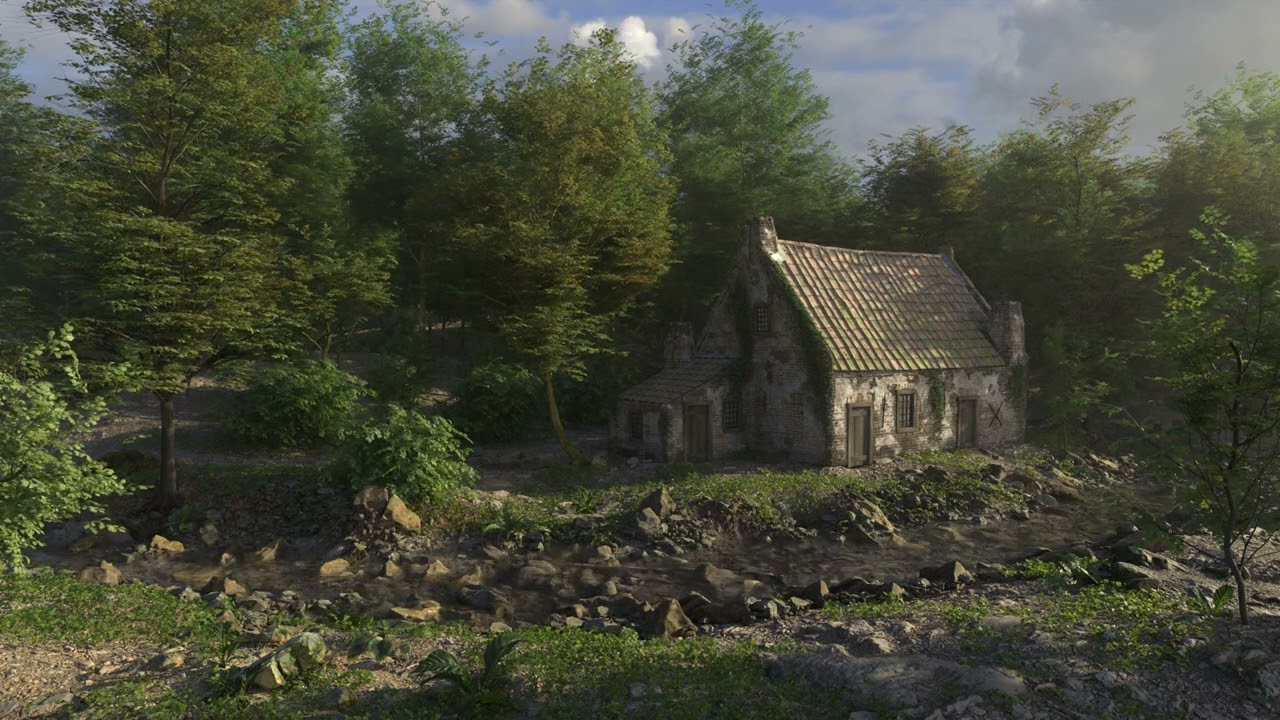
Much better! Love the result
Did those rendering settings work properly?
Thanks i think the persistent data shaved almost a min of my render time per frame! But the fast gi added like 10 seconds per frame which was weird