first of all, happy to be in here and I’m very excited to learn this program.
I am relatively speaking a complete newbie in Blender and I picked it up to be able to create mods in games, such as inZoi. My main goal is to create various clothing mods. I’ve watched Ryan King Art’s tutorial with the snowman and followed along it the whole way, so I feel that I have a rudimentary understanding of the basics.
I want to create a simple underwear mesh by using the masking tool in sculpt mode and then duplicating my selection, scaling it up a bit and then making materials and textures into it once it’s been fleshed out. The extracted mesh would come out of the character mesh.
My problem arises when I use the mask extract in sculpt mode. When I’ve gotten the basic shape down and extract mask, the extracted mesh comes off wrong. By wrong I mean it extracts either a small spiky stick mesh or a plane with weird vertex and edge placements.
I tried to troubleshoot it with my limited knowledge and made an observation that it had something to do with the armature. I deleted the armature completely and it allowed me to extract the shape without problems after that. Still, I feel like this isn’t a fix because deleting the armature removes the pose completely.
Is there a way to mask extract and keep the armatures in the figure?
usually any modeling is done before adding any rig. So if you have a rigged cahracter and want to do some modifications you simply has to copy the geometry (model), get rid of the rig, do you modifications and re-add this geometry to the rig . Maybe (or properly) with additonal weight painting because automatic weights while parenting the armature may look “clumsy”.
Usually you would not use sculpting for creating clothes from scratch but rather use it to add things like creases and other small imperfections to sell the realism.
Modeling workflow changes a lot depending on what you’re modeling and what you’re going to use it for. Sometimes you have to take bits and pieces from different tutorials that focus on the same thing because there are so many ways to do something.
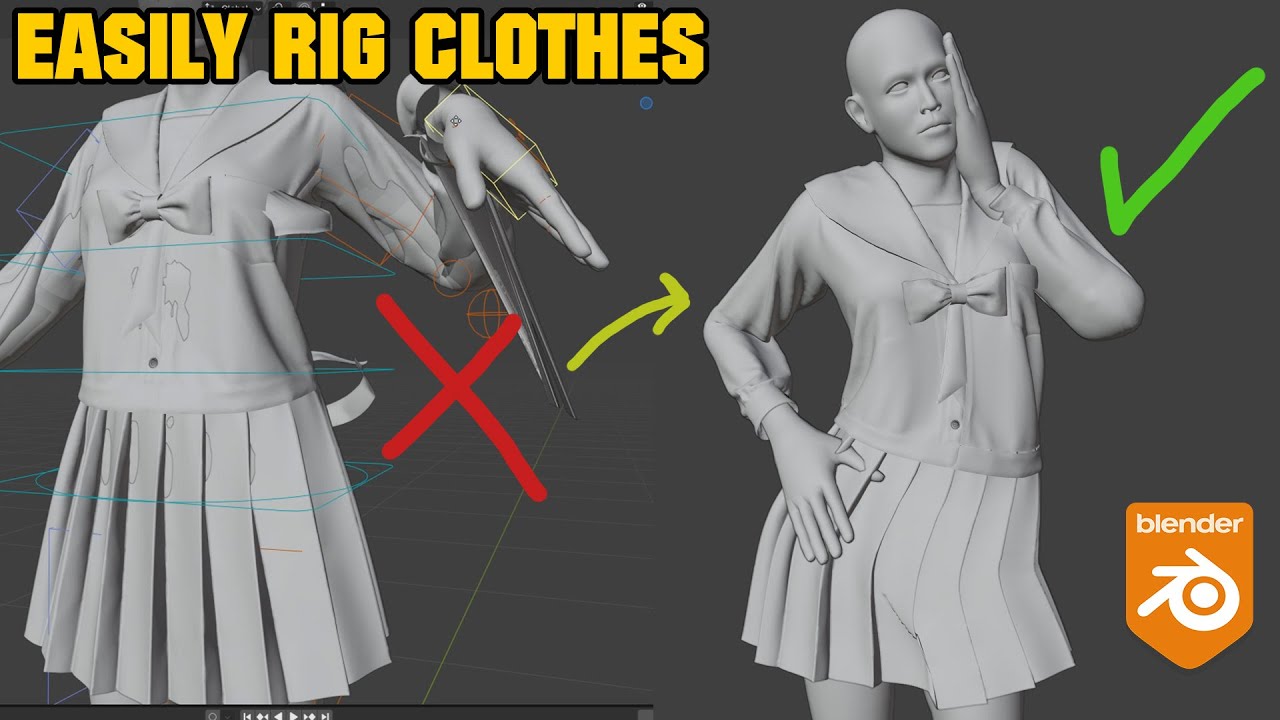
This is a pretty easy tutorial for clothes rigging if you already have a rigged character, the weights from the character are projected to the clothes which takes care of the bulk of the weight painting so you just have to do some cleanup and adjustments.
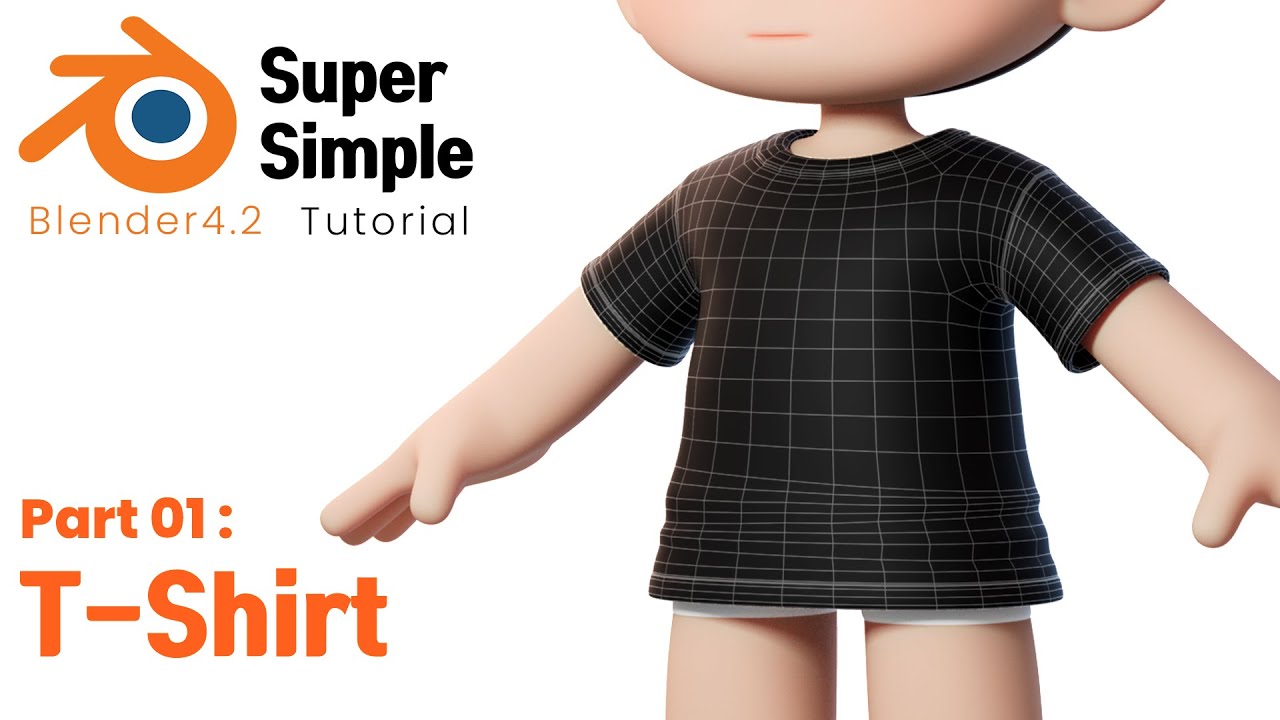
This video has no sound unfortunately but the method used to model clothes is very basic and very easy to learn so you can at least model and rig some basic clothing before trying some of the harder or more advanced tutorials:
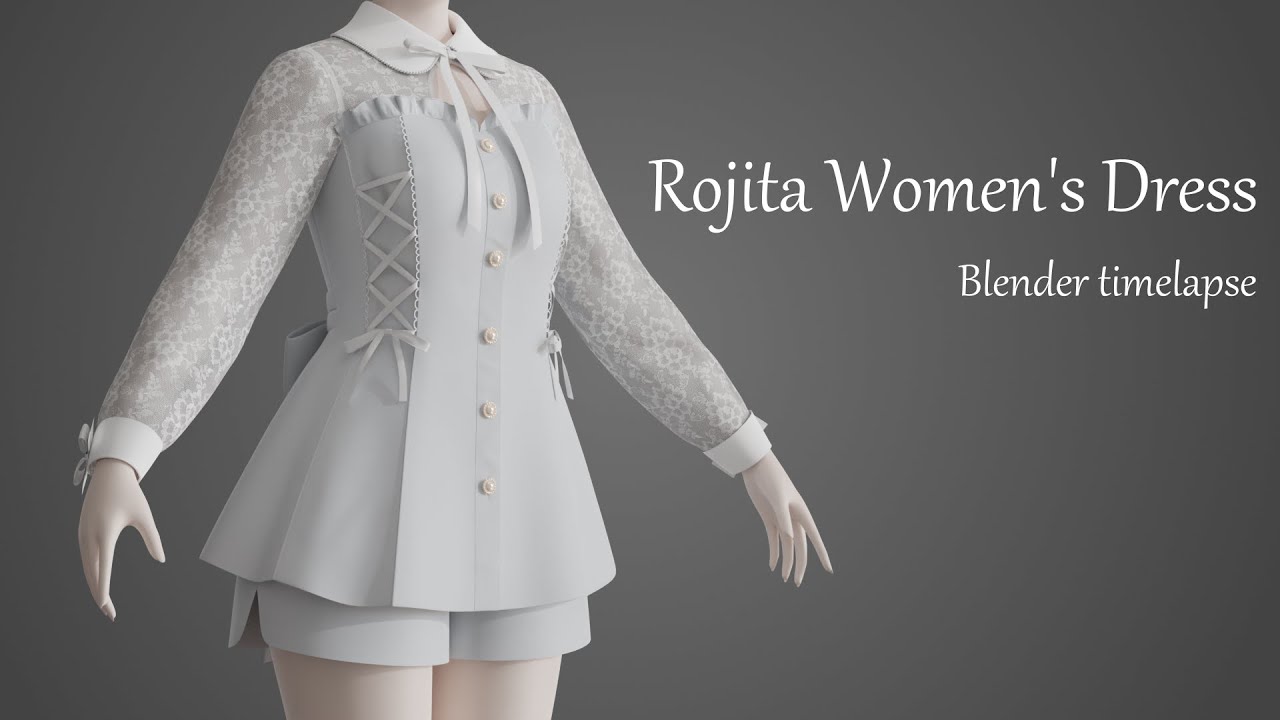
This is a timelapse video that uses a combination of techniques.
There a lot of Z-Brush tutorials where “the clothes” are directly masked from the body, extruded and then furthermore sculpted. So depending on tones “background” or foundness this is not such an unsual approache..
 ..
..