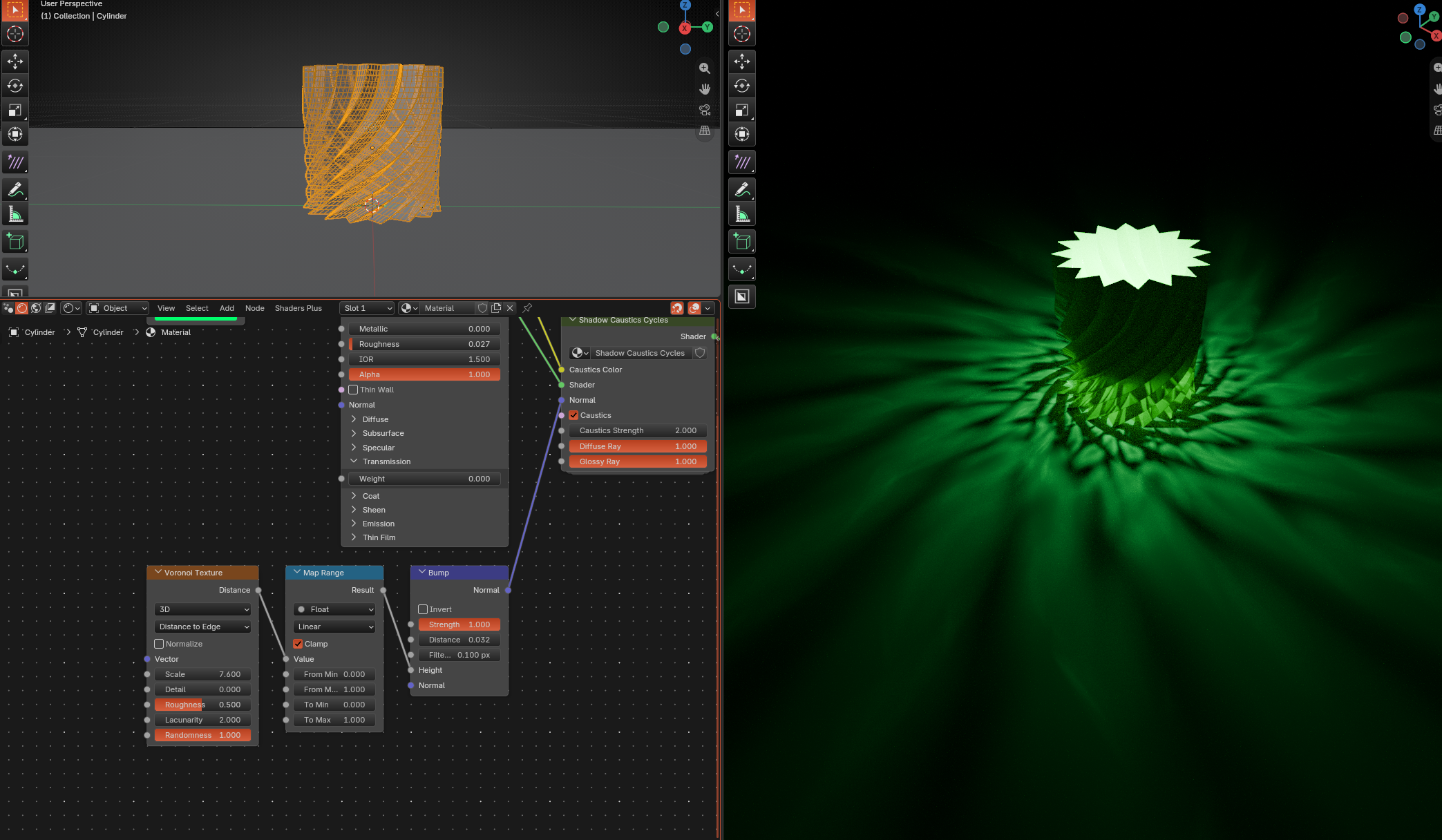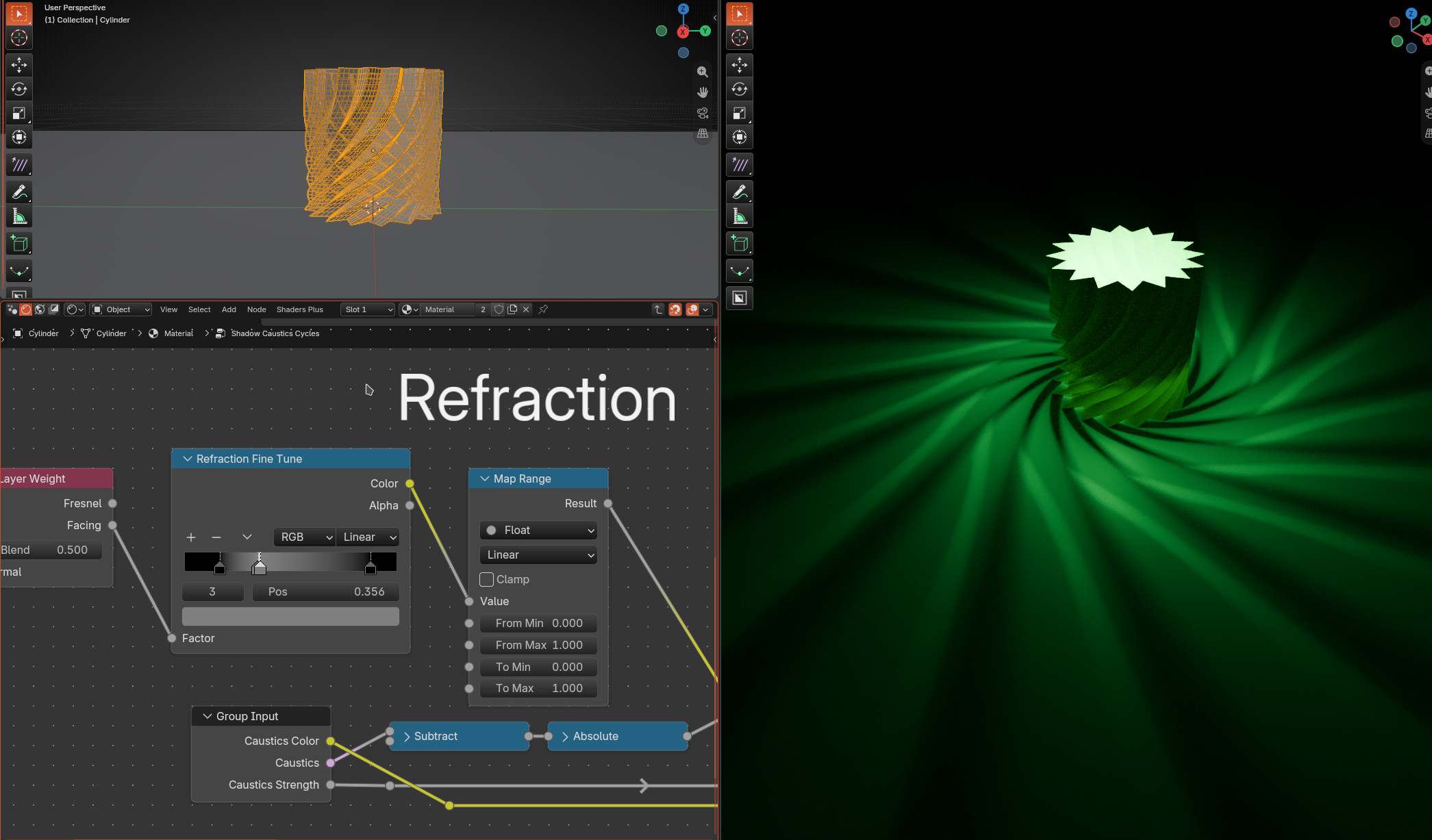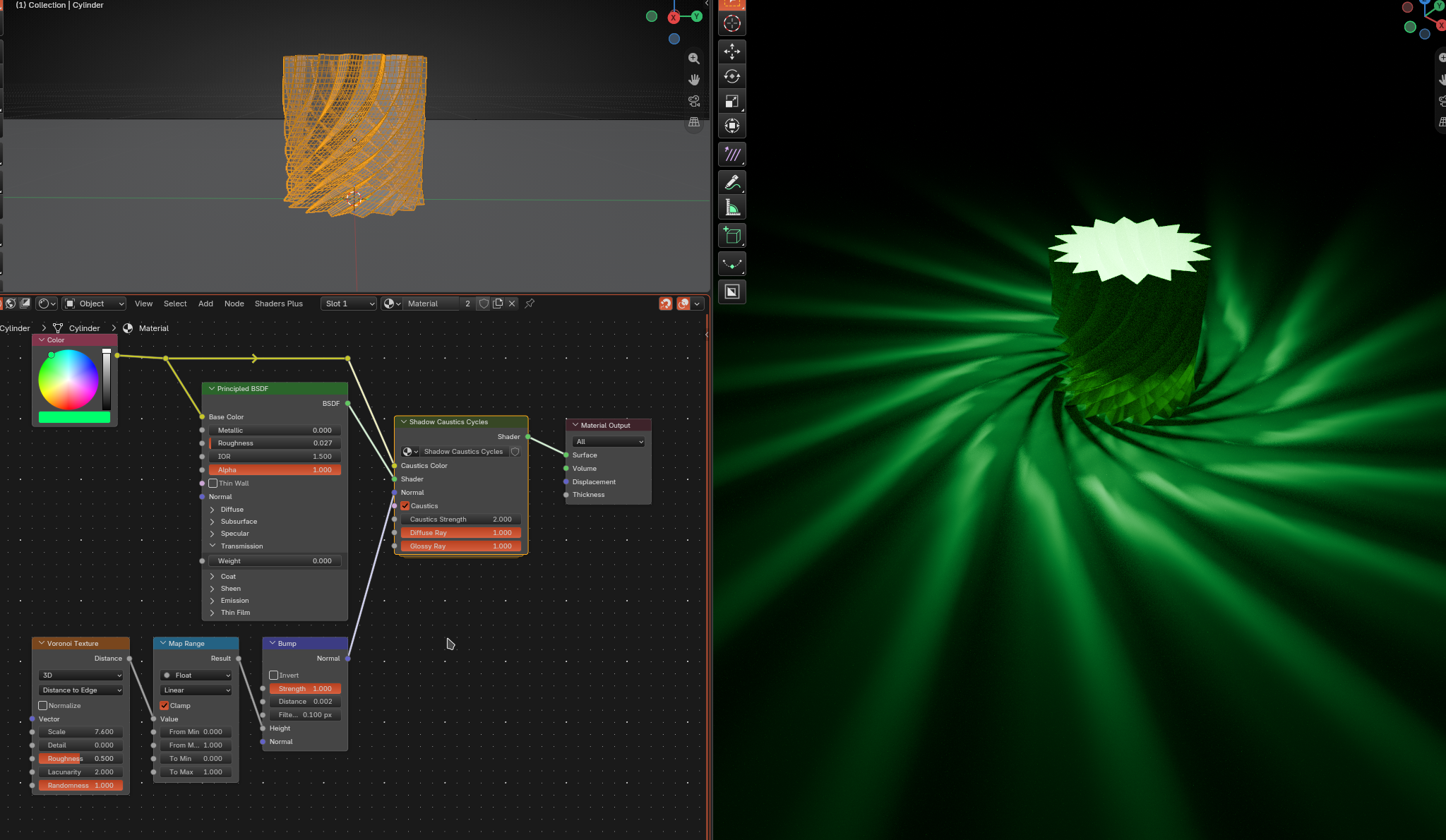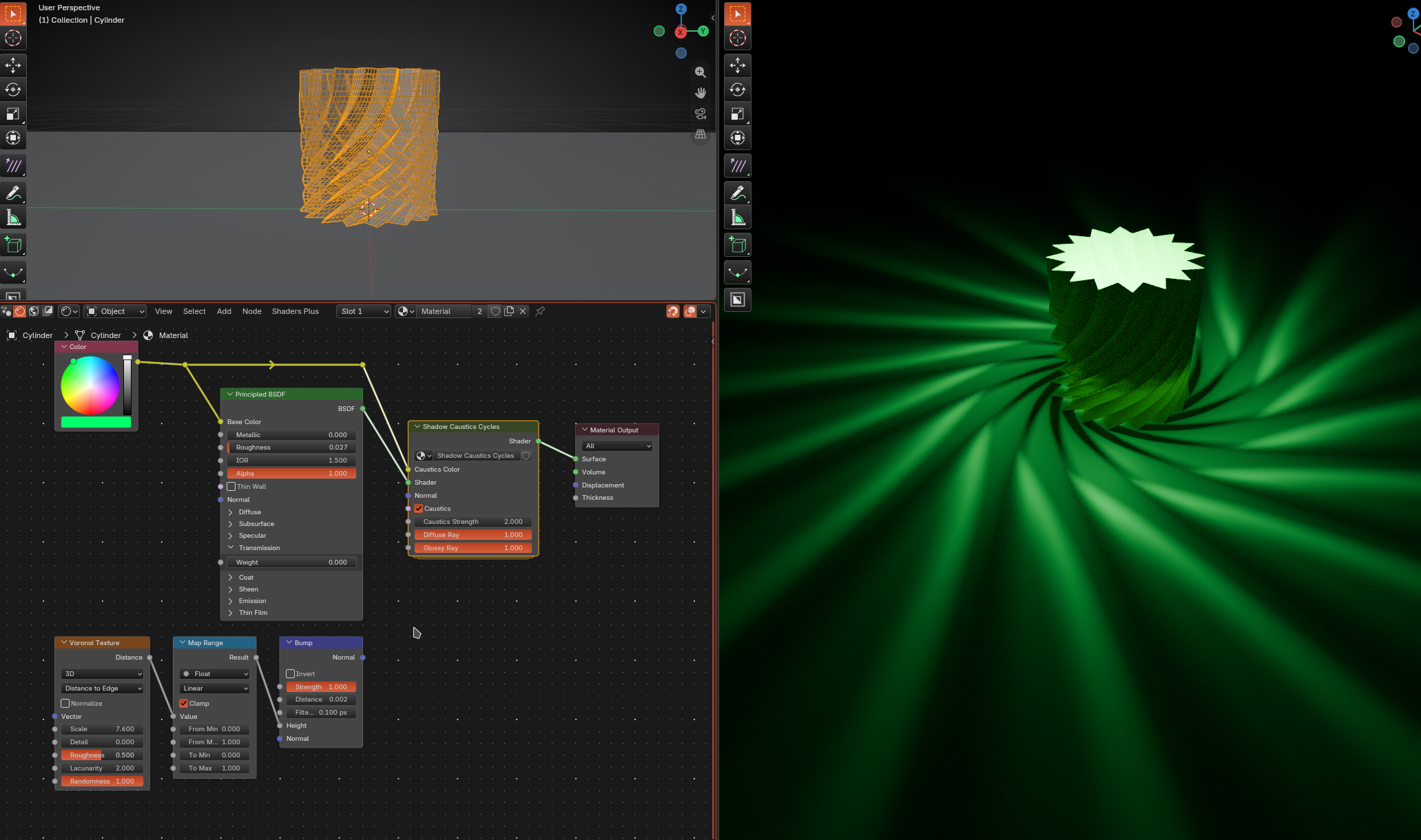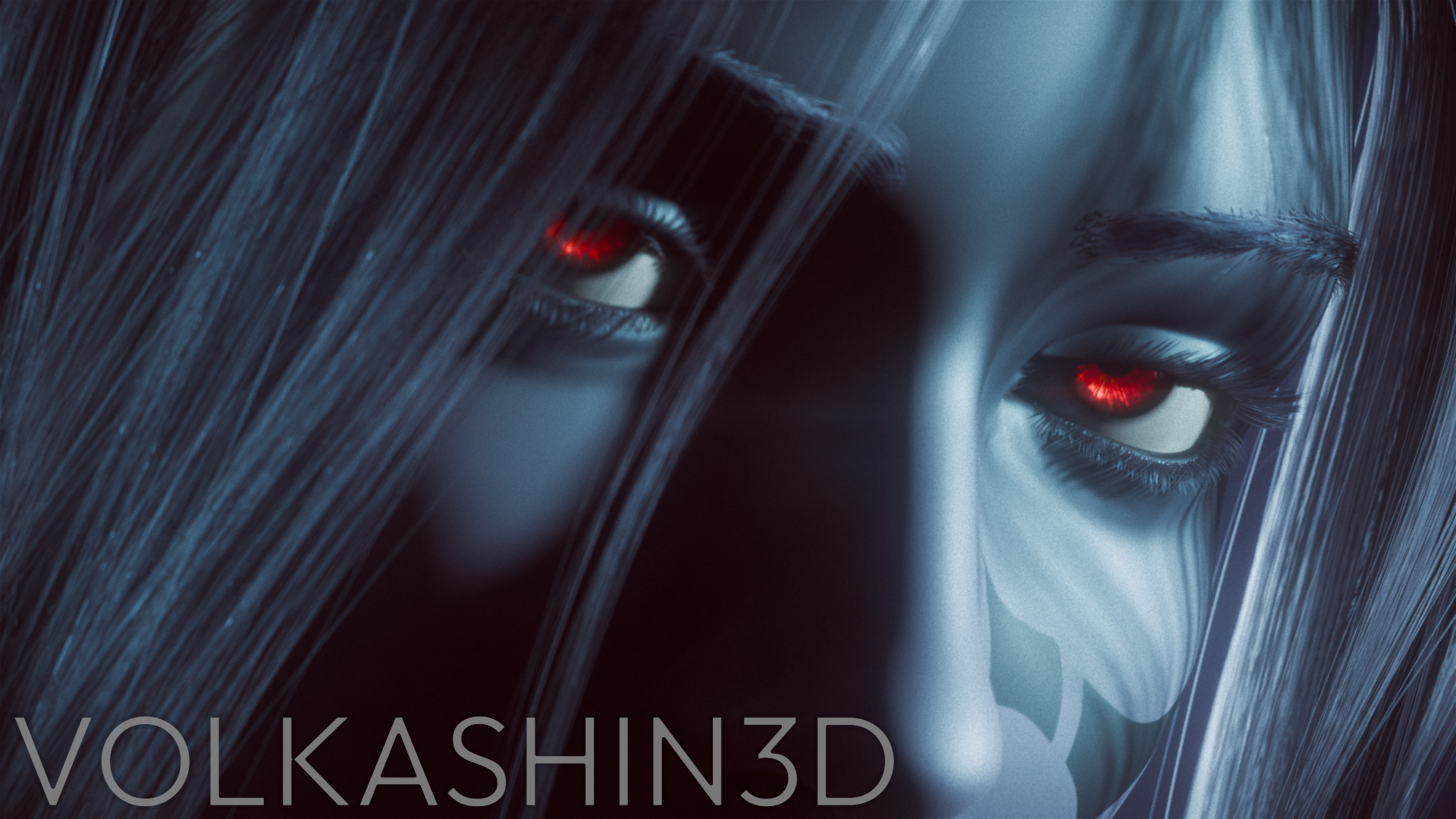
Non realistic Cycles heresy incoming, this is my Halloween post for people who are hardcore realism cyclists
Hey, It’s been a while since my first post about this node group. I’ve improved it in the last few years and I figured it’s time to post again. I skipped posting about V2 cause I was a bit lazy 
Here’s a comparison between caustics on and off on the above render. Taken in viewport.
If you wanna skip all the technical stuff and explanation here’s the Blend file of the node group. Char not included 
Eye Shadow Caustics V3.blend (225.1 KB)
OUTDATED. Go to the bottom of this post or last comment.
Patreon link below if you wanna support me and my obsessions with caustics, hair and Conan worthy outfits.
How it works:
Basically what I’m doing is using a light path node to adjust the shadows. I’m using a Layer Weight node to recreate something similar to what caustics on the eyes look like. My goal here isn’t realism, it’s looking  Pwetty
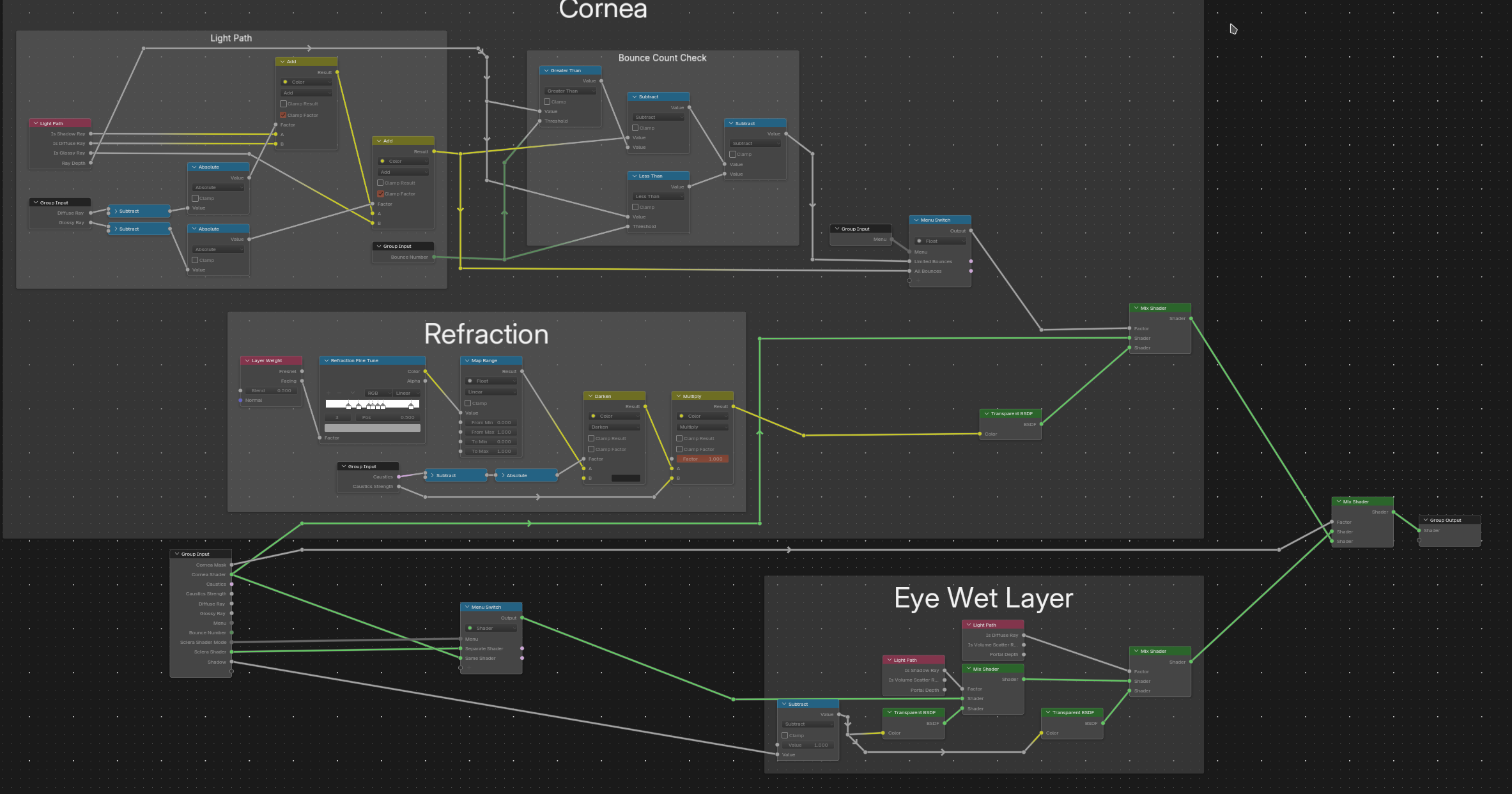
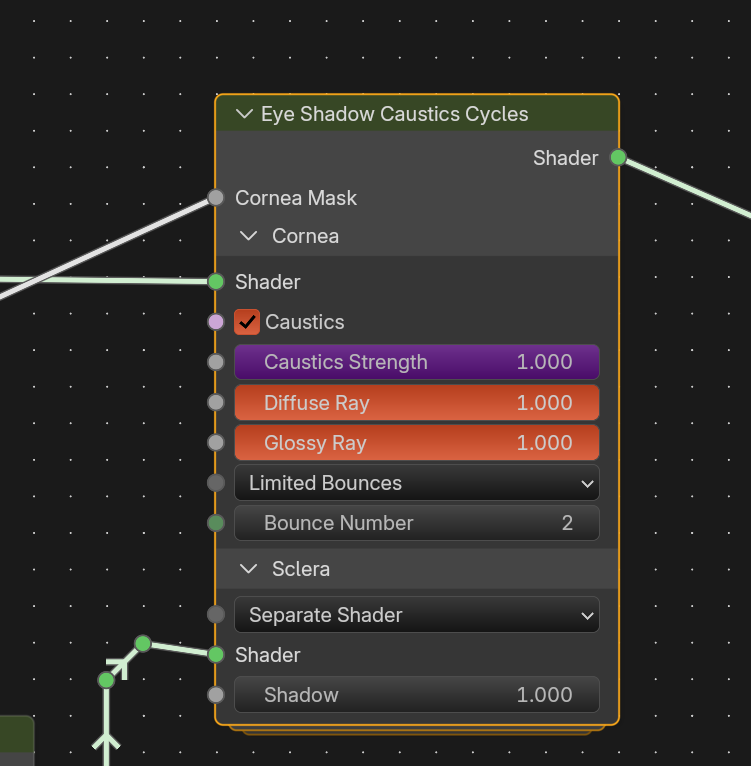
I got a bunch of extra complications here like the Bounce limit, because it used to light up the eyelids when I wasn’t careful and that annoyed me a lot hah (and because I like node suffering). I now set it so that it deletes every bounce except the 2nd one. This breaks the caustics in reflections like water or mirrors, so I added a menu toggle and a bounce input.
Diffuse and Glossy ray… Idk that’s from 2-3 years ago, I forgot why I added them, but I remember they reduce noise in some weird situations by preventing it to contribute to Glossy rays or something. You’re gonna have to find younger me to find that one out.
The sclera shader is there cause in most cases the sclera or an eye wet layer are connected to the cornea. The shadow slider is there because it needs to be set to 0 for an eye wet layer (for cursed Daz eyes), or at 1 for a sclera.
The shape of the caustics can be edited with this color ramp. I tried to find a good way to control this from the node group yesterday but I ended up wasting my time. I can’t think of a way that works well for this.

As for Eevee, it works there too, but a little bit handicapped
Here’s a comparison, this is Cycles
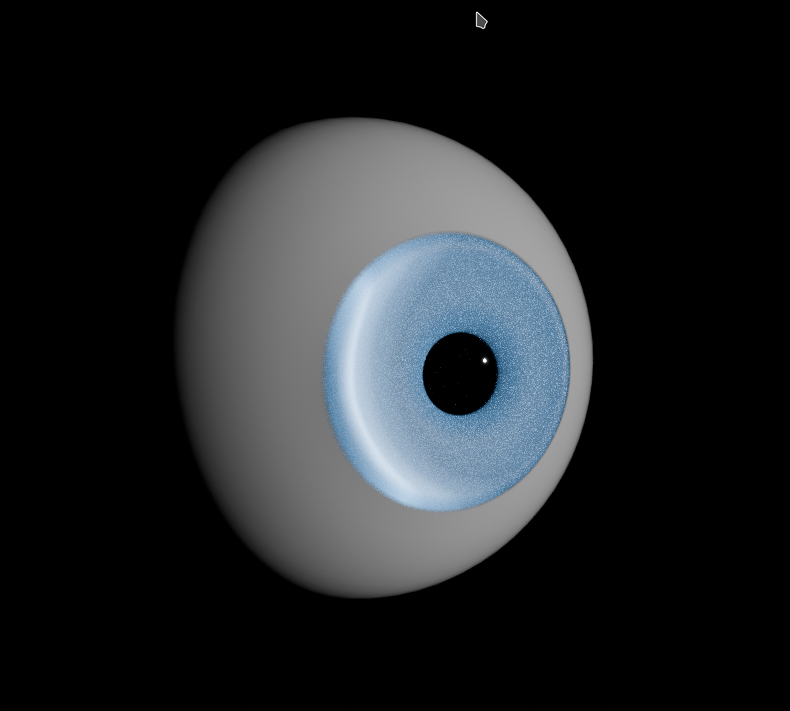
And here’s Johnny. I mean Eevee
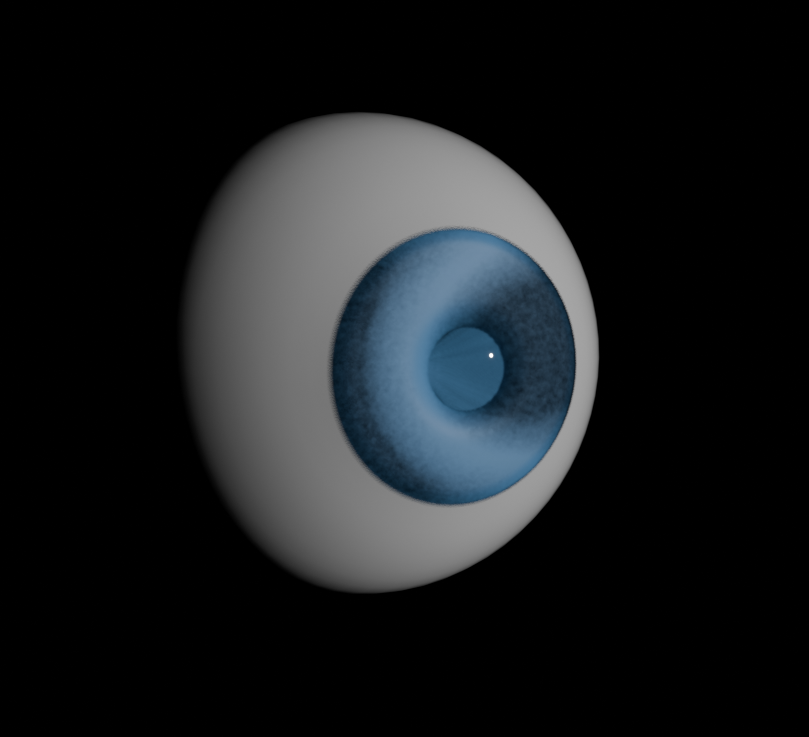
Eevee is limited to a value of 0-1 for the shadows, meanwhile Cycles can do more than 1. You gotta emulate the shine on Eevee with the Iris material. I made a 2nd node group for Eevee to adjust for missing features and for a better default color ramp setup.
You gotta enable Ray Tracing I think and bump up the shadow settings. Jittered shadows help a lot here too.
I rarely use Eevee since I only have 10GB Vram so I don’t know for sure, I just did the bare minimum testing basically. Ok maybe more than just the bare minimum, I also removed the nodes that don’t do anything
The idea for Eevee is that the rest of the iris will be darkened by the shadow by like 50% and then the caustics are just gonna be removed shadows.
As a little bonus I’ll show you my light node group as well. I’m pretty sure this only works on Cycles btw. I add this node group on lights I want to only affect the eyes. This works good most of the time, it also affects the hair a little but it’s usually too weak to matter and it’s near another normal light in my setups, it’s just for fine tuning. I suppose I can also delete every ray here except the 2nd  If that works as intended, it won’t affect the hair as much.

Figured I might as well add some screenshots of the scene setup. The light with the Light Path group is selected on these.
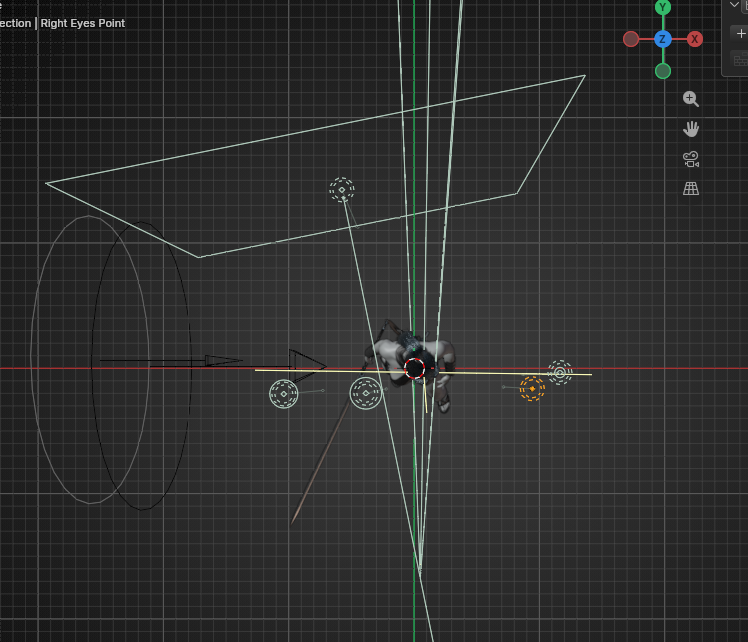

All right, I leave you with this stuff. I release all the assets in the blend file as CC0. The eyeball is from the Blender demo files or the Essentials asset library, it too is CC0. Feel free to use this however you want. I’d appreciate it if you share this with others. Feel free to support me on the Patreon link I posted above, next to the blend file. Spread the good word of the Conan worthy armors, caustics and Elves with pretty hair

I recommend Tiny Eye with this btw, it’s really good. You can plug it like this
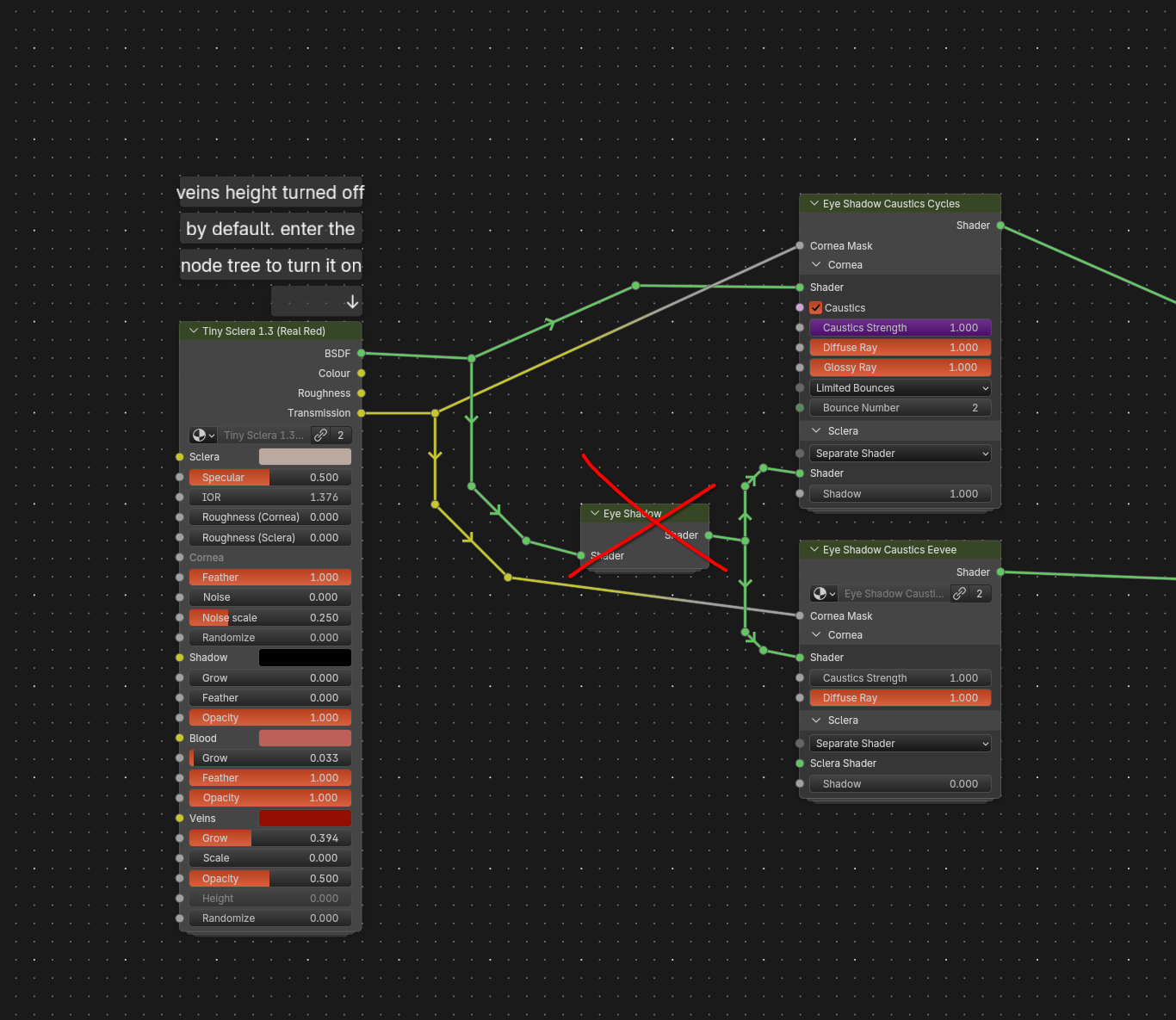
Ignore the crossed out node, it’s a leftover mistake I just noticed on my character
By the way this works similarly to MNEE shadow caustics that were added to Cycles, but I personally really hate that one lmao. This gets rid of all the performance issues and adds control but I am under the impression MNEE has a more realistic setup. Tbh I barely used MNEE cause it tends to slow everything down a bit. Also annoying to set up. I tried using a version of this node group for water caustics long ago, it did a pretty decent job, but it wasn’t anything special. Works for backgrounds I suppose. It can make interesting lights tho.
I looked for some old works that did this and I saw this image. It’s a frame of an anim I made for funsies. Look what you made me do now, I gotta make another node group soontm with a setup that works for this stuff 
I’ll set it up later or tomorrow and make a new node group about it 
I gotta go eat now before I get distracted again and die of hunger.

Hey one more thing, you better make some really nice renders of Conan worthy armors with these caustics, you hear me? 
Have a nice day
The character model is an edited Genesis 9 mesh with Tiny Eye eyes + my caustics on top
Edit: New Version
V3.1
Change Log
- Fixed the Caustics strength slider, it doesn’t multiply the entire output anymore
- Added comment nodes
- Added all node groups in 1 blend file along with examples
- Changed the color ramp mode on the normal Shadow Caustics to B-Spline
Shadow Caustics V3,1.blend (243.5 KB)