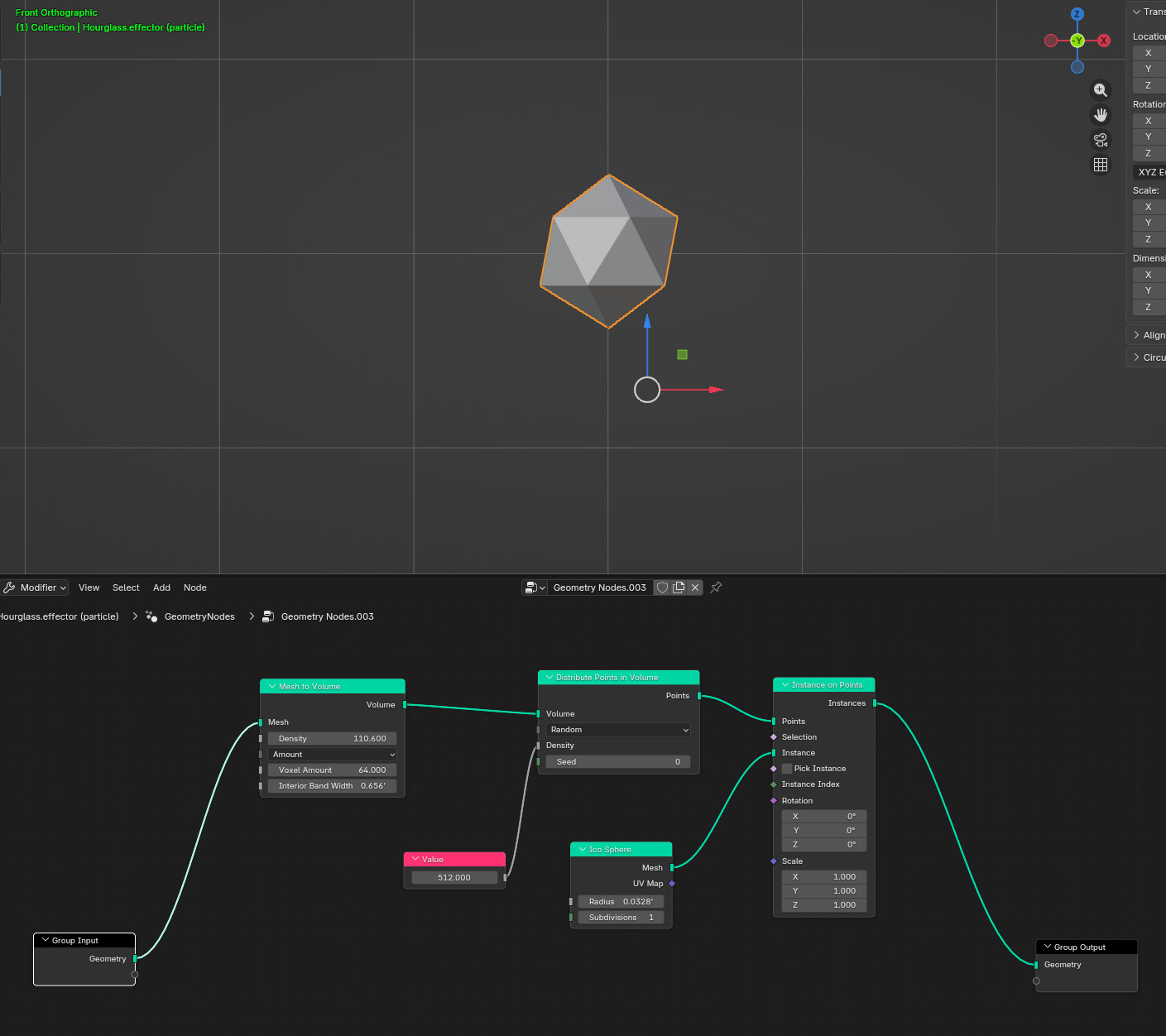
I know that with fluid sims, you can actually fill up a vessel with liquid. So I would think particles may be able to do the same thing.
Years ago, I did this tutorial to make sand accumulate in an hourglass, but I cannot seem to replicate the process as I’ve long forgotten.
This getting crazy… Blender, on this i7 machine, has lost the ability to run fluid sims a few minutes ago.
I had found the original Blender file of the hourglass sand animation. It ran 30 minutes ago. So I figured I would try copying the domain, effector, emitter and one or two other objects and paste them into my other project. They worked there too. But I started copying the domain (shift-D) and other objects from the working sim and could not get them to work with the other hourglass effector, Maybe I need to link that effector to the new sim?
But here’s the weird part. I open the original hourglass simulation and there’s no sand! I run it and still no simulation. Thinking that somehow the file got corrupted, I bring in a backup copy from my other workstation, open it and–same thing!
Going crazy now, I move to the other machine and open the file. The simulation works on the dual Xeon just as it should.
The i7 machine lost the ability to run sims. I didn’t change any Blender preferences, so I don’t know why sims no longer work. I restarted Blender and same thing. Sims aren’t working.
I also tried opening it on an older version of Blender on this machine and it doesn’t work on that version either. 5.1.1 and 4.5.
Alright, simulation is too complicated.
I already have the stream of sand falling. I just need the bottom third of the hourglass to be filled with sand.
I’m thinking it’s better to fake that part. So the new question is how to make it look like there is sand already in the bottom third of the globe.
Yeah, I gave up on simulating it. But I’m not having any progress trying to create a half sphere with sand it is either.
Any ideas on how to make a bowl of sand? I can’t find anything on Youtube that specifically addresses that.
Blender could improve sims. Also they are so slow. using only one of 32 cores.
I do usually apply all transforms to objects, otherwise they do we’re stuff when I move/scale them. Is that the same as CTRL-A?
I had to cheat and just make a bowl shaped object with a closed top and download a sand texture.
I was able to get some progress this way, but I’m having weird animation with the simulation when rendered. It started over in mid stream.
I tried baking the simulation, which fixed that weird clumping at the start and the restart in the middle. This looks pretty close to what I’m trying to replicate: