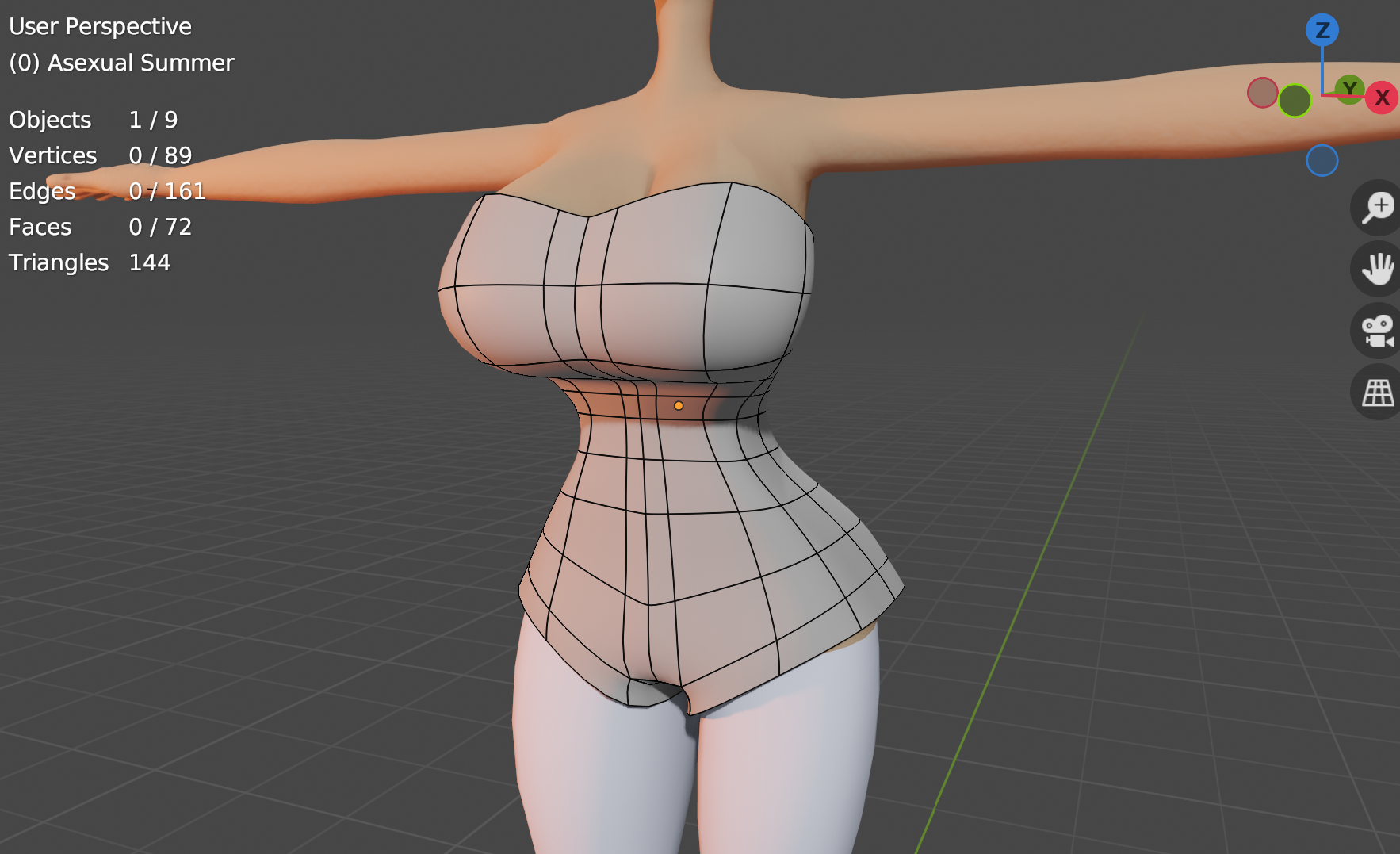
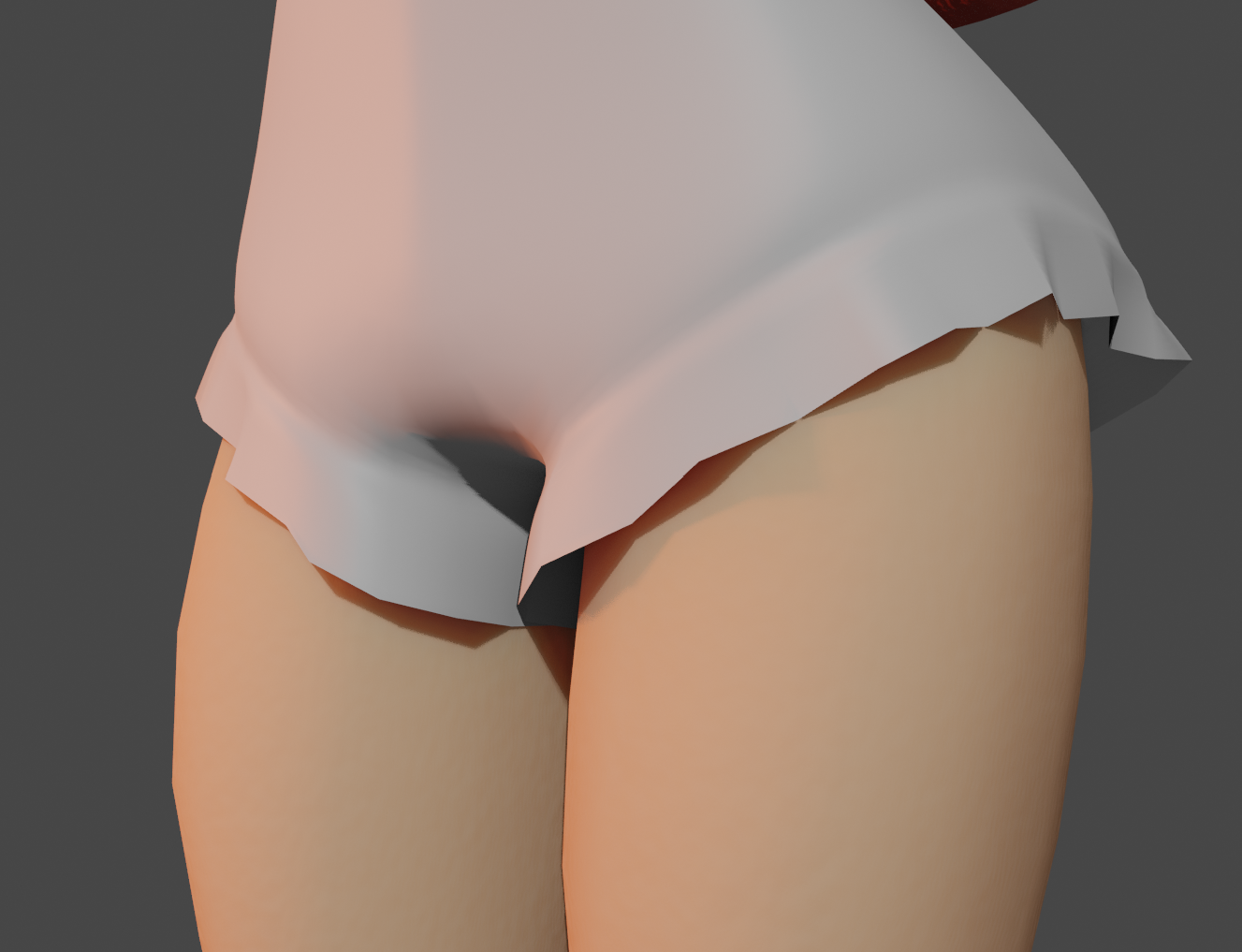
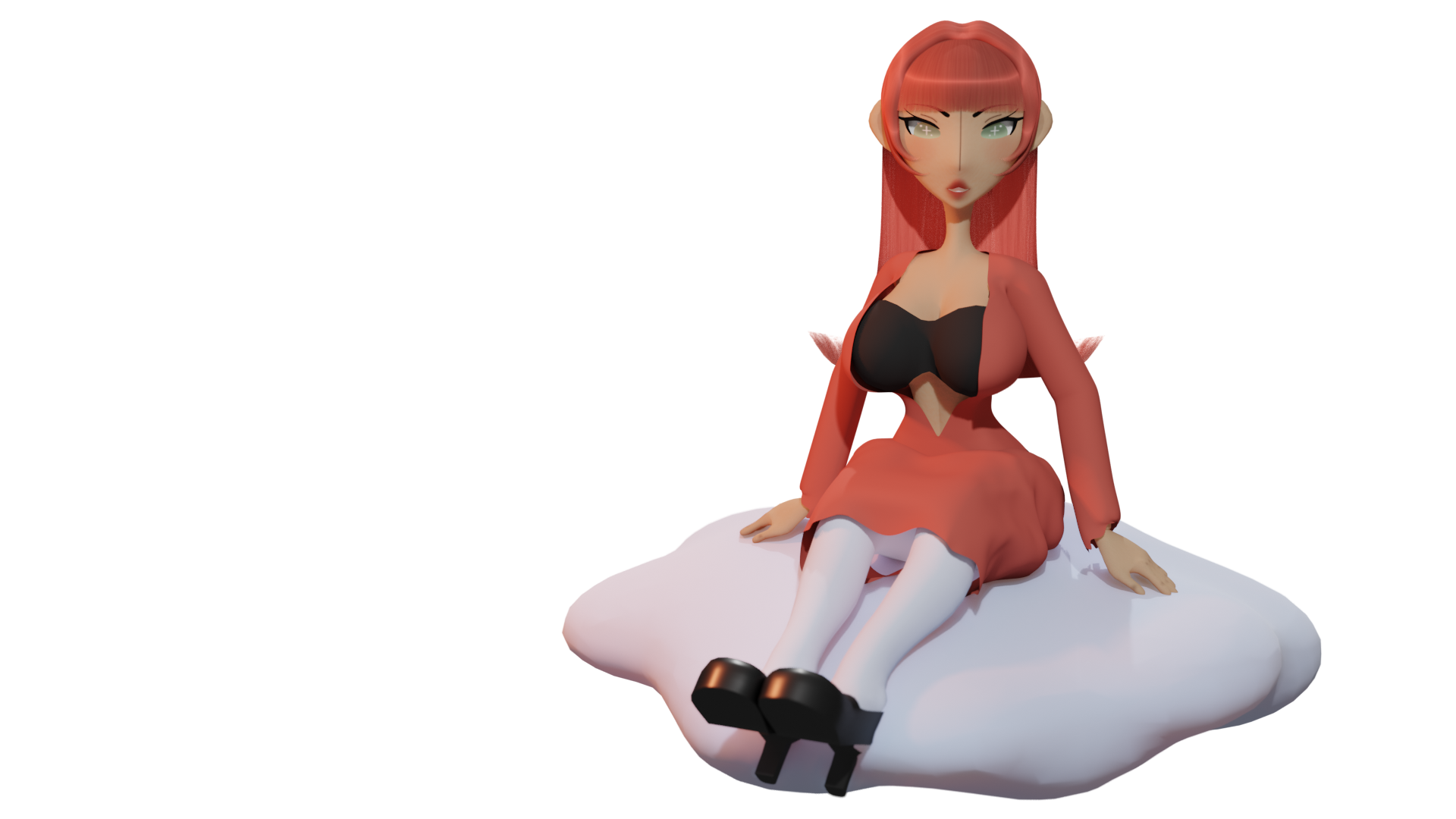
Went through a journey with this one.
So I made 3 editions (.blend files) of this model:
- VRM - For the VRM version. I’ve been working with VRoid vrms for a while, so this is important to me.
- Blender - This is a rig that will be used and stay specifically in Blender. (I’m going to be talking about this in this message.)
- Master - The original .blendfile that is complete. It’s a very flexible version of the model that I can go back to. A safety net. For example, if I had to export the model as an .FBX, I can do that. Or if I screwed up the Blender version really bad, I can restart with this one.
Oh. And I don’t think I mentioned it before, but her name is Yume. (You-may)
For the Blender version, I decided to use a Mixamo rig. Why?
- I used it before.
- It’s clean and uncomplicated. Easy on the eyes and has the essentials.
- You can use either FK and IK (I normally use FK. I do alot of retargeting and it’s more controllale, in my opinion. IK’s nice too; good that option’s available.)
- You can quickly retarget Mixamo animations, which is nice; I can see how the model works.
I used the VRM armature that came with the VRM addon for Blender. I need to change the name of the bones to its MIxamo counterpart. Luckily, there’s already an addon out where I can do this.
But here’s the problem; That addon only tackles Vroid Studio’s naming conventions. My Armature unfortunately isn’t named that way. I do NOT want to rename all of those bones either.
So I made an addon myself.
I can name whatever bone I want to it’s Mixamo counterpart. It doesn’t even have to be an VRM armature either. AND I can save presets, so I don’t have to select the bones every. single. time.
So okay. Now that I have that settled, I can finally convert this armature into a Mixamo rig! Right?
Wrong. I was deadass wrong.
Well… halfly. Just my model messes up when I press the button. 
I did my research. Turns out, that’s a bone roll problem.
'The hell’s a bone roll? When you press whatever axis twice (X,Y or Z) it’ll actually rotate that way? It helps with fingers. I’m not advanced in that category; I just know if I don’t fix the bone roll, Yume will be bo-legged.
Well how do I know where to to roll?
I decided to go to the Mixamo website and download a model from there. (Remy seems like a decent guy.) I look at the bone rolls there and with Shift + N, I try to figure out which option replicates Remy’s bone roll on Yume. When I finally figured that out and convert the armature to the Mixamo rig, It finally worked as intended. The feet went apart a little, but that’s alright. Better than what happened before.
I don’t want to have to do that every single time I make a model either, so I made a one click addon for that too.
I downloaded an animation from Mixamo to try out and added cloth physics. Here are the results:
Yes, I see some things are bleeding through here.
The apron’s physics are kinda “eh”.
Also her feet look wonky. I have the heel shapekey turned on and this specific animation is using heel bones, which when you make animations with heels, you’re not really supposeed to do that, but it’s okay (for now); at least the rig works!
I’m definitely using this as a wallpaper;
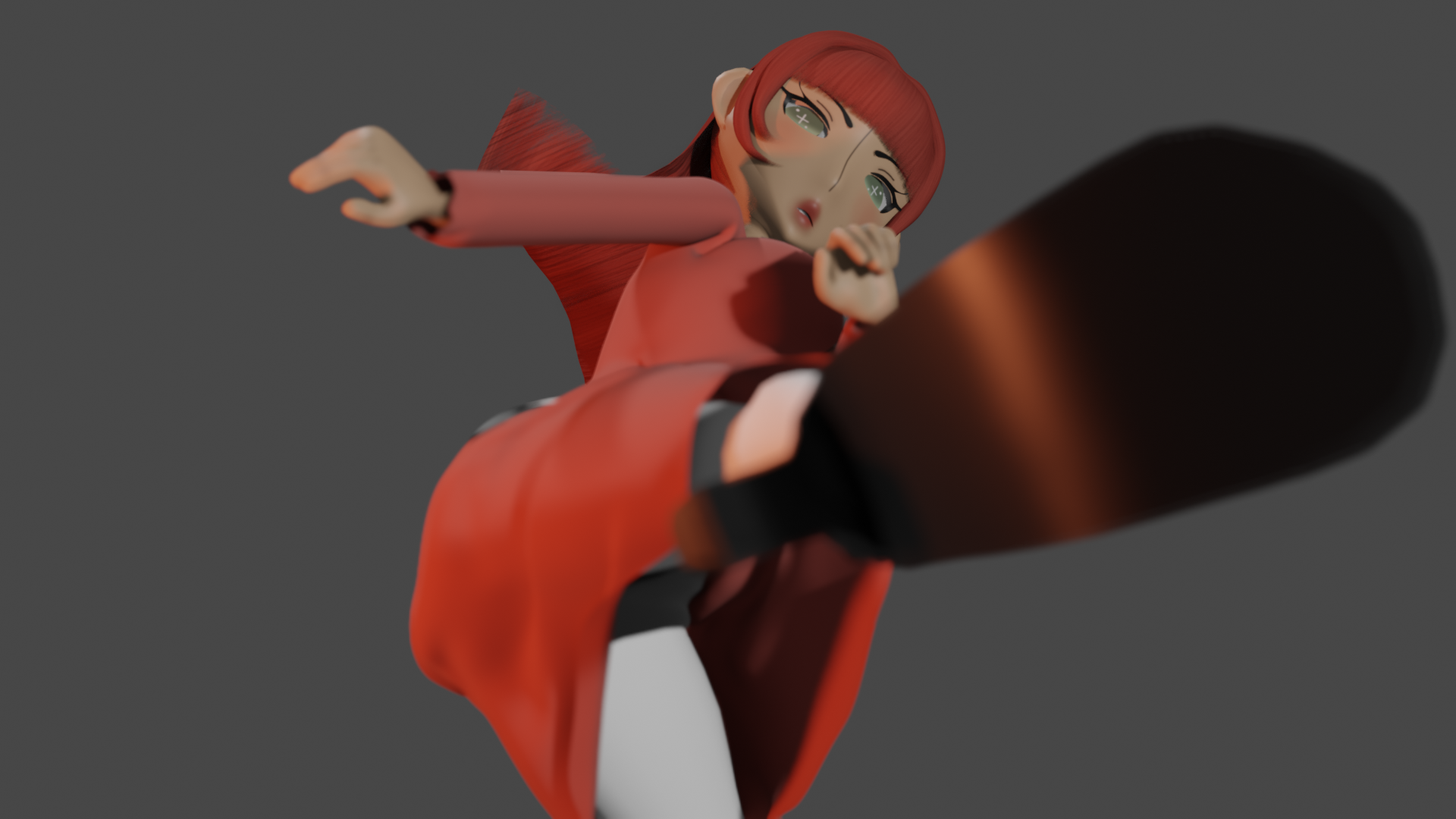
I want to make more animations with her and give her some new clothes, so stay tuned for that.
I need more models on my Sketchfab too, so I’ll put her up there at some point, so you can take a look yourself!
Those addons I told you I made? I’ll diploy that to the internet and give you links you you can have them yourself.
Thanks for reading! Have a nice day! 
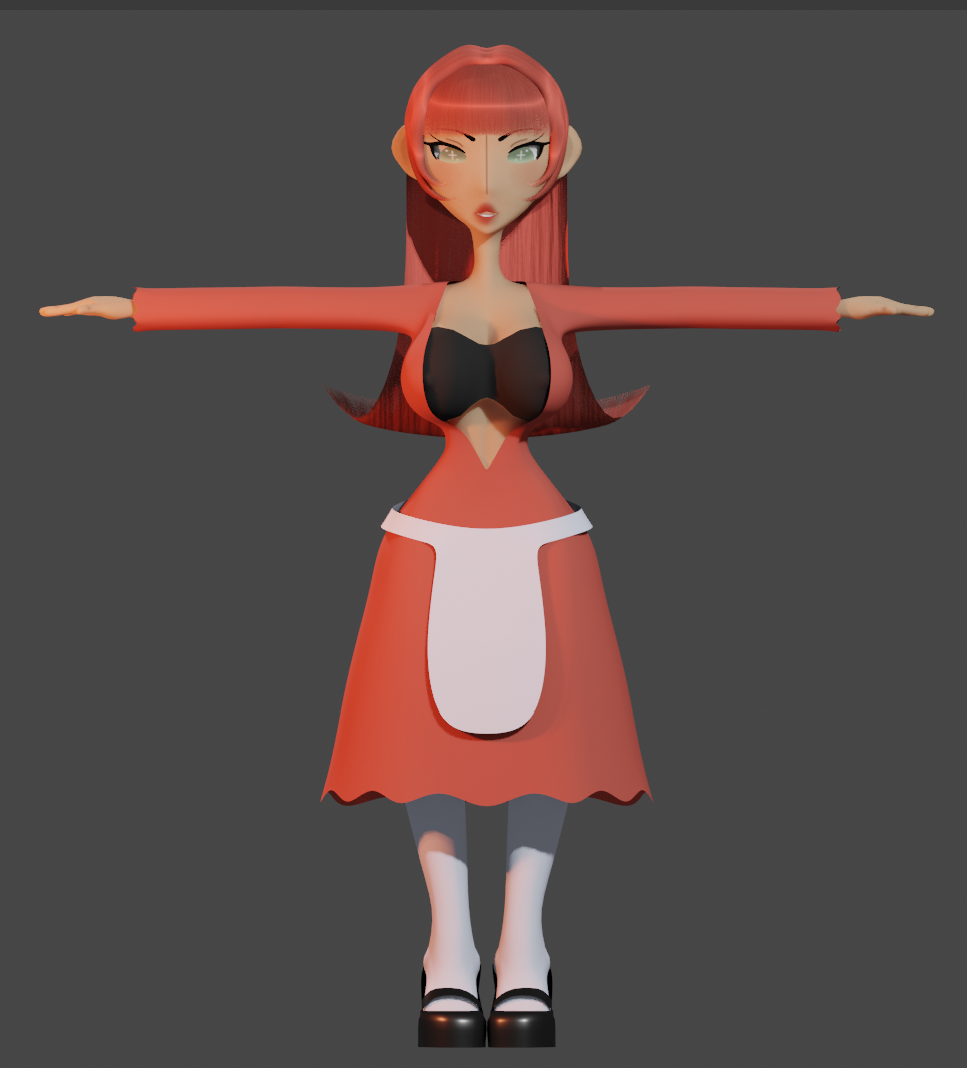

 graphic on my