I’m messing around with Freestyle with the intention of using of for mograph stuff.
But i’m being hampered by my lack of control over where it puts outlines.
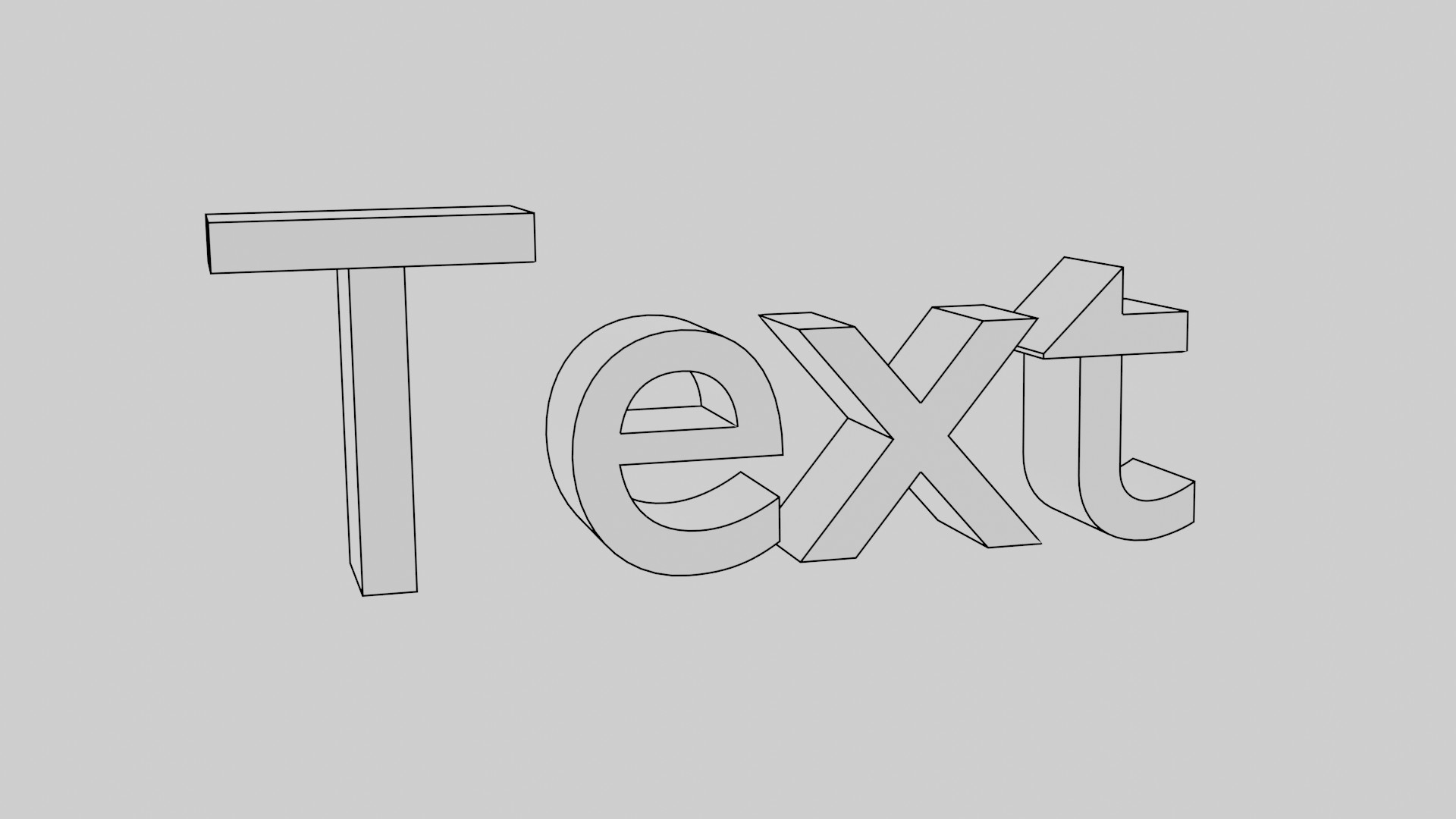
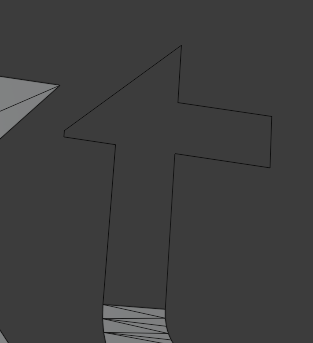
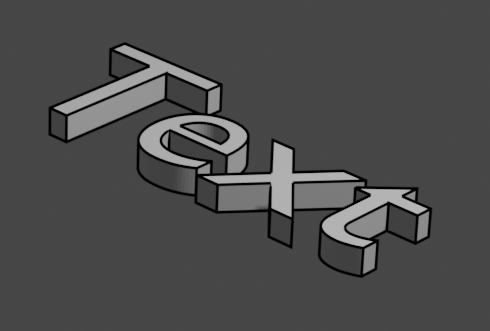
Could anyone take a look at the image below and tell me why Freestyle is putting extra lines in the two T’s? Is there any way to precisely control where Freestyle does or doesn’t put outlines?
I’ve would hope there was a setting where you can prevent Freestyle from putting an outline where an edge joins two completely parallel faces, but i can’t find the setting!
My text has been converted to a mesh so i can animate its shape using the AnimAll addon.
Hi, the problem with the T from text object converted to mesh is that create triangulate faces with edges that cross incorrectly the geometry.
I recomend you create the text without extrusion. Convert to mesh and edit.
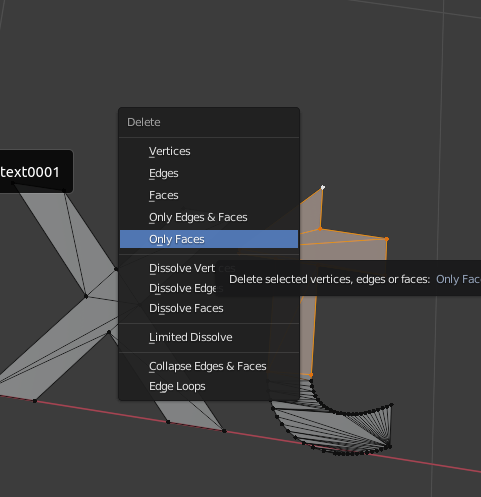
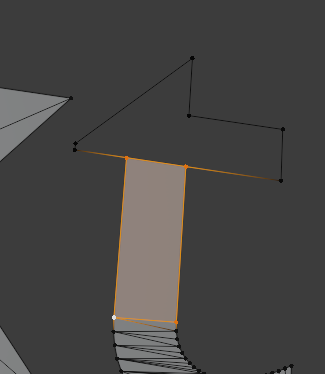
For this, select all the faces of the incorrect geometry lines of the “t”, delete “only faces”,
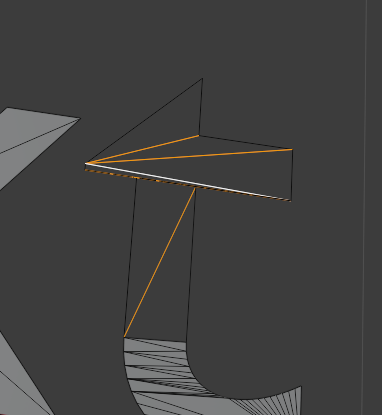
Select all the incorrect interior edges and delete it
Only let exterior edges.
create manually quad faces. In the “T” you should subdivide the top edge.
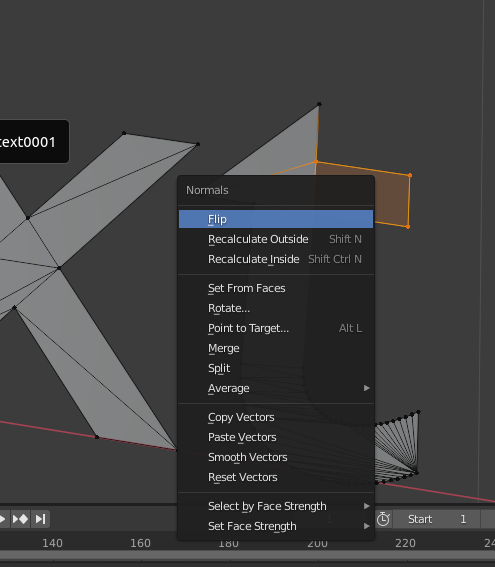
If the face don’t appear, surely have fliped normal so you need flip normal in the correct direction
(alt + N)
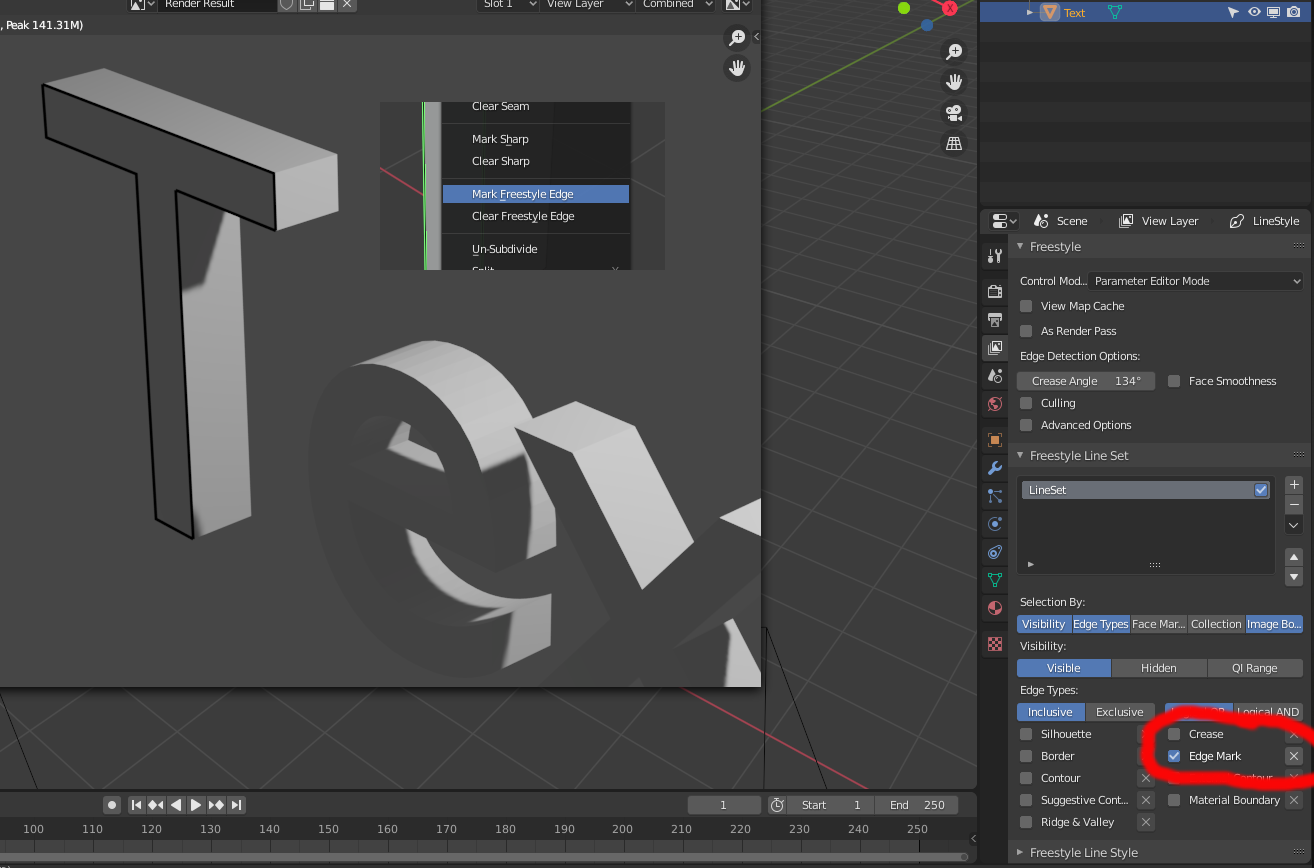
@ Rigoletto, great, “Mark Freestyle Edge” is very useful, that will help a lot!
@joseph0, thanks for the detailed explanation, you’ve reminded me that i need to get my head around “good” topology, it’s not something i’ve spent enough time learning about!