Thousands of live trails and hundreds of thousands of total particles simulating interactively on a mesh. All in geometry nodes.
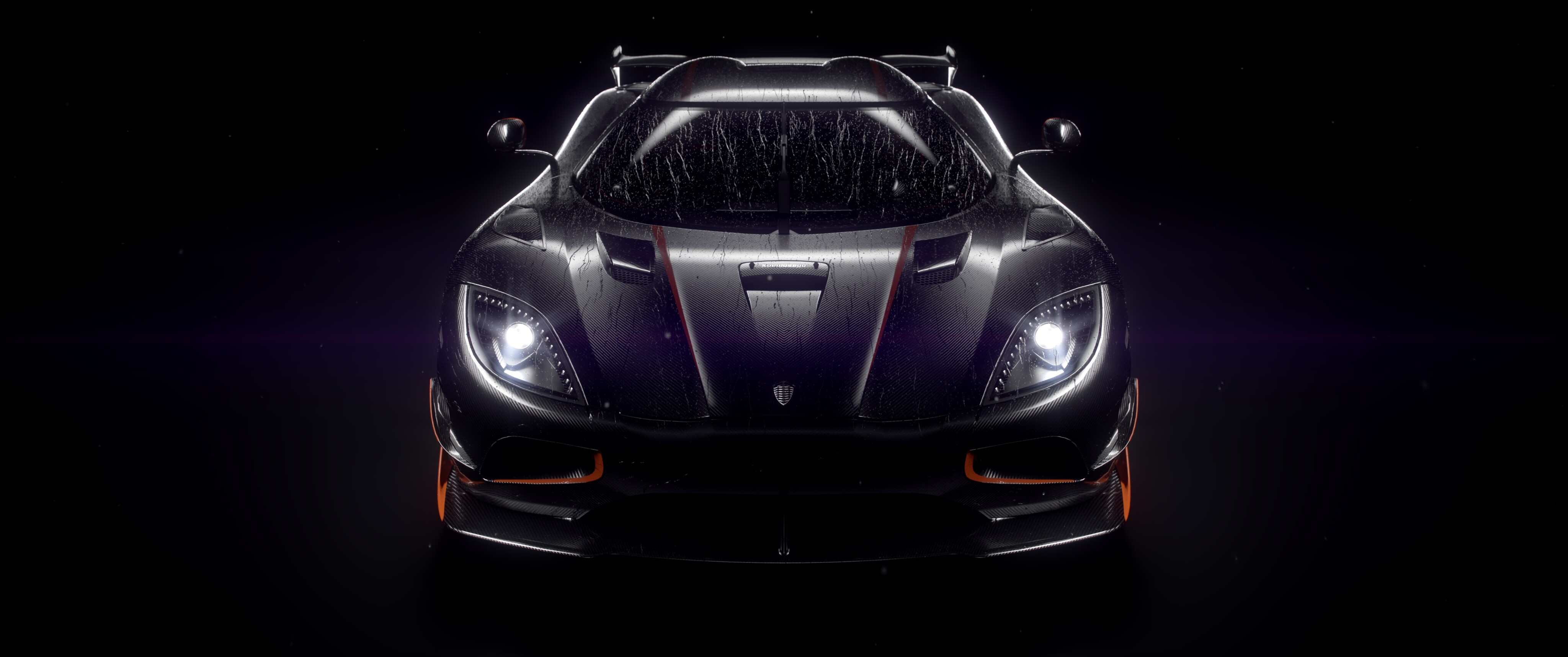
I love cars and I love wet environments. Unfortunately, I was never able to create convincing car animations in the rain because there was no way to create those intricate trails on an entire car. The only options were a tacky shader effect or static particles. No existing rain addon could simulate enough trails to cover the car without crashing. So I designed my own with extreme particle counts in mind.
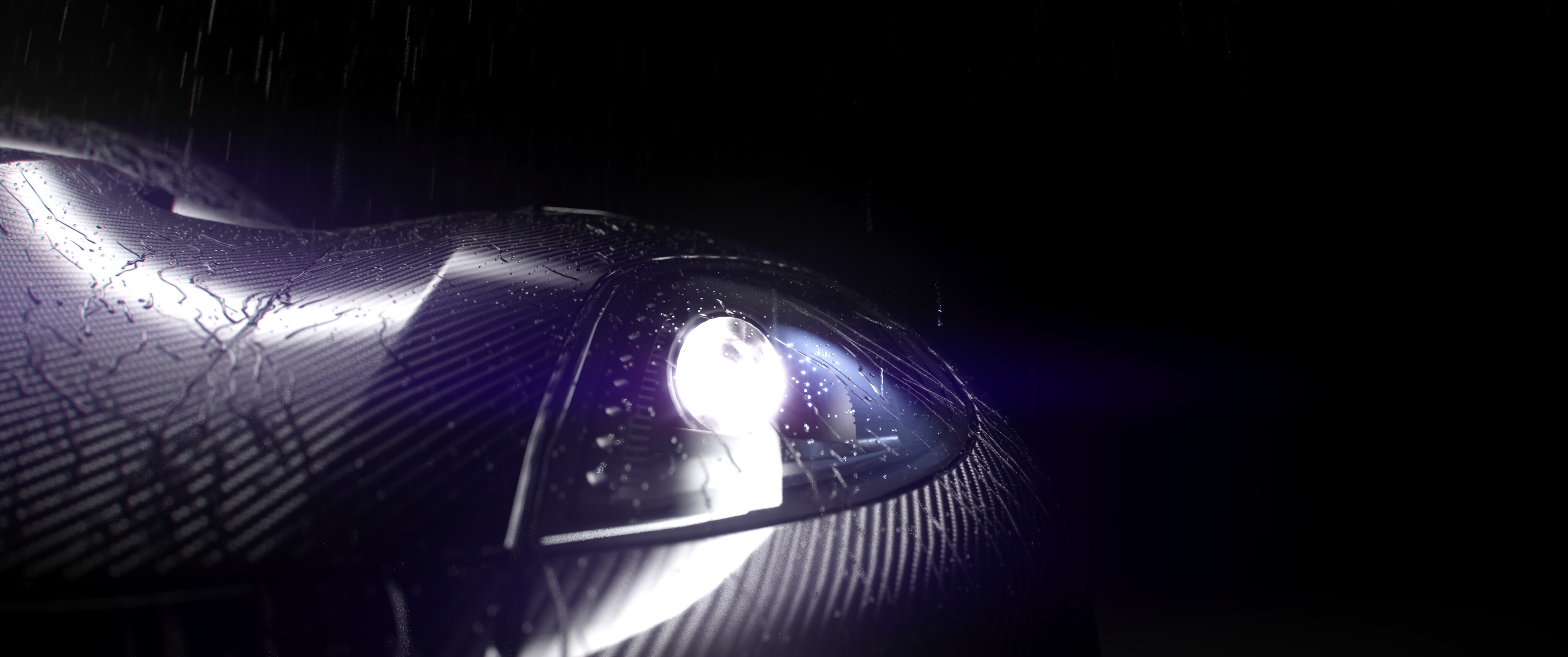
The simulation process:
The node tree emits rain from the selected emitter. Once its in proximity of the simulation mesh, it sticks to it. The rain then repeatedly moves down (or in the specified direction vector) and sticks back to the mesh. This creates the effect that it is moving along the mesh, just like a raindrop. Drops that are fast extrude themselves to create trails. If a trail reaches the bottom/other side of the direction vector, it falls off and rejoins the rain. The trails are turned into curves and assigned a profile to make them look like raindrops. The particles have deformed spheres instanced on them to make them look like natural surface drops.
Check it out here: https://venousfx.gumroad.com/l/rainflow

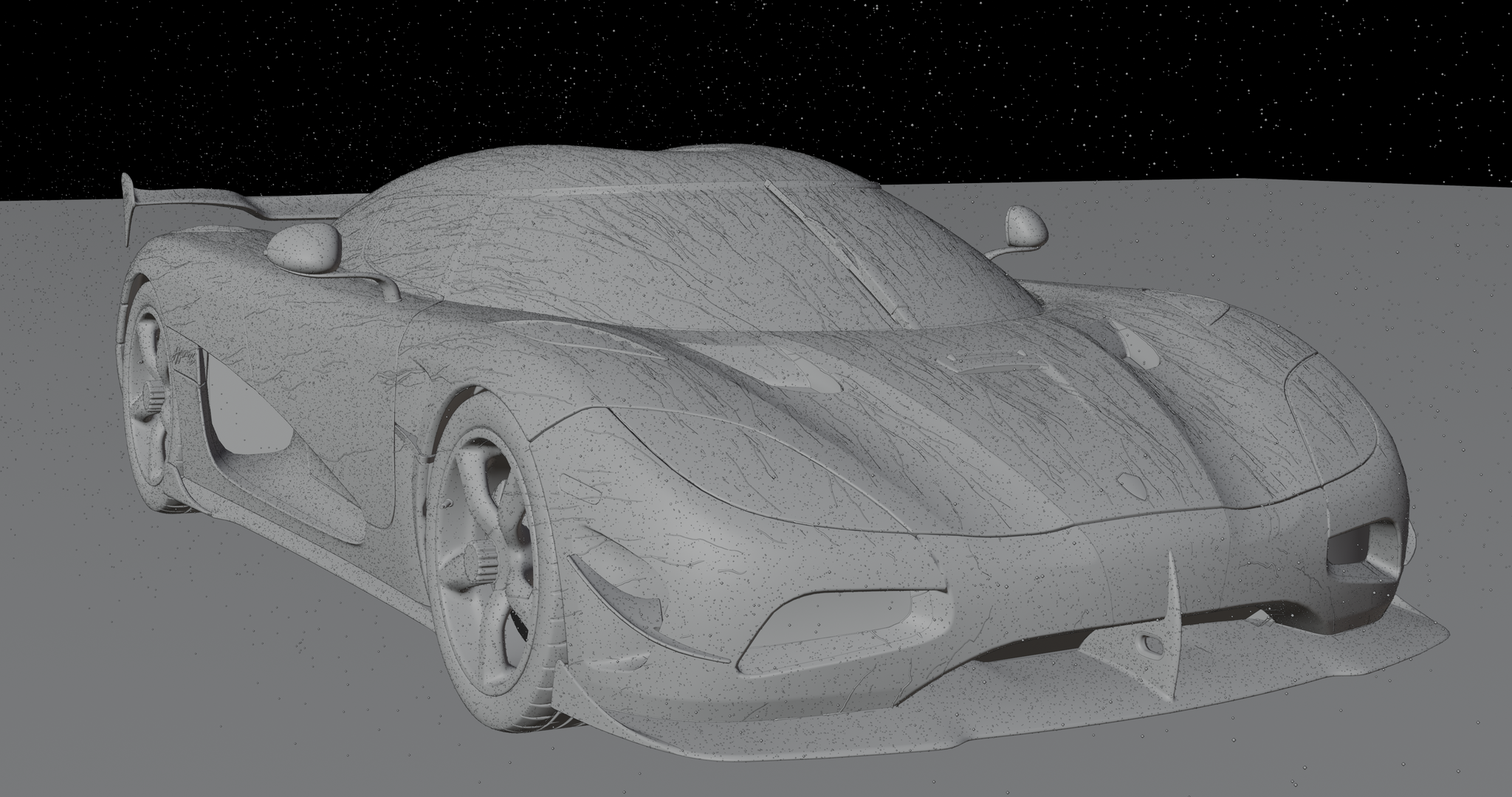
Features/Optimizations:
- Mesh detail can be adjusted. Sim can look pristine close up or run fast with huge particle counts.
- Can hide rain for clean product renders.
- After a period of little movement, points with shrink and disappear. This allows the sim to run indefinitely without crashing.
- The node tree distributes optional static points on the mesh without any geometry. This creates a spray like effect on the mesh with massive detail and very little cost
- The sim intelligently merges points which are too close together. Points are merged unrestricted. Lines do not merge with other lines to prevent glitched. Old points (by age) are also deleted.
- The simulation zone contains a repeat zone for easy sub-steps/iterations per frame.
- All sim transformations are delta-time aware. Sub-step count will not change the simulation speed or style, just inter frame detail. Simulation speed works great for speed ramping.
- We only store the minimum amount of attributes per iteration. Certain attributes like the nearest face normal and position (used for surface flattening) are only calculated each frame for our resulting mesh.
- We calculate the offset, noise, and surface sticking at once. This way each point only goes through a single offset/extrude node, saving performance.
- Falling drops are processed in separate iteration paths from the much heavier stuck particles/trails path.
- We add sub-frames to frame values to get unique seeds per iteration
- Rain drops, stuck drops, and trails each have their own node groups for generating they’re respective geometry. For instance, rain drops do not need certain attributes that stuck drops do. A separate simpler instancer reduces overhead. Meanwhile trails need to be converted into curves then profiled into a mesh.