Disclaimer: I’m a Blender noob even though I use it every second year for a few days.
I’m modeling our future home in Fusion 360 and export the model as FBX to Blender for rendering. The Fusion model is subject to change.
I’m looking for a process like the following:
- Create model in F360.
- Export as FBX to Blender.
- Texture in Blender.
- Render in Blender.
- Iterate in F360.
- Continue at 2.
The important step is step 3 (texturing in Blender) as I ideally only want to do it once, somehow conserve the texturing and apply it to the next iteration without manually redoing the texturing.
Is there a way to achieve this?
Your asset will be triangulated from Fusion 360 to Blender. The best aprouch for quality is retopology, but you can create procedural shaders and bake texture to an UV generated automaticly in Blender.
- Export from Fusion (abc, obj or fbx).
- Unwrap a Smart UV project.
- Procedural Shader creation.
- Texture baking.
- Export again (abc, obj or fbx.)
After that your asset will be universal.
Hi Lucas
Thank you for the reply.
Not sure if I understood the process correctly. You have to understand that the export from F360 will be usuable when it comes to texturing for Blender.
So everytime I export from F360 I have to somehow repeat the texturing process in Blender which I want to automate as good as possible.
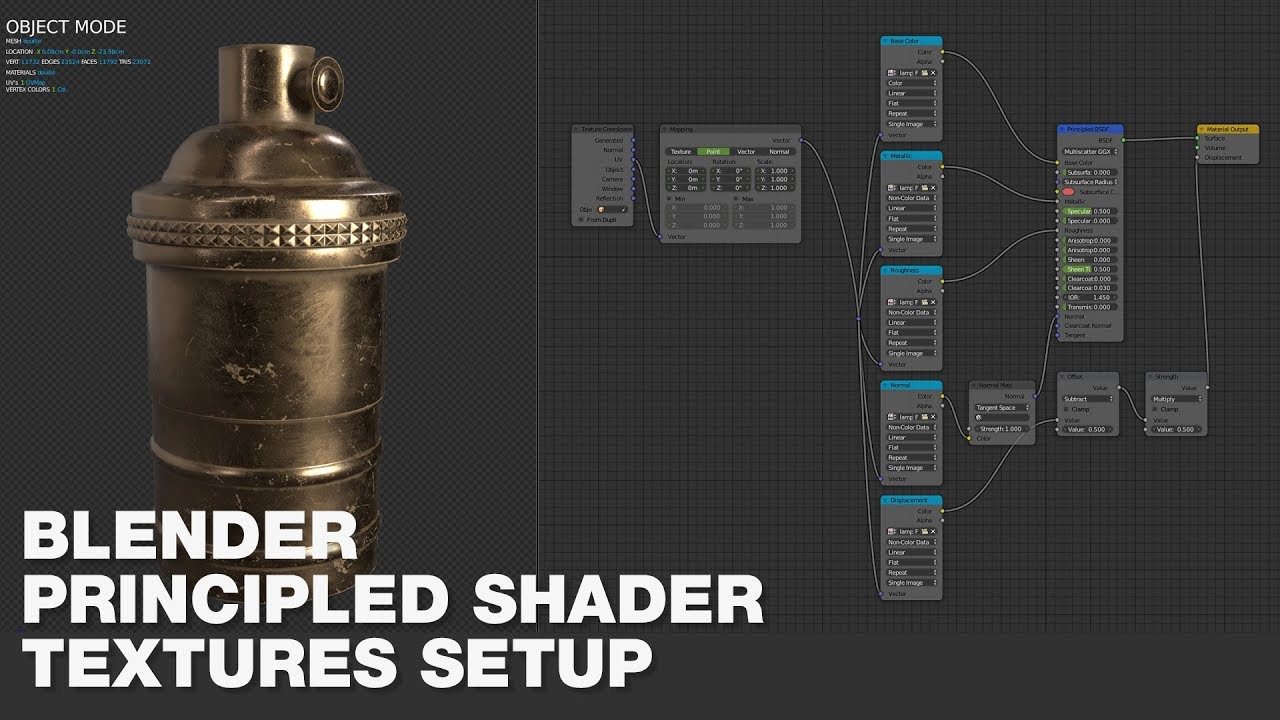
By texturing you mean creating a texture by painting/procedural or just connecting the dots in a BSDF shader? My last comentary was for the first option. For the second option there are addons for that:
Probably Fusion 360 also have an automatic setup feature.