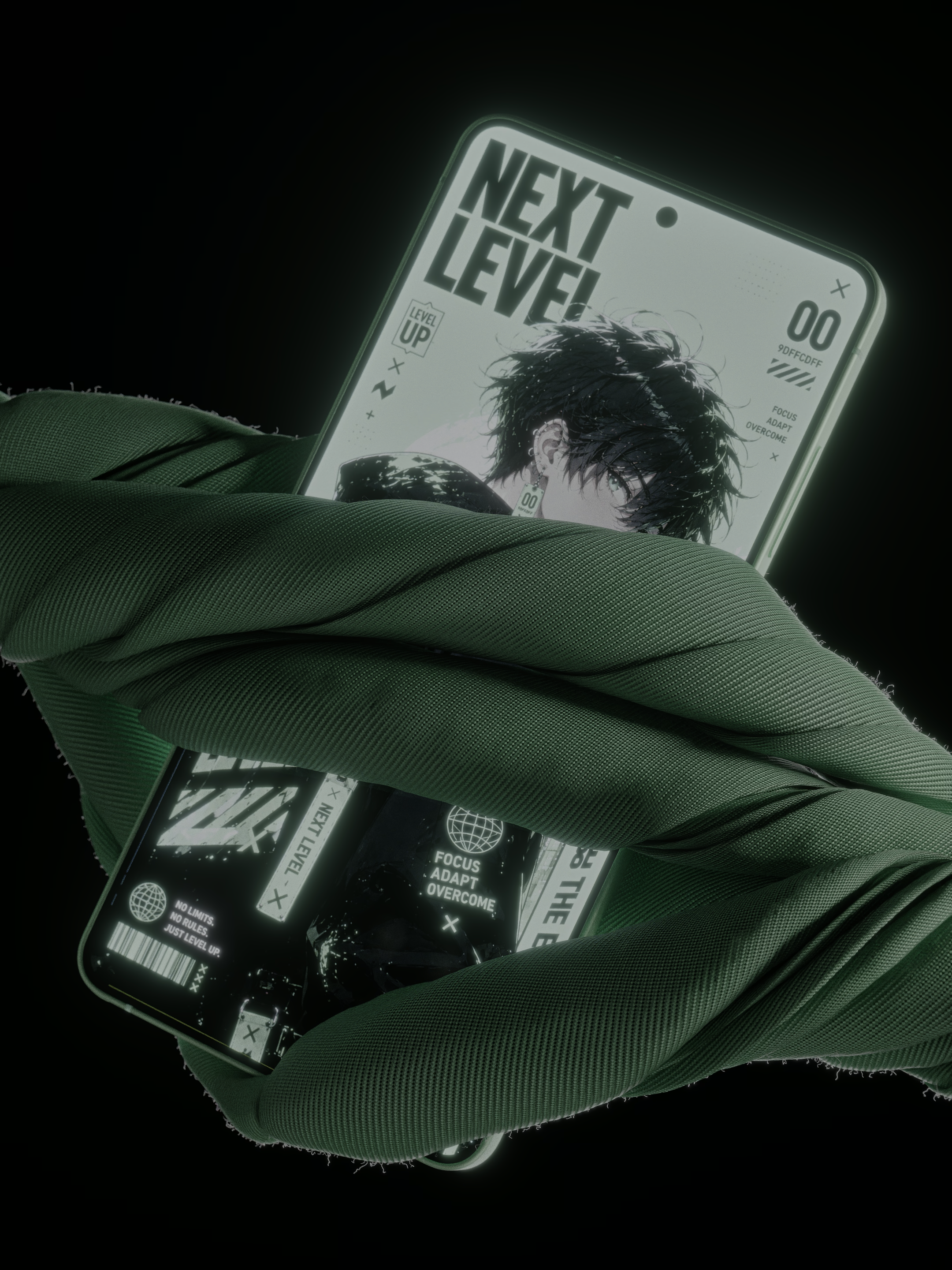
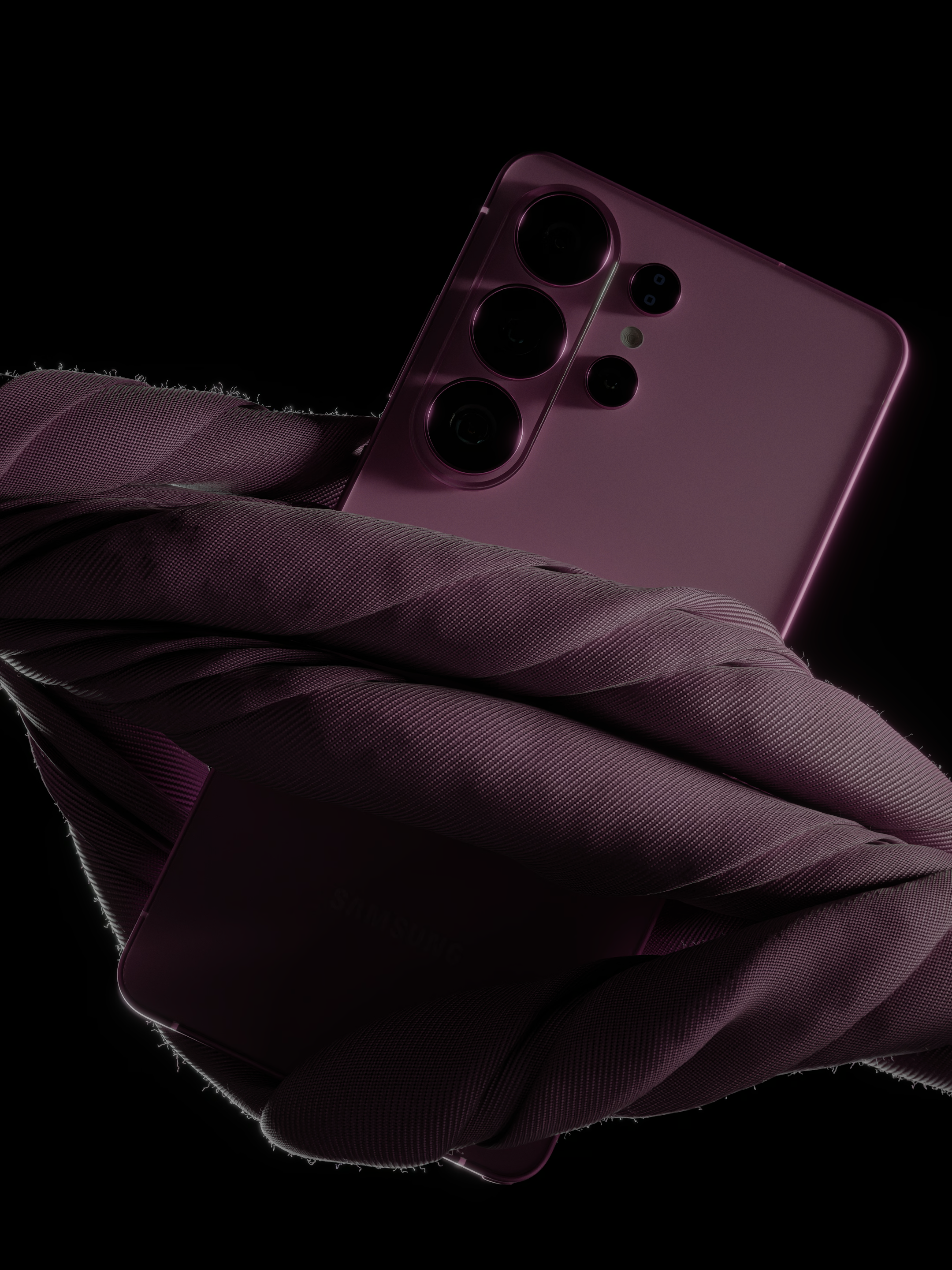
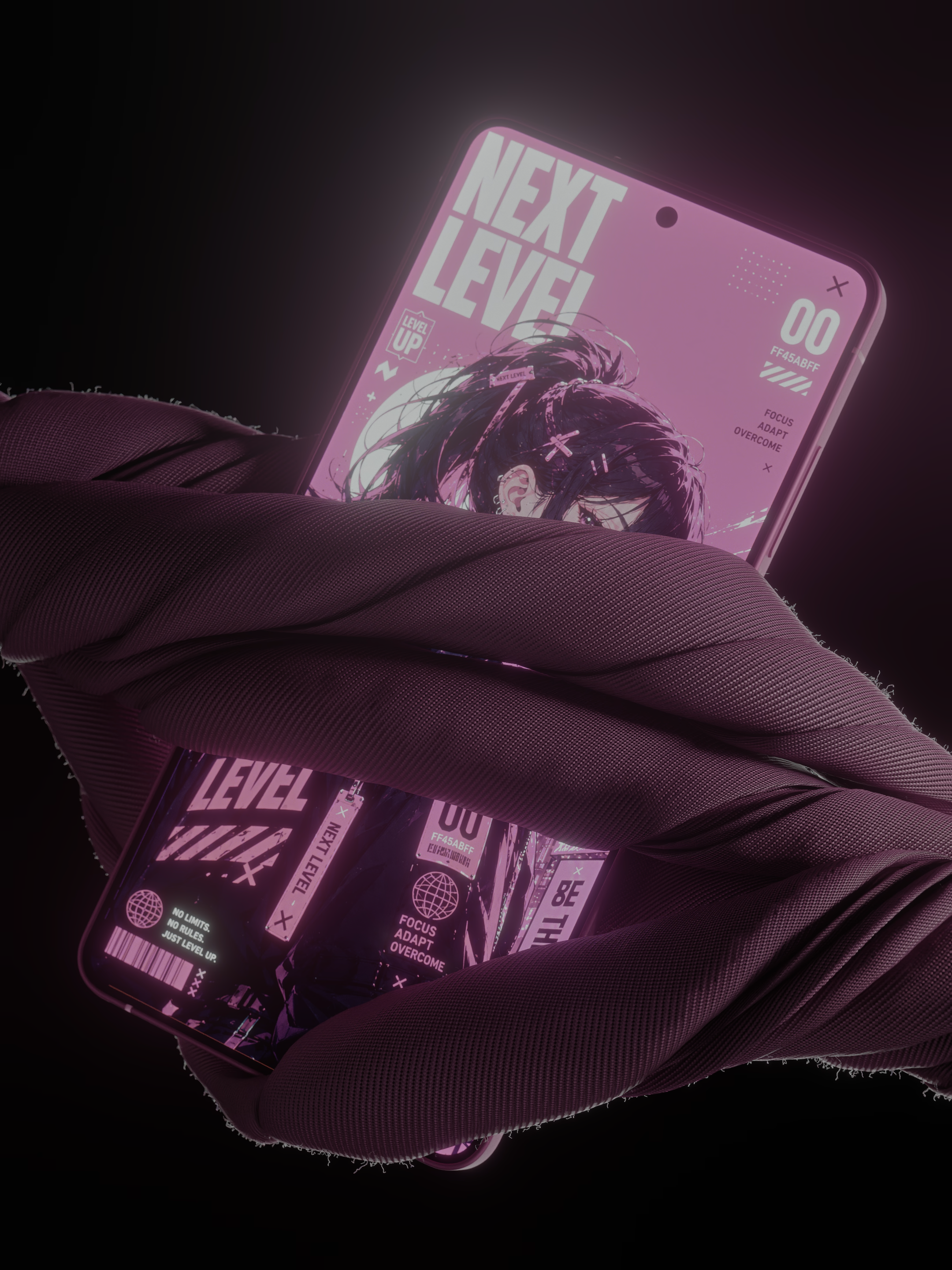
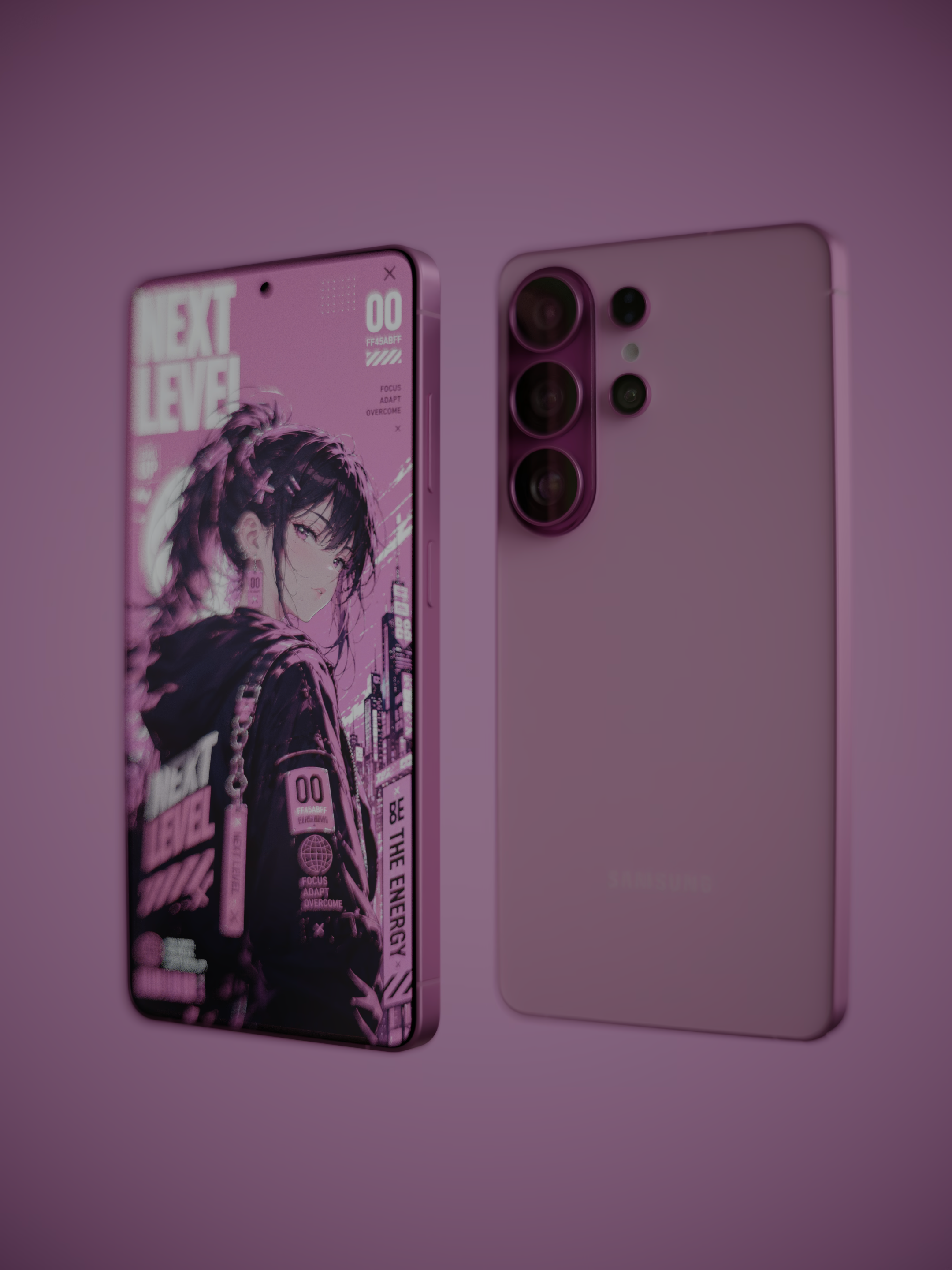
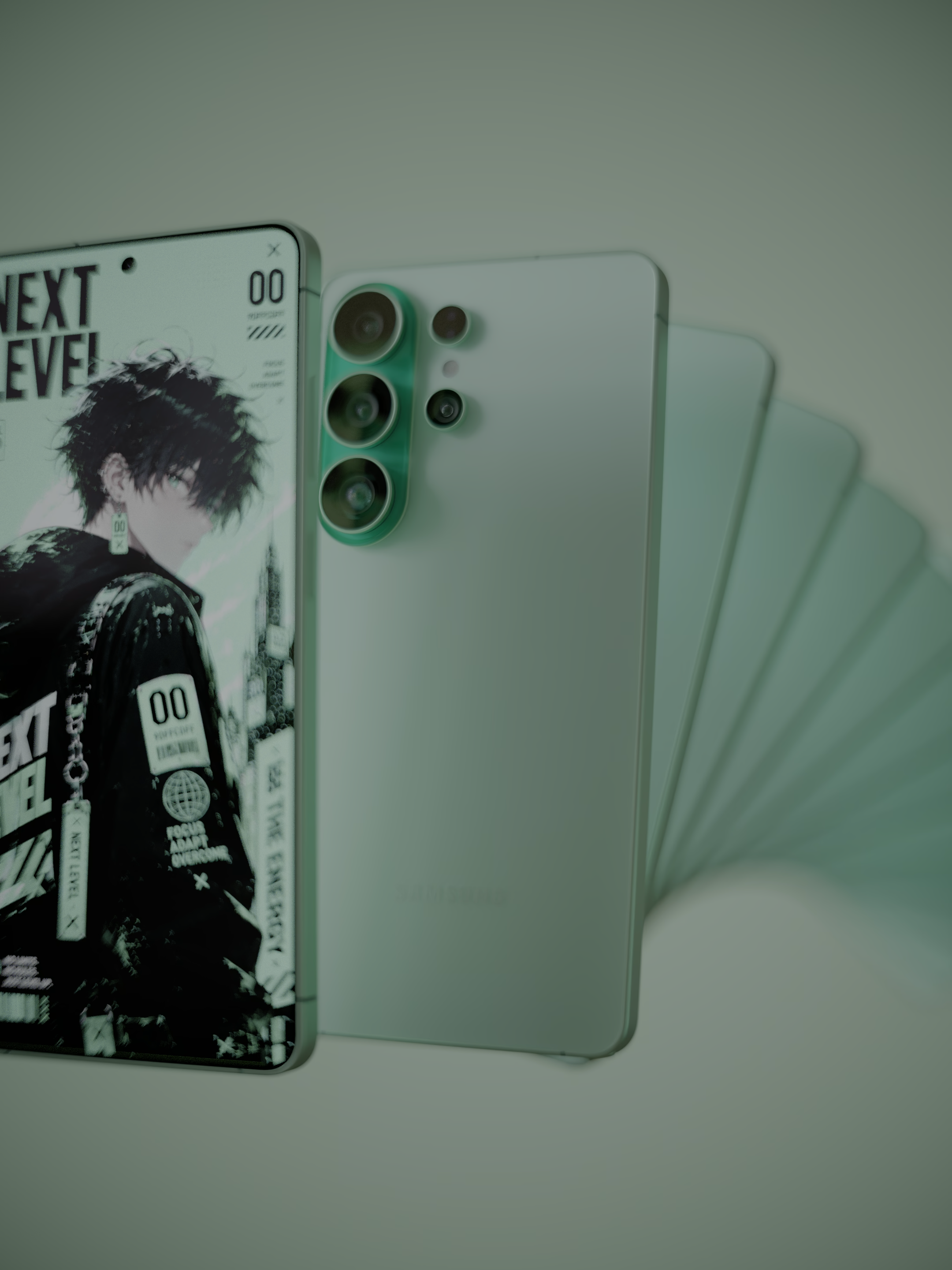
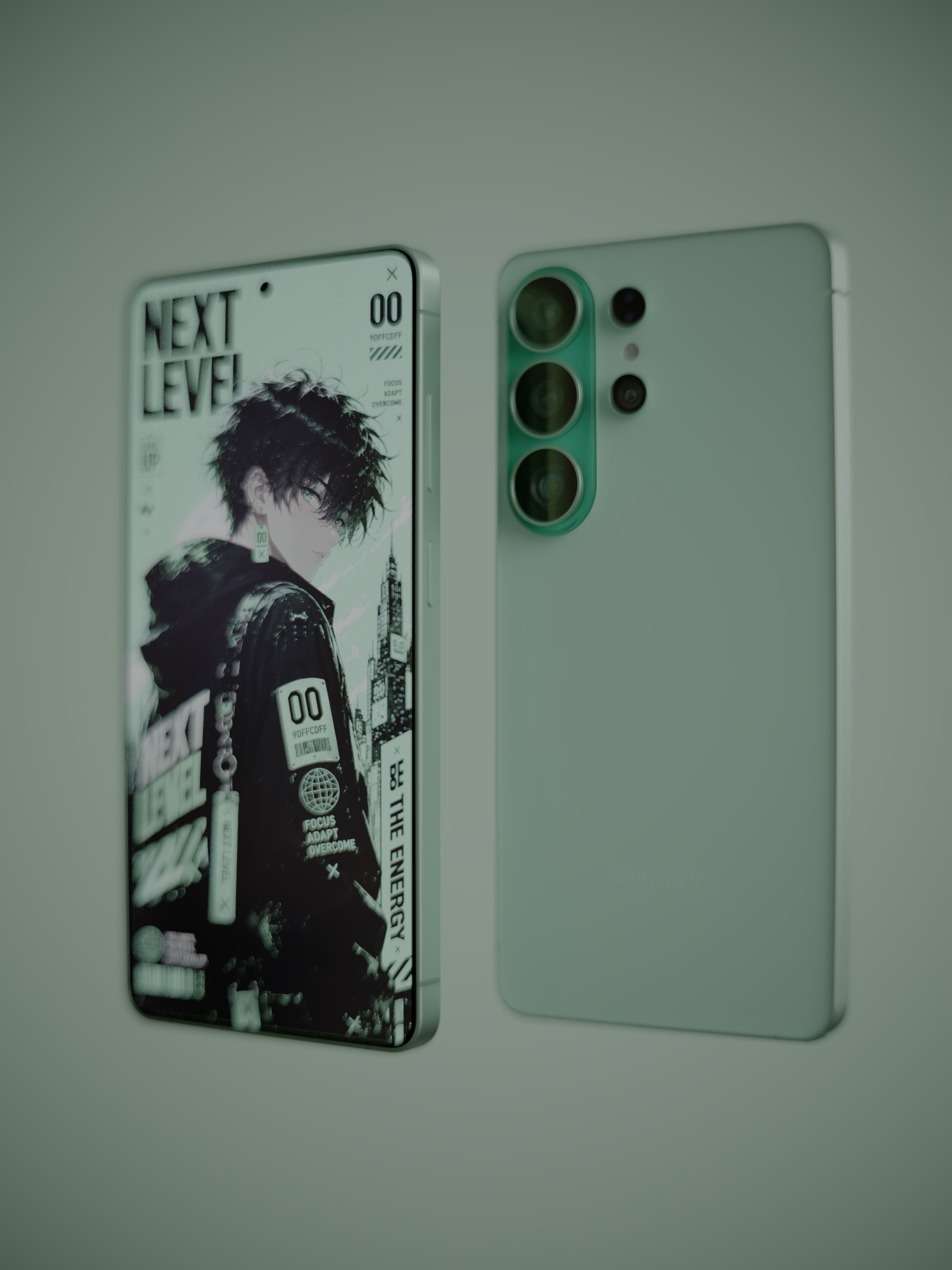
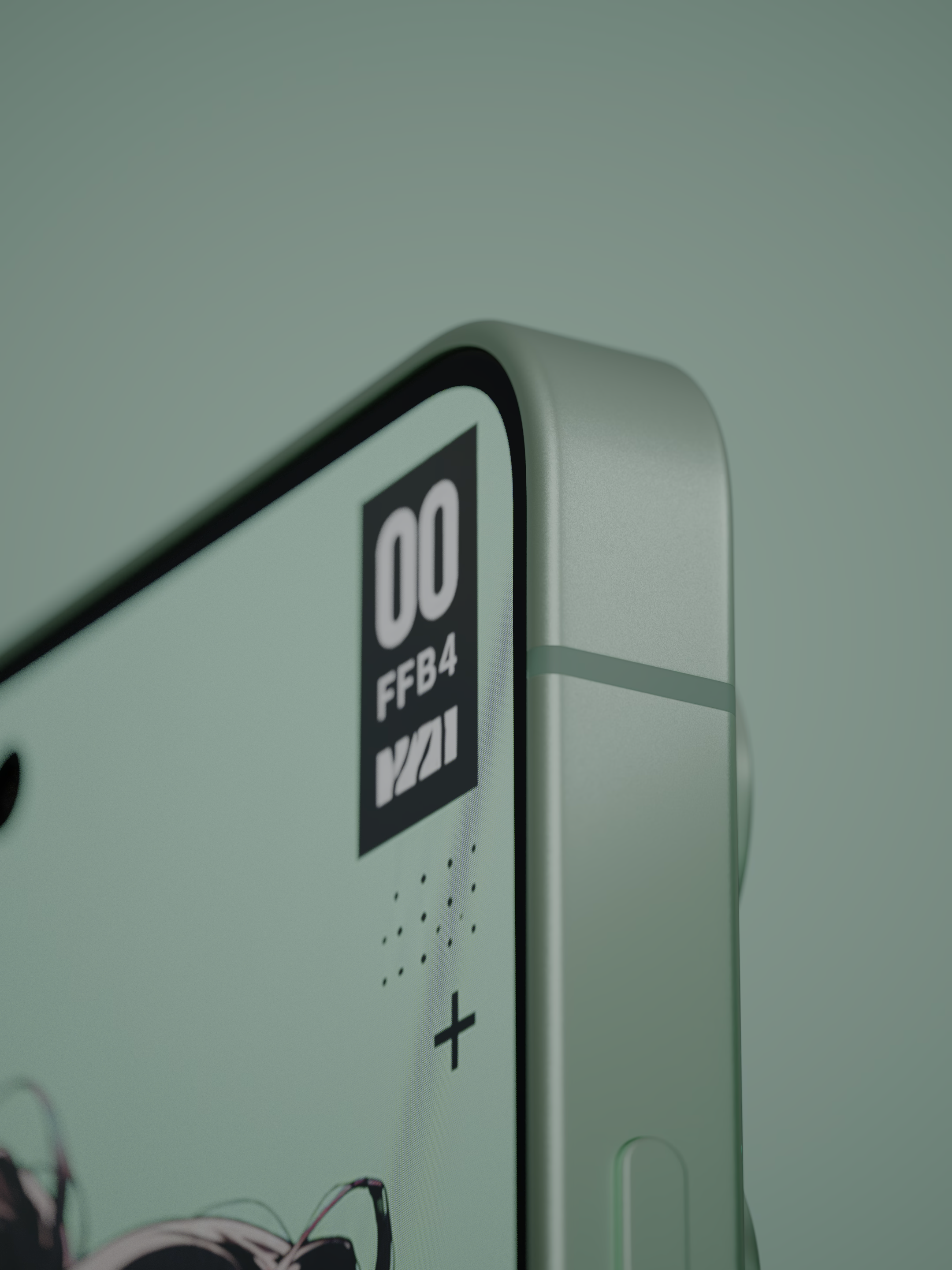
GALAXY S26 ULTRA new colors

Hello everyone,

I’m NARZ from South Korea.

I recently modeled the Galaxy S26 Ultra and wanted to share it with the Blender Artists community. This time, I created a custom color variant as a new design concept.

The entire project was created exclusively in Blender, and all rendering was done using Cycles. No external rendering software was used.

For this project, I also had the opportunity to use the PPF Contact Solver developed by Ando Ryoichi while working at ZOZO. I’d like to express my sincere gratitude for making such an incredible tool available to the community. It’s remarkable that technology of this quality has been released as open source rather than remaining an internal tool.

The 2D wallpaper artwork shown on the phone display was generated using AI.

I’m also happy to share this project on Blender Artists. From what I can tell, the platform seems to support HDR AVIF images, which is great for presenting HDR renders with higher image fidelity. (when you click a image.)

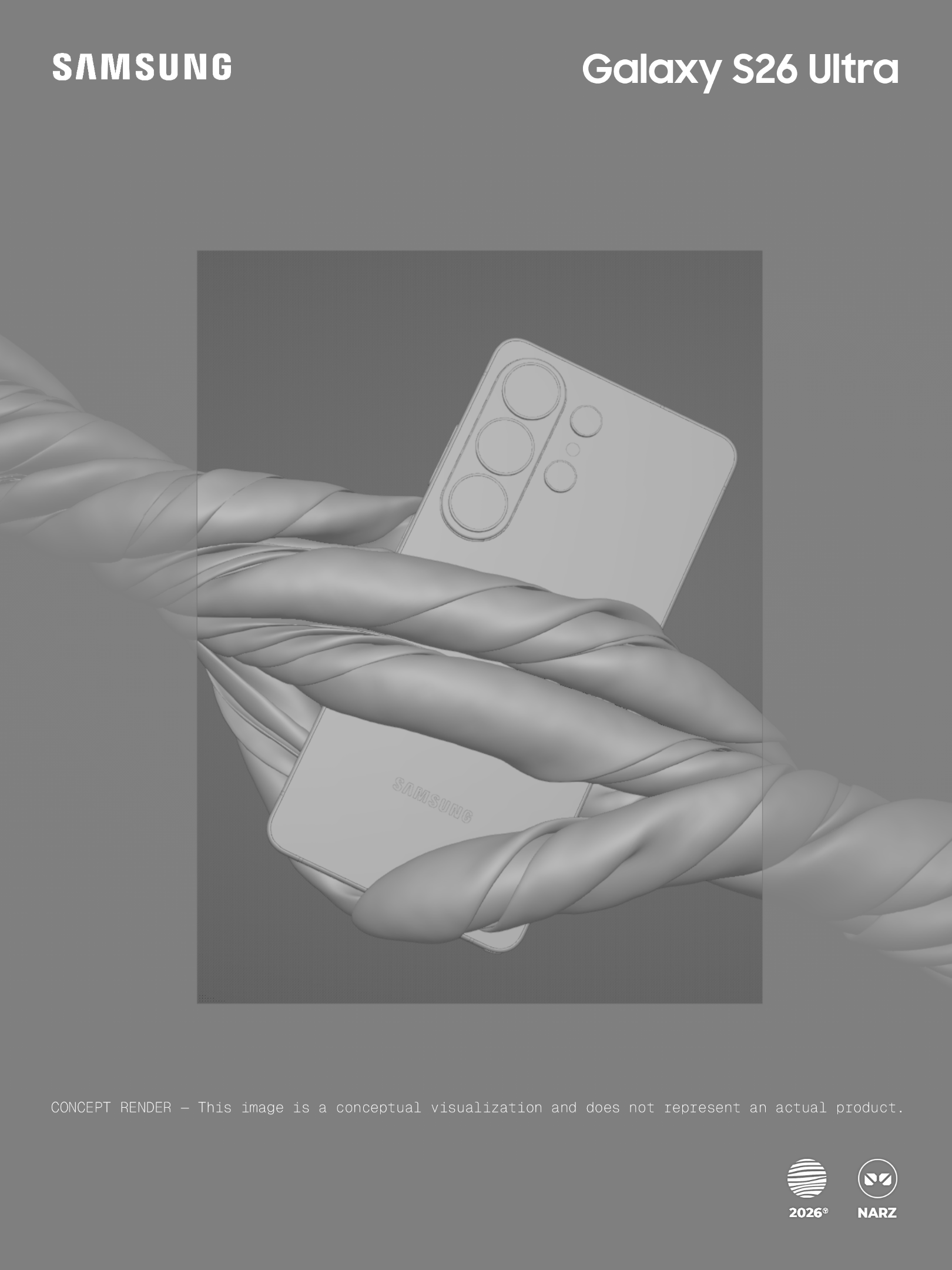
CONCEPT RENDER — This image is a conceptual visualization and does not represent an actual product.

PPF Contact Solver:
https://github.com/st-tech/ppf-contact-solver

#Blender #Cycles #HDR #GalaxyS26Ultra #PPFContactSolver
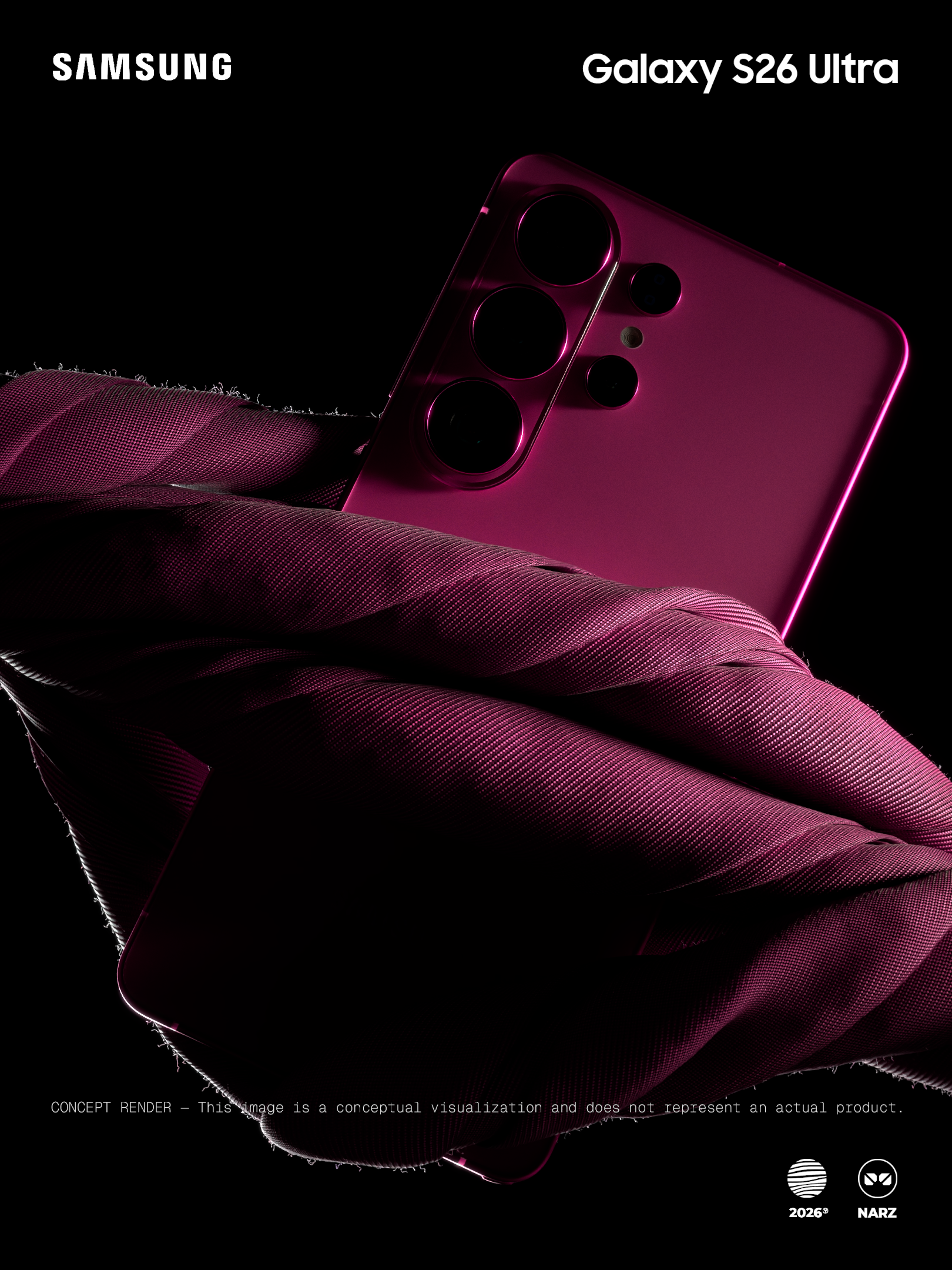
(without HDR, PNG format)
:index_pointing_up::index_pointing_up::index_pointing_up::index_pointing_up::index_pointing_up::index_pointing_up:

:backhand_index_pointing_down::backhand_index_pointing_down::backhand_index_pointing_down::backhand_index_pointing_down::backhand_index_pointing_down::backhand_index_pointing_down:
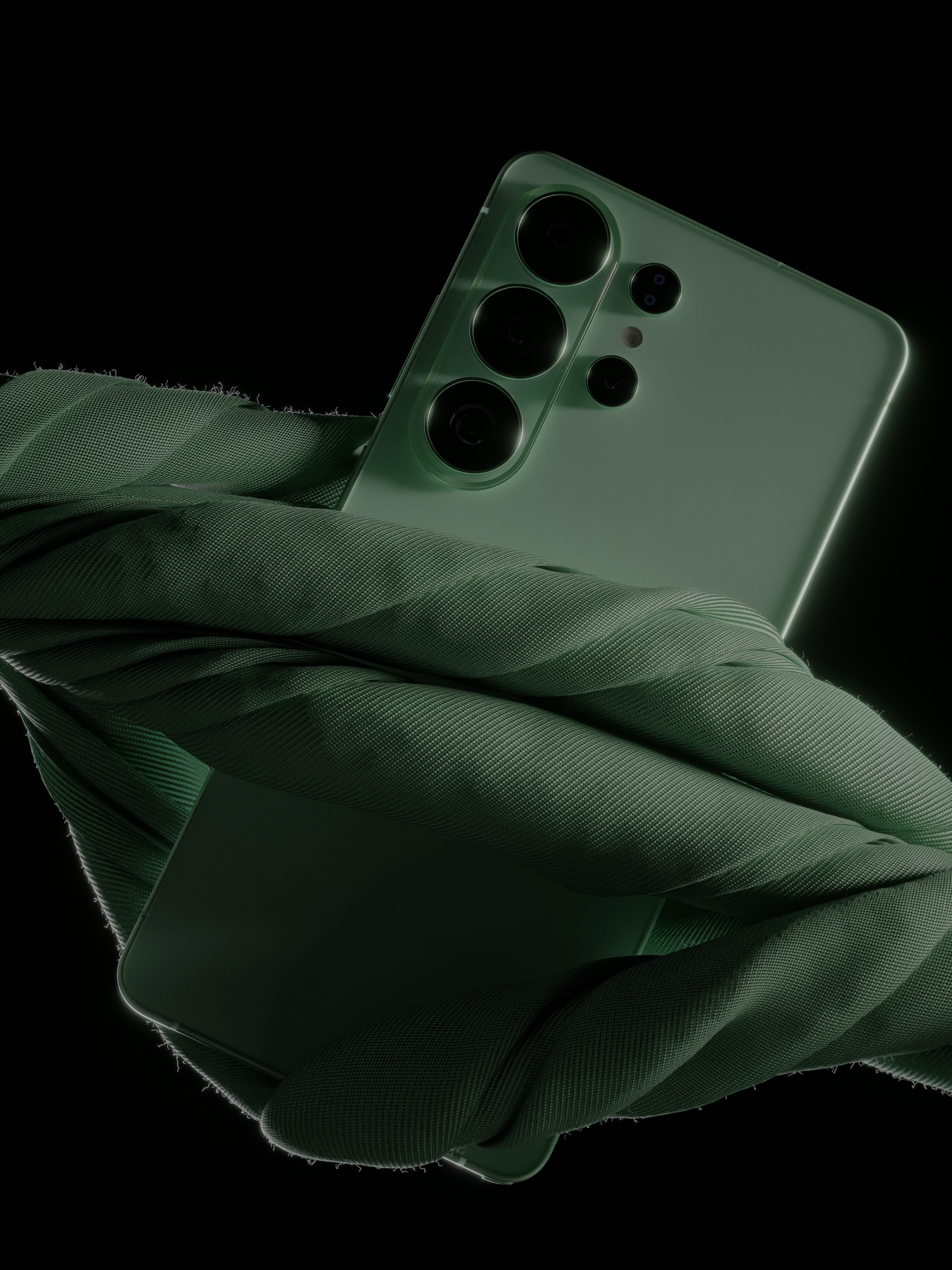
HDR IMAGES, AVIF format
you can see HDR range when you click these images.
20 Likes

amazing work !

2 Likes

Thank you :smiling_face_with_three_hearts::smiling_face_with_three_hearts:

1 Like

The pictures in this thread look great, but when I click on one, it appears very dark, almost black. This isn’t the case with other pictures here.

1 Like

Thank you for your kind feedback.

I also appreciate you taking the time to share your detailed observations.

The reason the image appears particularly dark when clicked is most likely because your PC monitor does not support HDR, or because HDR is currently disabled on your system.

For this image, I conducted a small experiment by uploading it in the AVIF format with Blender’s latest HDR features applied. Since Blender Artists allowed the upload of this format and did not automatically convert the file, a certain amount of the HDR information appears to have been preserved during display.

I appreciate your understanding regarding this. If you would like to view the image with HDR properly enabled, I would recommend opening it on a smartphone, as most modern phones support HDR. In that case, the image should display much more accurately when viewed or opened in full size.