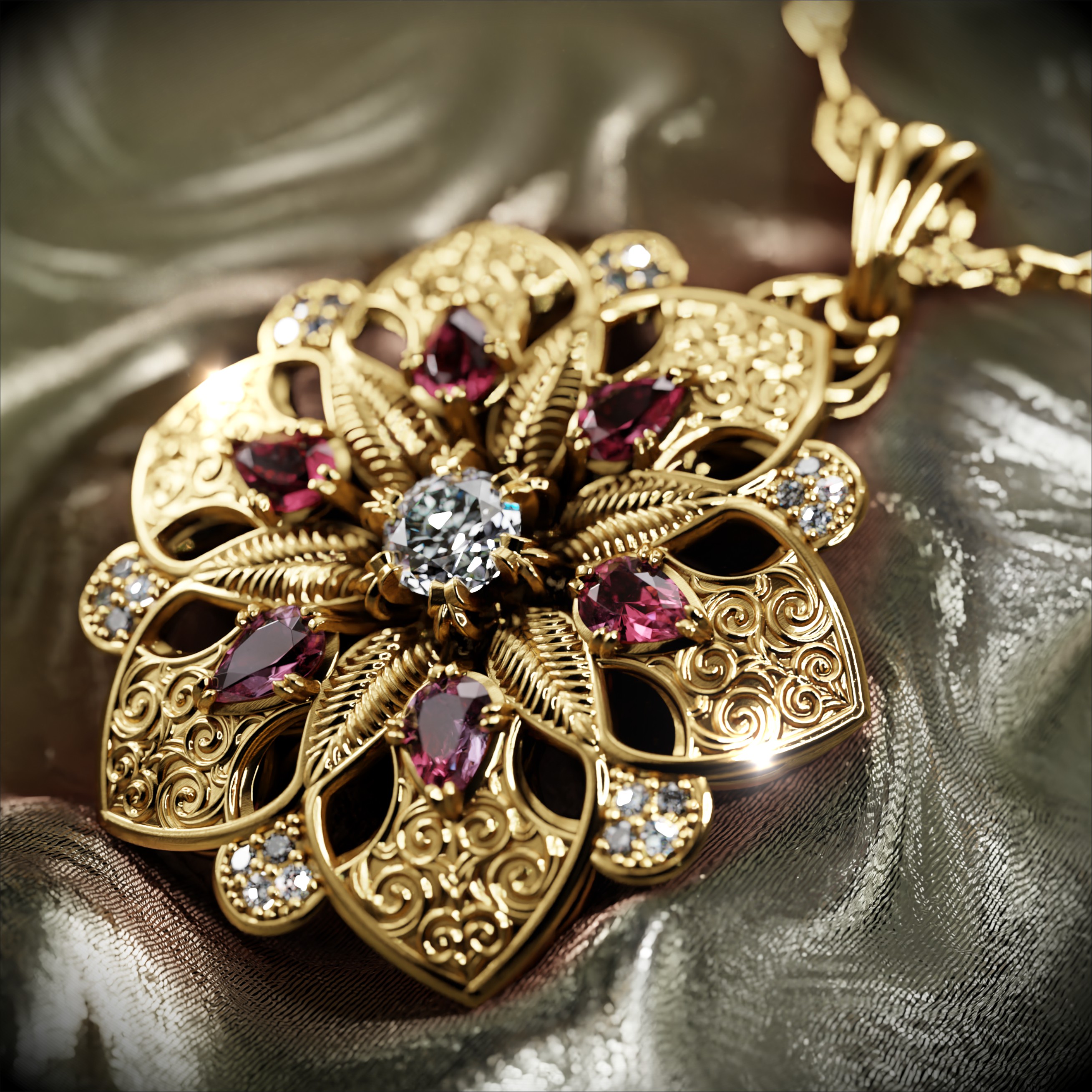
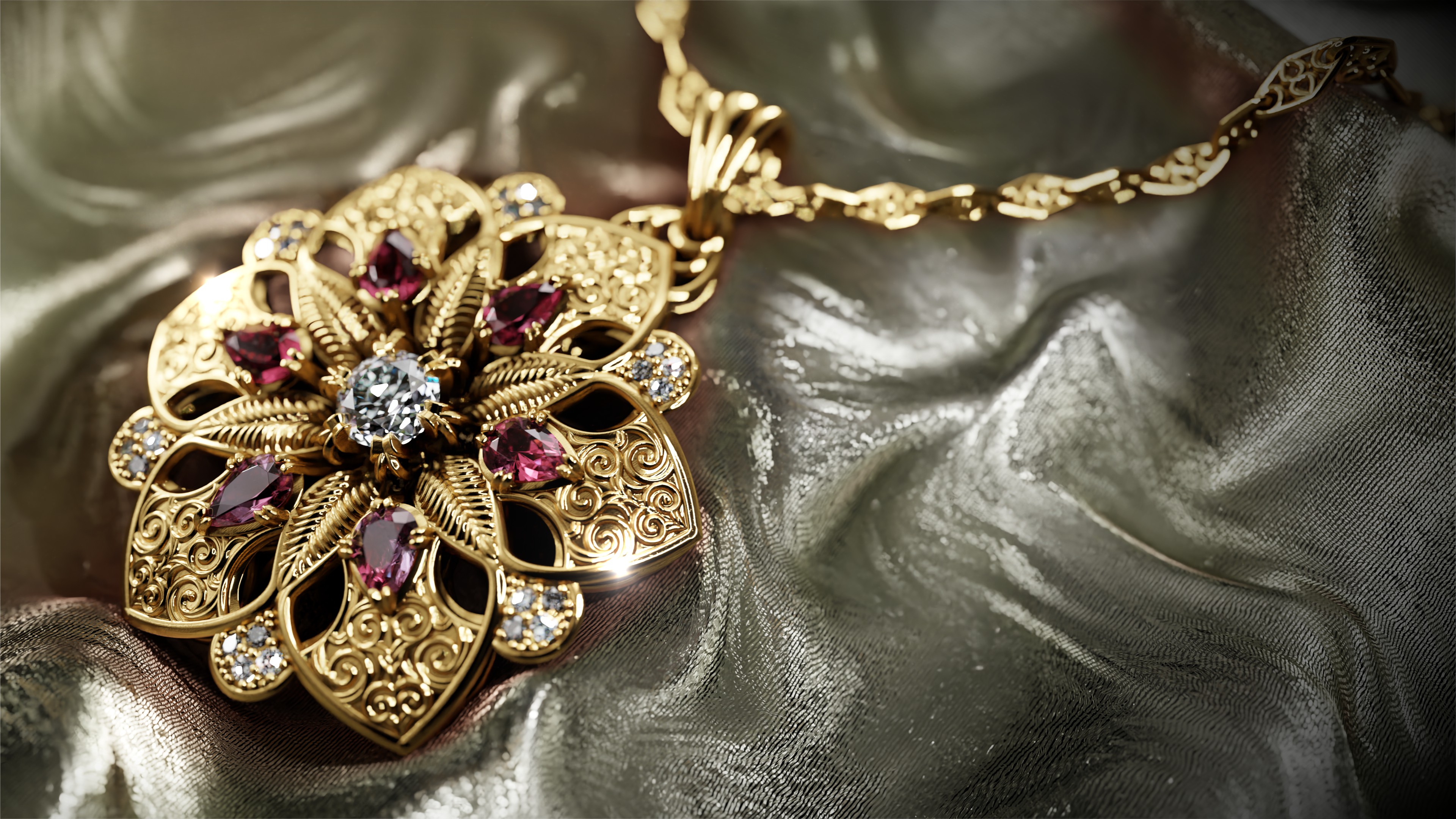
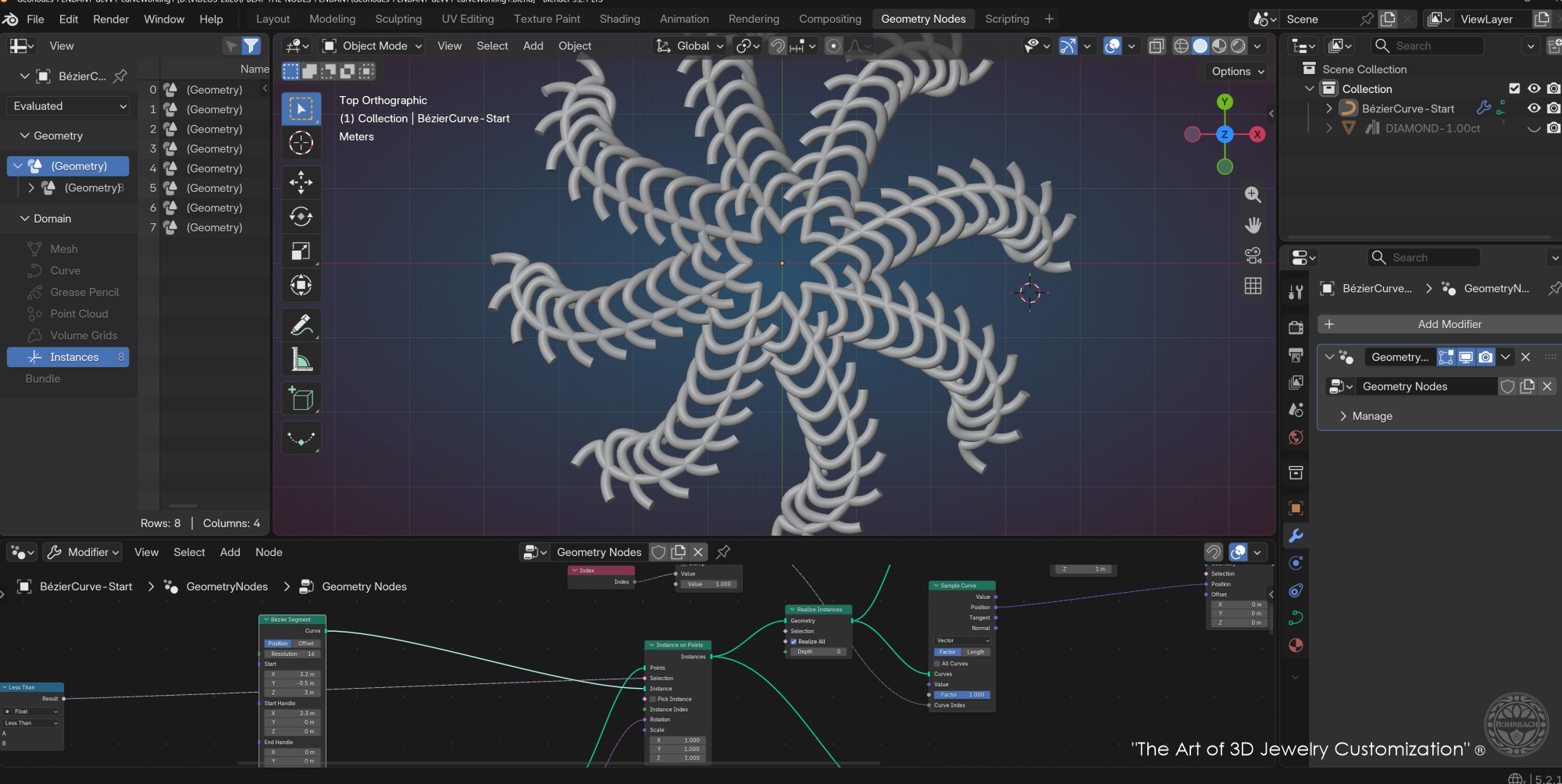
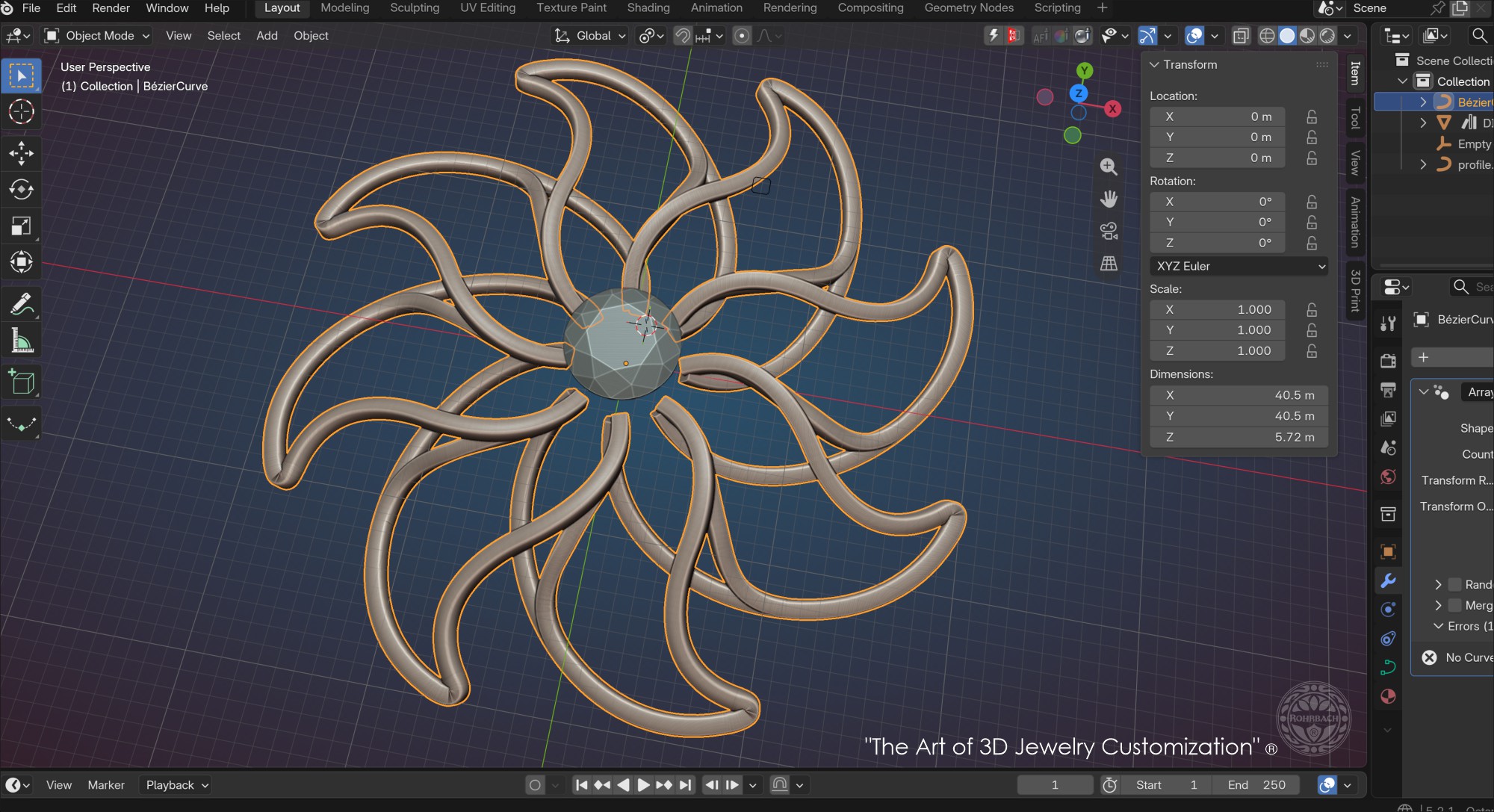
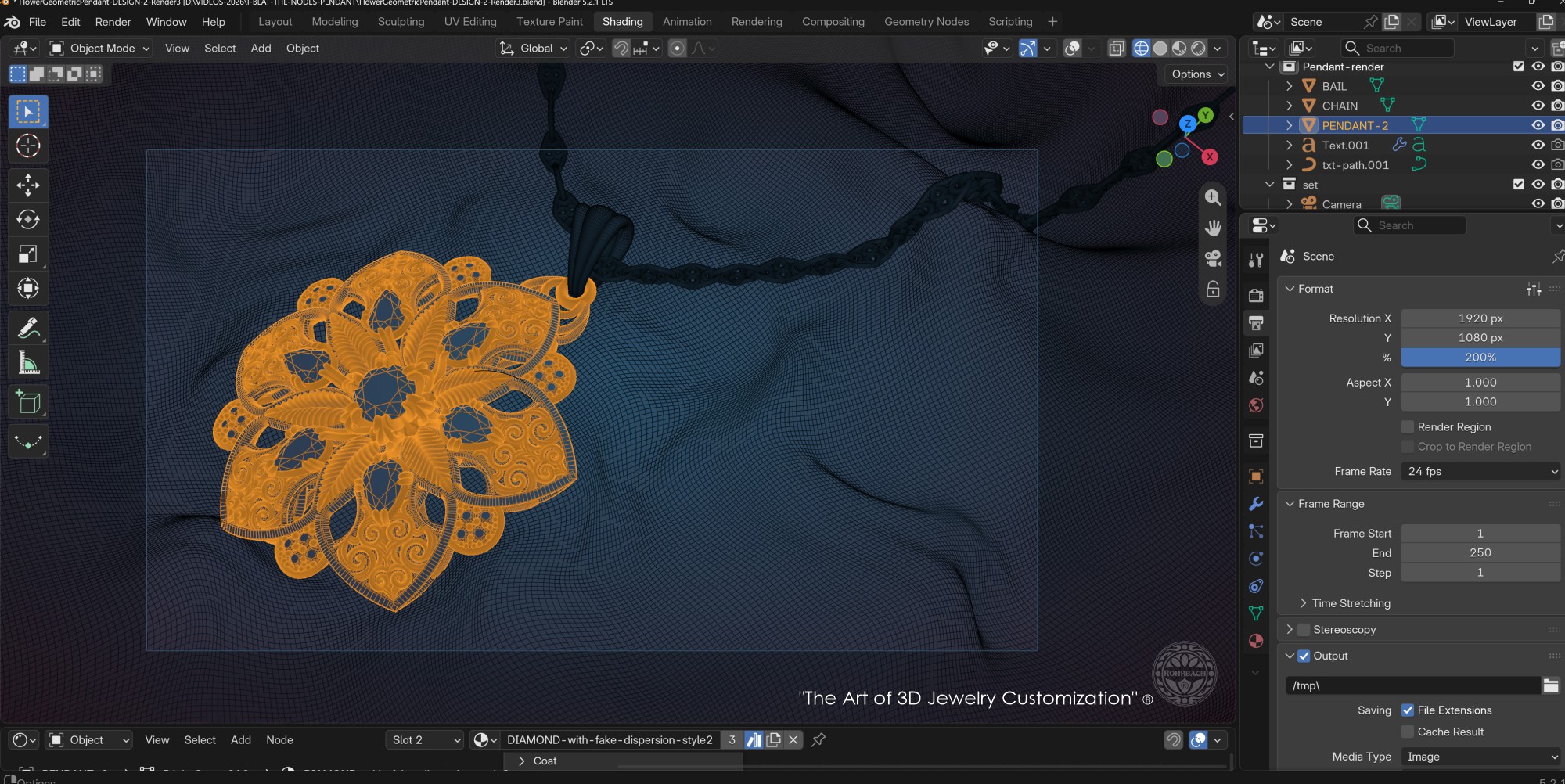
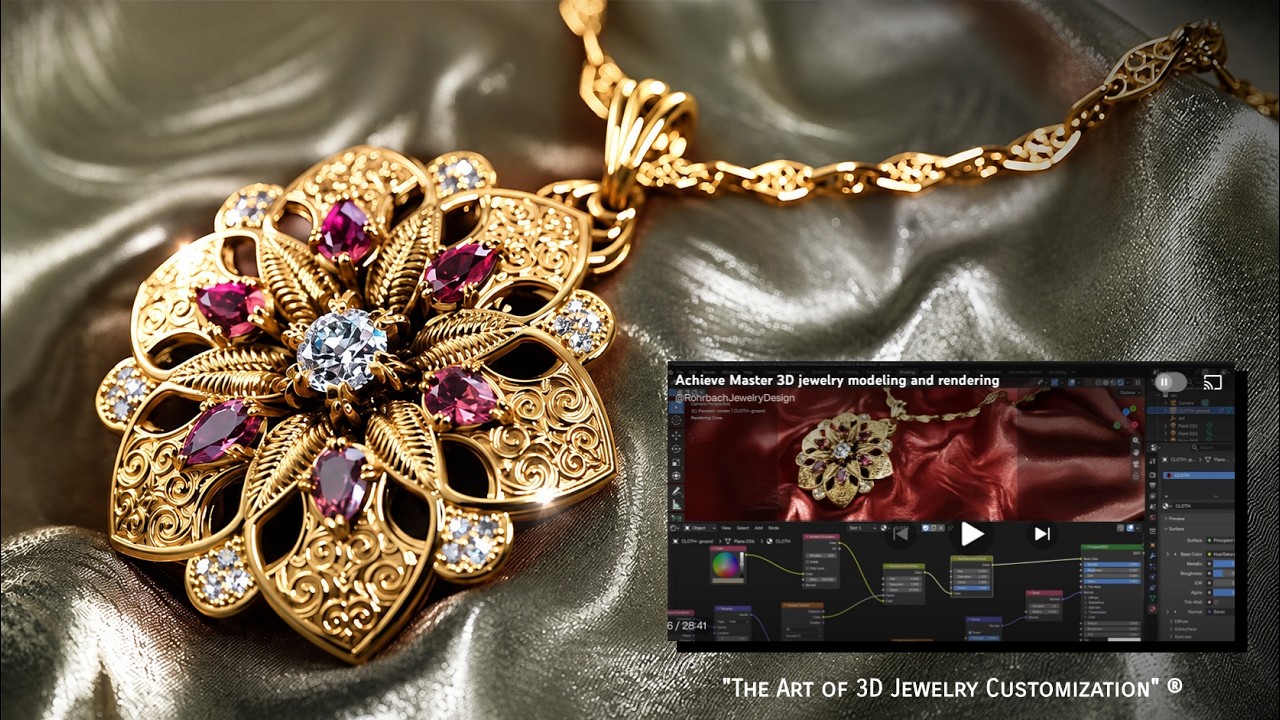
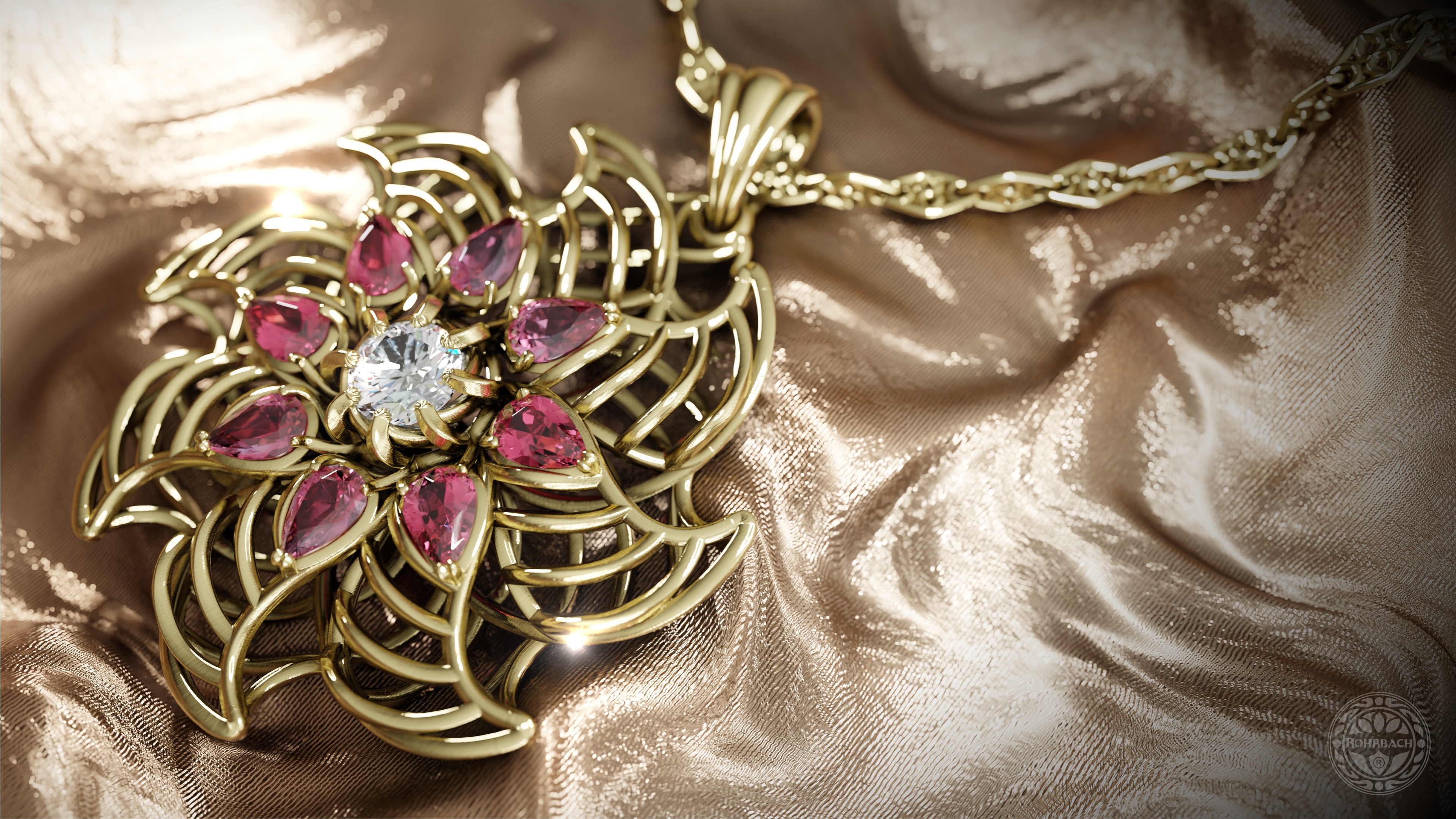
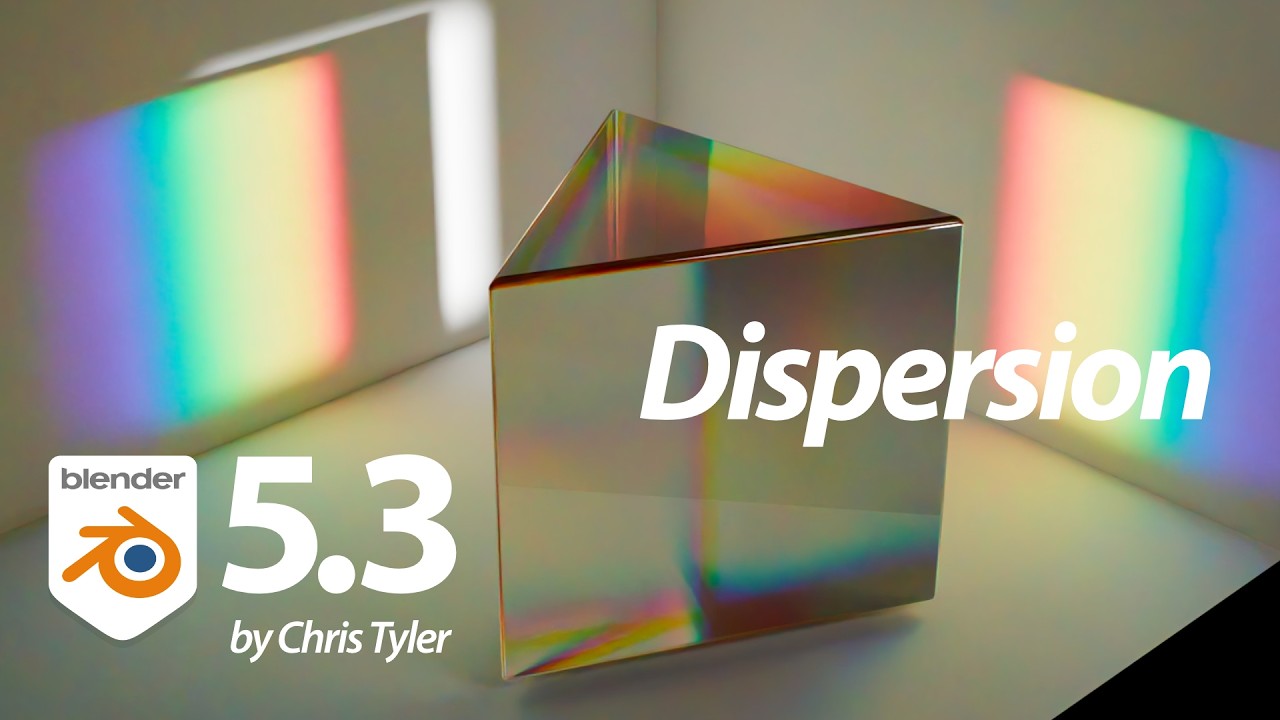
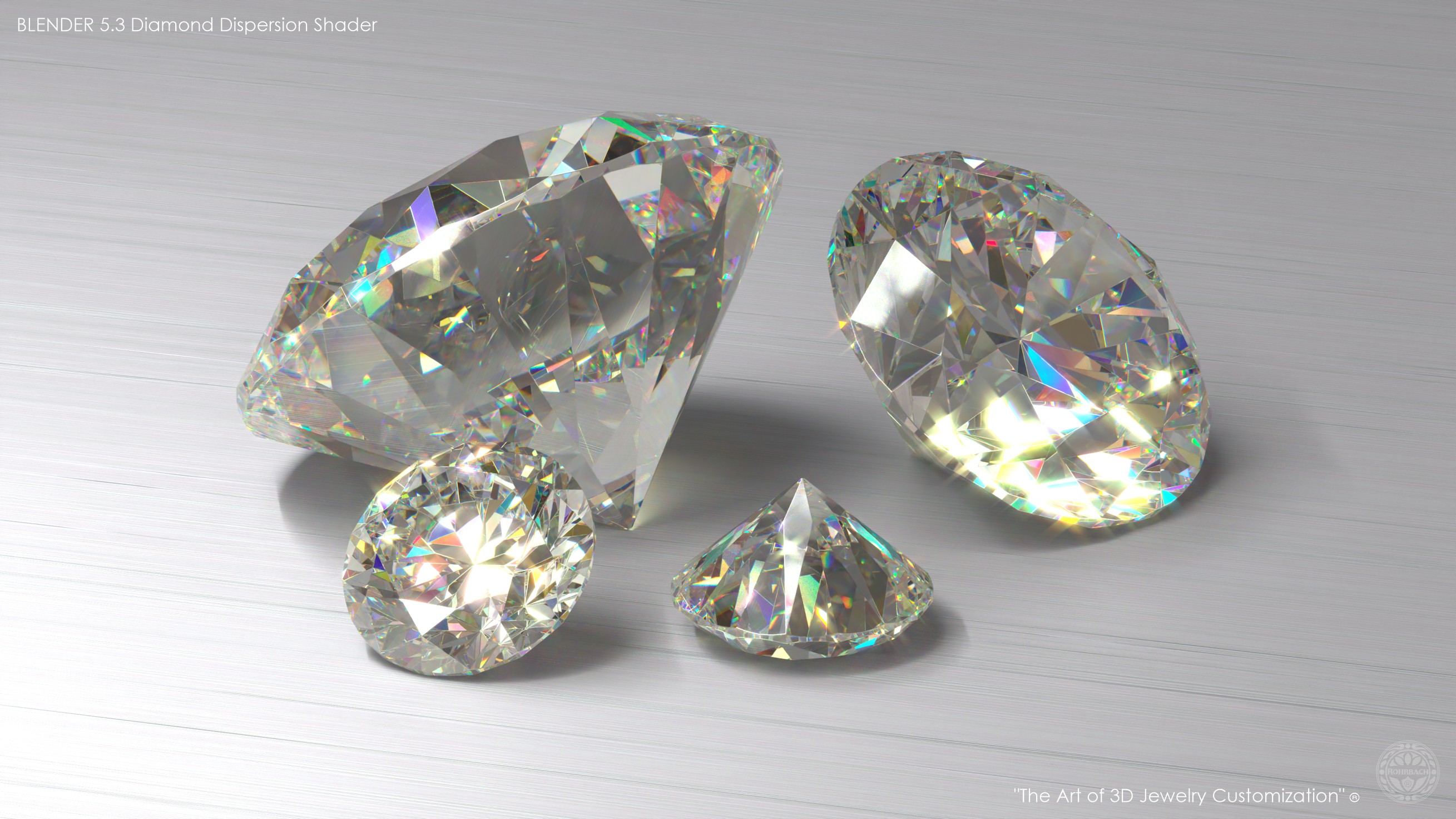
Yes, the initial idea, was to create geometric jewelry pendants using geometry nodes. After a couple of days working on that, I mostly felt emotional pain, as the question of the pertinency of the method for one of a kind designs started to receive the answer that more “hand design” techniques would prevail. So I kept using my every day techniques of curves and modifiers to create this flower pendant design and then also added a link chain in Blender 5.2, rendered with Cycles (yes, I have heard that Cycles 5.3 is getting dispersion shader nodes, but I haven’t tested it yet). The design and chain are made for 3D printing and manufacturing.
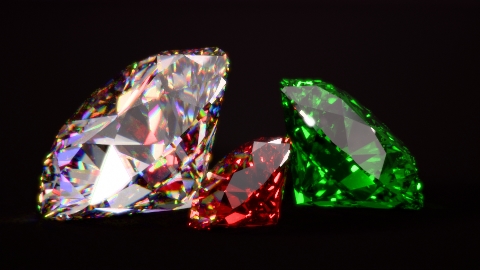
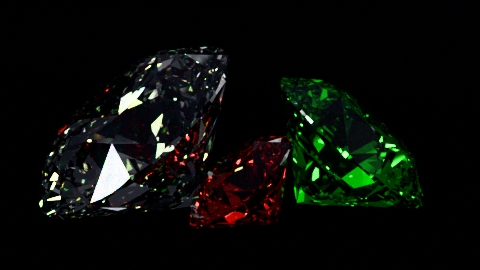
Could you share how you set up the glass shader? I’ve hit a dead end. It seems impossible to get these three conditions to align:
• a sharp, unblurred shadow passing through the glass
• no extraneous highlights (caused by the Light Path trick)
• standard render times (not tanked by enabling caustics or Path Guiding)