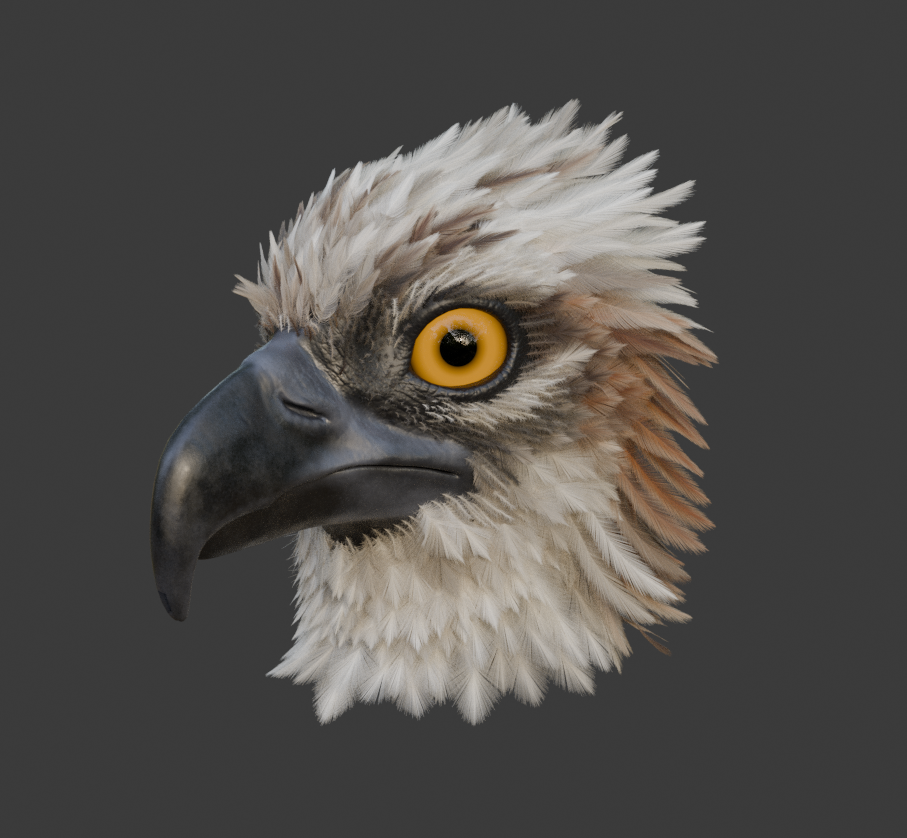
I am working on a geo-node feathers setup, based on the new hair system. It is a first version and I am still working on it, but I would love to hear what you think about it, and any feedback is more than welcome. I wanted it to be fully based on the new curves Data Block, I am still surprised how well is handles the amount of curves in the viewport or at render time.
Do you think this kind of tool would be useful to you ?
Here is the .blend with the Library Asset inside feathers.blend (1.6 MB)
This is absolutely amazing! I’ve been looking for something similar for a while, as I want the perks of strand rendering for feathers. If it’s ok for you, I’d love to give it a try on a bird model.
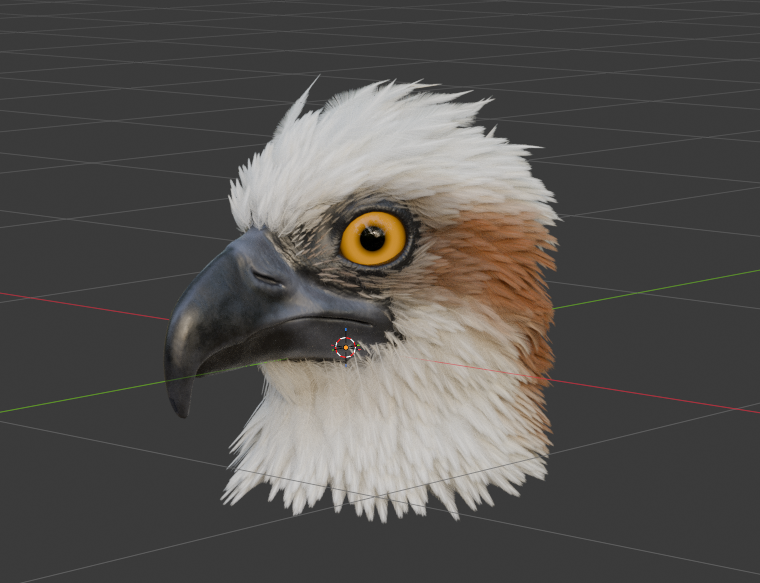
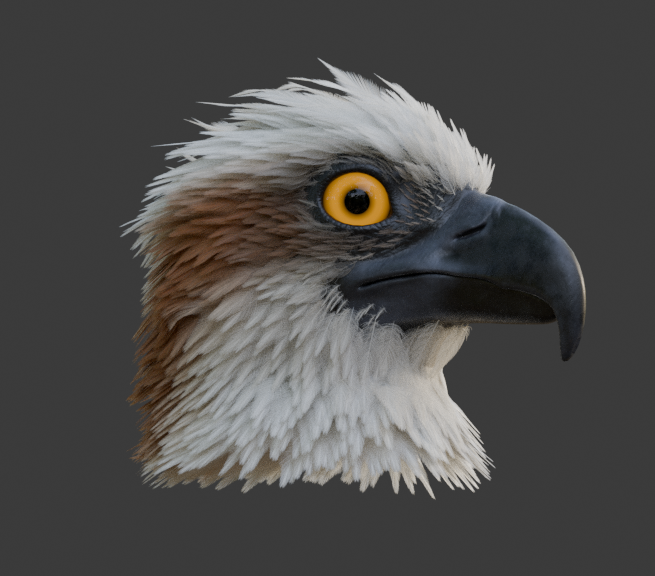
Rather hastily done test, needs way more layering and variety, but I love how fast it works. Using sculpt mode to place a feather is just a lot more convenient than placing hair cards.
What I can already give feedback on:
-Curves need to align to the surface mesh normals, otherwise some feathers will look in the wrong direction. I added a geonode setup in between, which does this (not perfect tho, sometimes feathers twist weirdly).
-It would be great if it were possible to add some variety to the individual feathers by giving randomness to the length and noise of the barbs.
-A way to uniformly scale the feathers with all their features. Right now, thickness, spacing and so on need to be adjusted with every scale change.
But overall, as I already said really great feather generator! I will keep playing around with it as it gives me a good start to learn how to make realistic feather grooms.
Wow so nice to see it on an actual bird model, thanks for testing !
Yes I can definitely add something similar by default, at first I was expecting people to use ctrl+T in edit mode, but I understand it can be cumbersome.
Do you mean something similar to the attribute toggle, with a vertex group ?
It is not the most convenient but I think it is what you want, you can toggle those on Trim Min and Trim Max in the Barbs section.
Yes indeed that would be very nice, I’ll have a look into that
The problem with ctrl+t is that it does not work in sculpt mode and brushes like add and density do not interpolate the curve tilt. A toggle might be the best solution here, as I think tail and wing feathers are the only ones which make sense to place by hand.
Oh, I did not realise setting the end of the plumulaceous would affect the entire feather. In my mind, it was confined to the lower part of the feather Now I understand how the sliders work, clever solution!
Then the only thing I’d see as a nice feature would be adding a noise option to the curve and curve type. It can only be a very low amount, but hair, fur and feathers are mostly about super tiny variations. I have hooked up a texture to a named attribute before, but I already forgot how to do it. It would definitely be a time saver if it’s a slider like with the plumulaceous noise.
Also, I got a bit more to experiment. Sadly, I don’t have as much time as I’d wish atm, but once I get to a more realistic and cleaner result, I’m happy to share the file and full approach.
I just updated a few thing in the node group, there is now a Global Scale and a Follow Surface Normal.
You can still use ctrl+t on top of the slider, it should work and combine the two.
Next I am going to look into the noise setup feathers_v04.blend (1.6 MB)
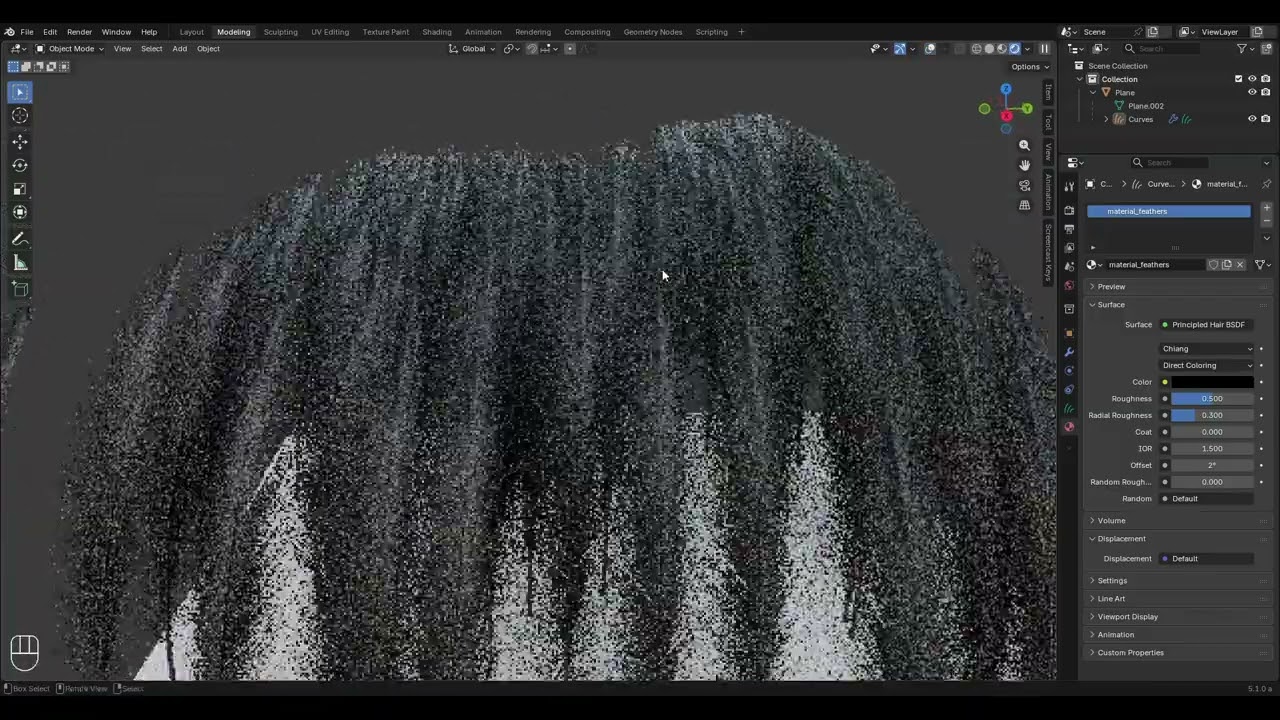
 and if you have any feedback or feature request I would love to make it better with some user feedback !
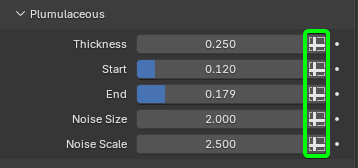

 Now I understand how the sliders work, clever solution!