Hello,
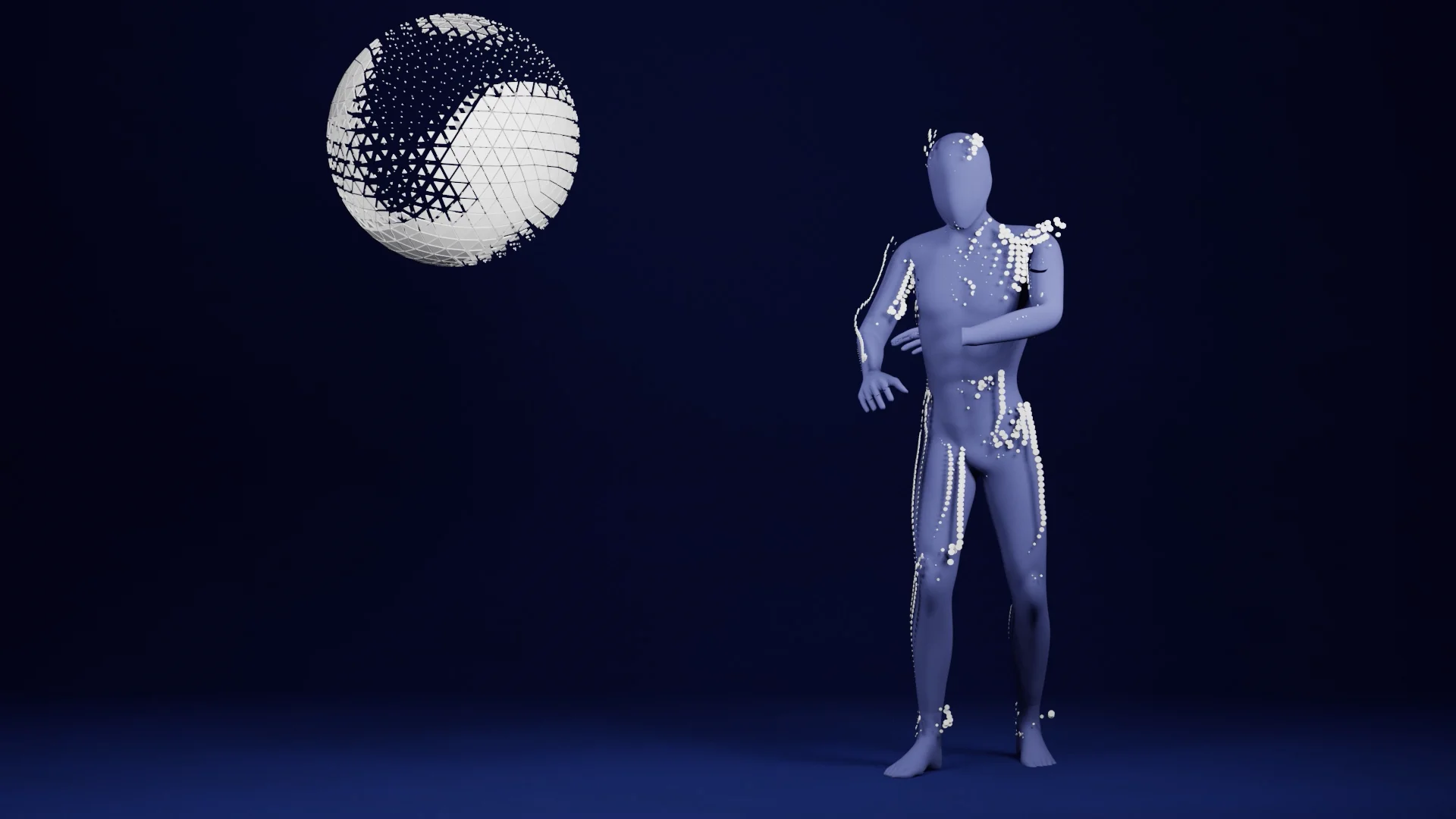
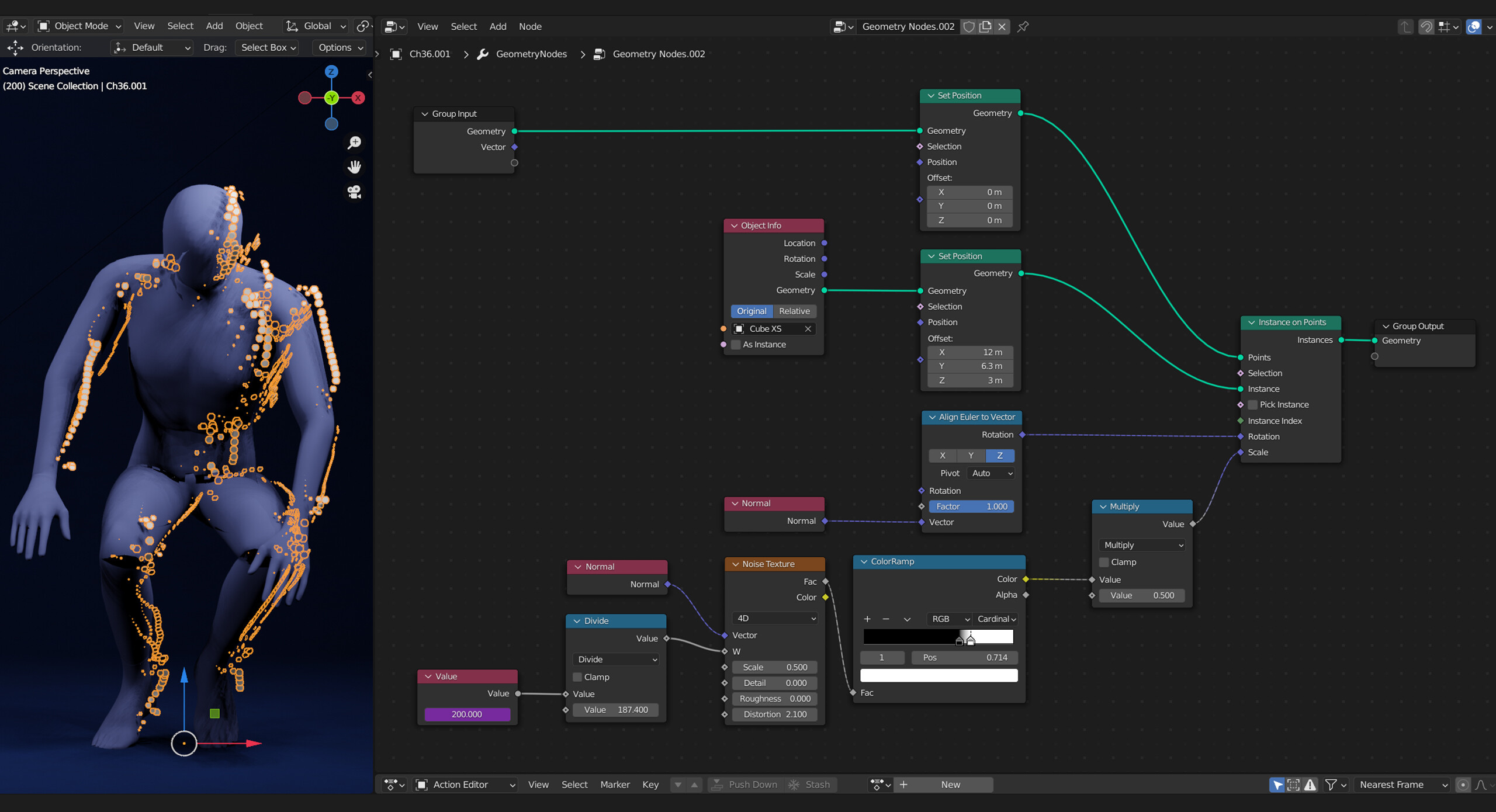
I am trying to create some details on the surface of an animated character using geometry nodes.
I want the details to to change smoothly with the noise node.
My current problem:
As you can see, the movement of the character affects the visibility of the details. They don’t appear and disappear smoothly, especially when the character is moving fast, you can clearly see this issue.
Do you know what I need to change?
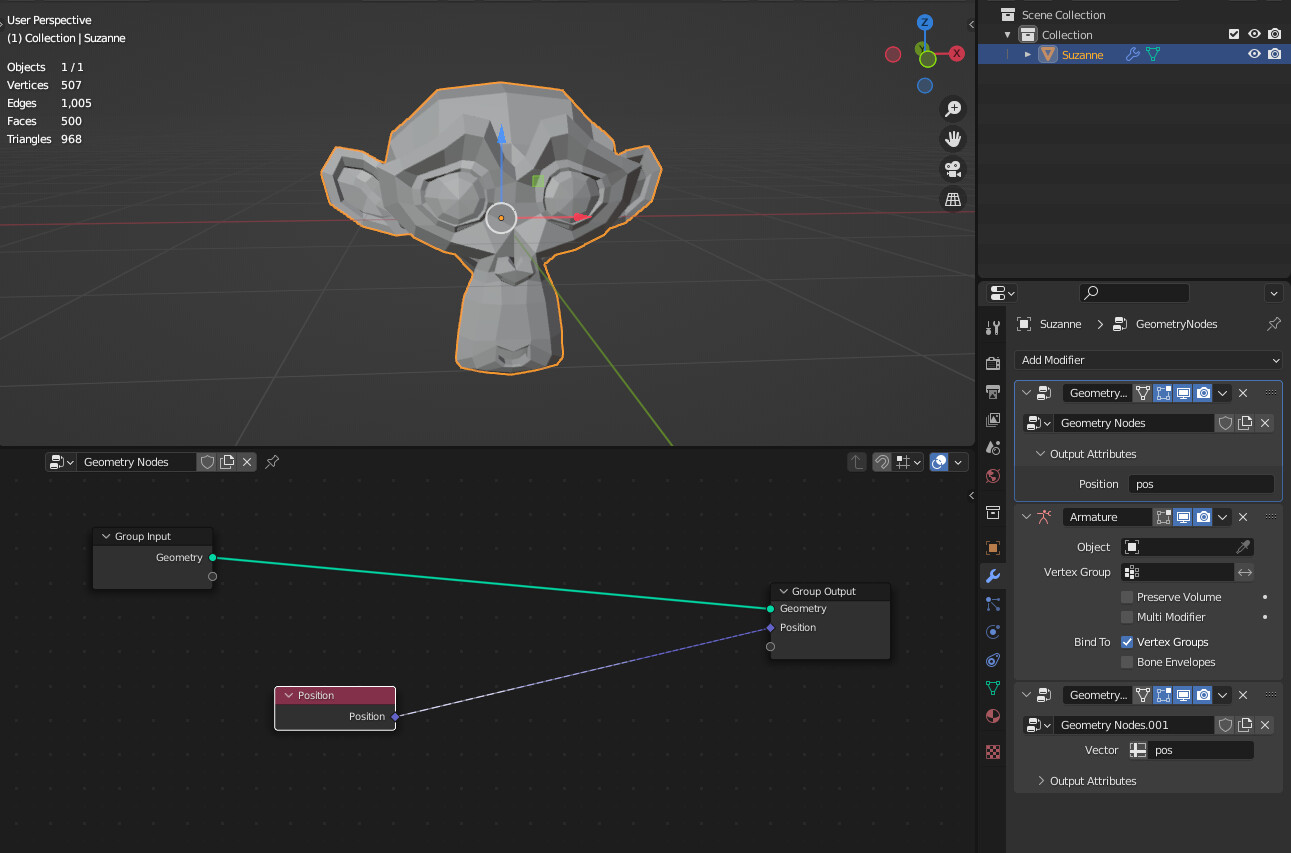
Try placing your Geometry nodes modifier before the armature modifier. Since the position is being changed by the armature, it’s causing the noise texture to fluctuate. If you put it above, the geometry nodes will just work on the base geometry.
Have you considered By-Gen (free) by Curtis Holt? You can do some really cool stuff with it and it seems quite close to what you are trying to do. I think its a great learning tool also. His new Generator’s Lab [$] is very interesting too (this expands By-Gen’s functionality).
Thanks for your reply but that makes no difference for the animation. So it looks still the same. Isn’t there a way to connect the noise node to some UV based geometry?
I watched some of his tutorials and I m pretty sure that I can learn a lot from him but the content you sent me looks more like styliced non-animation content and I need to solve a very specific issue that exist only on an animated character.
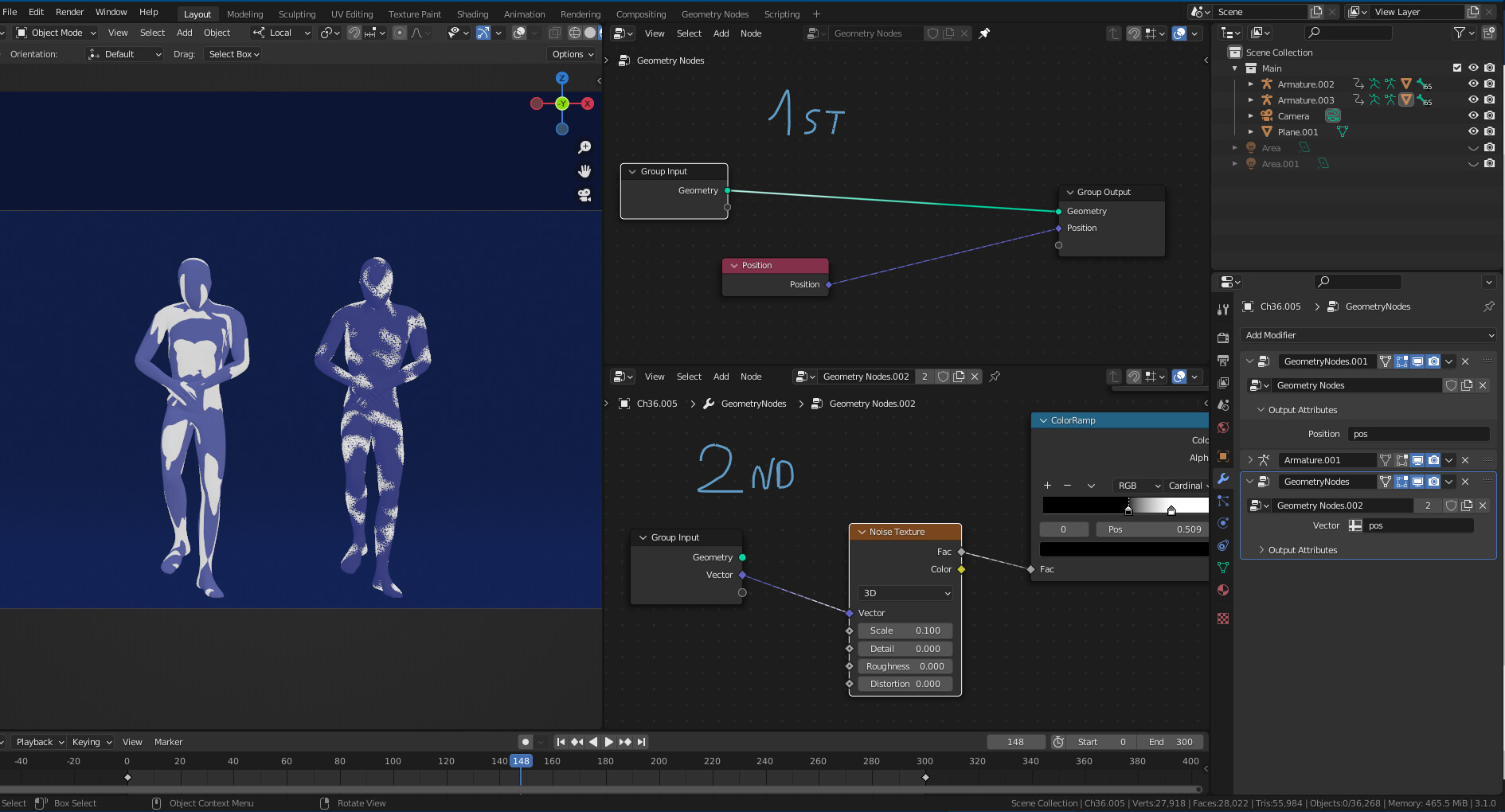
Now I m back at this project. I followed your advices - second geometry node modifier with position node and so on. Maybe I got it not quit right. It doesnt worked. In general I dont understand why there is such a mapping difference between MaterialNodes and GeometryNodes:
Even if in the ShaderEditor isn`t a TextureCoordinateNode included, the noise texture is fixed to surface of the character. That is the result I like to go for in the GeometryNodes: Fixed objects in a noise pattern on the surface.
By default in Shader editor textures using Generated Coordinates and it seems that those coordinates are calculated on the base mesh that ignors deform modifiers but I am not 100% sure
If you want have same coordinates in shader editor and in geo nodes use Object coordinates in shader editor
I think by mistake I chosed in the GeometryModifierSettings the option “position” instead of creating a custom position vector name called “pos”. But now I got it and it works