Geonetry Node - Different Spacing on Curve

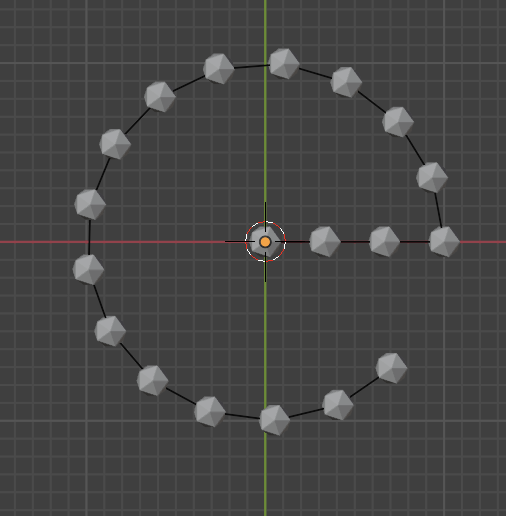
Is it possible to setup a geometry node to create an array of object along a curve line where spacing of the object changes between a straight and curve line.

I want a straight line to have a spacing of 3m and when its a curve, a spacing of 2m. which to also be able to add an offset control to it.

Hello,

This can be tricky to do since resample is per-curve. Dynamic resampling is possible with math, the Points node and Sample Curve
May be easier to keep your curves separate or use a split curve node-group to split up the sections to resample independently.
Hopefully that’ll get your started.
Good luck.

1 Like

if you have e.g. a curve like this:

you can split edges exactly at that vertex, where the straight line meets the not straight line:

in my case: index 14

then you can resample the curve like this:

and of course with another compare node with equal to 1 you can resample the other curve however you wanna have it.

resample example

1 Like

Could you replace the exact index with some kind of edge angle check?

1 Like

Hello, another approach is you can just subdivide individual curve segments:


curve.blend (589.1 KB)

2 Likes

yes, this would be even better!

Thanks filanek, I got this error node. what does this node control? Still trying to figure where to at my instance object.

I had try out another setup. Im ok to split the shape into curves and straight lines of easy control. I need to be able to not have double instances object on the same point where I added a ‘Delete Geometry’ node to control this. Not should if its the most efficient
to solve this.
Where can I add a position controller so that I could shift the instances object alone the curve for adjustment needs. Is my current setup on the right track?

I have the blender file here.
shape_001.blend (1.1 MB)

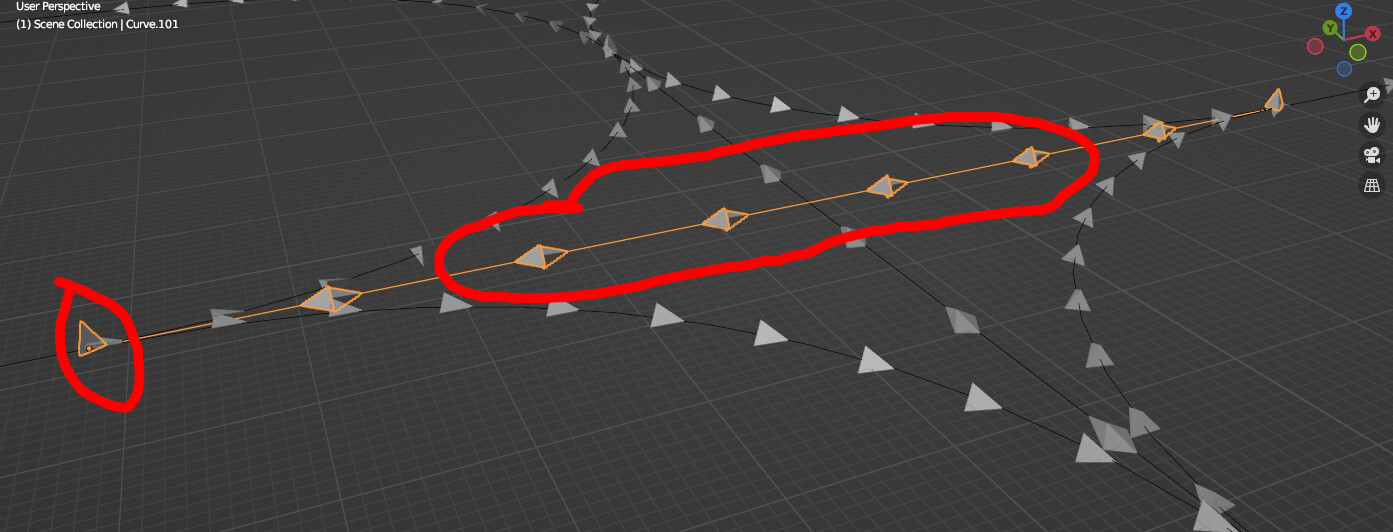
I also dont know why I am having this strange defect.

In some cases, where there is a short curves, I will get the instance object not pointing in the curves direction.

Hello, you can see in the screenshot, it is integer subtract node, available from blender 4.3, use regular subtract math node intead if you run older version.