Hi,
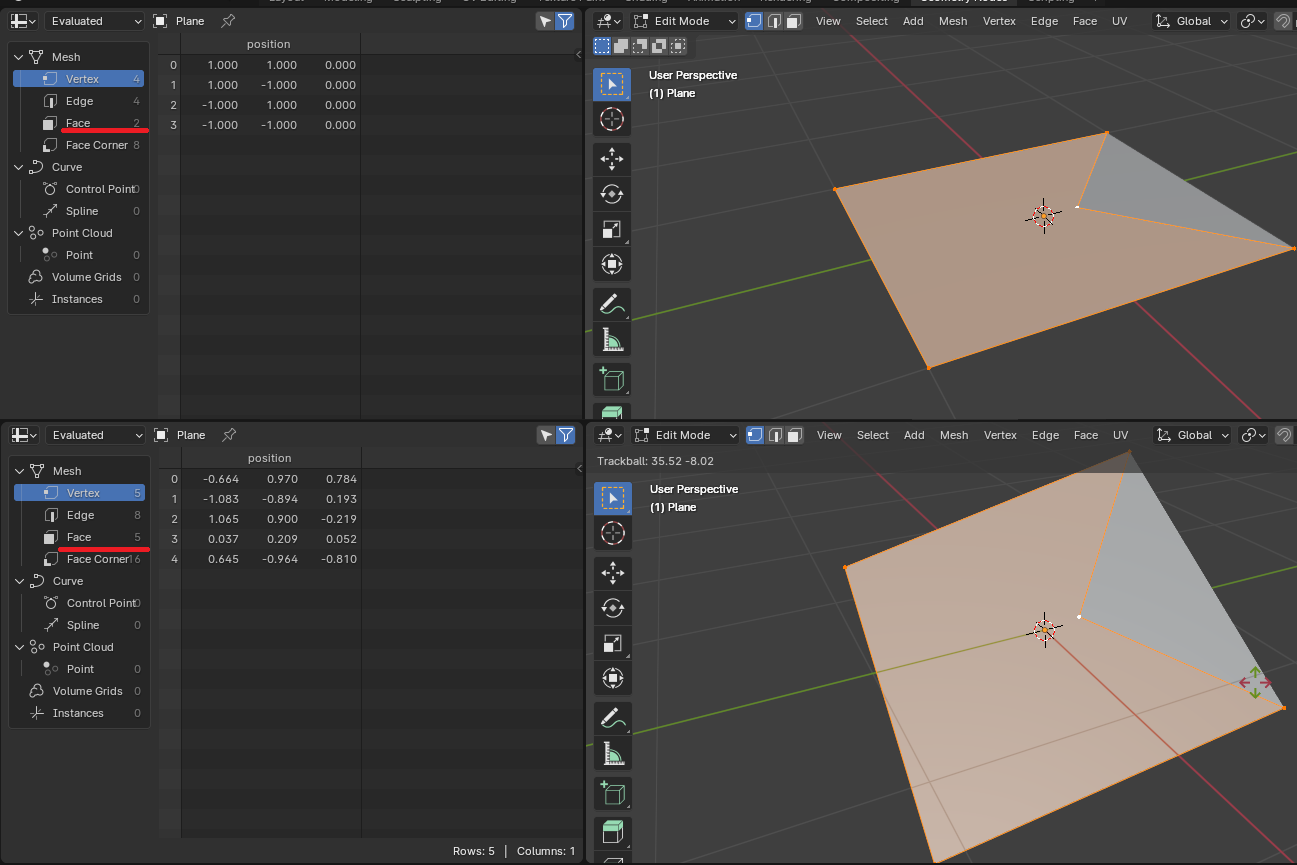
I’m trying to create a node setup which will output the convex hull of a plane. The problem I’m facing is that the built-in convex hull node converts a plane into a flat 3D object with multiple faces.
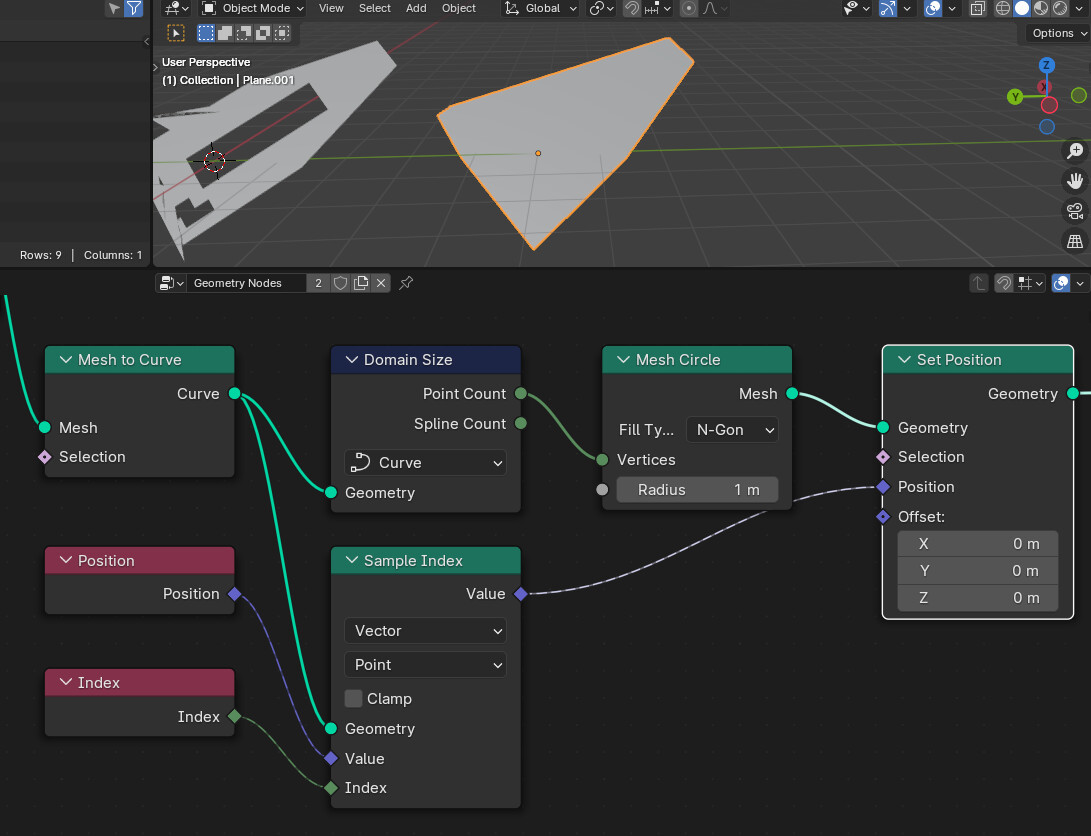
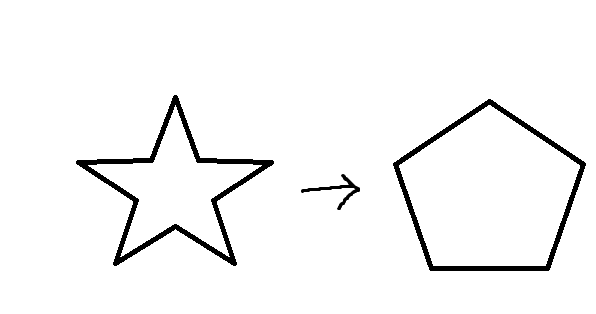
This is the closest I’ve been able to get after trying for a bit, but I’m not sure how to close it and it breaks if I change the original plane shape.
Is there a better way to achieve this?
As you already noted, the Convex Hull node creates a manifold (closed) Geometry. If the mesh lies on the XY plane you can simply delete the second face (like suggested by zeroskilz) and you’re done. But if the plane is slightly tilted the Convex Hull node will create way more than just two faces:
I assume it is because of floating point precission but don’t know.
The trick now is to delete every face, that points in a different direction than for example the face with index 0 (shouldn’t really matter which index it is):
If you don’t mind the weird topology you’re done here and can skip the rest.
If you want to clean it up, you would first separate the boundary edges from the rest and convert it to a curve:
Yes, I’m sorry for failing to mention the orientation of the plane. As Zebrahead explains below it is observed when the plane has some rotation (and in my case offset from object’s origin).