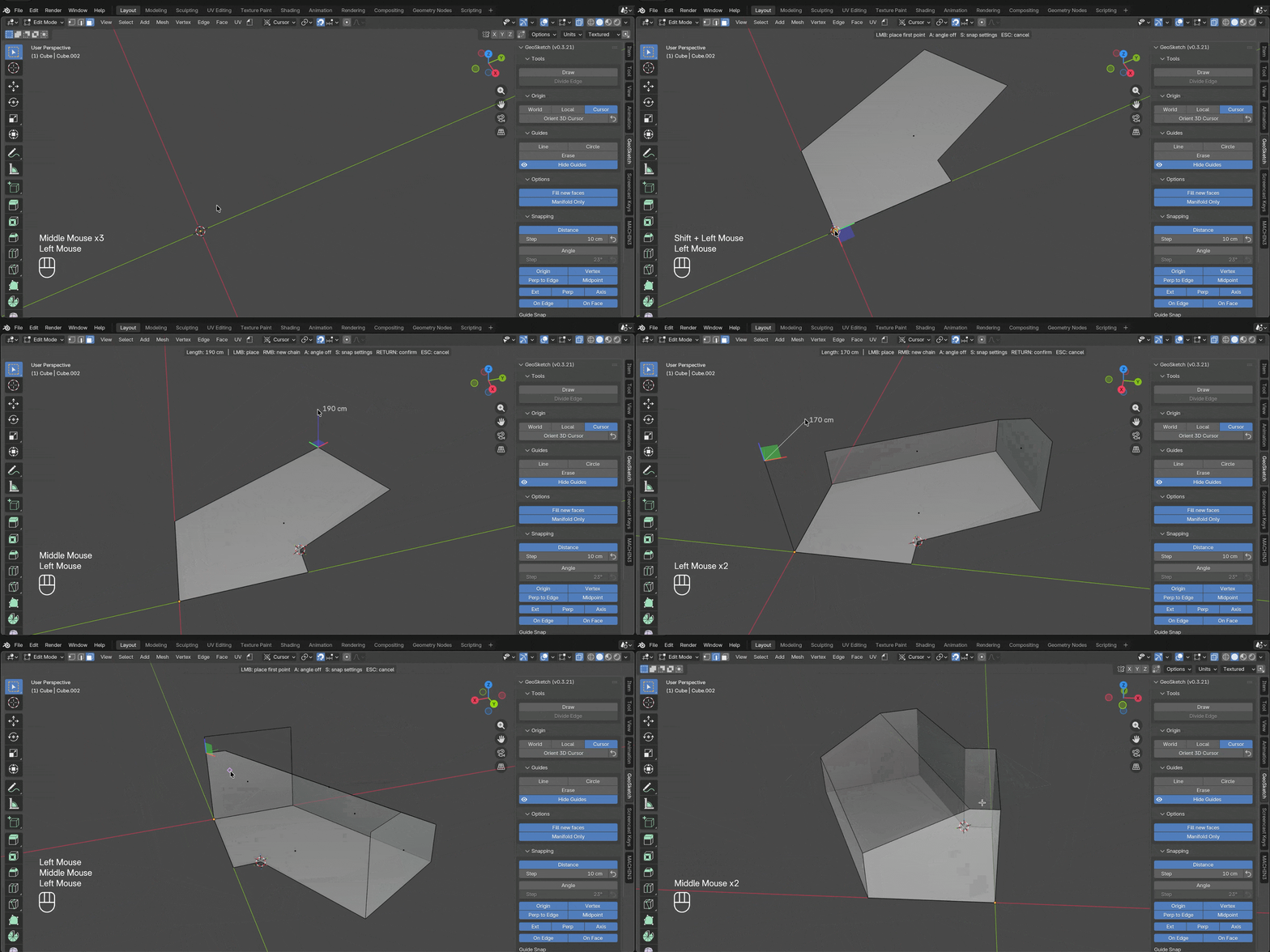
Hey. Just released the first version of my new add-on for Blender: GeoSketch.
It started as an internal tool I built for my own modeling workflow — after using it long enough to trust it, I cleaned it up and turned it into a proper add-on.
With time — and if there’s interest from the community — I’ll add more functionality. For a start, I’ve included a basic version of guides from another internal tool. These work alongside the drawing mode and allow for precise snapping to circles and lines (TRUE circles, not approximations made of edges).
It’s made to complement Blender and its native tools, not to create “application-in-application”, with confusing and / or alien workflow.
How it works? In Mesh Edit mode, you click to build edge chains — similar to how drawing works in SketchUp, but inside Blender.
Main things it does:
- Click-to-place edge chains with rubber-band preview
- Rich snapping — vertices, edges, midpoints, intersections, perpendicular, parallel, direction lock
- Construction guides - lines and circles you can snap to
- Auto face-fill - closed coplanar loops get filled automatically
- Typed input - type a length mid-draw to place exact distances
- Automatic plane detection - based on the viewport orientation
It’s aimed at architectural / technical modeling where you want to place things precisely without doing mental math or manually splitting edges.
https://superhivemarket.com/products/jd-geosketch