I made a real quick animation, and for some reason, after rendering, the lights in the scene will flicker even though I’ve animated them to do no such thing. Furthermore, this issue isn’t present in the view port, only in the finished render. I tried doing some research, and the only thing I was able to dig up was that the issue was possibly in my render settings? I’ve tried changing some stuff around, but I still haven’t quite fixed it yet. I render on the newest version of Eevee, and I’ve attached my settings below. Any help would be appreciated!
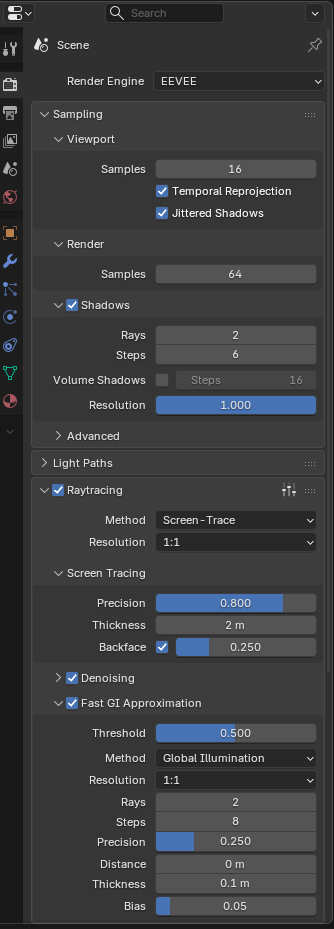
That usually means you are running out of memory for shadows. Because of that, some shadows don’t get rendered and it’s not always the same ones that get skipped from frame to frame.
Go to the render settings → performance → memory, and increase the shadow pool setting to the maximum. This will allow more of your Vram to be taken by the shadows before they start getting skipped.
An other thing you can do to help is to decrease the shadow resolution (in the “shadows” section of the main render settings). The shadow resolution defaults to the max and there is often some room to reduce it without much visual impact. This has the added benefit of giving you a faster render, especially if you have lots of light sources.
Thanks so much! That fixed it!