Wait, are you compositing the render over these backgrounds? or are they rendered as world material?
The transparent glass will throw off the effect.
that disables the refraction and flattens the effect of the glass.
I tried. Same effect.
Compositing the render over the background. Otherwise the glass gives very different refractions.
@SterlingRoth but shouldn’t it take reflections and refractions info from the HDRI?
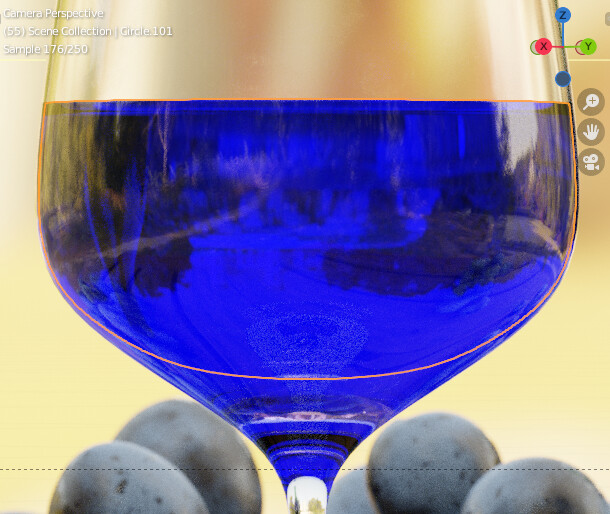
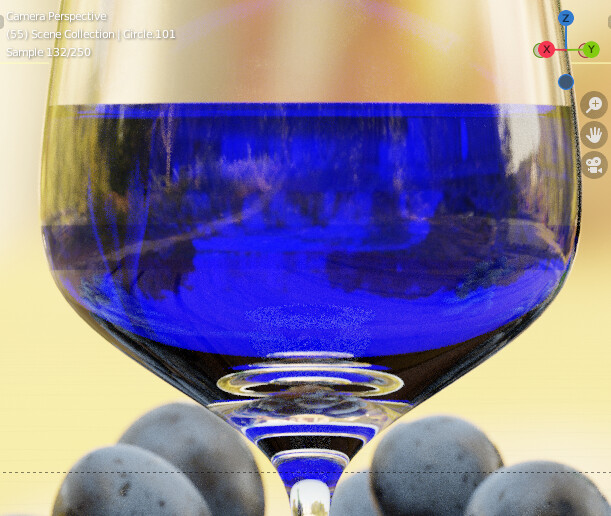
Well that’s it then. If you’re just comping the render over the background picture the background won’t be refracted, so it will appear like it does through a plastic bottle.
You should be able to just output the background pass and allow the magic of raytracing to happen
You have to revert your normals where the glass and the liquid touch to allow Cycles to compute the refracted ray correctly between two IORs =/= 1 (it always considers an incoming ray as coming from the air → IOR=1). It should also give the liquid some clarity because it’ll basically remove one excess surface
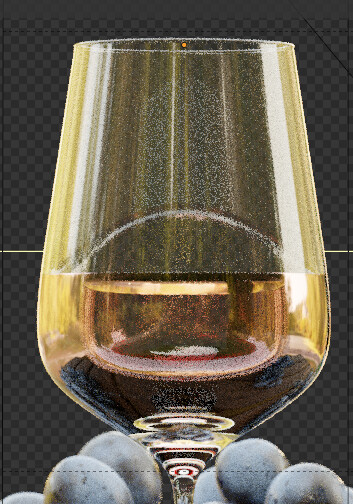
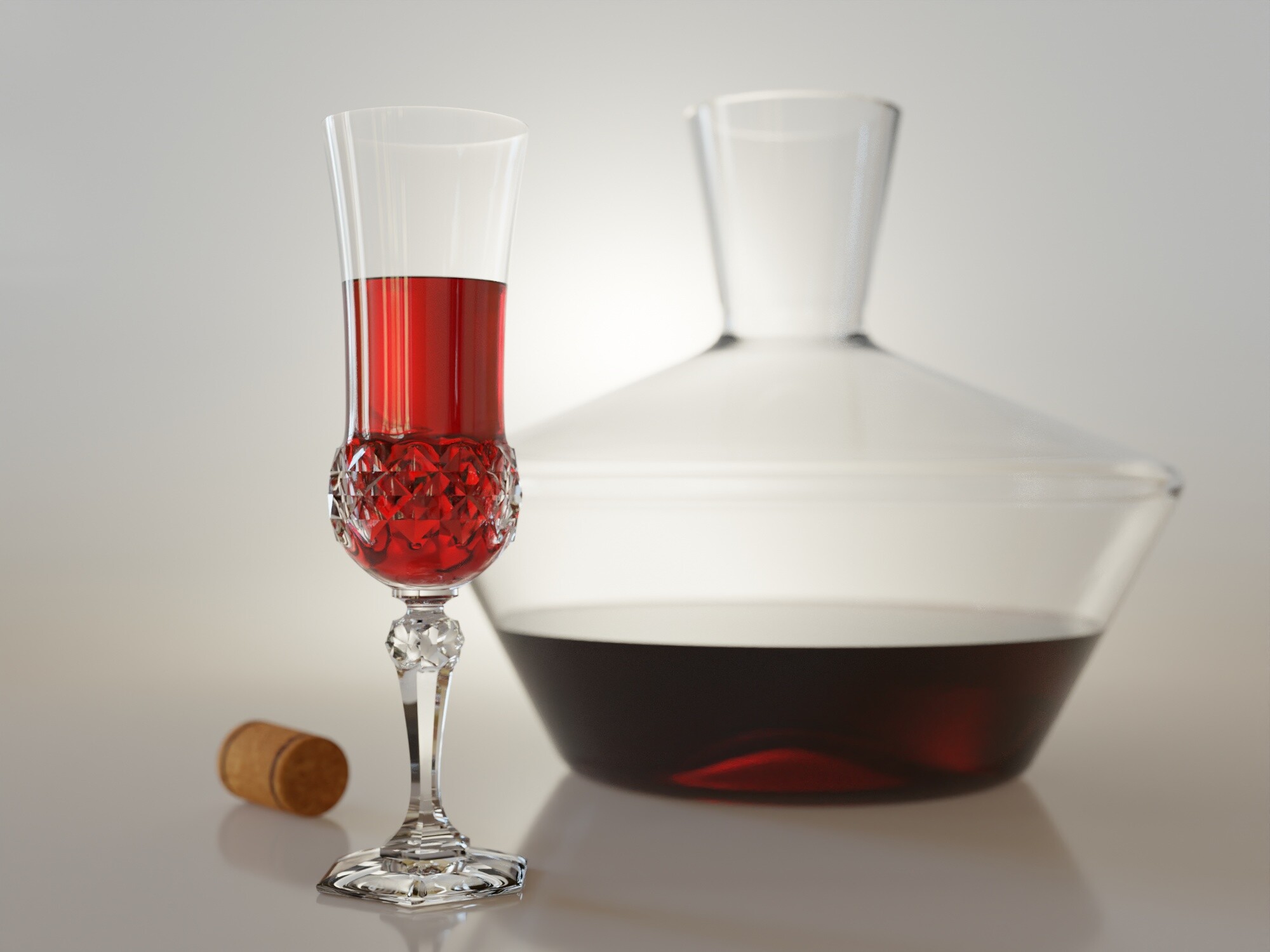


I think that’s how it’s supposed to be done.
By the way. I only use principled bsdf glass and I am also happy with that. The problem you had is that, as @Hadriscus mentioned if you render your scene and then composite it with the backplates you will lose the distortion the refraction of the glass produces on the image behind.
I think so. But then what’s the purpose of using “transparent glass” if it doesn’t take those refractions into account?
I believe it’s useful for the cases you have flat glasses like windows where there’s almost no distortion.
The transparent glass option in my understanding is generally for compositing when you have multiple viewlayers. This way you may get to fine-tune the exposure of an interior scene while keeping the exterior properly exposed for example a render of a storefront. This will not take into account the refractions, so you’re better off with that option turned off especially since you have nothing else behind it to really composite. But if you really want to do compositing with your glass wine scene, you can technically use a backdrop plane object, output its uv map (correctly distorted) in another view layer and use that for compositing.