Hello,
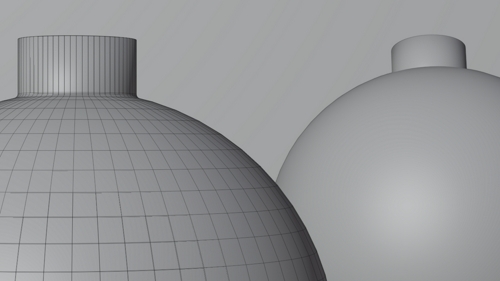
I got some problems with my glossy material. Near the edges strange black areas occur. If i use auto smooth it looks normal but the the materials will be stretched.
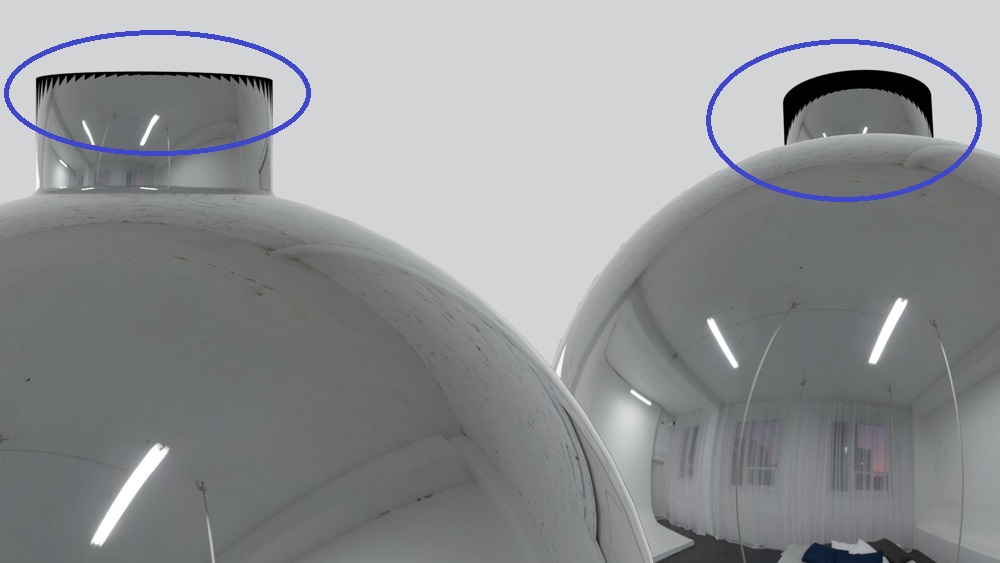
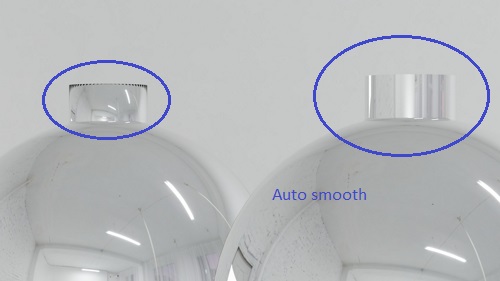
I think you would want to mark the edge loop up top as sharp edge and use auto smooth.
The part you have circled with Auto-smooth is how a cylindrical object would reflect. It should be like that.
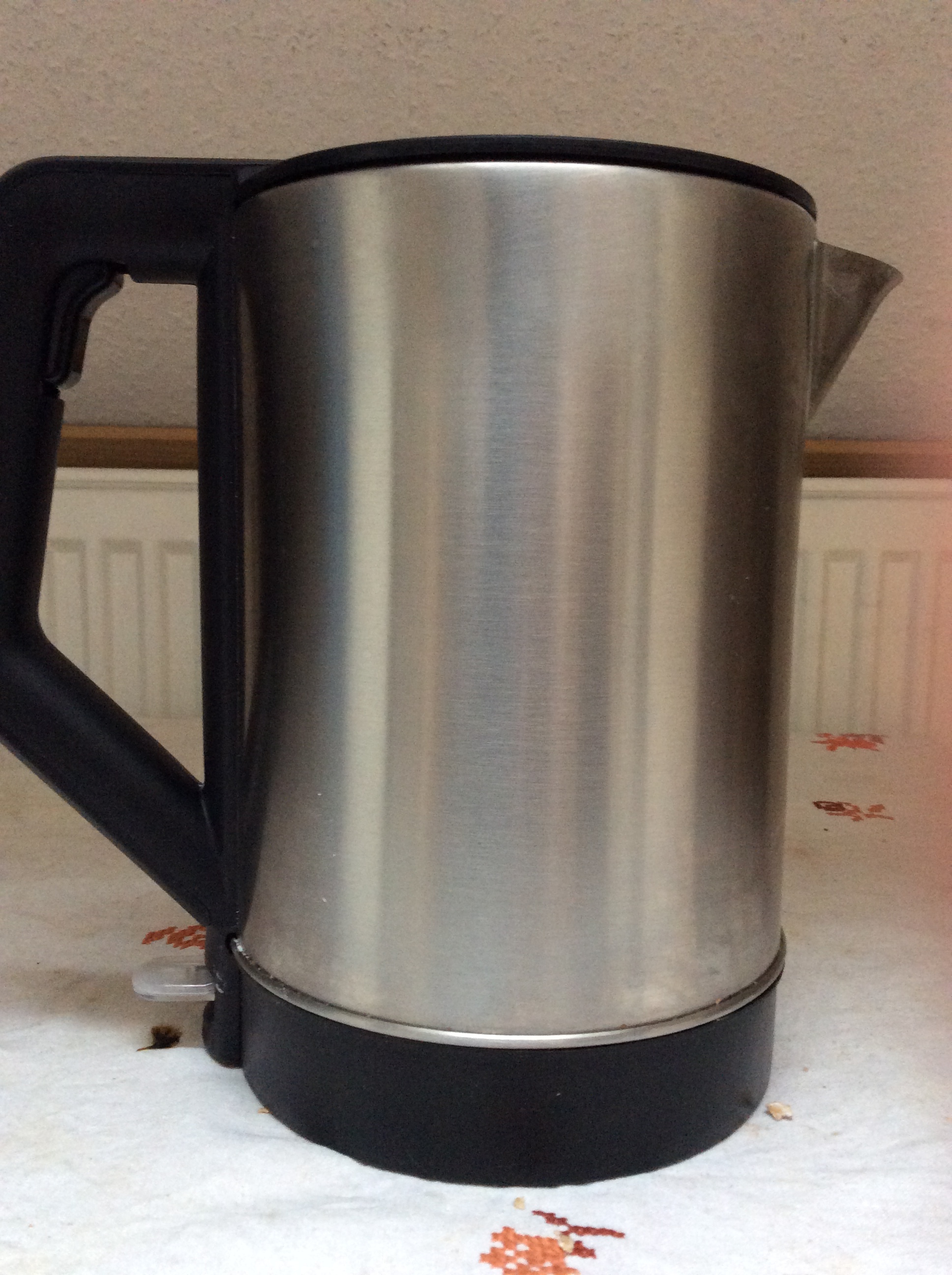
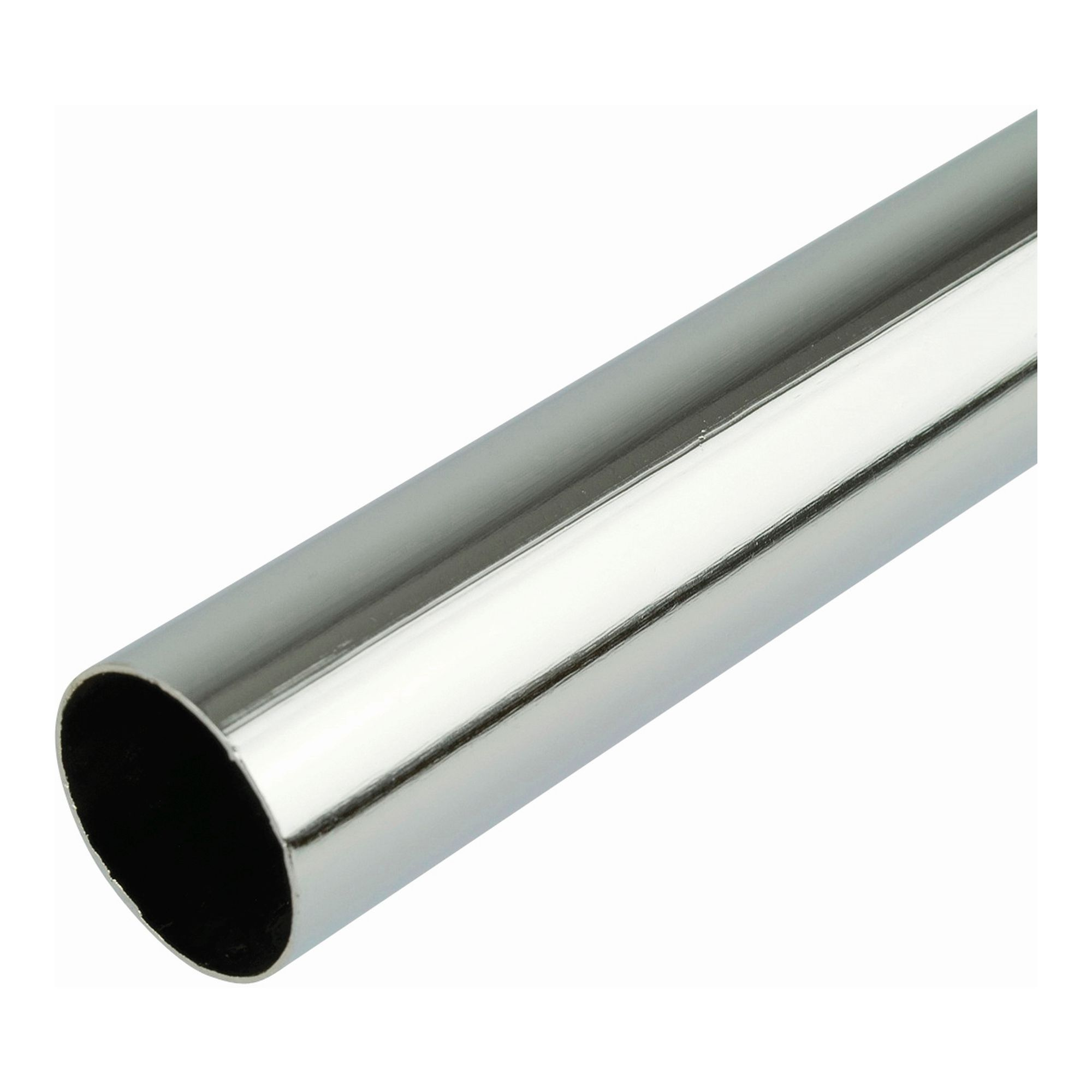
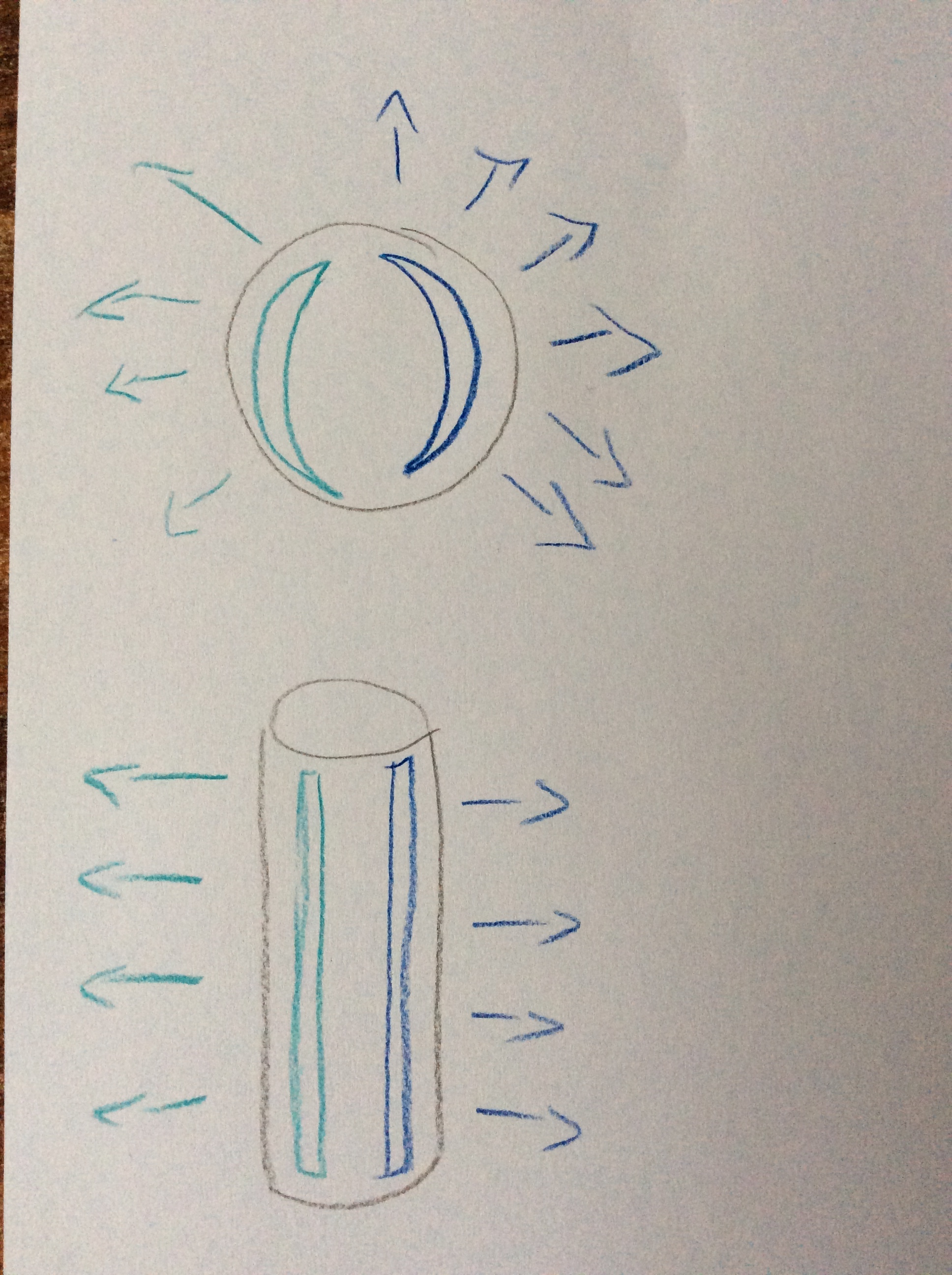
I see. I was just wondering how this would work, even if the surface is glossy. I guess it depends on the direction the surface is facing. So if I look at a sphere the surface is facing each direction. While on a tube it would always face the same way on the z-axis. Something like that (really bad sketch!).
Your original example object is complicated by the fact that you have such little geometry on the neck of the cylinder. With smooth shading it’s averaging from the face or faces on top of the cylinder as well as the sides. The black artefacts you are seeing are the reflection from whatever is above your scene - I imagine nothing, so a dark or black world background. Turning on auto-smooth, adding some additional loop cuts at the top and bottom of the cylinder or bevelling the edge loops at the top of the cylinder as well as where it meets the spherical part will all work to get your reflections looking more accurate.
When I turned on auto smooth the artifacts disappeared. I tried adding a bevel at the top. Now the reflection on the cylinder part doesn’t look that bad (even if it’s correct) anymore.