Hi everyone,
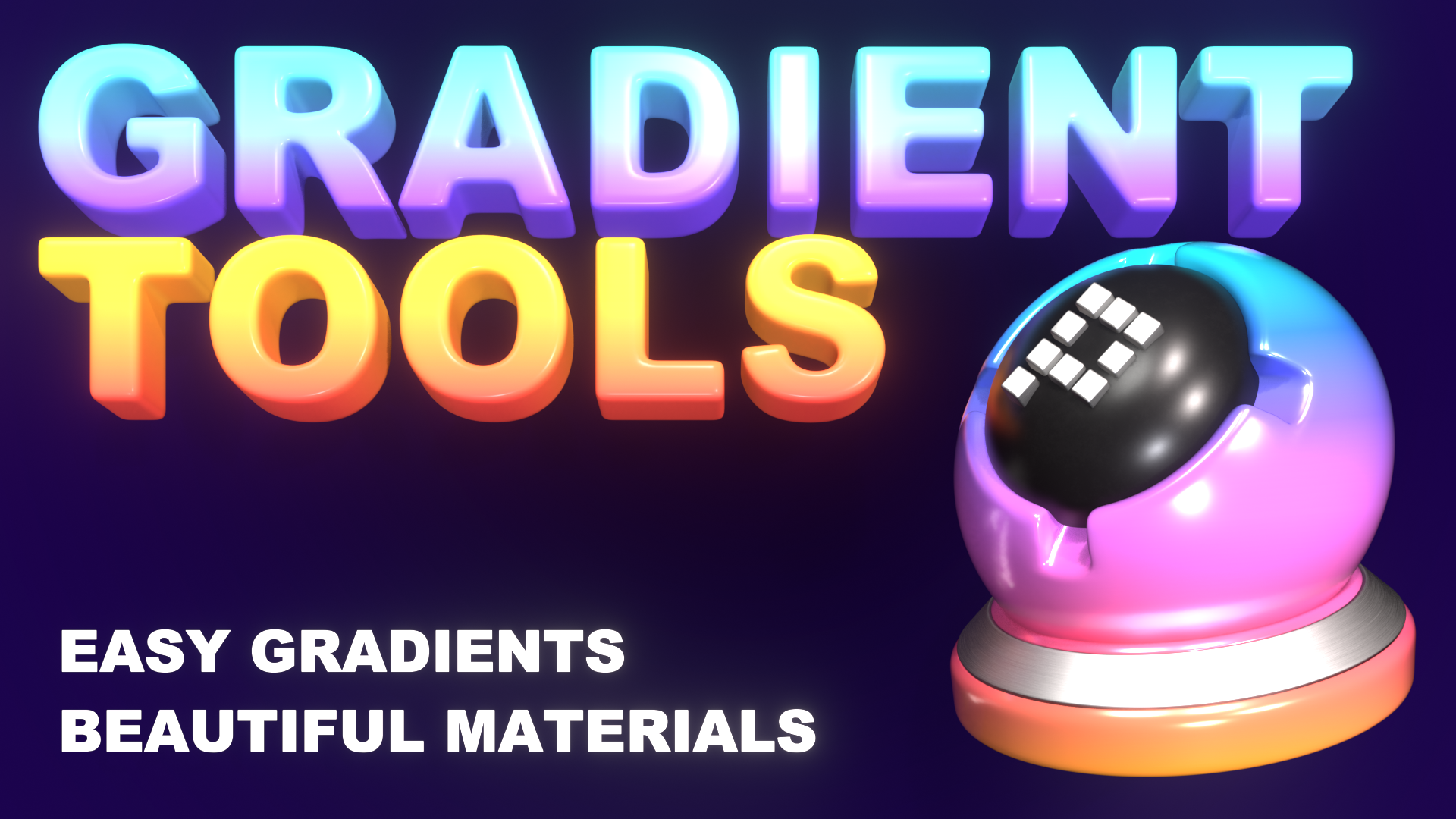
Gradient Tools 2.5 is out — and the big new feature turns your palette into real materials.
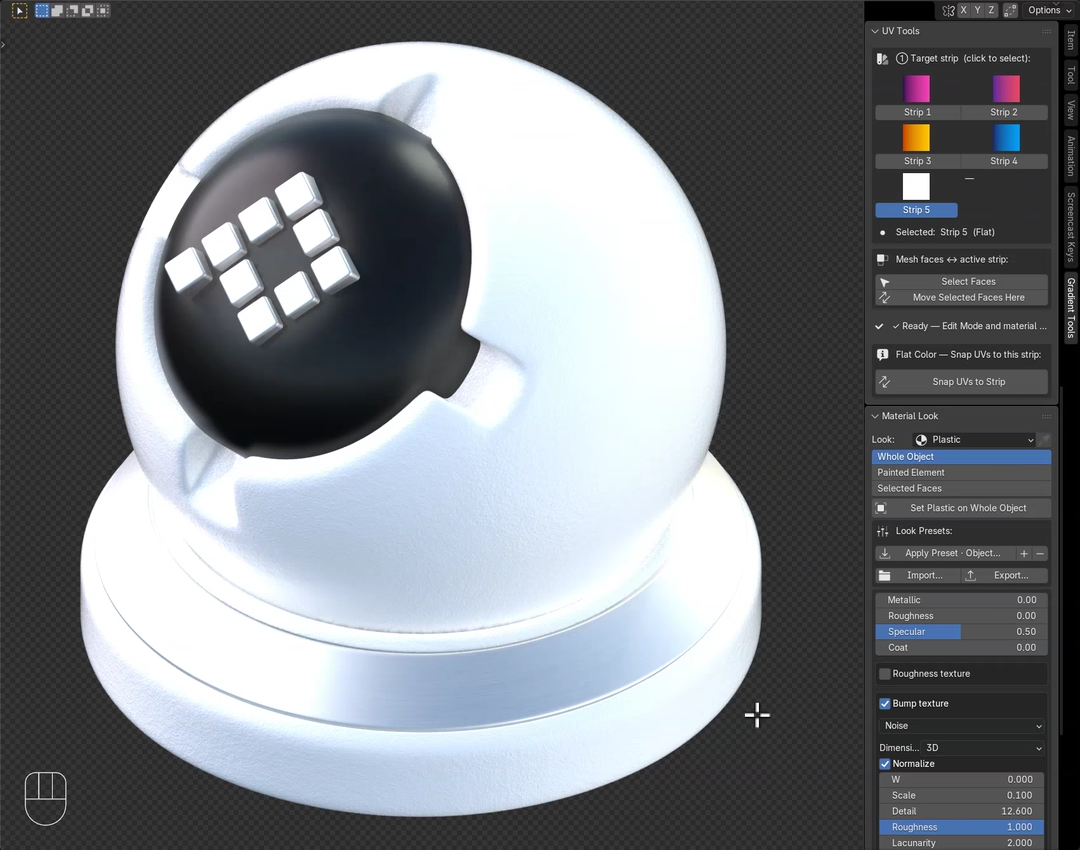
Gradient Tools is my Blender add-on for building color palettes & gradients on a 2D grid and painting them straight onto meshes, curves and vertex colors — live in the viewport, with no UV unwrapping. Version 2.5 adds a per-object Material Look system.
New in 2.5 — Material Looks
- One palette color, six looks: Toon, Flat, Plastic, Glossy, Metal, Glass. The exact color stays the same — only the way light hits it changes, so the model shows real 3D form.
- Flat & Toon stay lighting-independent — the exact
#RRGGBBrenders even without lights (the successor to the old Shadeless mode), best in EEVEE with the one-click Standard view transform. - Tunable per look: metallic, roughness, clear-coat, IOR, transmission, emission floor and Toon bands, plus procedural roughness/bump.
- Glass that refracts in EEVEE (one-click raytracing when the scene needs it).
- Look presets — save a look once and reuse it anywhere (ships with 5: Chrome, Clay, Frosted Glass, Cel Toon, Matte Plastic). Copy, link or eyedropper a look across objects; switch an object’s palette in one click.
- Per object and per face — mix looks on one mesh; each object keeps its own color.
- Open your old files and they migrate automatically to the Flat look — nothing breaks.
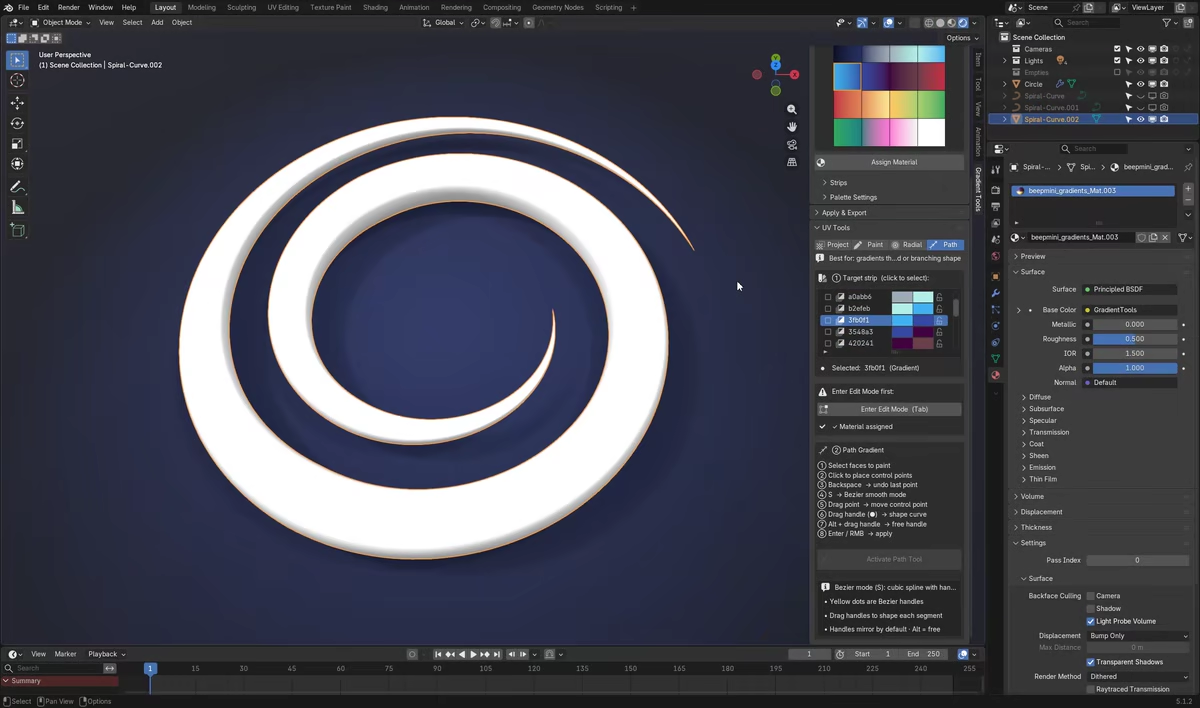
New here? The core is still there: 4 live tools (Project, Paint, Radial, Path — press F to invert), bake to vertex colors, apply gradients to curves, eyedropper any image for exact HEX, real Blender Color Ramps, and it works in both the 3D Viewport and the Image/UV Editor. No node wrangling, no dependencies.
 Launch offer: 35% off to celebrate 2.5 — until August 31.
 Get Gradient Tools on Superhive Market
Blender 4.2+ (including 5.x) · Cycles & EEVEE · Mesh & Curve · no dependencies.
PROJECT TOOL
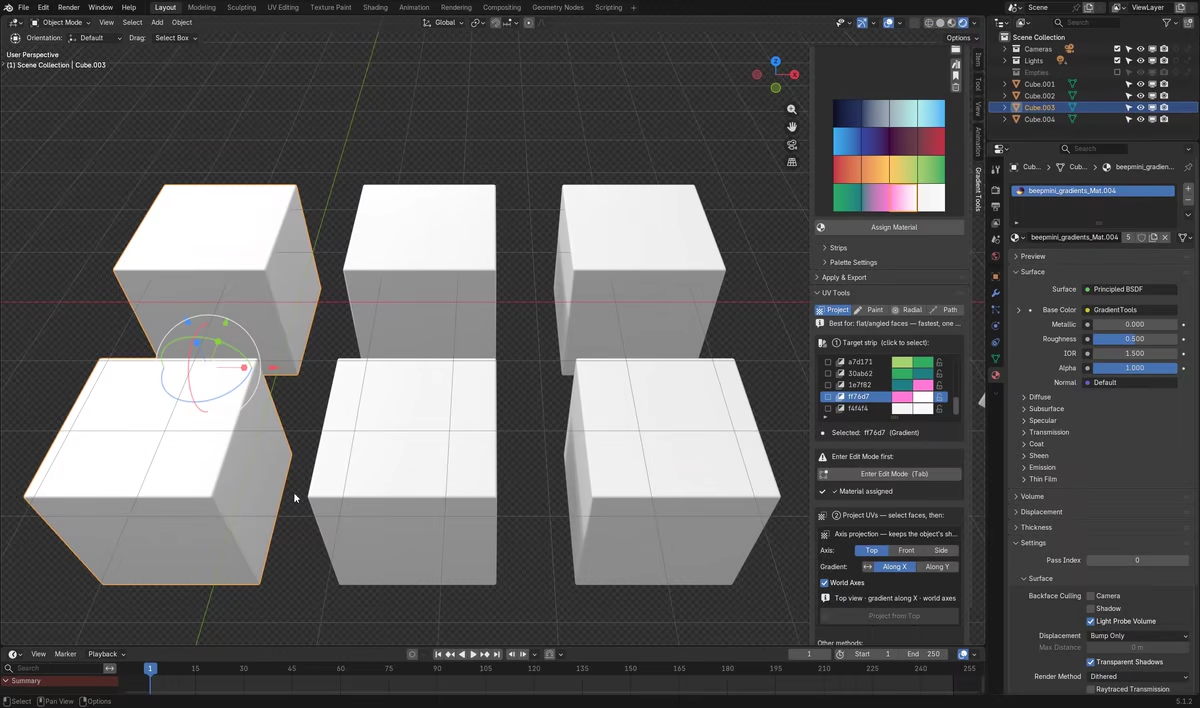
PAINT TOOL
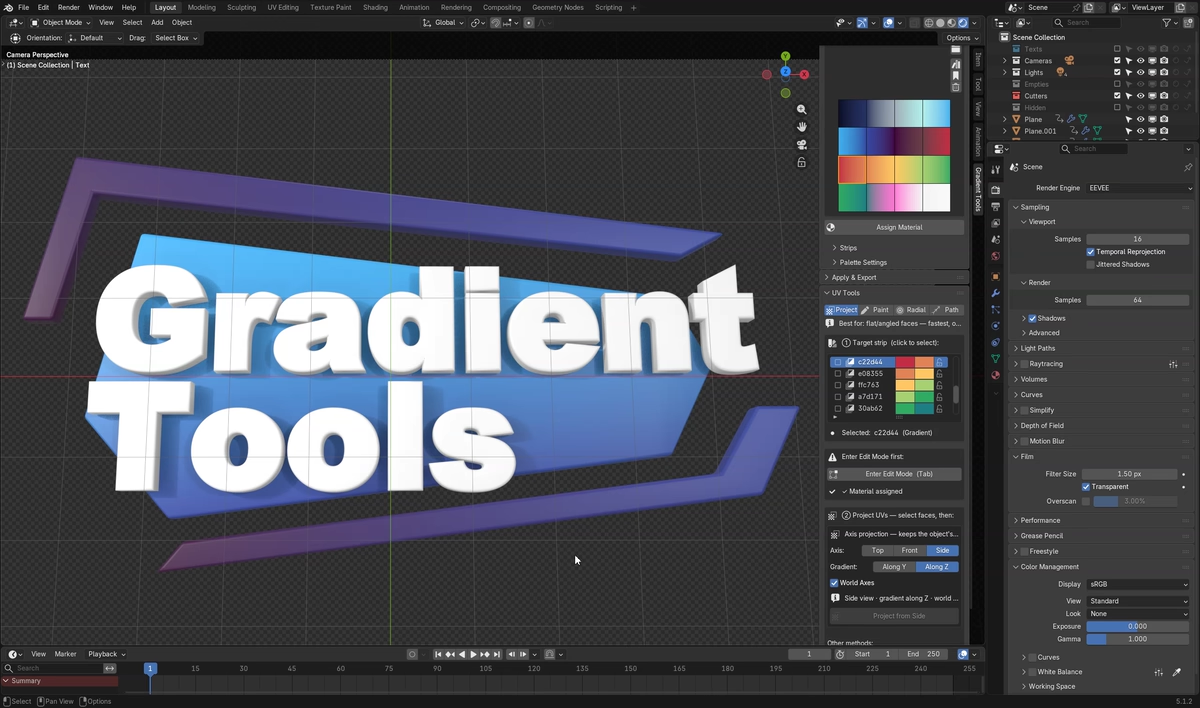
RADIAL TOOL
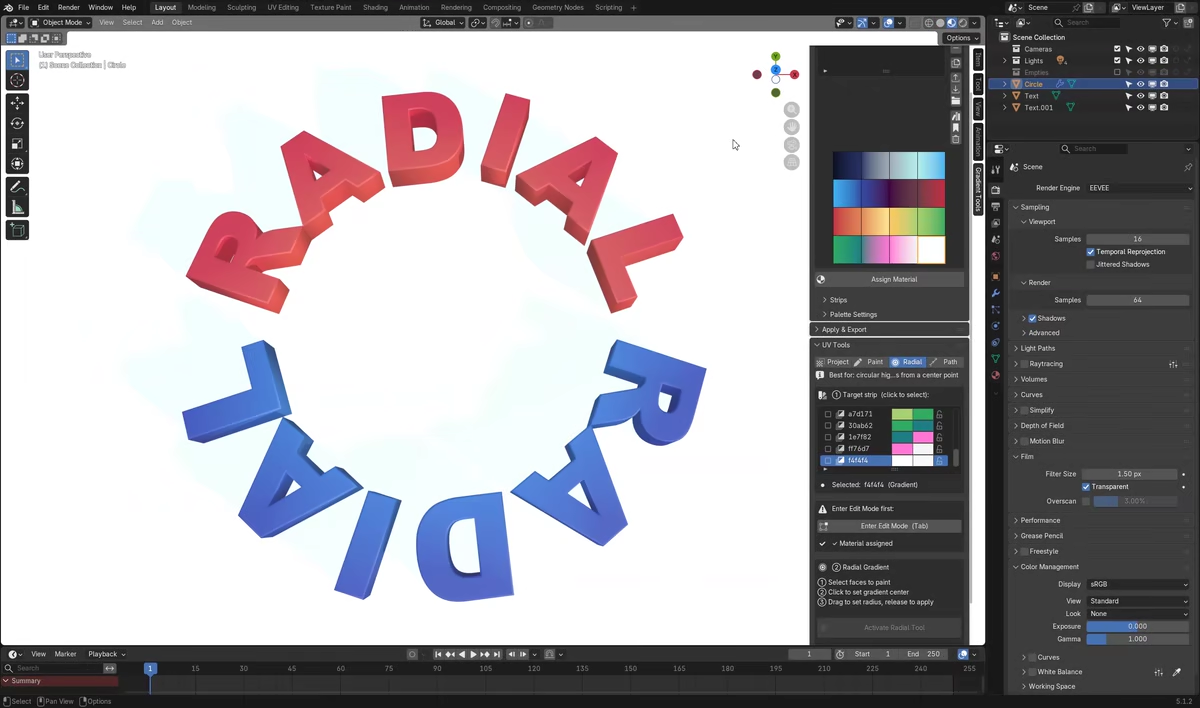
PATH TOOL
Feedback and feature requests are very welcome — I read everything here. Thanks for taking a look!