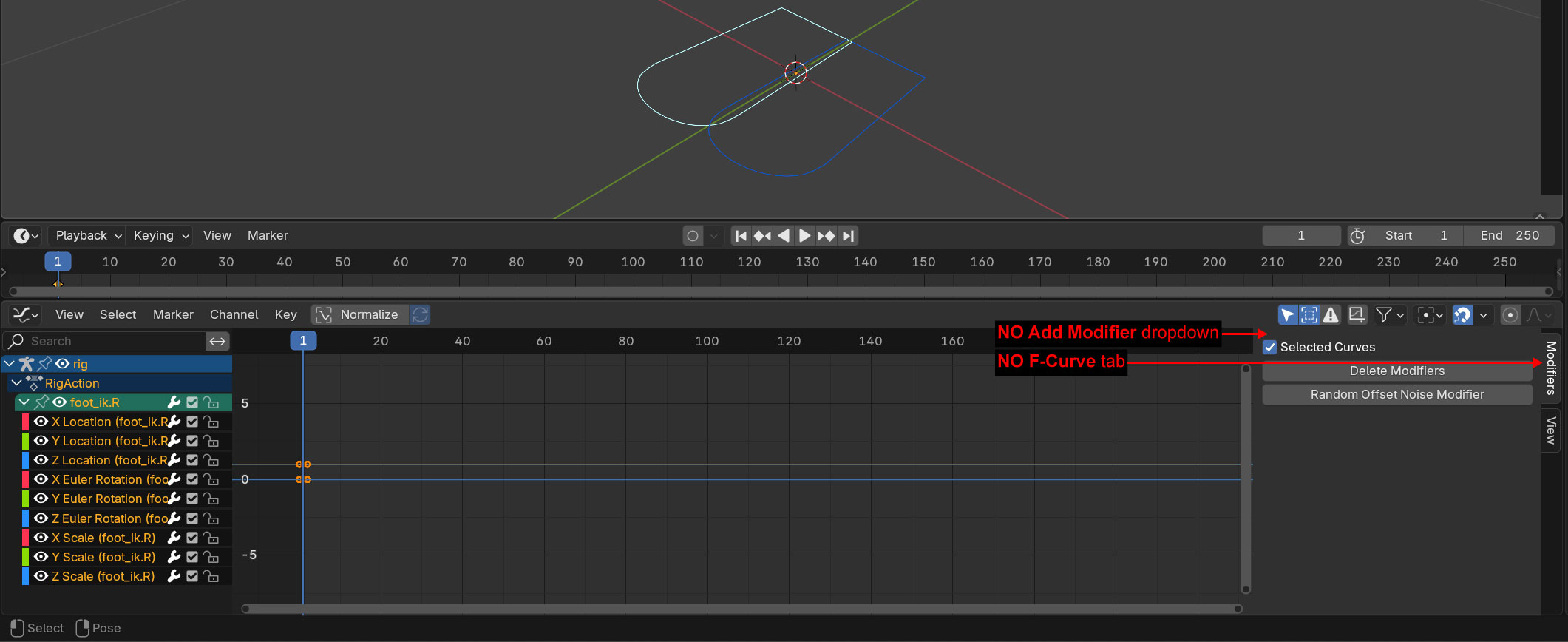
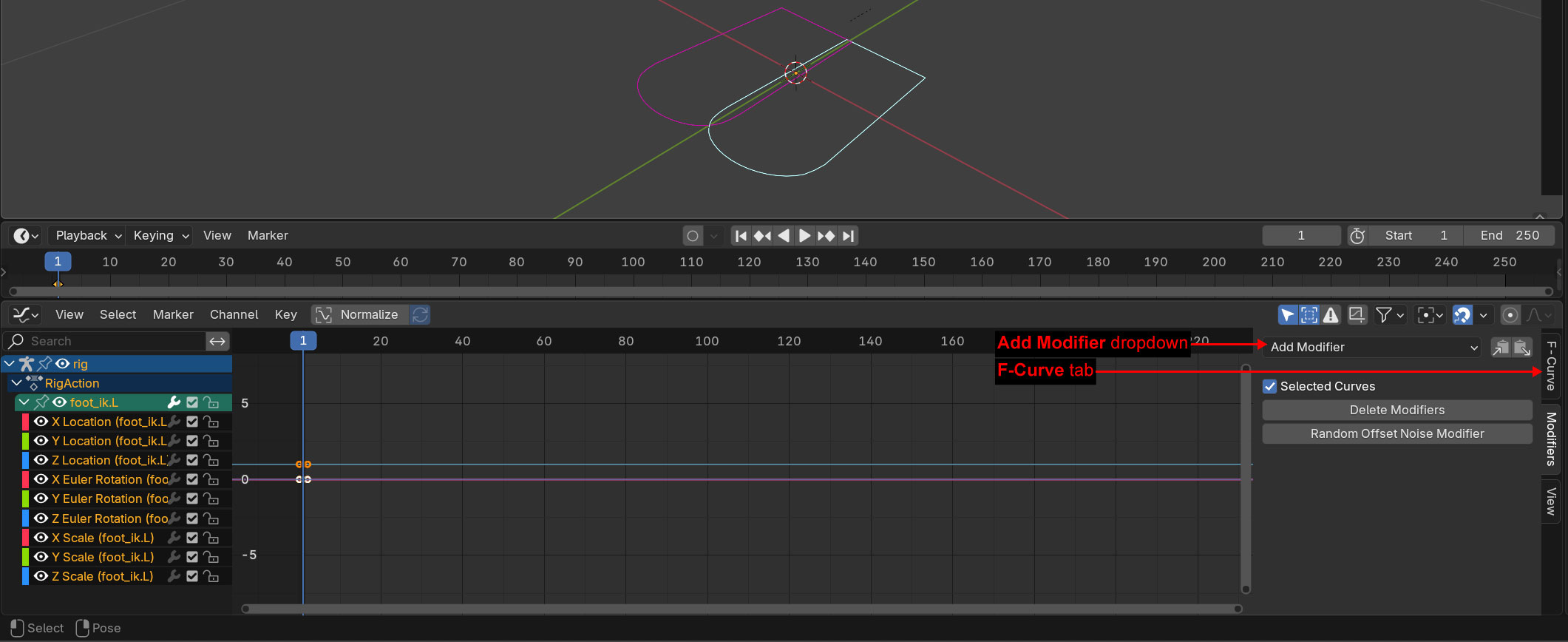
In the graph-editor you have to expand the channels (open the lists under RigAction)
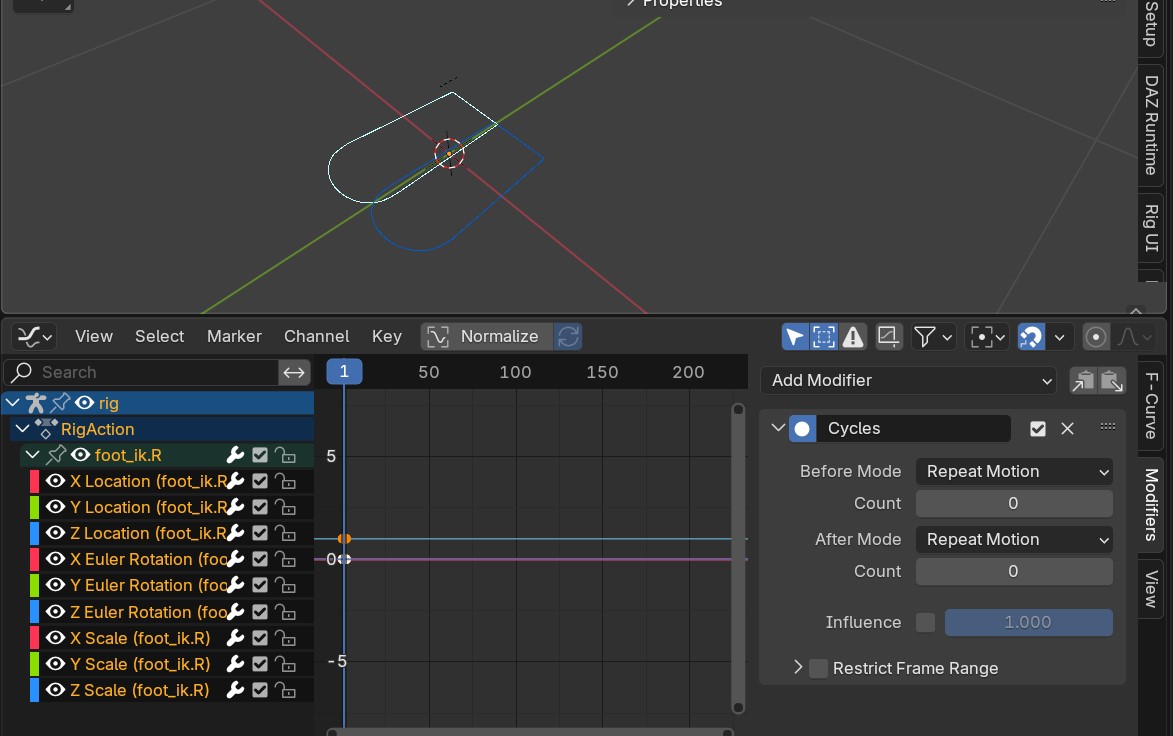
foot_ik.R has already cyclic modifier on all transformation channels, ik.L not.
you can select all your channels at once and add the cyclic modifier
I added a Cycles F-Curve modifier to the foot_ik.R in the Graph Editor and got this error:
ERROR (bke.fmodifier): C:\Users\blender\git\blender-v430\blender.git\source\blender\blenkernel\intern\fmodifier.cc:1068 add_fmodifier: Cannot add ‘Cycles’ modifier to F-Curve, as ‘Cycles’ modifier can only be first in stack.
Error: Modifier could not be added (see console for details)
That’s really interesting
witch blender version is it? i tried your file in 5.0 + 5.1 + 5.2Alpha (22March)
disable Addons? (ie ‘randomise noise offset’)
I disabled the add-on, but the problem persists. I notice that the wrench icons on the animation channels of the foot_ik.L and foot_ik.R look different (please see the screenshots on post #5)
Apparently, there’s a bug. If I select one animation channel first, then select all animation channels, the Add Modifier dropdown and F-Curve tab will appear