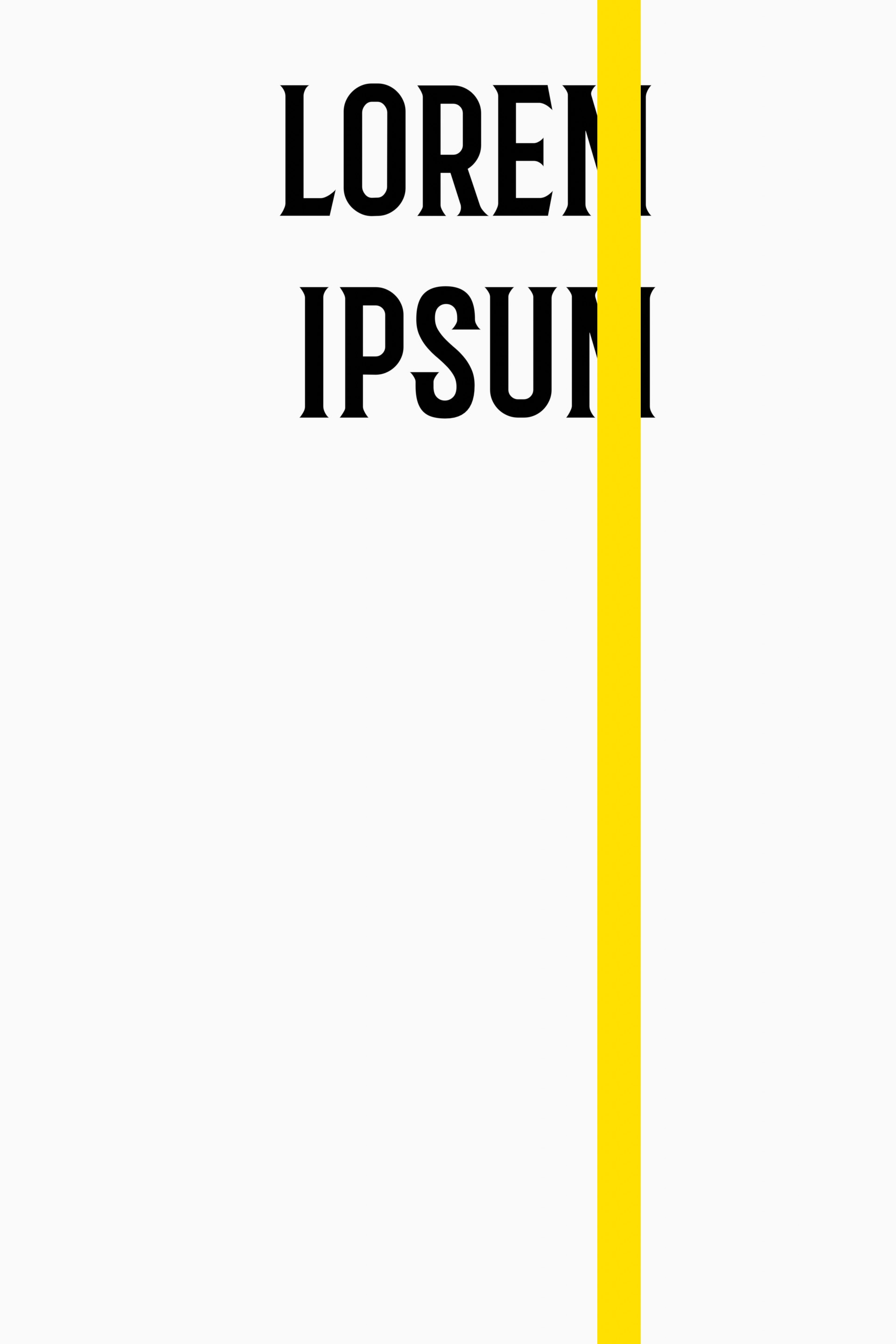
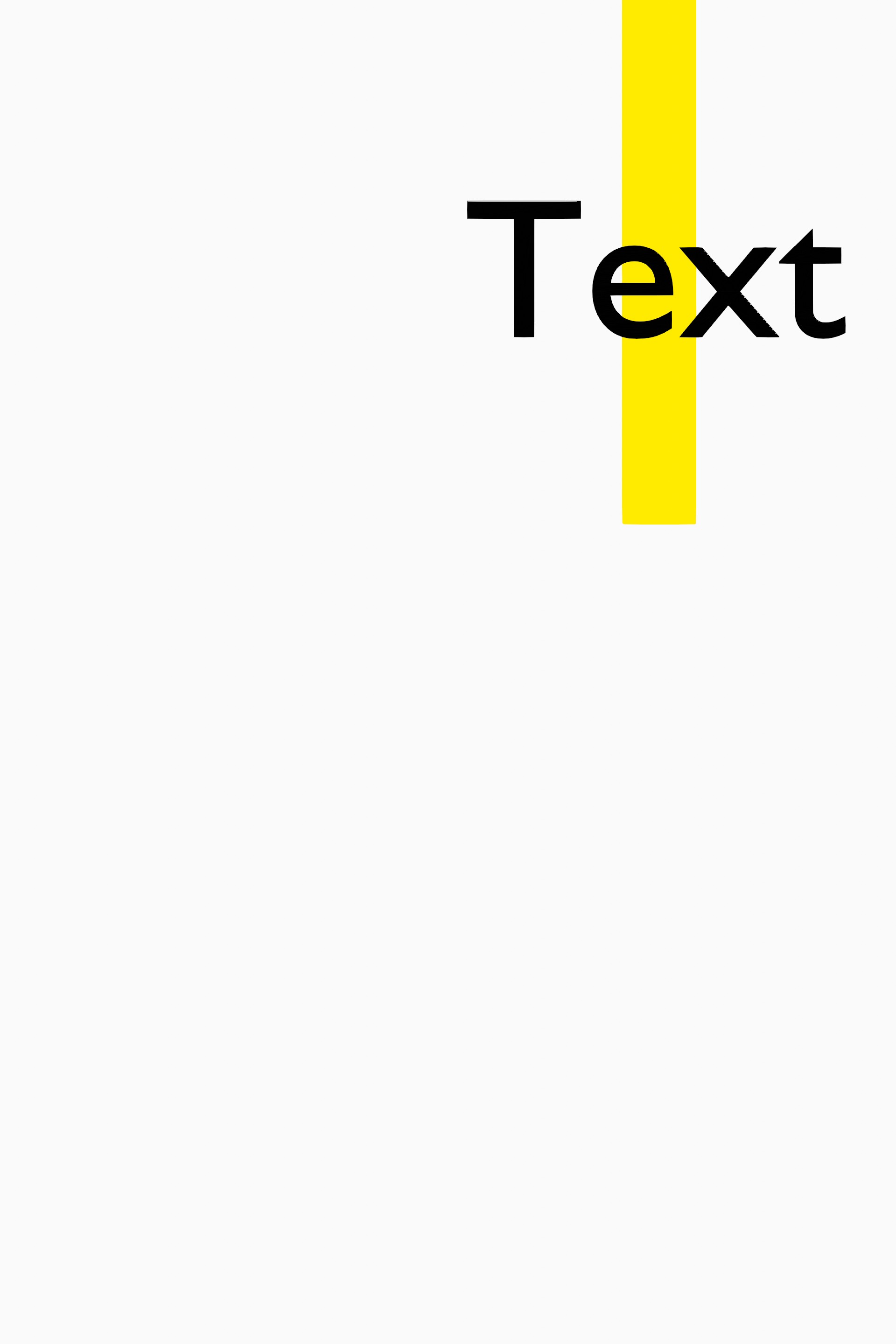
Working on my .blend file, I created a grease pencil box with fill, and it is displayed on top of a text. I wish to make the text visible in full, but I don’t know how to do that.
Moreover, I’m interested in making the text display on top of ANY image or object (like always on top) once it is rendered (render result).
I tried moving the text object with G but it still looks partially hidden on render.
I found a different solution with object conversion.
The video tutorial works for stroke objects but not for text objects.
More info: On Viewport, the render view shows the text on top, while the render result shows the color on top.
The grease pencil is one stroke object, while the text is a text object. So I can’t use the trick described in the video with these settings. However, turning the text into stroke can make the text object appear on top (the problem is, if the text object is turned into a stroke object it removes the fill of the letters, so they look hollow).
But if you convert Text Object → Mesh and then convert Mesh → Grease Pencil, the render result will display the text on top.
This solved the text problem and the color is behind:
Enabling view layer- Data- Z (under Combined) enables Z pass for Grease Pencil and it will render according its distance from the camera and not always in front. Text.blend (517.9 KB)