Grease Pencil  ︎ Lottie
Hello everyone, I want to share my project that I made for creating commercial animations for Android/iOS apps.
It’s a super raw project, but it actually works – it just has a lot of limitations.
This project can: load SVG vector graphics into Grease Pencil with colors preserved, export animations from Grease Pencil to Lottie (.json), dotLottie (.lottie), and Telegram (.tgs) formats.
Also I made a custom transform tool that can be used to animate layer transforms (translation, rotation, scale)
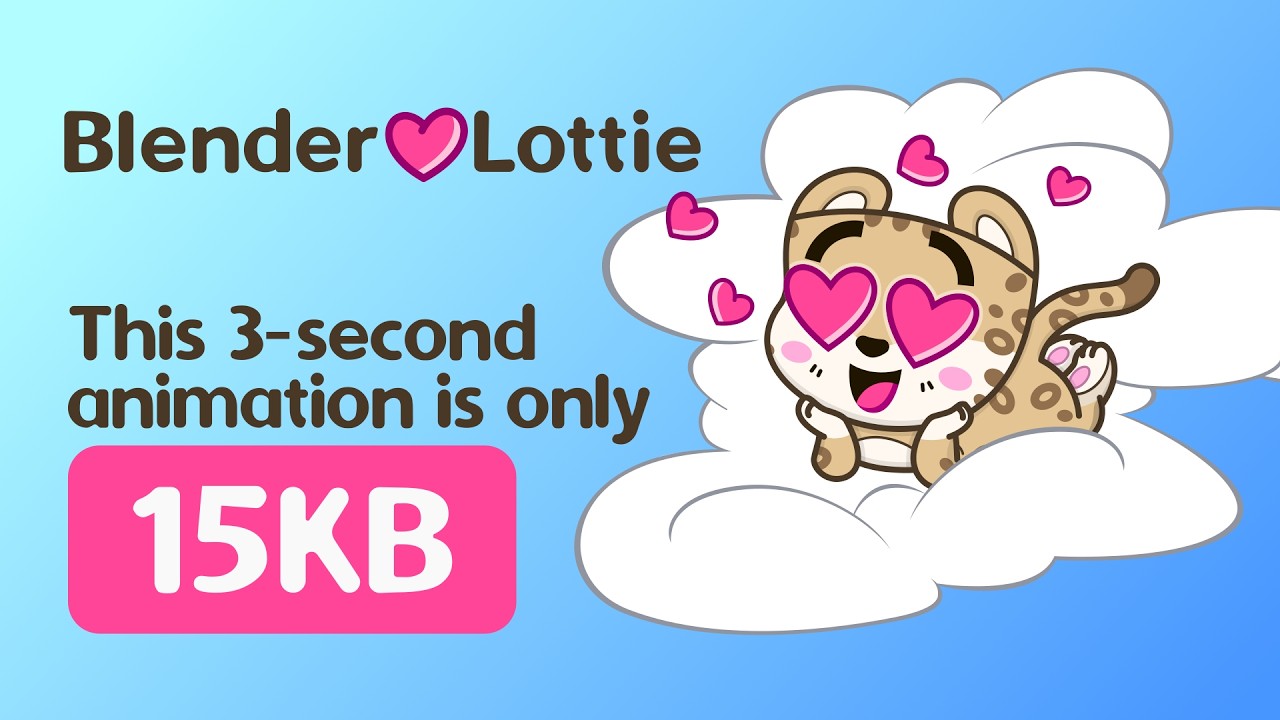
This pipeline is focused on lightweight vector animation transfer, not full visual parity with Blender’s renderer. Example below is 158 kb json uncompressed and 15 kb in tgs format: https://t.me/addstickers/blender_lottie.
Check out the export demo, download the add‑on, and read more here:
https://multlabs.com/demos/lottie/demo.html

Feature Highlights
Prepare your SVG in your vector editor (Inkscape is recomended)

Use layer transform to move, rotate, scale layers and set pivot point

Nice material import

Animate with Grease Pencil keyframes and layer transform

Export to Lottie via Collection Exporter

Output file size log

This project is split into 3 Blender add-on modules:
-
svg_blender_lottie/io_svg_to_gp -
svg_blender_lottie/gp_layer_tool -
svg_blender_lottie/io_lottie_export
Each module has its own bl_info, register(), and unregister() so it can be installed as a separate add-on.
1) io_svg_to_gp (SVG → Grease Pencil)
Purpose
Imports an SVG using Blender’s native Grease Pencil importer and then applies paint/style mapping from the source SVG.
What is supported
-
Native GP SVG import via
wm.grease_pencil_import_svg.- Fill and stroke color parsing from SVG:
- hex (
#fff,#ffffff) rgb(r,g,b)- named colors from
svg_colors.py
-
Cascade/inheritance for paint:
- root
svg→ groupsg→ shape node - presentation attributes + inline style
- embedded
<style>rules for simple selectors (.class,#id,tag.class, simple chains likesvg .cls)
- root
-
Opacity channels:
opacityfill-opacitystroke-opacity
-
Stroke width mapping:
- SVG
stroke-width→ GP pointradius - basic units:
px,pt,pc,mm,cm,in
- SVG
-
Material naming by nearest CSS color names in RGB space.
-
Material reuse by actual fill/stroke RGBA values (not by material name).
Graphics limitations / not supported
-
Sometimes useless materials is created, easy to fix by remove unused materials
-
Clipping paths should be applied before import.
-
Grouping is supported, but may lead to unexpected color shifts from object to object. If you face this issue, consider ungrouping graphics before import.
-
No full SVG compositor behavior:
- masks/filters are not reproduced as final raster effect.
-
No full CSS engine:
- no advanced selectors, pseudo-classes, media queries, etc.
-
No gradient/pattern/filter rendering into GP materials:
linearGradient,radialGradient,pattern,filterare ignored for shading.
SVG preparation checklist (when import fails or colors are wrong)
If import quality is poor or mapping fails, prepare the SVG in your vector editor (Inkscape is recomended) first:
-
Ungroup all groups. Remove all layers. It would make native exporter export all elements into separate layers, that is easy to map
-
Remove masks.
-
Remove clip paths and cut shapes by clip paths (convert clipping to real geometry).
-
Replace blend modes with plain opacity.
-
Avoid holes in curves, as the native exporter converts them into a separate object. Will be not an issue in Blender 5.1.2
2) gp_layer_tool (Layer Transform Animator Tool)
Purpose
Interactive transform tool for selected Grease Pencil layers (similar to standard transform workflow) with viewport gizmos and modal controls.
Layer transform animation is generally preferred over frame-by-frame redraw when possible, because it exports to much smaller Lottie files.
What is supported
-
Avaliable in edit and object modes.
G,R,S,Alt+G,Alt+R,Alt+Soverrides default Blender shourtcuts, while tool is active. -
Works on selected layers:
- falls back to the active layer if no other layer selection is available
-
Optional auto layer selection in Edit Mode:
- selected points/strokes can drive Dope Sheet layer selection
- newly selected layer can become the active layer
-
Modes:
- Translate (layer local X/Z)
- Rotate (layer local Y / Euler Y)
- Scale (layer local X/Z)
-
Modal workflow:
- key buildings:
G,R,S - axis constraints
X,Y/Z(Ymaps to Z in this tool)
- key buildings:
-
View-dependent motion mapping:
- transform direction is projected through current viewport.
- Rotation by radial mouse motion around on-screen pivot.
-
Uniform scale in unconstrained scale mode:
- default scale behavior uses distance to pivot, similar to Blender’s standard scale feel
-
Header/status feedback:
- live values in header (
Transform,Rotation,Scale) - key hints in status bar.
- live values in header (
-
Auto-key support:
- if Auto Key is enabled, relevant layer transform channels are keyed on confirm.
-
Transform reset shortcuts for selected layers:
Alt+Gclear translationAlt+Rclear rotationAlt+Sclear scale
-
Optional
Move Only Pivot Pointmode:- applies inverse point compensation so layer pivot can move while drawing stays visually in place
Limitations
-
Constraint model is intentionally simplified to x-z plane vs Blender’s full transform stack.
-
No middle-mouse axis selector.
-
Some bugs in UI:
3) io_lottie_export (Grease Pencil → Lottie)
Purpose
Exports Grease Pencil content as vector shape layers into one of three containers:
-
.json(plain Lottie JSON): -
.lottie(dotLottie ZIP package): -
.tgs(Telegram container):
File size is mostly driven by animation complexity (number of layers, strokes, and keyframes), not only by container type. The exporter therefore includes size-focused options such as skipping unchanged stroke keys and writing an export log to identify heavy layers/frames.
What is supported
-
Collection Exporter
-
Multiple GP objects in one composition.
-
Camera-based projection:
- 3D GP points projected to 2D composition pixels.
-
Path export:
- polyline and bezier path data per stroke.
-
Fill/stroke style export:
-
color + opacity
-
stroke width from GP radius with thickness-space handling
-
-
Transform animation export:
-
object transform animation
-
layer transform animation (from layer tool or keyed layer channels)
-
-
Frame range and precision controls.
-
Optional bake mode for transform animation (sample every frame).
-
Optional per-stroke key reduction:
- skip unchanged shape/style samples to reduce file size
-
Optional export log file (
.export.log.txt) with per-layer and per-frame stats.- Mask export via Lottie track matte fields (
tt/td/tp) when GP layer masks are used.
- Mask export via Lottie track matte fields (
Graphics limitations / not supported
-
Gradient fills and strokes
-
No variable line thickness
-
No images or image fills
-
Does not support modifier-evaluated Grease Pencil output:
-
GP Line Art modifier is not supported
-
other Grease Pencil modifiers are not supported
-
-
GP effect stack is not supported
-
Does not evaluate the full Blender dependency graph result for editing:
-
the tool works on editable layer data, not final modifier stack output
-
Only linear and ease keyframe type are supported and simplified. For more advanced easing, use bake mode.
-
-
Perspective is approximated in Lottie layer transform (
ks):- Lottie is 2D; true 3D camera/parallax behavior is not fully representable.
-
No full Blender shading/render pipeline export:
- only vector path + basic fill/stroke style semantics.
-
Lottie runtime differences may exist between players (After Effects, lottie-web, mobile runtimes).
-
Telegram/lottie matte order constraint is strict:
- mask layer must be directly above masked layer; export raises an error otherwise.
Give it a try, and feel free to report issues or share your results.