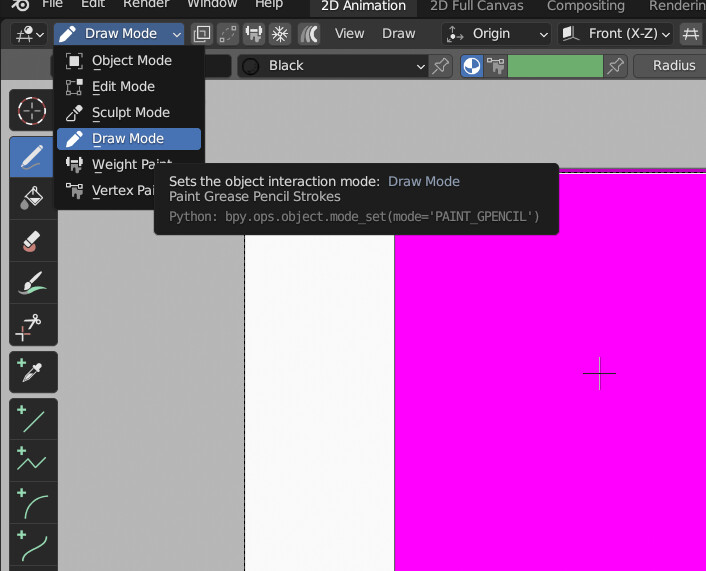
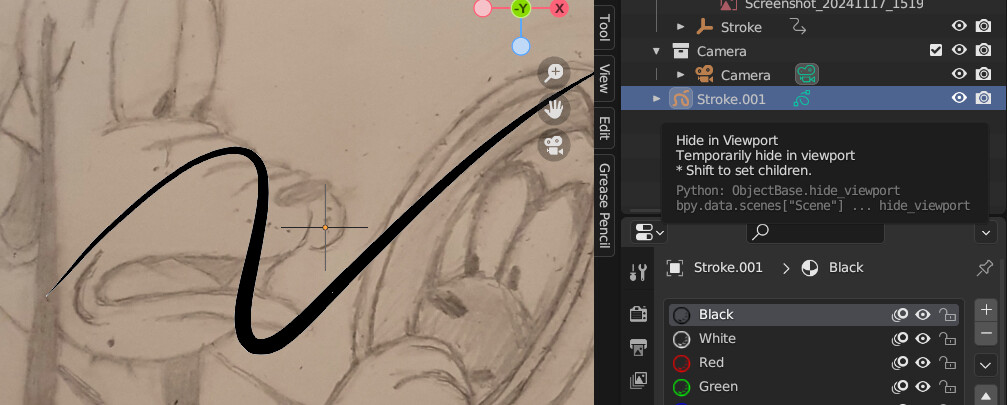
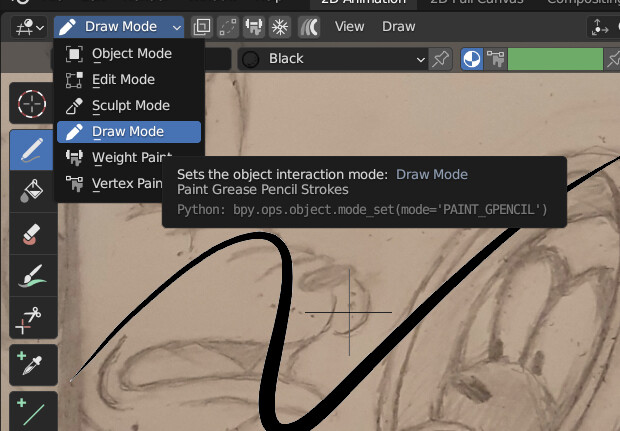
I can not see my drawing When i select object mode there is no draw mode.
What did I do wrong.
Need help
Greasse Pencil 3.6 LTS
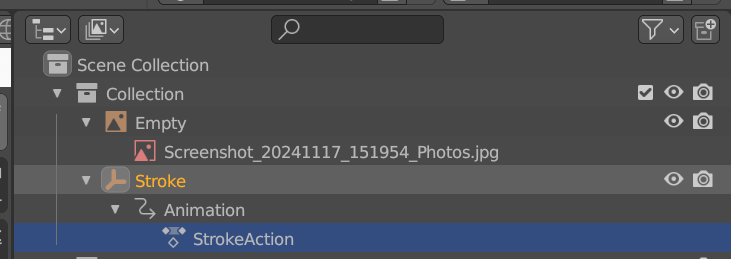
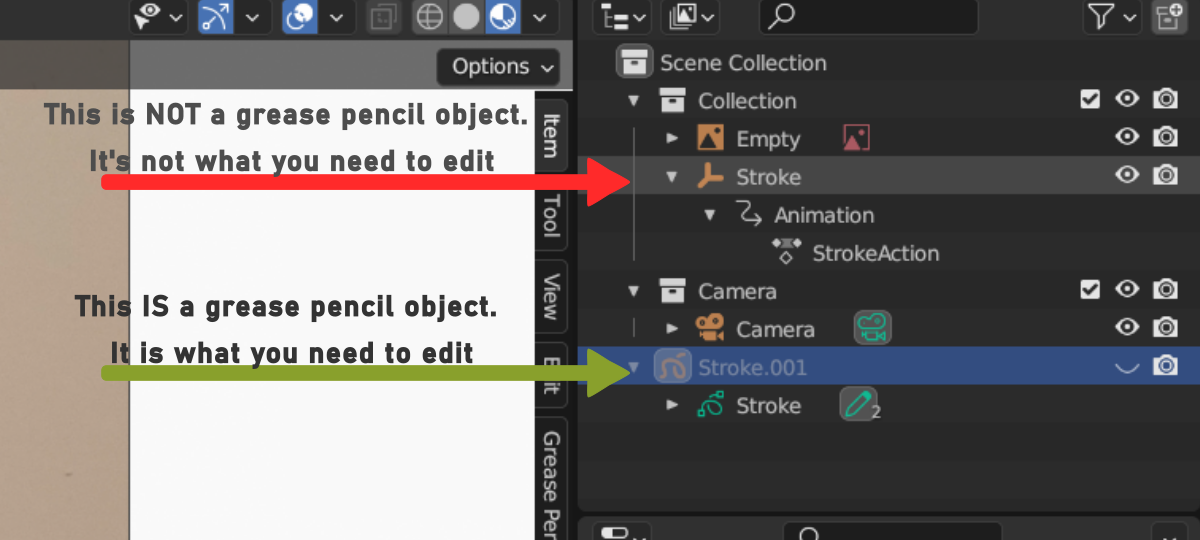
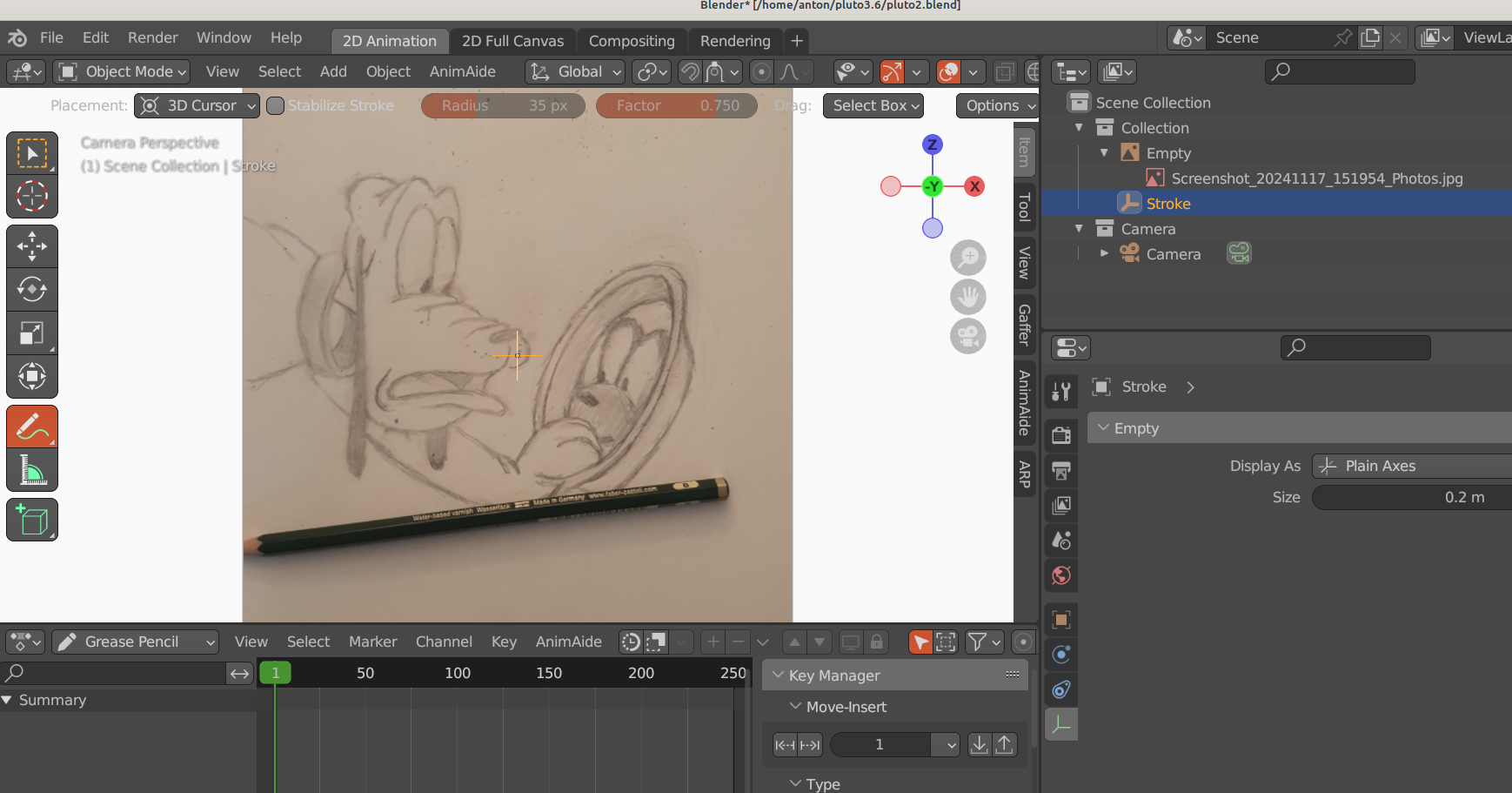
Stroke is an Empty instead of a Grease Pencil object so it does not have Draw mode.
When i add grease pencil stroke you see I am getting a new stroke with my colors why is my stroke gone?
pluto2.blend (1.0 MB)
There is no Grease Pencil object in your file, add one. You have not packed external data either so all we see is a purple plane. When you add new stroke at a different frame if you have autokeying (the blue circle) on you create a new Grease Pencil keyframe and from now on previous strokes do not show as they are stored in the previous keyframe. Or you can use additive drawing to accumulate strokes through time (i use 4.0 and it is next to draw mode).
Sorry but the external data is just a background image. The stroke and colors are in the blend file. But where is my greasepencil drawing. Are you familair with greasepencil or blender.
Like kyrgr said, you don’t have a grease pencil object on your file. The pen you’re seeing is from the annotation tool.
The object indicated by the arrow is not a grease pencil object. You need to add one, via the menu or using Shift+A while in object mode:
The you’ll have a GP object in the file:
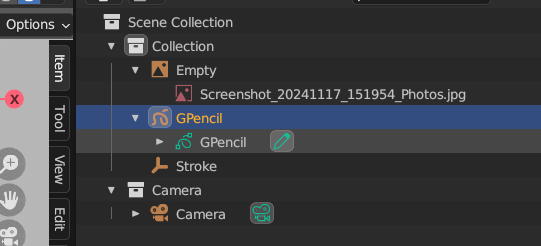
And can select it and change into Draw Mode:
Here is the blend file with the external data it is just a background image
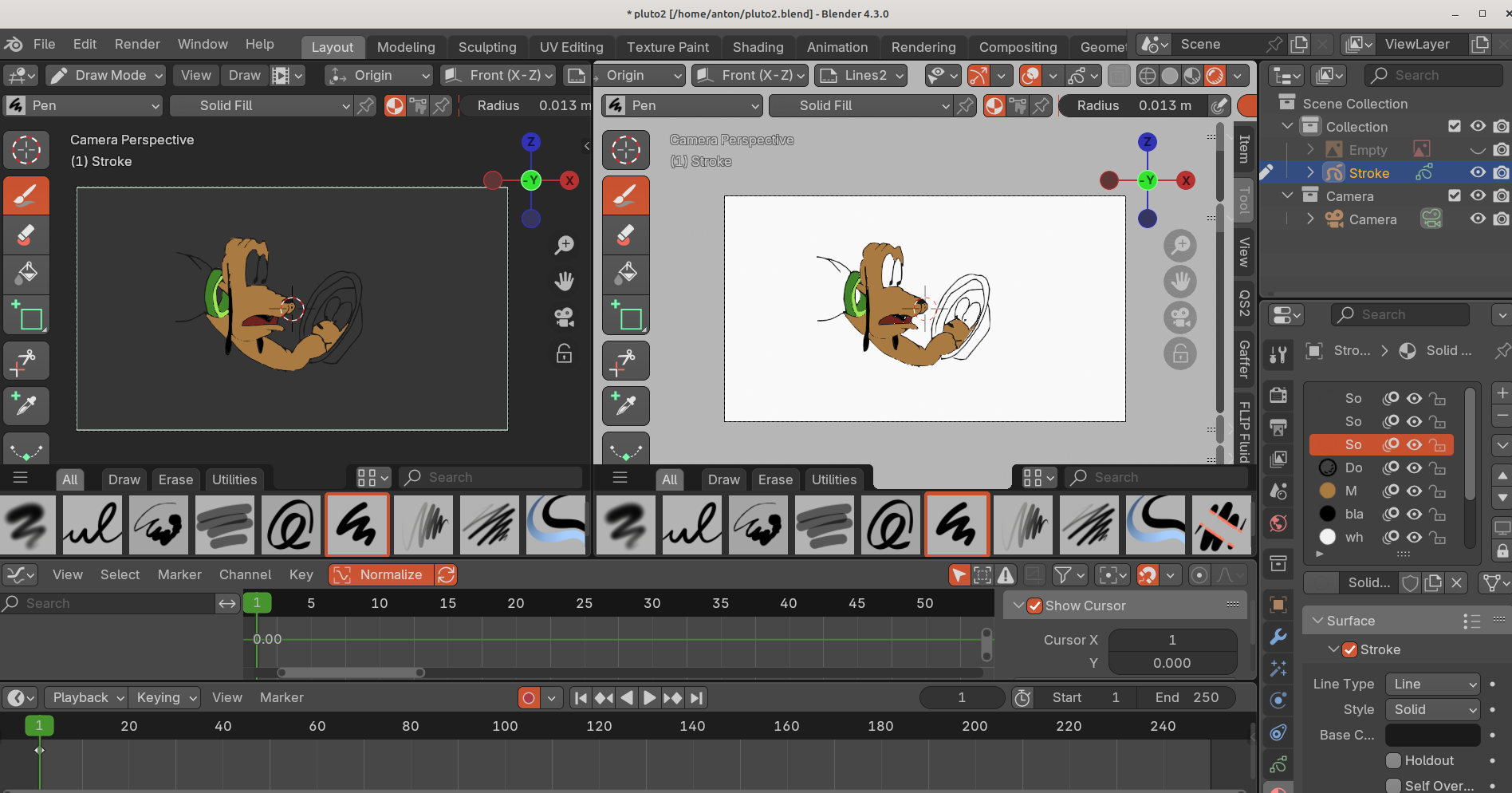
When I added a new grease-pencil stroke you immediately see the materials.
pluto2.blend (1.6 MB) But what I gave draw is gone ?
Yes that is what i am trying to say.
I know that the stroke with the green pencil icon (,draw)is greasepencil. But where is that one :disappered ?
I can see it when i add a new greasepencil draw. (Shift A then choose greasepencil draw)
Now i have redraw it al again.
Yes, i know a couple of things, just add a Grease Pencil object, naming an empty as “Stroke” will not do anything.
EDIT: I can see the GP in your second upload now, it is hidden in viewport because the eye icon is disabled. What i said in my first post still stands.