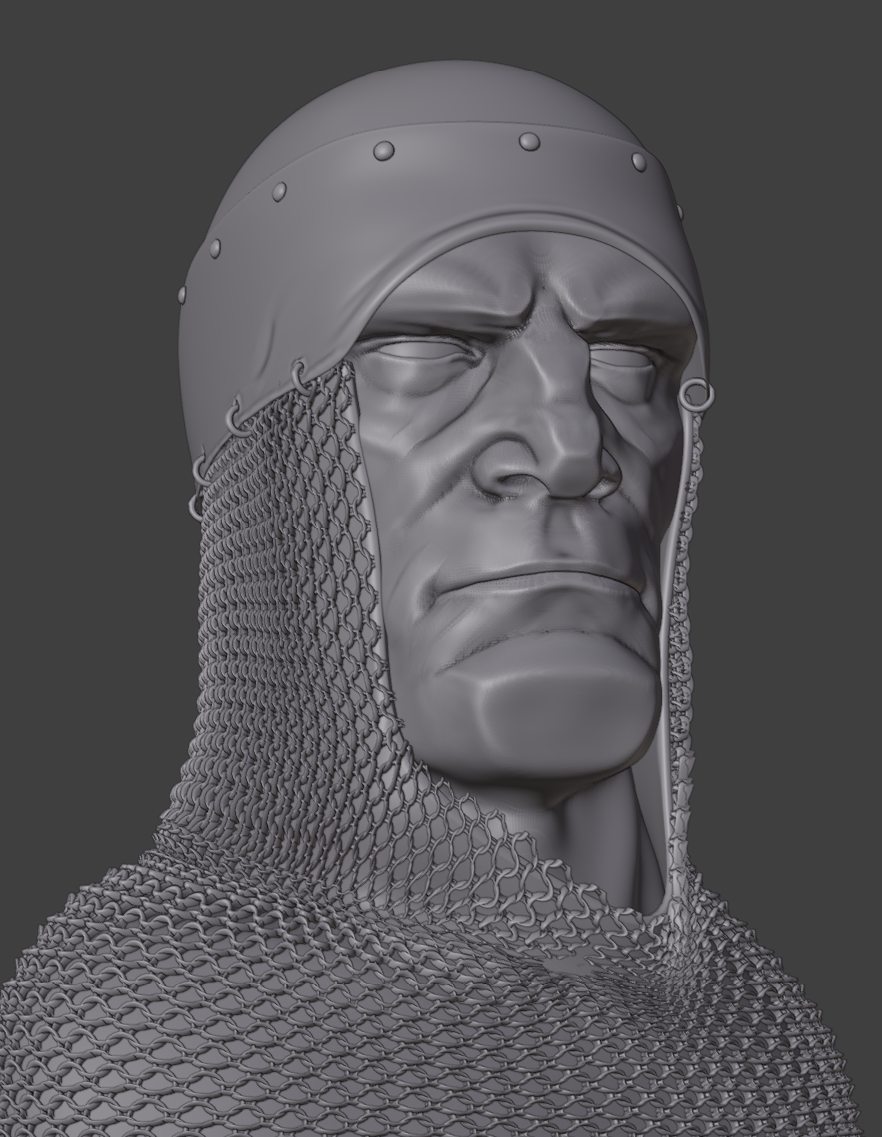
Grumpy knight.
All done in Blender with matplus addon for the metal textures.
Skin color with polypaint in sculptmode.
Renderraw for color correction.
Concept art by Victor Titov.
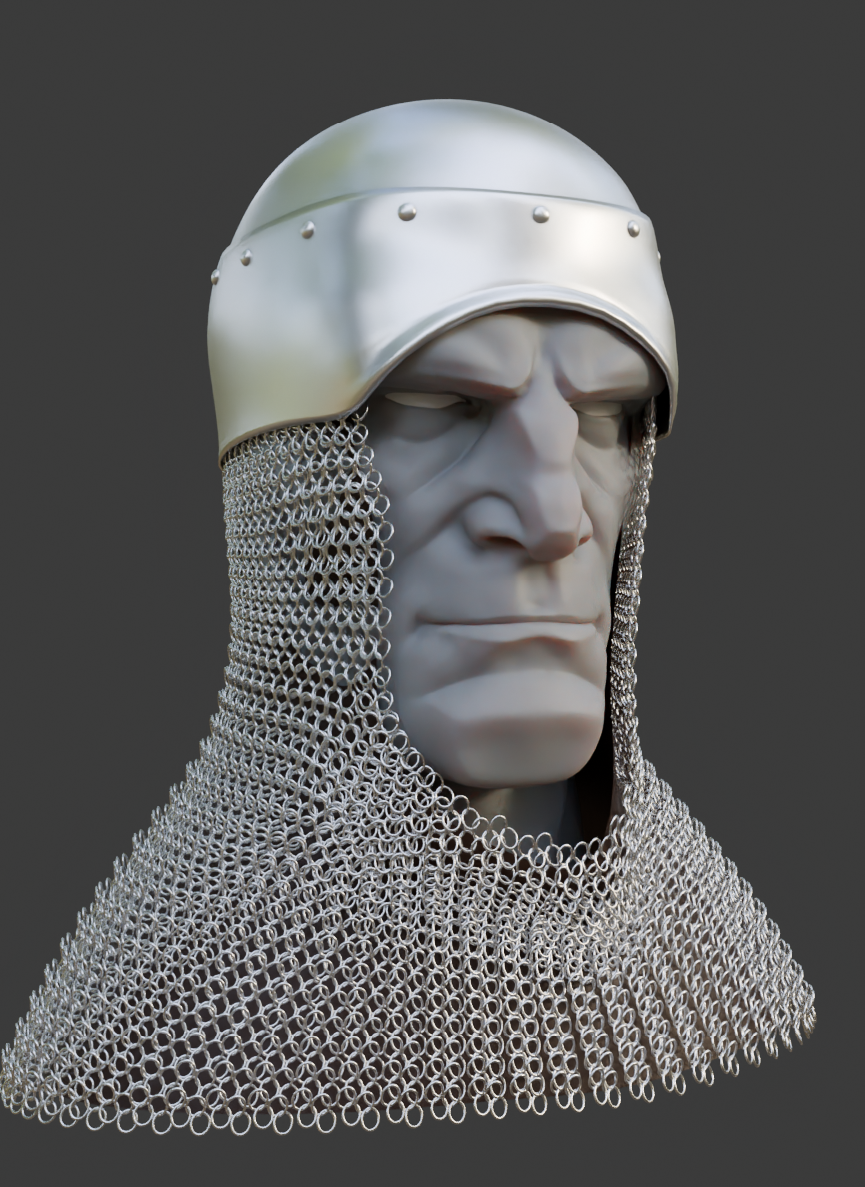
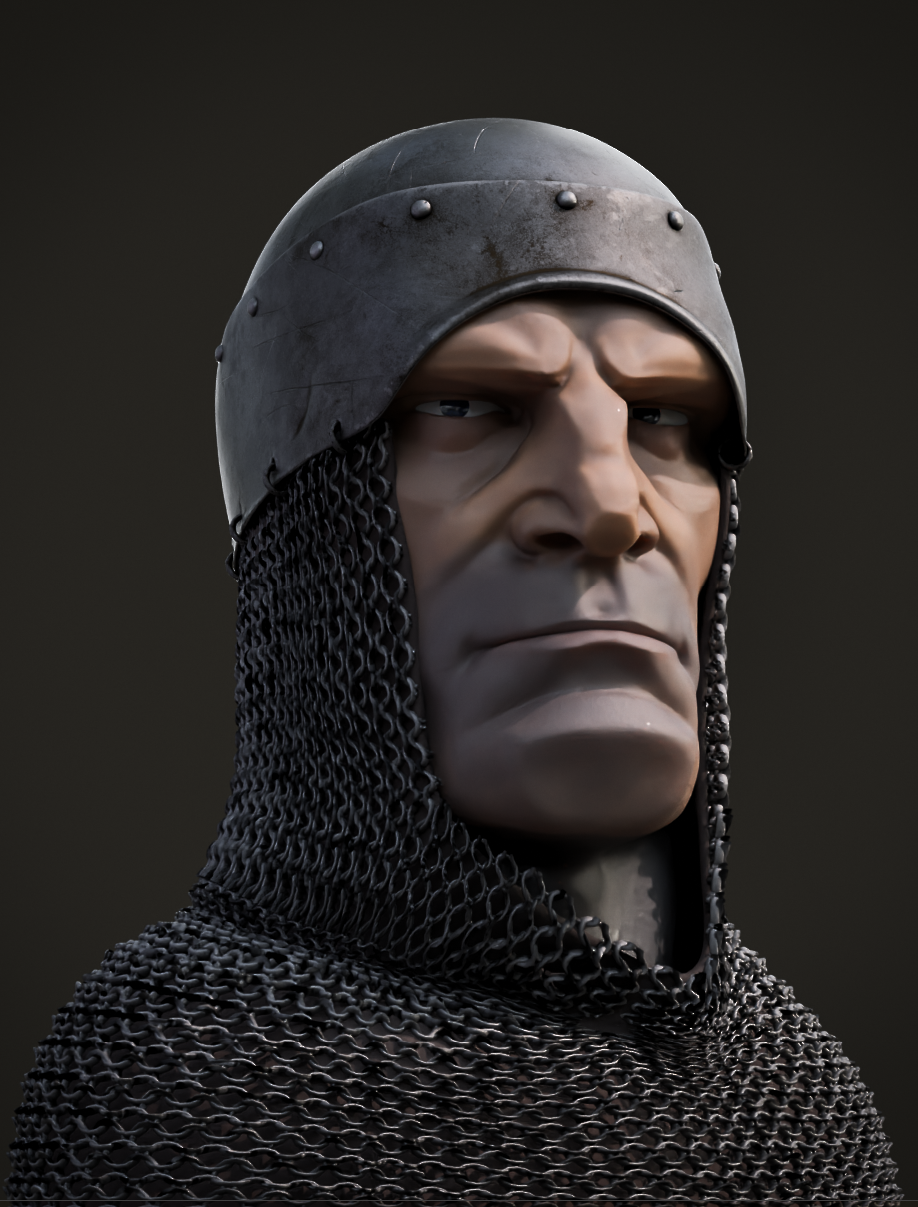
Color version:
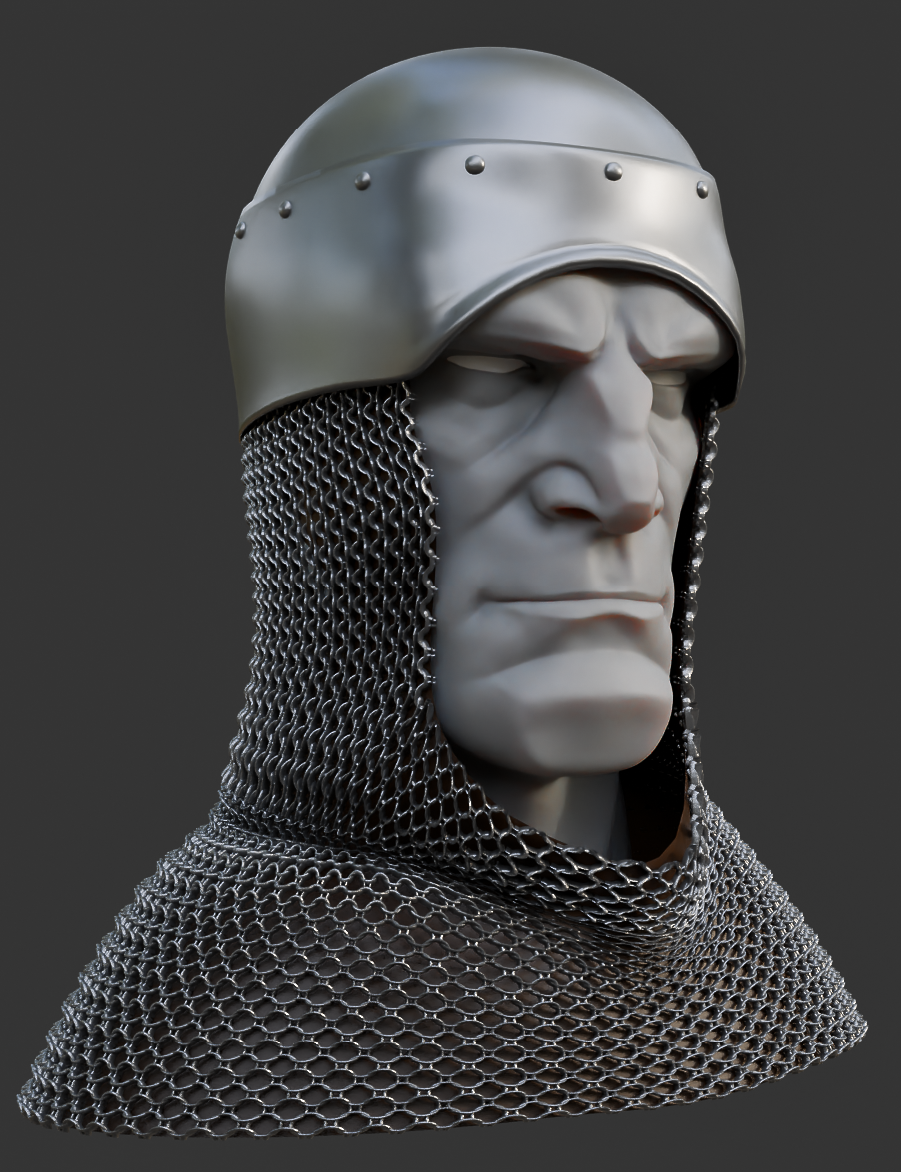
Matcap or clay version:
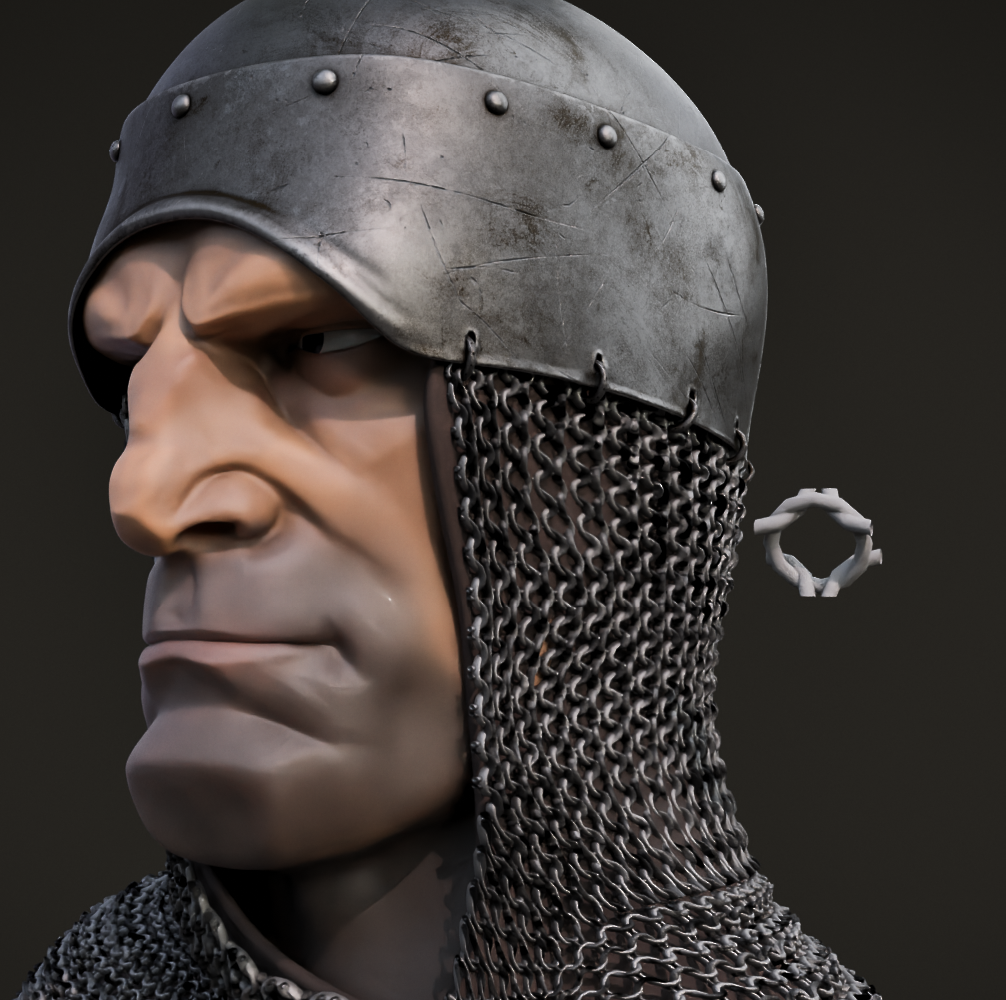
Concept art:

Thanks,
Grumpy knight.
All done in Blender with matplus addon for the metal textures.
Skin color with polypaint in sculptmode.
Renderraw for color correction.
Concept art by Victor Titov.
Color version:
Matcap or clay version:
Concept art:
Thanks,
of all the great things in the work , the most thing i want to know how it was made is the chain hood !
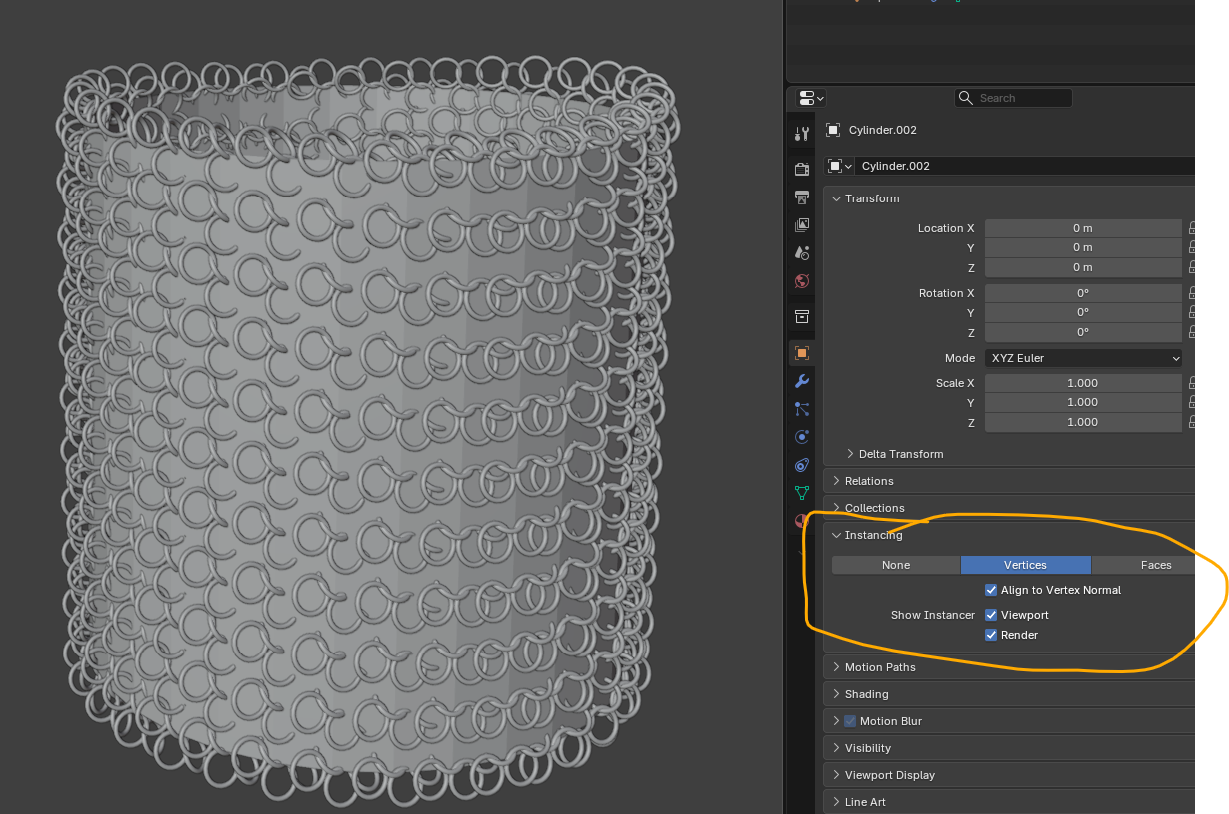
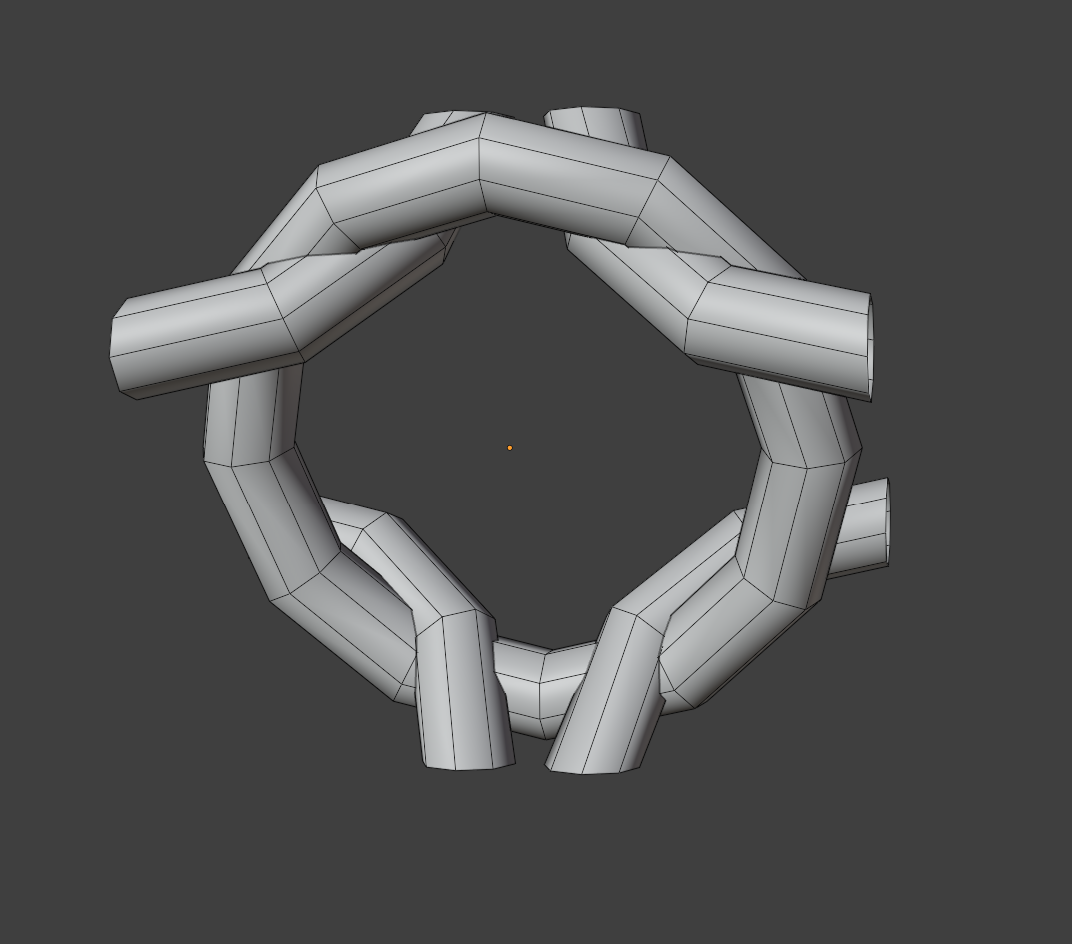
Thanks, the chainmail is made with the tissue addon in Blender.
I first tried with the build in instancing. Didn’t know about this feature until monday.
Then I tried the tissue addon. Warning the addon is included in Blender but it didn’t work in Blender 5.2. As with most things in the nice Blender community someone made a video on how to fix this.
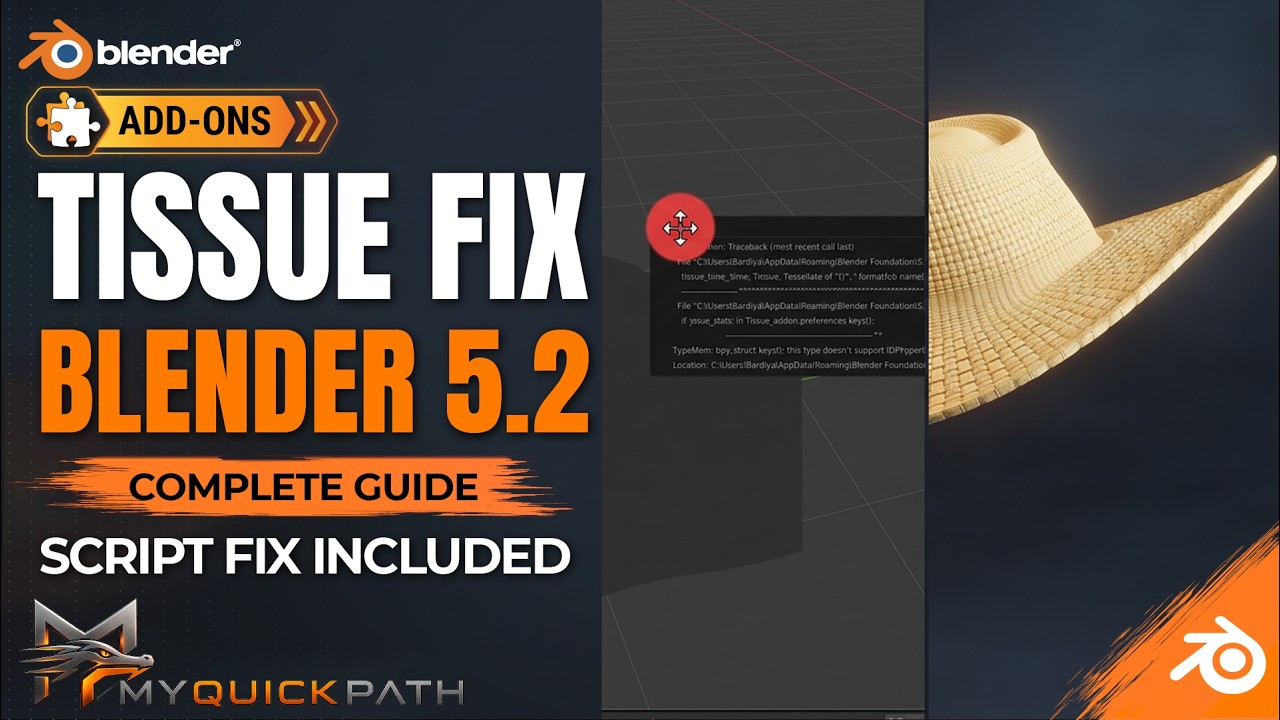
I used the result of my first test. For the final render I used the grab brush in sculpt mode to move the chainmail in the pose (slightly turned head)
That tissue addon is very powerfull when you get it to work.
supper work , thanks for sharing !
This looks awesome! The metal texture of his helmet is especially well done. 
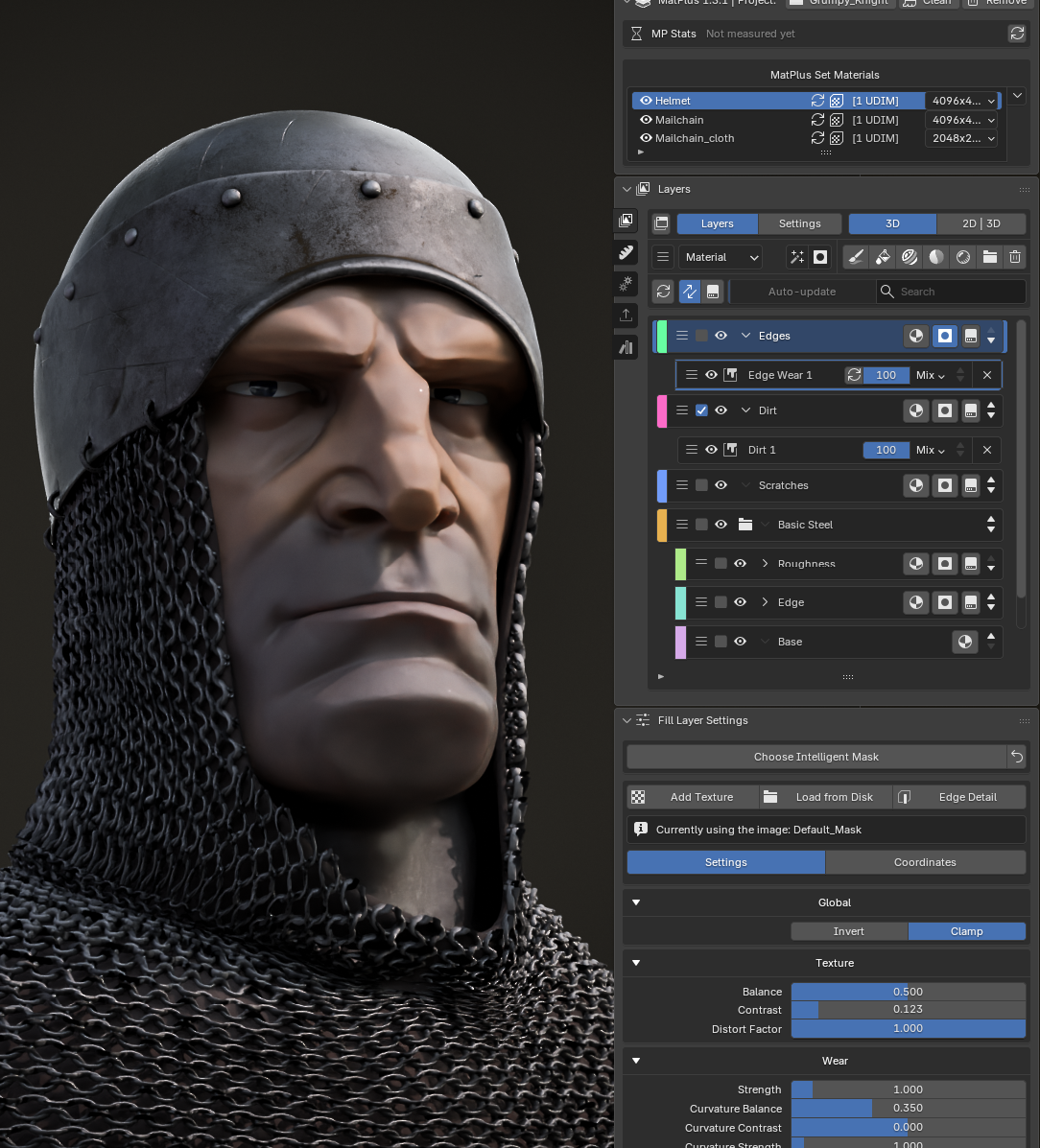
Thank you! The metal texture was made with the MatPlus addon for Blender.
This is like having Substance painter inside Blender . I recommend this addon if you want to create complex materials fast and easy inside Blender.
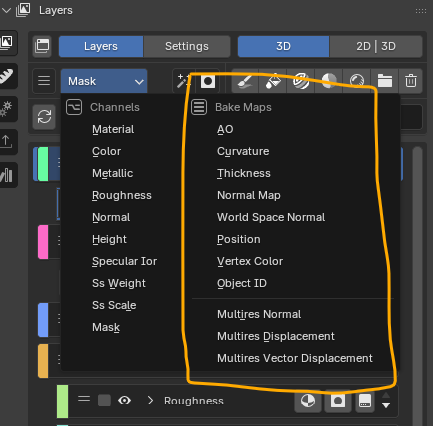
It bakes the needed base maps for your mesh (in this case from a sculpted highpoly mesh)
After that you can apply all kind of layers with masks.
I stared with a base metal texture.
Added dirt layer.
Added edge damage layer
Added scratches layer