Hard Ops Thread

Just for info on the update and MacOS:

  • After the HardOps 987_35_3 update HardOPS is working with Blender 4.0 Intel MacOS, but has the scaling problem again.
  • DPI factoring on/off without a difference, modal size won’t work.
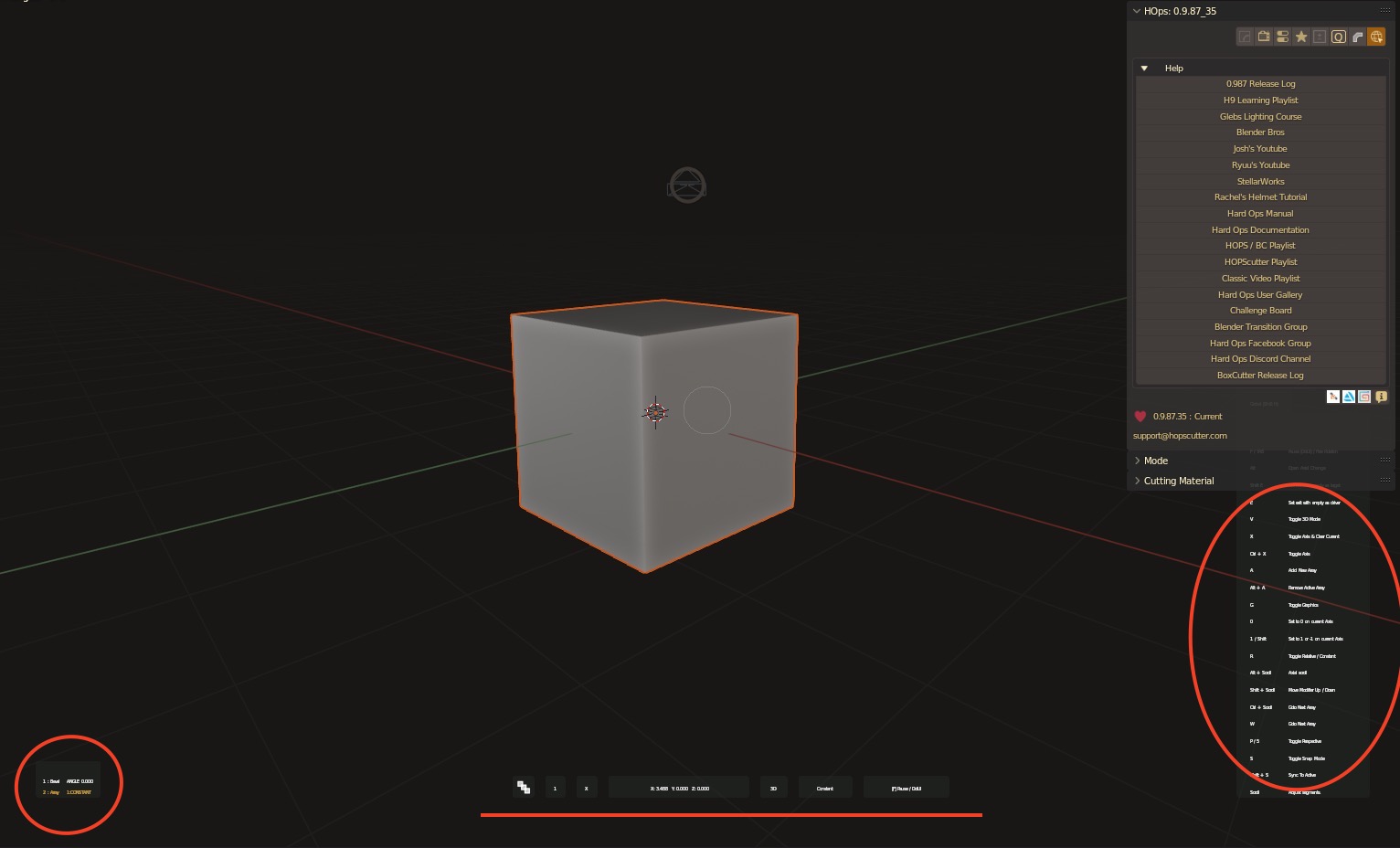

Seems to work fine if you know what you’re doing blind, unlike Boxcutter that crashes blender instantly when cutting anything.

My guess is that it is again the issue with 5K or iMac 5K displays, and the dpi!

Here my settings as screenshot and ziped.
Could also be that I did something wrong, with the million settings (these settings are fine with blender 3.6):

Archive.zip (257.7 KB)

If you see a mistake in my settings, please let me know, otherwise I’ll see next update! :slightly_smiling_face:

Thanks!

Update for boxcutter:
Info: Activated BoxCutter

METHOD HANDLER FAILURE

Boxcutter Method Failed:
Traceback (most recent call last):
File “/Applications/BLENDER/ADDONS etc/addons/Boxcutter/utility/init.py”, line 51, in method_handler
return method(*arguments)
File “/Applications/BLENDER/ADDONS etc/addons/Boxcutter/addon/operator/shape/draw/init.py”, line 333, in _invoke
return invoke.operator(self, context, event)
File “/Applications/BLENDER/ADDONS etc/addons/Boxcutter/addon/operator/shape/draw/invoke.py”, line 378, in operator
utility.data.create(op, context, event, custom_cutter=bc.shape)
File “/Applications/BLENDER/ADDONS etc/addons/Boxcutter/addon/operator/shape/utility/data.py”, line 53, in create
mesh.create.shape(op, context, event)
File “/Applications/BLENDER/ADDONS etc/addons/Boxcutter/addon/operator/shape/utility/mesh.py”, line 825, in shape
op.last[‘vert_weight’] = [dat.vertices[i].bevel_weight for i in op.geo[‘indices’][‘offset’]]
File “/Applications/BLENDER/ADDONS etc/addons/Boxcutter/addon/operator/shape/utility/mesh.py”, line 825, in
op.last[‘vert_weight’] = [dat.vertices[i].bevel_weight for i in op.geo[‘indices’][‘offset’]]
AttributeError: ‘MeshVertex’ object has no attribute ‘bevel_weight’

METHOD HANDLER FAILURE

Boxcutter Method Failed:
Traceback (most recent call last):
File “/Applications/BLENDER/ADDONS etc/addons/Boxcutter/utility/init.py”, line 51, in method_handler
return method(*arguments)
File “/Applications/BLENDER/ADDONS etc/addons/Boxcutter/addon/operator/shape/draw/init.py”, line 333, in _invoke
return invoke.operator(self, context, event)
File “/Applications/BLENDER/ADDONS etc/addons/Boxcutter/addon/operator/shape/draw/invoke.py”, line 378, in operator
utility.data.create(op, context, event, custom_cutter=bc.shape)
File “/Applications/BLENDER/ADDONS etc/addons/Boxcutter/addon/operator/shape/utility/data.py”, line 53, in create
mesh.create.shape(op, context, event)
File “/Applications/BLENDER/ADDONS etc/addons/Boxcutter/addon/operator/shape/utility/mesh.py”, line 825, in shape
op.last[‘vert_weight’] = [dat.vertices[i].bevel_weight for i in op.geo[‘indices’][‘offset’]]
File “/Applications/BLENDER/ADDONS etc/addons/Boxcutter/addon/operator/shape/utility/mesh.py”, line 825, in
op.last[‘vert_weight’] = [dat.vertices[i].bevel_weight for i in op.geo[‘indices’][‘offset’]]
AttributeError: ‘MeshVertex’ object has no attribute ‘bevel_weight’
During handling of the above exception, another exception occurred:
Traceback (most recent call last):
File “/Applications/BLENDER/ADDONS etc/addons/Boxcutter/utility/init.py”, line 51, in method_handler
return method(*arguments)
File “/Applications/BLENDER/ADDONS etc/addons/Boxcutter/addon/operator/shape/utility/data.py”, line 237, in clean
for mod in bc.shape.modifiers:
AttributeError: ‘NoneType’ object has no attribute ‘modifiers’

Writing: /var/folders/52/n3w6n9_d3796bq40xttnphd40000gn/T/blender.crash.txt
[1] 97338 segmentation fault /Users/NURB/blender-git/build_darwin/bin/Blender.app/Contents/MacOS/Blender

crash-log:

Blender 4.0.0, Commit date: 2023-06-07 18:09, Hash 3ca1e828e22b

bpy.ops.initial.settings() # Operator
bpy.ops.simpletabs.update() # Operator
bpy.ops.mesh.primitive_cube_add(size=2, enter_editmode=False, align=‘WORLD’, location=(0, 0, 0), scale=(1, 1, 1)) # Operator
Activated BoxCutter # Info
Cancelled # Info

backtrace

Python backtrace

Hi @masterxeon1001, getting this error on registration so I can’t install the latest version. Happy to send license keys in DM for support.

Traceback (most recent call last):
  File "D:\Blender Versions\Blender 3.5.1\3.5\scripts\modules\addon_utils.py", line 333, in enable
    mod = __import__(module_name)
  File "C:\Users\ethan\AppData\Roaming\Blender Foundation\Blender\3.5\scripts\addons\HOps\__init__.py", line 127, in <module>
    from .operators.misc.logo_transform import *
  File "C:\Users\ethan\AppData\Roaming\Blender Foundation\Blender\3.5\scripts\addons\HOps\operators\misc\logo_transform.py", line 8, in <module>
    from ... arcade.engine.drawing import draw_2D_geo, draw_2D_lines
  File "C:\Users\ethan\AppData\Roaming\Blender Foundation\Blender\3.5\scripts\addons\HOps\arcade\engine\__init__.py", line 3, in <module>
    from .audio import *
  File "C:\Users\ethan\AppData\Roaming\Blender Foundation\Blender\3.5\scripts\addons\HOps\arcade\engine\audio\__init__.py", line 2, in <module>
    import bpy, os, aud
ImportError: numpy.core.multiarray failed to import

more investigation might be needed. I just tried it with this official version for windows. Nothing changed on our side so it could be Blender related. Attached is my installation test. Thanks for the report.

Strange, I moved my user prefs out of appdata and it still didn’t work. I then installed 3.6 which had no prefs and the same error. My understanding is that blenders installation of Python is bundled in? I wonder if there’s somehow a version incompatibility, if you don’t have anything for me to try I’ll try force updating the pip version later.

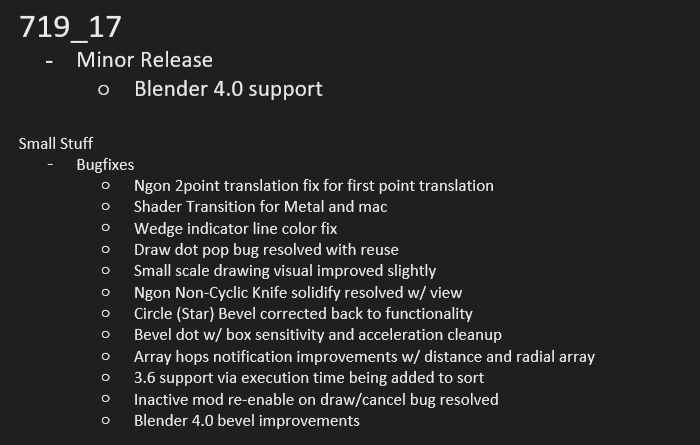
hardops has been updated to version 0.9.87.36

out now. Minor update.

6 Likes

Nice! Will it be updated on Artstation as well?

yes. i was just trying to get past some sign in issues.

1 Like

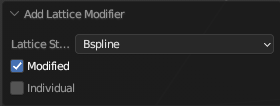
Hi @masterxeon1001, whenever I try to add a lattice modifier with HardOps and tick the “Modified” checkbox, I always get an error in Blender 3.6. The last version this worked in seems to be Blender 2.93. Are there any plans to get this fixed if possible?
image

The error:
Python: Traceback (most recent call last):
File “C:\Users\Name\AppData\Roaming\Blender Foundation\Blender\3.6\scripts\addons\HOps\operators\modifiers\lattice.py”, line 99, in execute
coords= self.get_vert_coords(obj, context, obj.matrix_world)
File “C:\Users\Name\AppData\Roaming\Blender Foundation\Blender\3.6\scripts\addons\HOps\operators\modifiers\lattice.py”, line 223, in get_vert_coords
coords = self.mod_coord(context,obj,group_idx, matrix)
File “C:\Users\Name\AppData\Roaming\Blender Foundation\Blender\3.6\scripts\addons\HOps\operators\modifiers\lattice.py”, line 257, in mod_coord
bm.from_object(obj,depsgraph, True)
TypeError: from_object() takes at most 2 positional arguments (3 given)

the issue has been resolved in “HardOps 987_36_1”.
thanks for the report.

1 Like

Awesome! Thank you so much for the fix and the fast update! I highly appreciate your work!

Do you have plans to add custom geometry nodes with some of most useful functions from addon, like Sharpen?

Hi everyone and @masterxeon1001
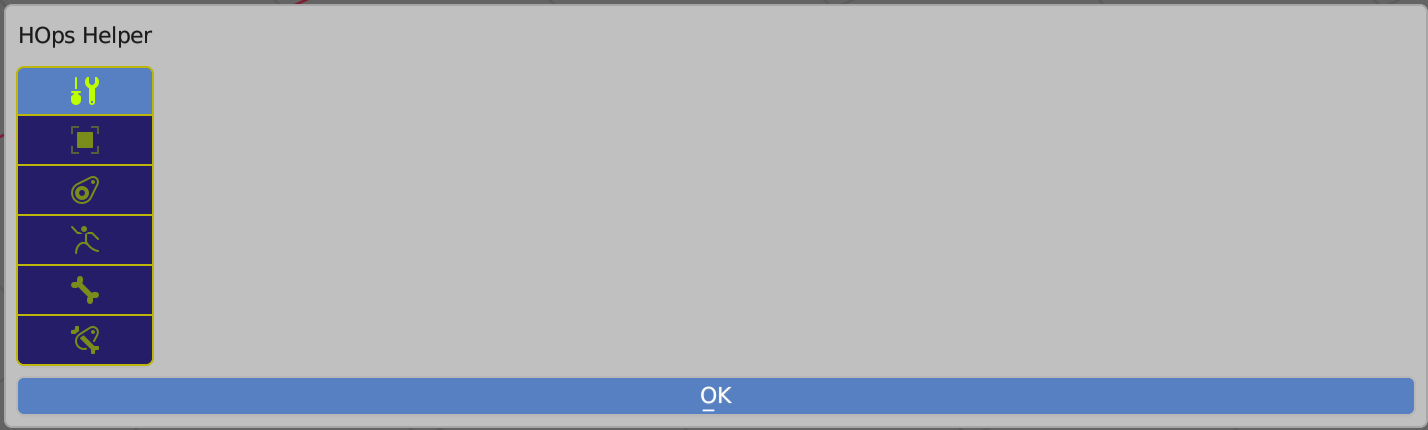
Does anybody know why Hops Helper just blank when working with any bone’s mode?
I use blender 3.6.0 and HardOps 987_36_1

that mode is unsupported at this time. Typically the helper aims to assist during modelling / sculpting workflows. We’ll have to see how it develops.

1 Like

Hi) I have a question - while ago in MX video a saw how to launch a build-in game, and played it few times, but can’ t remember so wanna ask, how to launch it ?)

2 Likes

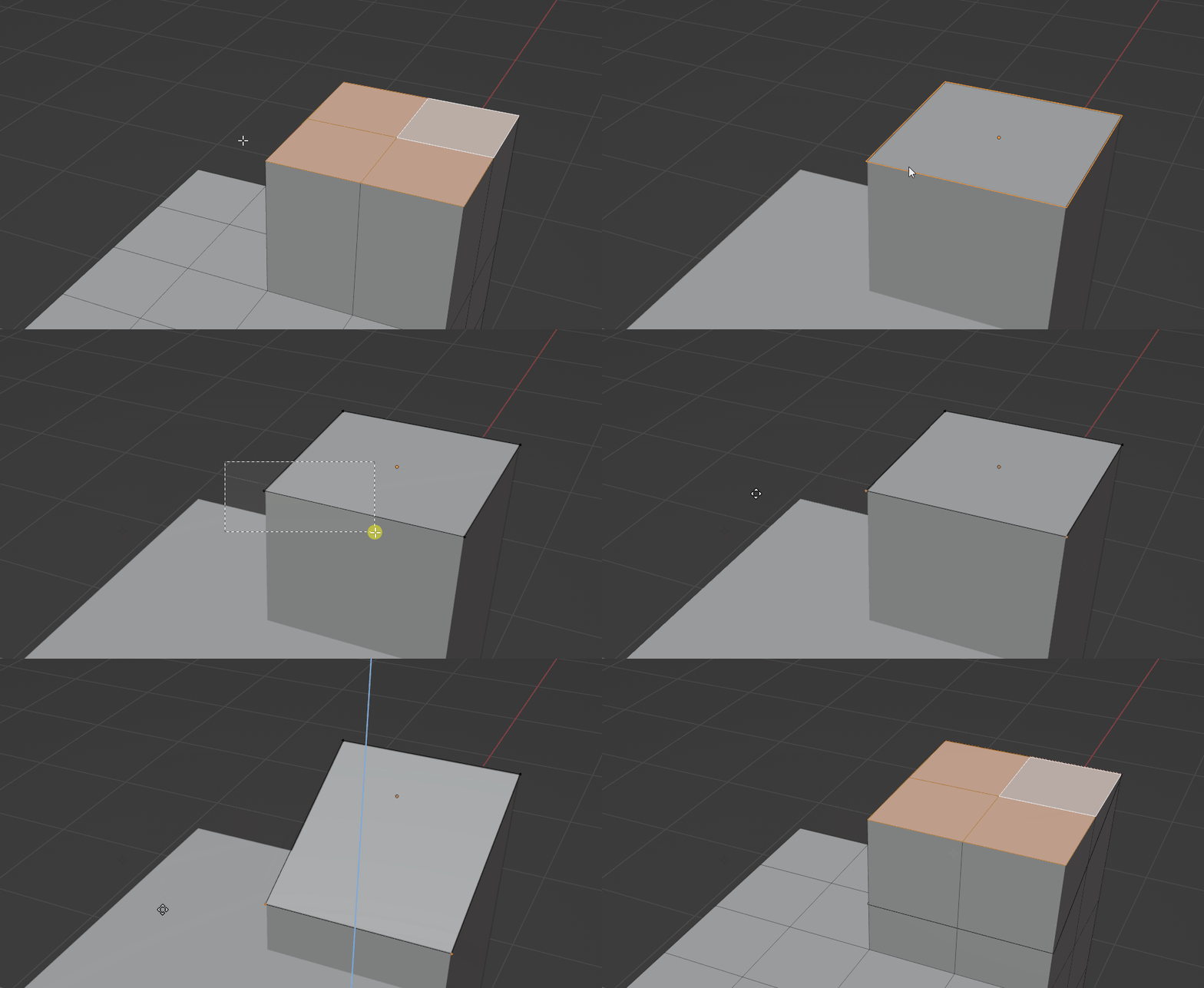
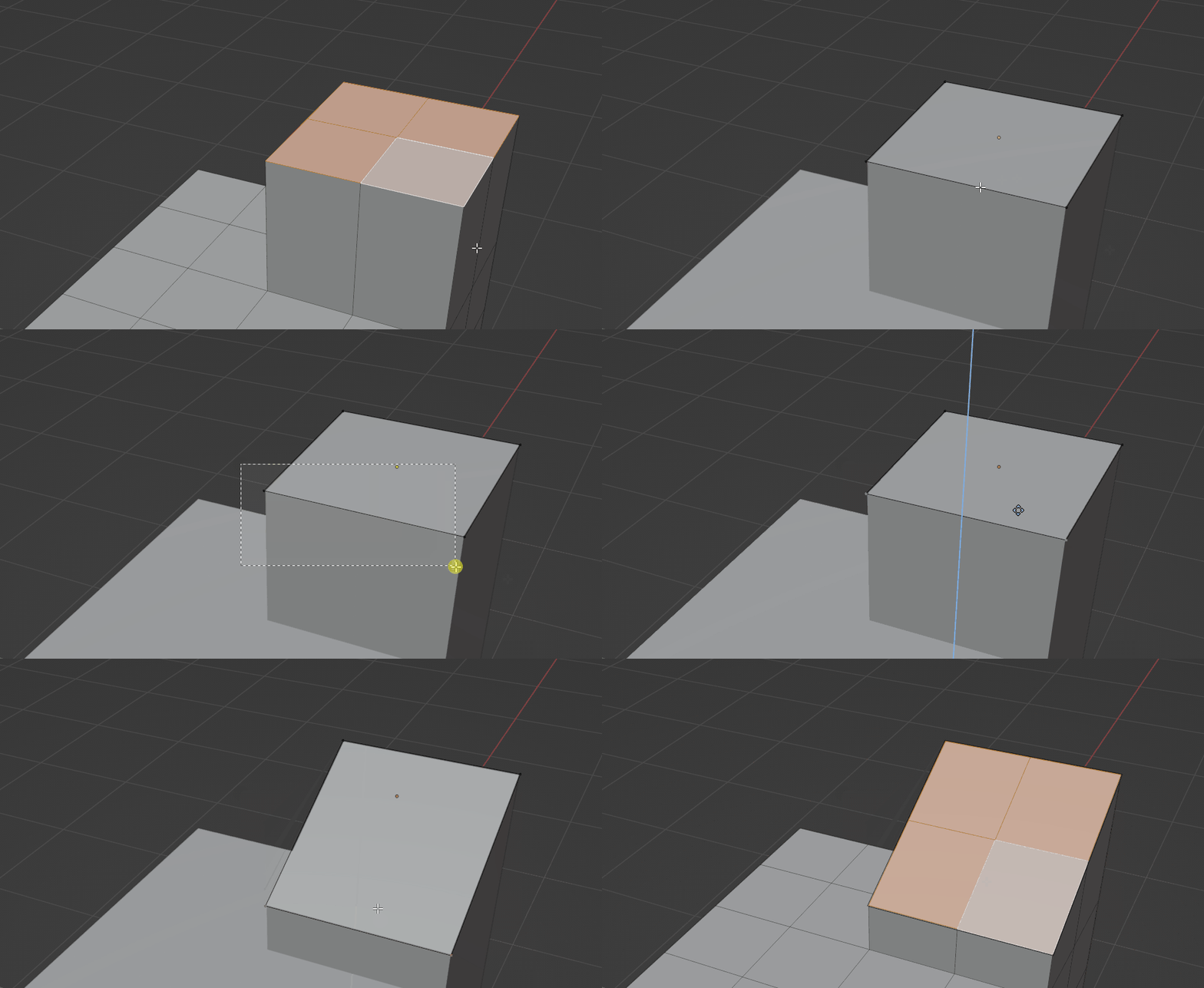
Boxcutter 719_1 is out now

“small bugfix update”

2 Likes

Hi. In last update performing boolean operation via Hops always unhides cutter collection even if it was hidden manually (tested on 3.6) early it behaved other way…

The cutter collection must be exposed to do operations. It’s a blender thing. Otherwise errors appear.

Ah I see… sorry… looks like I did it by myself… to remember the state before operation and then set it back, and something stops to work about this…so never mind, thank you. But maybe you also be interested in such approach…
edit: ah eahh I’ve founded two new lines inside booleans/operator.py so just removed them for now…

Hi, @masterxeon1001,

I have a proposal for improving the “Lattice” operation in HardOps that I applied to my local copy of HardOps. It has been a very nice quality-of-life feature.

I am proposing an bool option to set the lattice modifier to “Cage.” This change ensures that the mesh won’t jump back to the previous undeformed state whenever you go back to your mesh. It will also make it clearer how your mesh actually looks in edit mode without switching back to object mode. Before this change, I always manually toggled the modifier “Cage” option. Having a checkbox labeled “Edit Mode Cage” in the operation pop up menu would be very helpful.

Additionally, a boolean option called “Enter Edit Mode” for directly entering edit mode to the lattice withoute any delay would also be very nice, since it woulde save one extra click.

Berfore:
lattice no cage

After:
lattice cage

Modifed code line 154 in lattice.py, (the last two lines)

def add_lattice_modifier(self, context, obj, lattice_object):
    if obj.type == 'GPENCIL':
        lattice_modifier = obj.grease_pencil_modifiers.new(name="Lattice", type='GP_LATTICE')
    else:
        lattice_modifier = obj.modifiers.new(name="Lattice", type='LATTICE')
        lattice_modifier.show_in_editmode = True
        lattice_modifier.show_on_cage = True