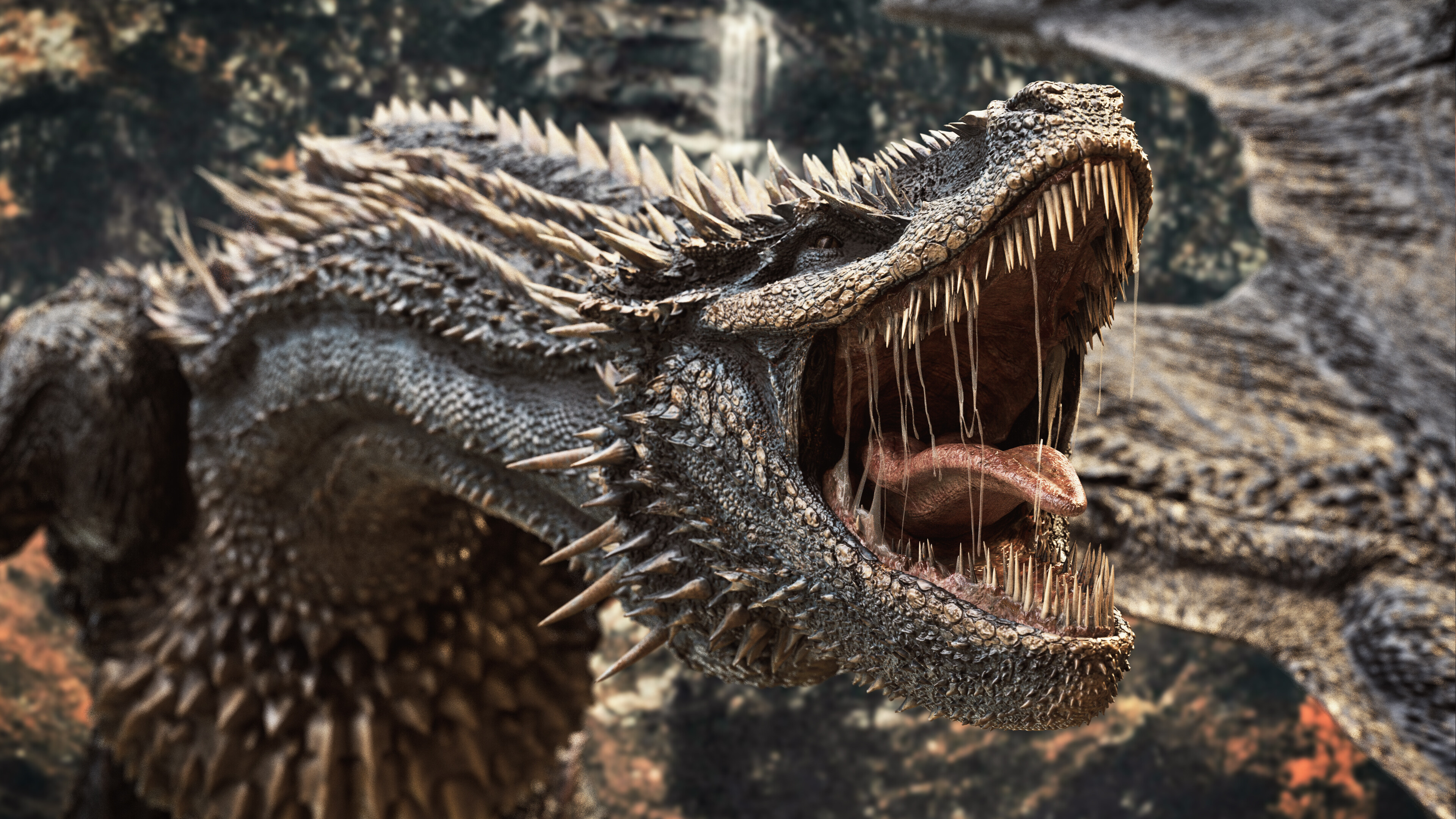
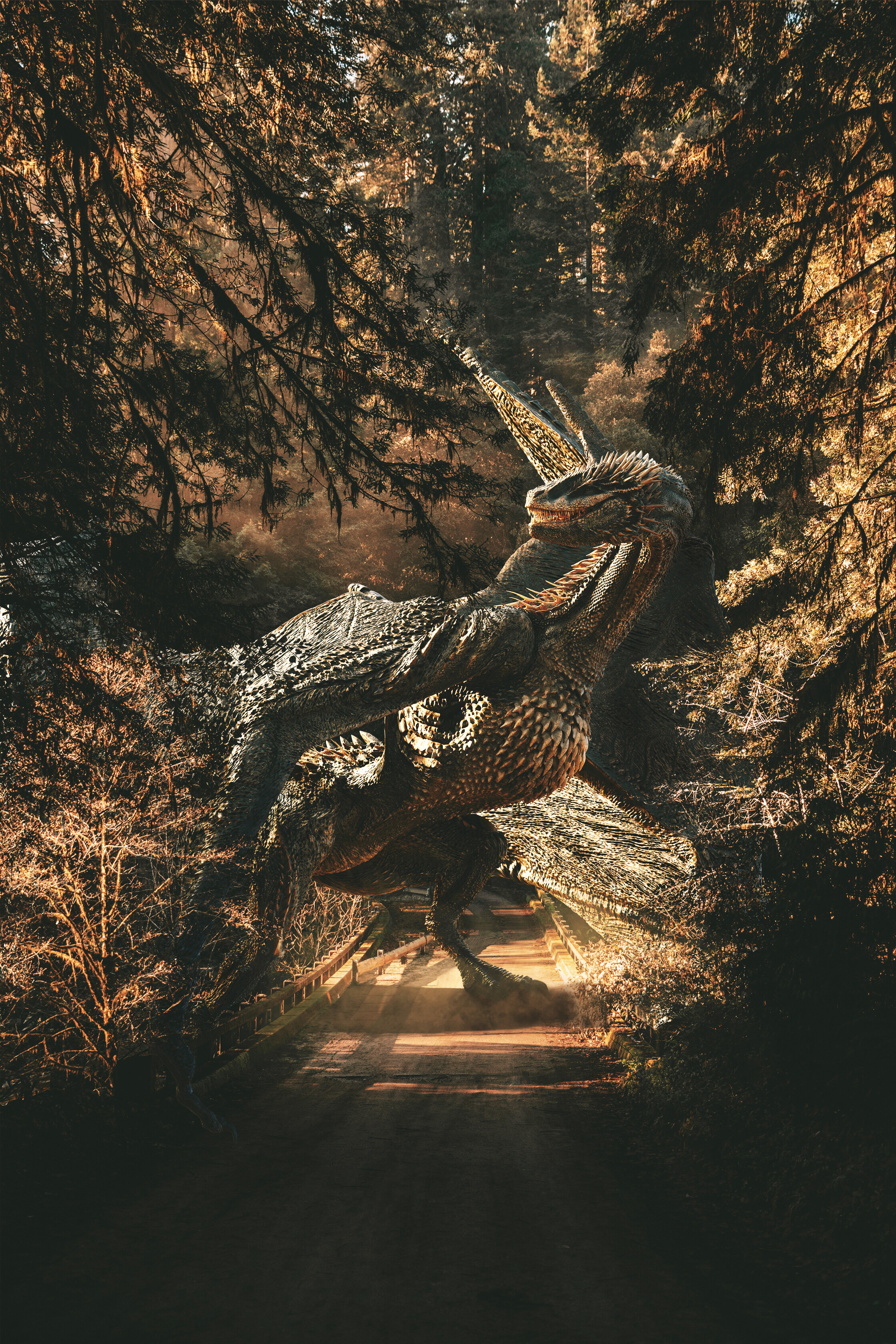
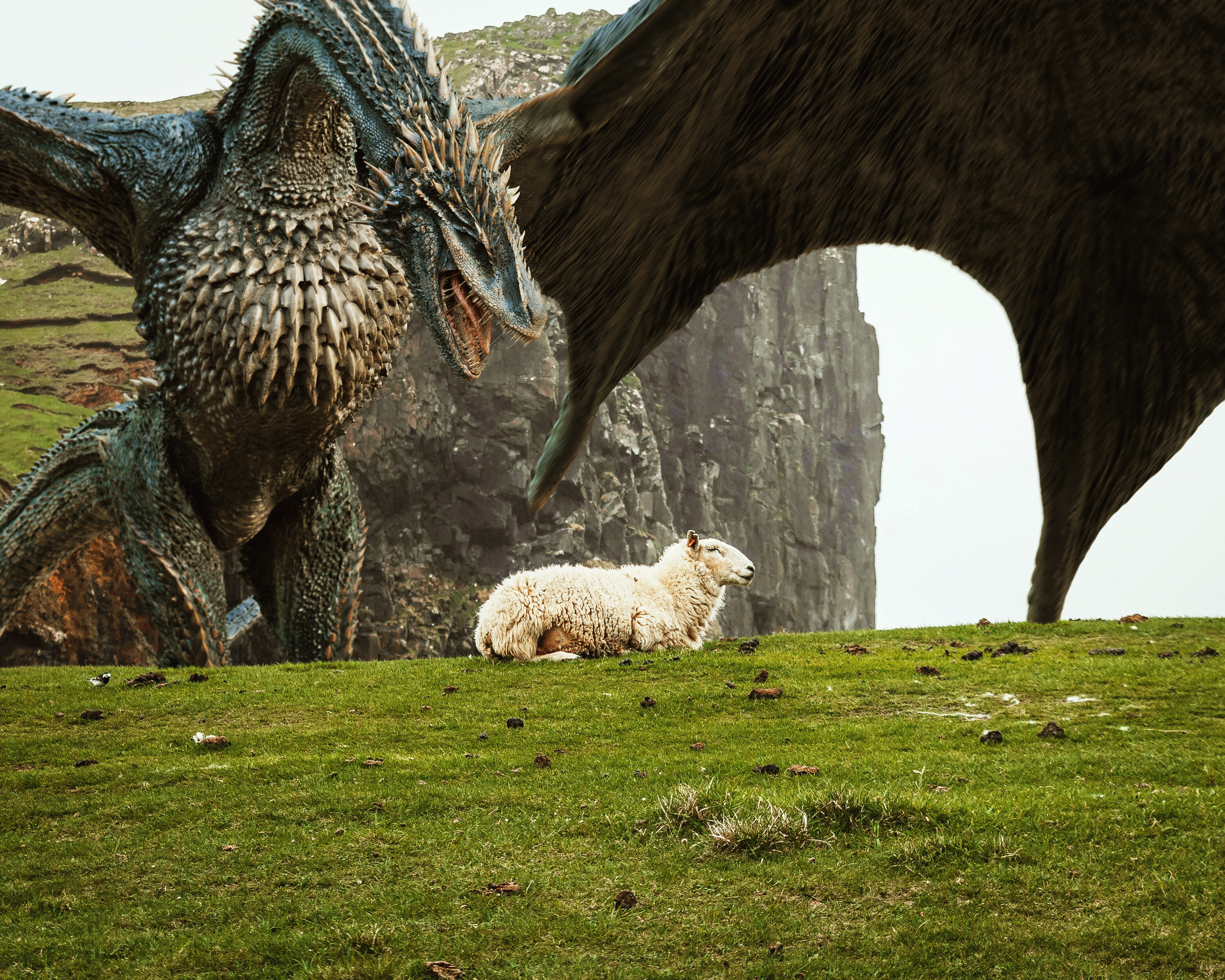
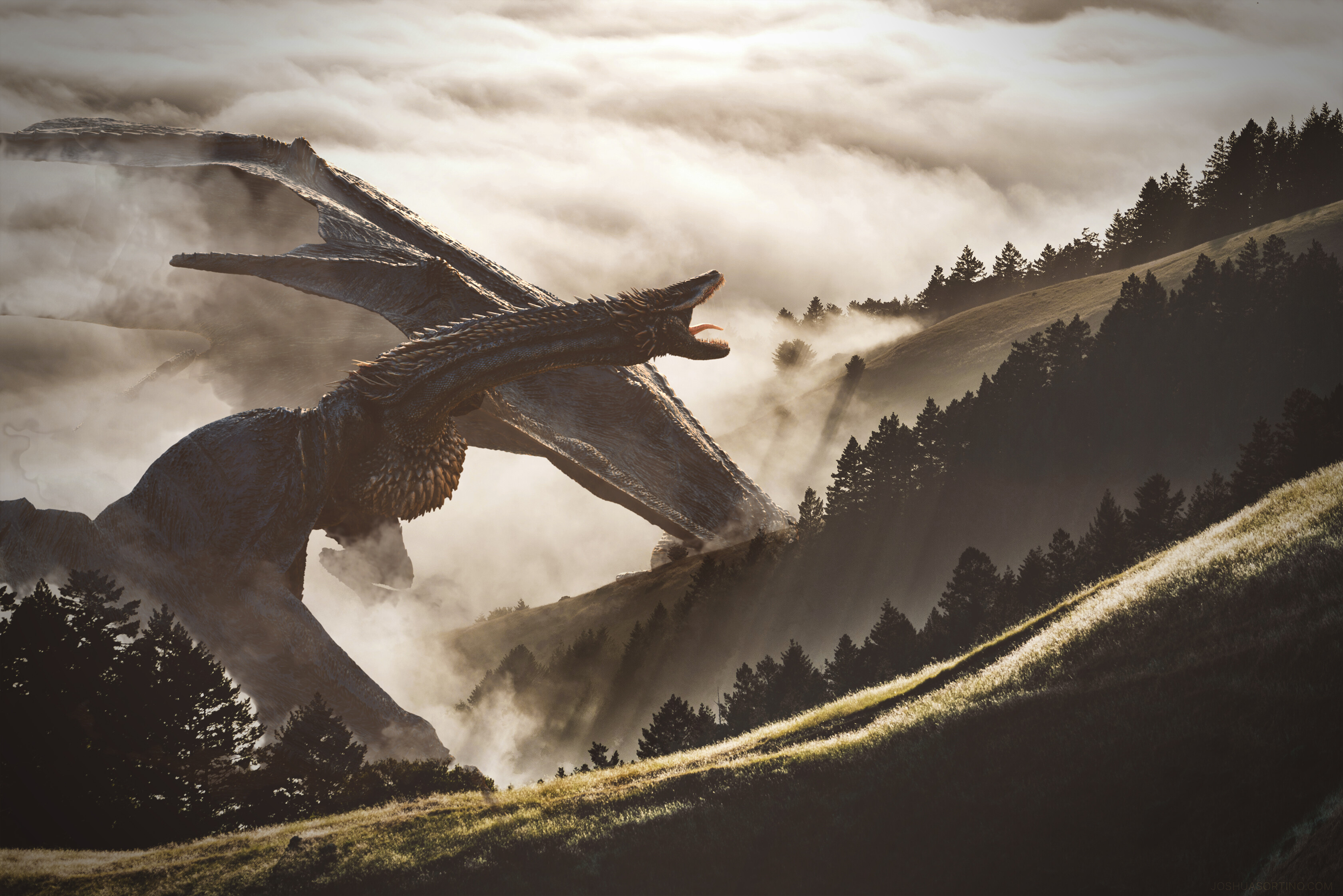
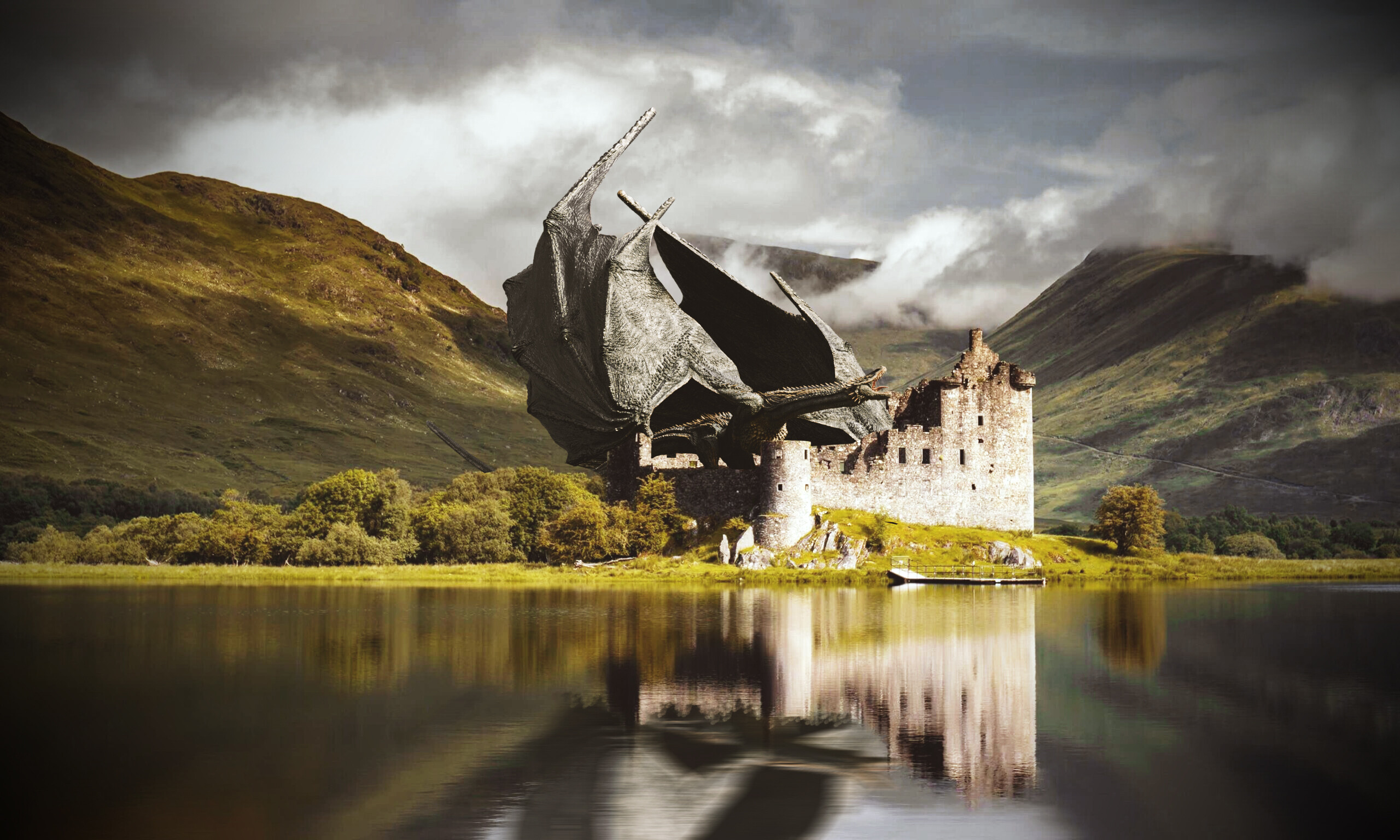
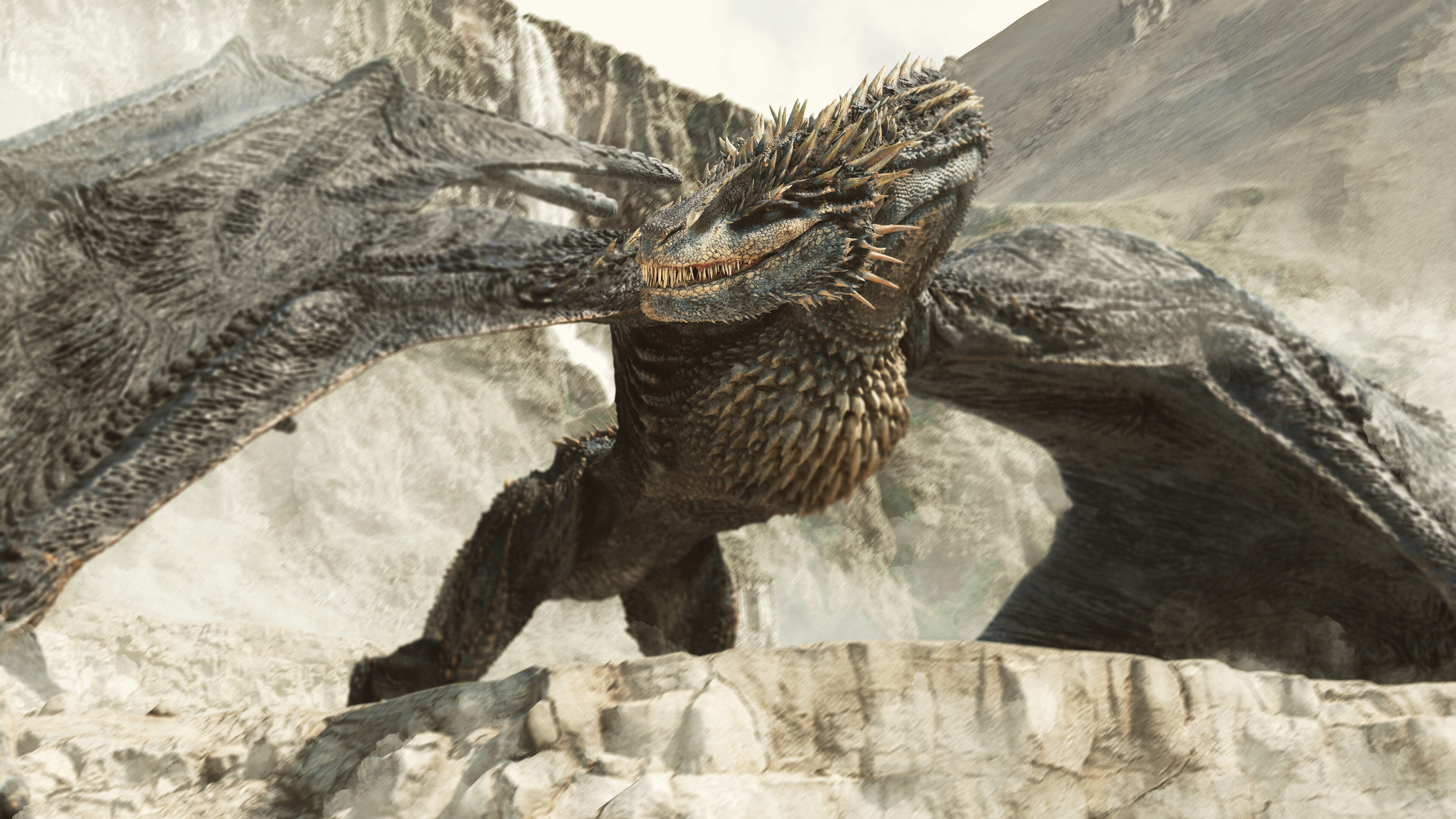
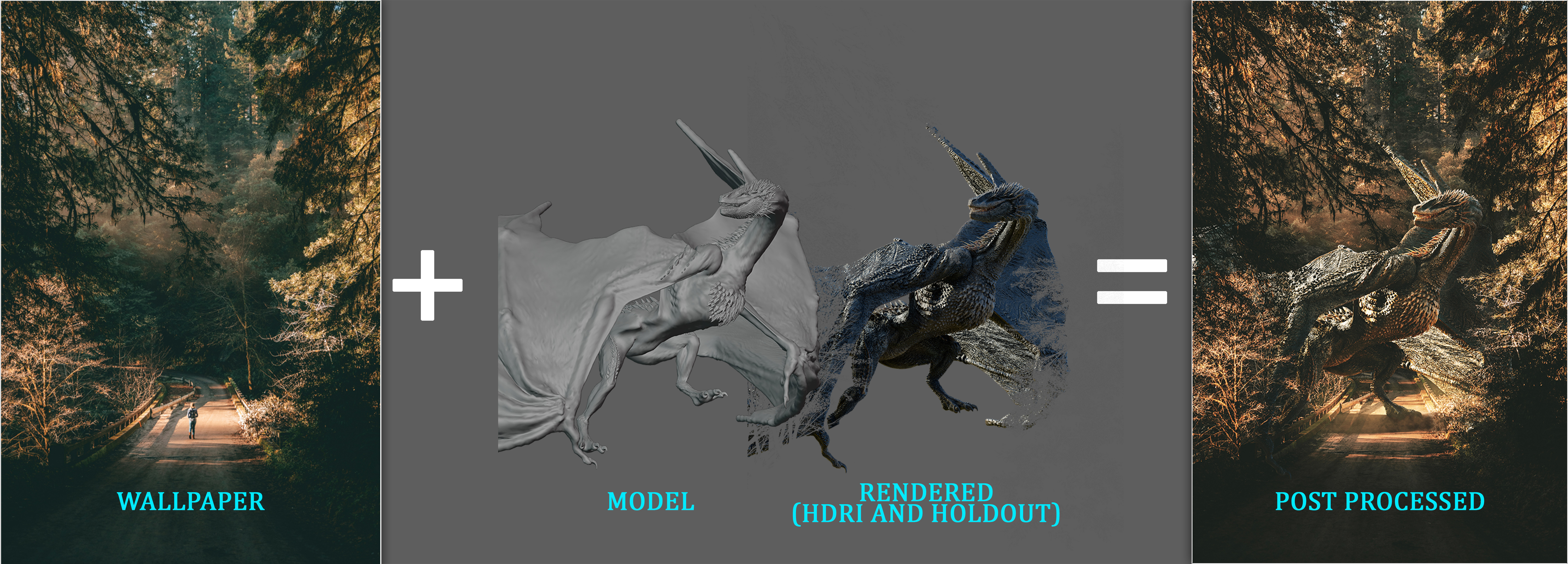
Compositing…




Youtube video for this process…
Bonus animation flying dragon…
That is really good work. Looks better than several big budget productions I’ve watched in the last few years. Thanks for the video!
amazing work !!
How many sheep do you feed it per day?
You’re on the featured row! 
It’s great work, but if I can make one observation…
And that is that your black and white levels of the renders are not 100% matching those of the backgrounds. Some of them do, making it a great comp, but not all of them do.
But nonetheless, Awesome dragon and nice workflow video. 
my goal was not to make a lot of color change for the background, because those are wallpapers that already went through post processing by the owner, and i found it difficult to do it.
thanks anyway!
Time to head down to Google! /jk. 
But on a more serious note, the difference between good and great compositing is color matching.
There are awesome Nuke and/or Fusion (easily transfered to PS, Blender etc.) and even PS videos to be found on YT that show this technique.
It will make your work even better. Not a critiq in any way, just a friendly nudge
unfortunately compositing is not really my focus, to be honest not interested on mastering it, i don’t know why, i’m just hardcore in sculpting/character creation.
thanks anyway.
No worries, everybody has his/her own preferences.
Focus on what you really like to do, and try to be the best at that
Not all of us want to be a jack of all trades 
Amazing i lovin it
Hey everyone,
Discover the “Behind the Scenes” article on this breathtaking dragon, The Windrunner! 

In his article, Andri takes us through each step, from ZBrush sculpting to final renders in Cycles, sharing tips on high-poly modeling and using Substance Painter for realistic textures. Don’t miss this chance to learn from his detailed workflow!
Regards,
Alina Khan