Hi, I am new to blender (I did some 3d stuff back in the 90’s on the Amiga and in AutoCAD, but picking it up now as a hobby). Hoping to become an active member in the (near) future.
I have a question:
I noticed that when I render an image with an hdr background image (world background) the render produces noise (on all types of material). I tried a lot of hdr images, from low to high quality/res. When I remove the background texture the noise disappears. Is this normal or am I doing something wrong?
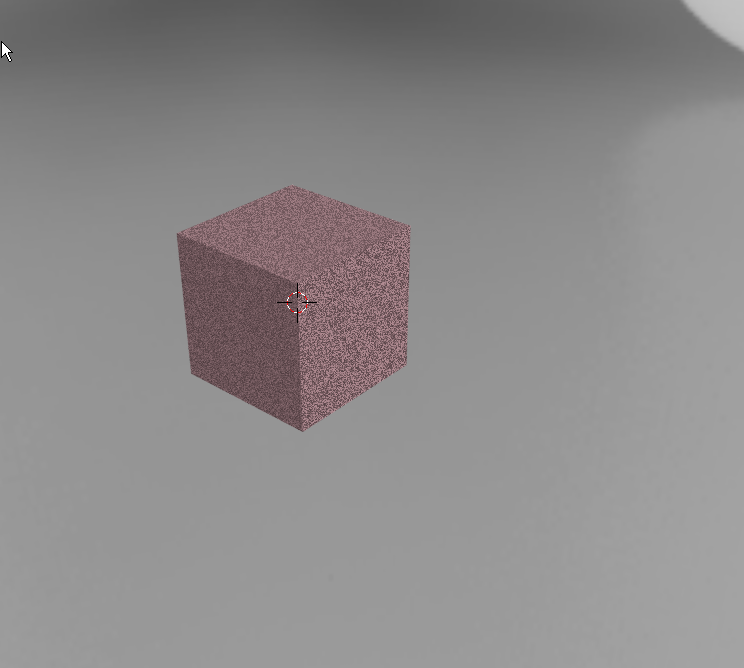
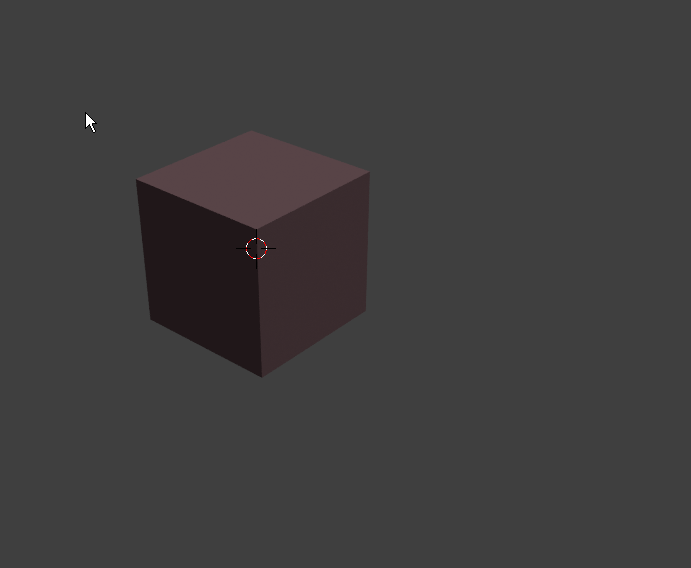
In the world tab, where you set the background emission, you must enable multiple importance sampling in the settings. Don’t set the resolution too high, or blender will crash. I recommend 128 or 256.
uhh… if it is crashing then there may be a bug, if its just not rendering well then you are running out of ram…you should be able to set it as high as you want (up to 8k)… it is also best to make sure it is of a power of 2, so 1024, or 2048 is good… we usually use 2048 or 4096 for our renders provided we have enough ram avaliable.
Thank you, setting the multiple importance helps. It still produces noise, but significantly less. I’ll try higher map resolutions to see at what point the noise/performance ratio is most optimal for me.
It seems my reply got pulled into the void…
Thank you for the info, multiple importance does seem to improve the render and reduce the noise a lot. I’ll play with the resolution to find the optimal setting.
@doublebishop That’s weird, it doesn’t crash anymore… I was using a huge hdr, and it would crash if I set it to 512 resolution. But not anymore…